spectre

Developer Tools · 52 screens · Spectre is an AI-powered shutter for your iPhone, letting you create amazing long exposures.

Your agent can search this library too. Lazyweb CLI →
QR code scanning screen for adding a server or subscription, with a large camera
spectre
QR code scanning screen for adding a server or subscription, showing a camera pr
spectre
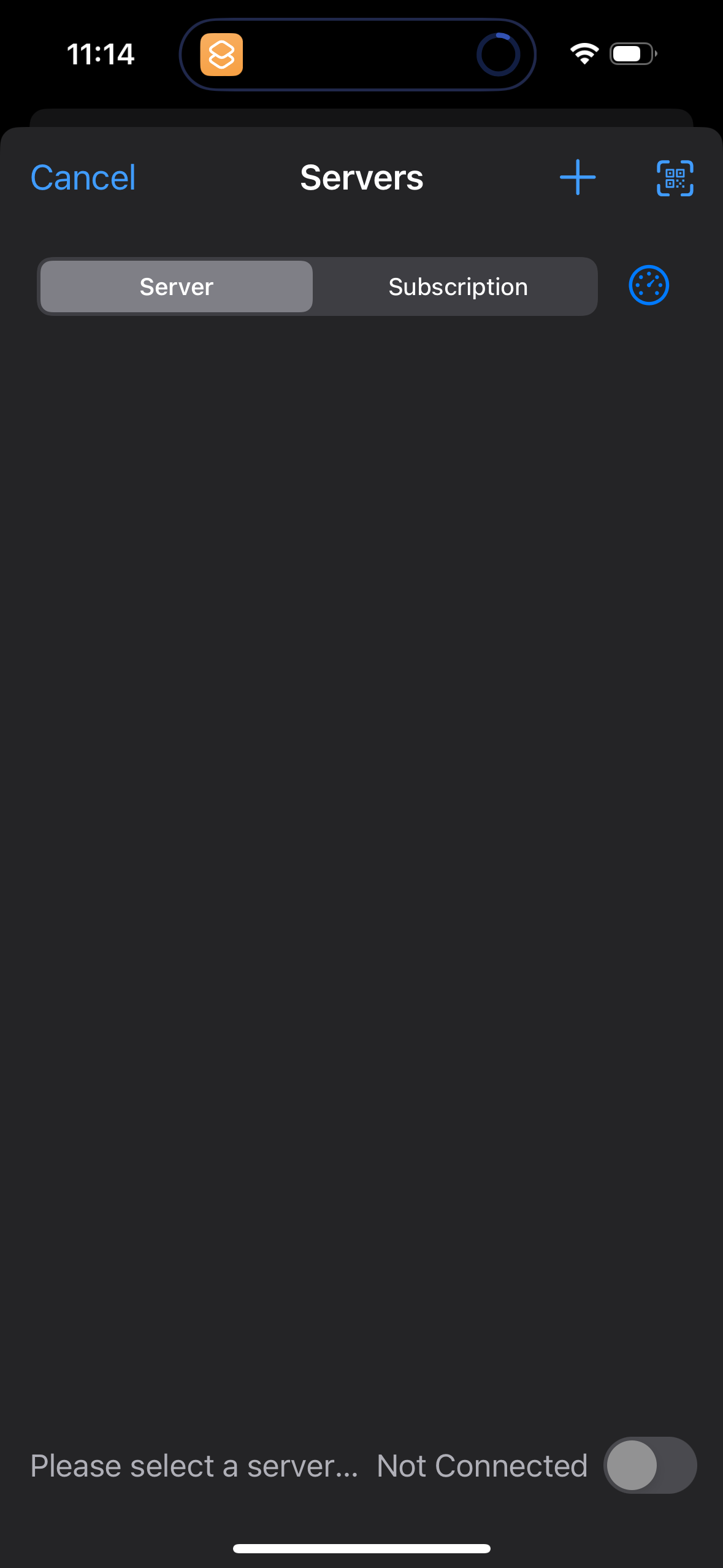
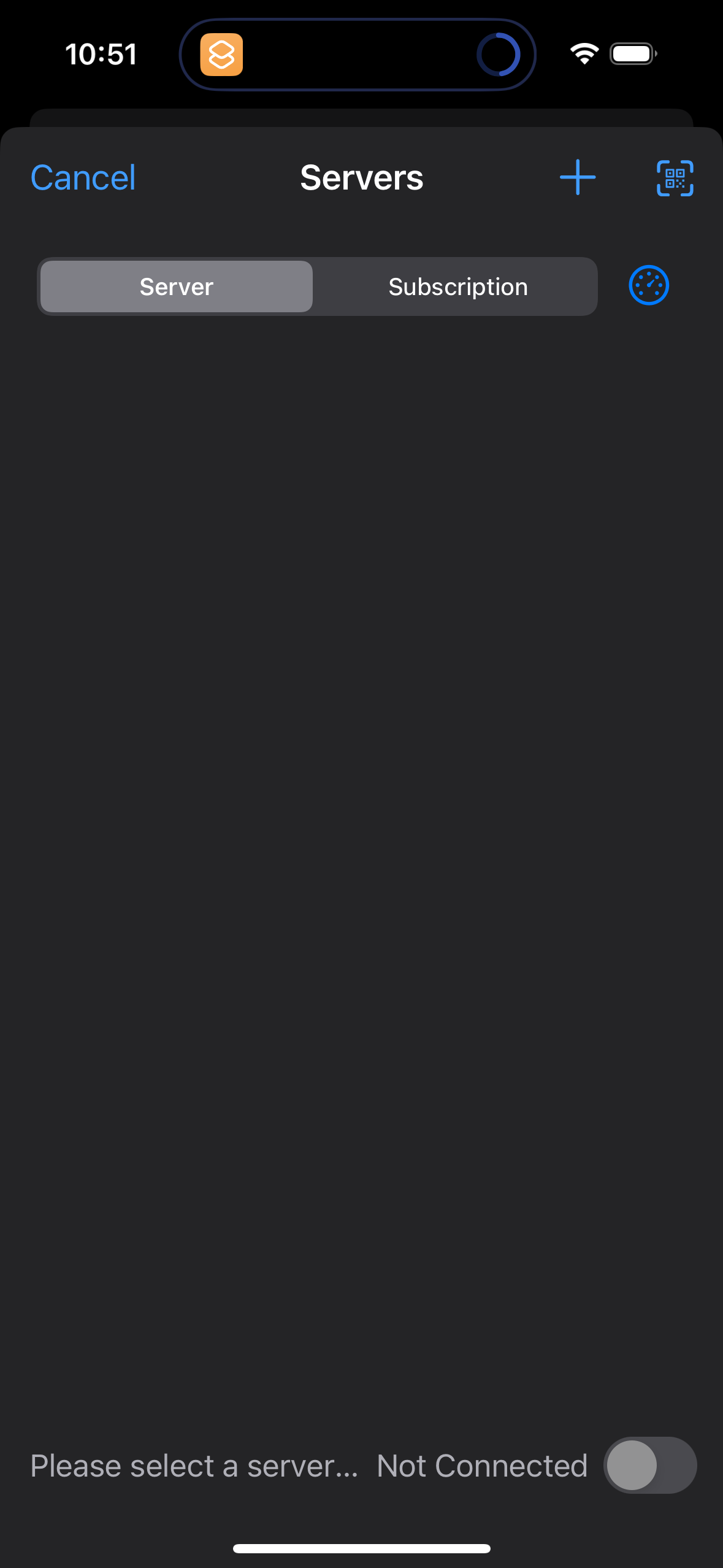
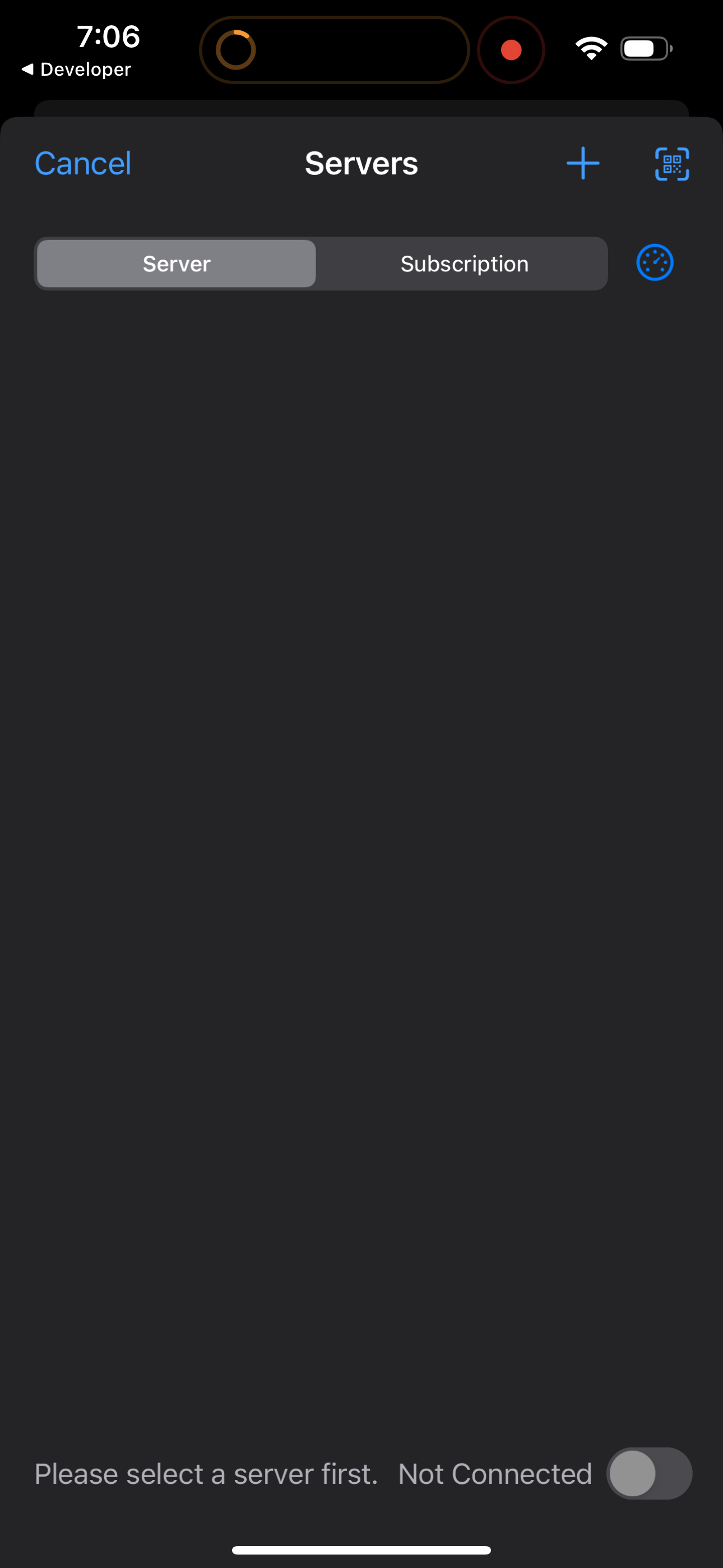
Server selection and management screen with segmented tabs to switch between vie
spectre
Server selection and management screen for a VPN/proxy app with segmented tabs f
spectre
An app About screen showing the app icon and current version number, with links
spectre
Third Party Notices screen in the About/settings area showing open-source librar
spectre
Privacy Statement screen in the About section showing a scrollable privacy polic
spectre
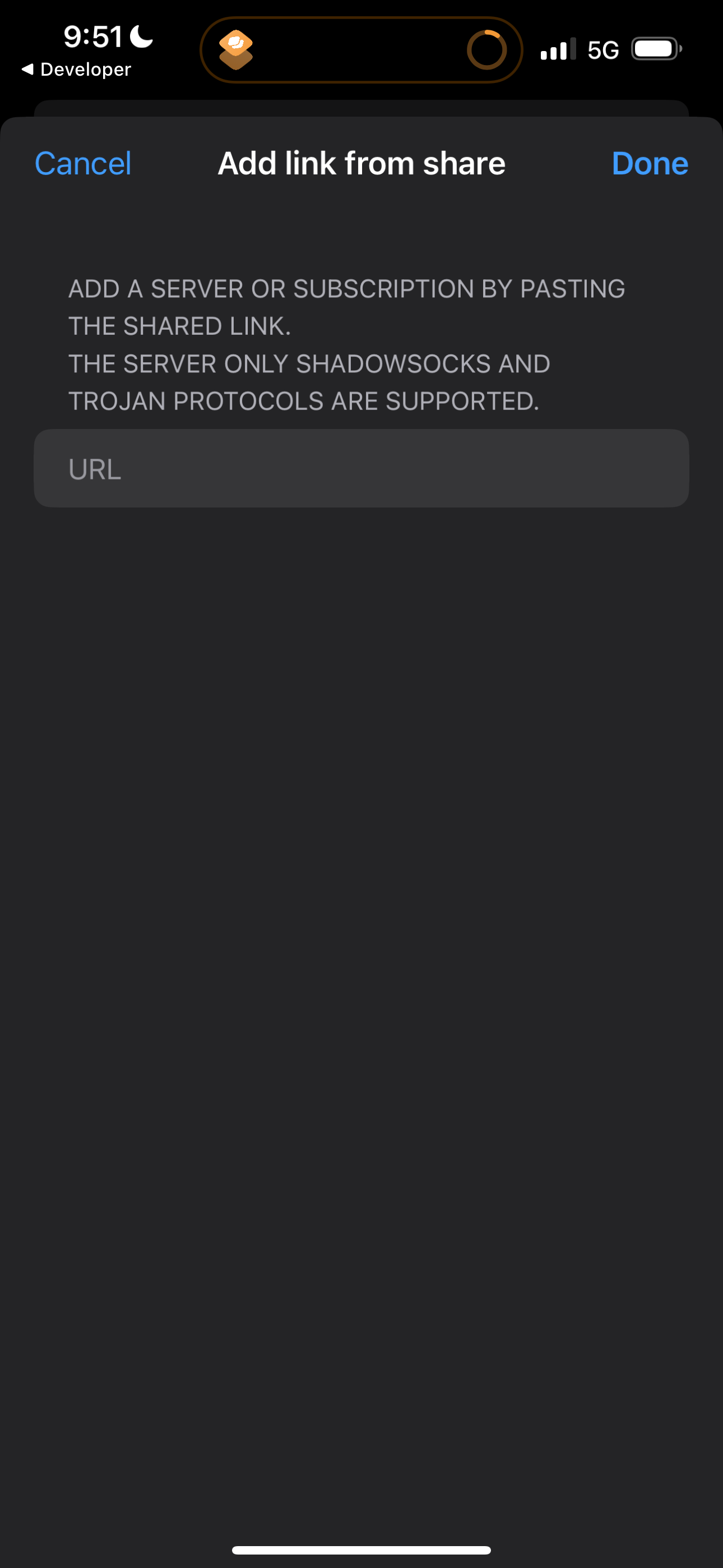
Modal sheet for adding a server or subscription by pasting a shared link, with a
spectre
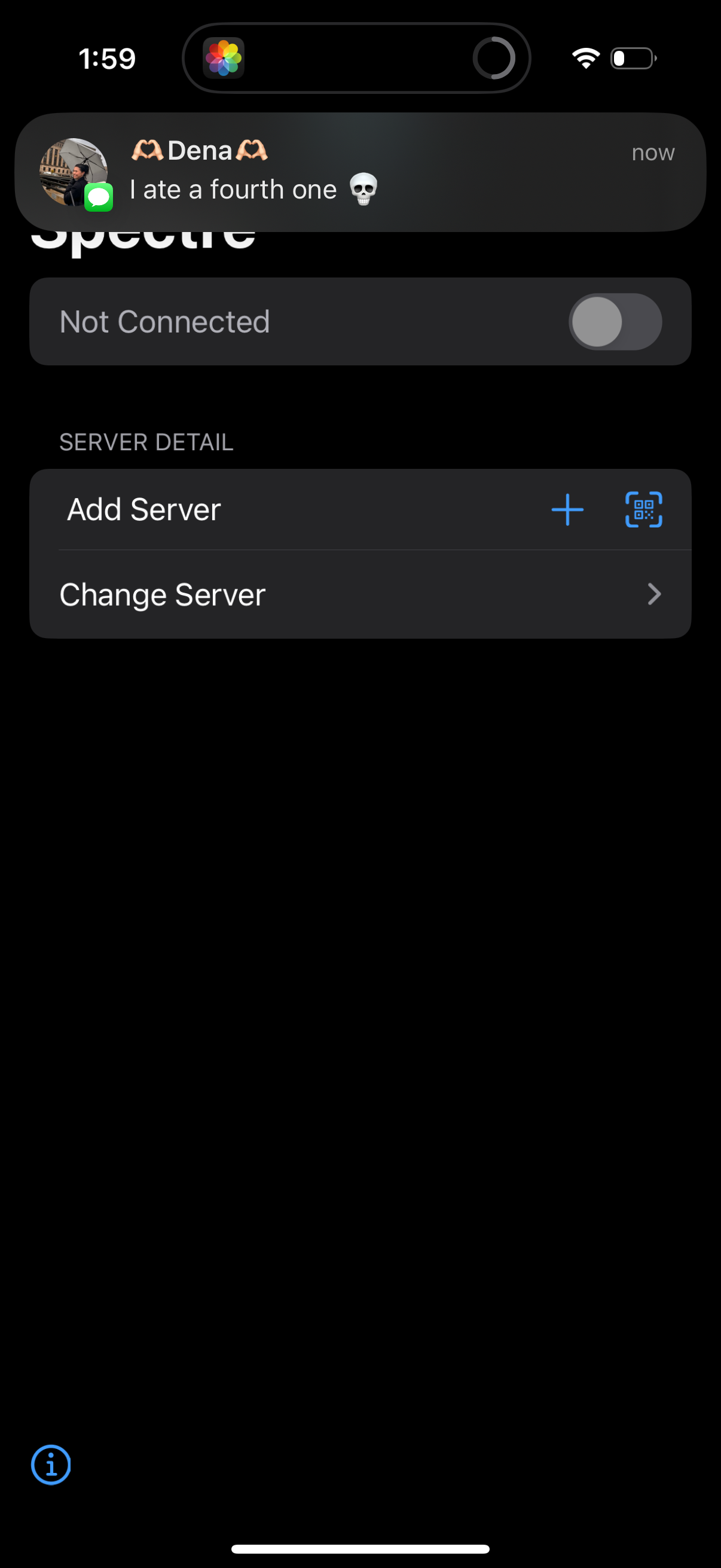
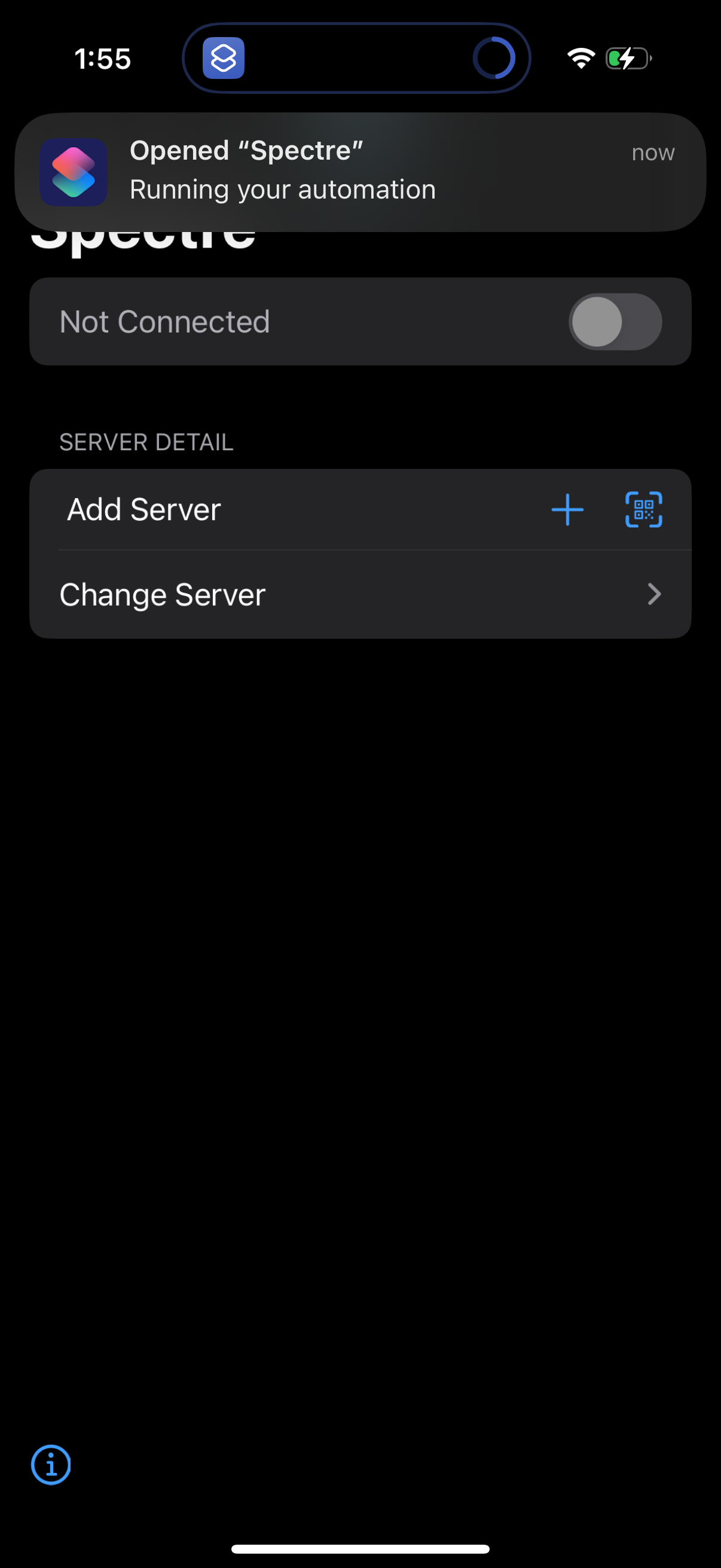
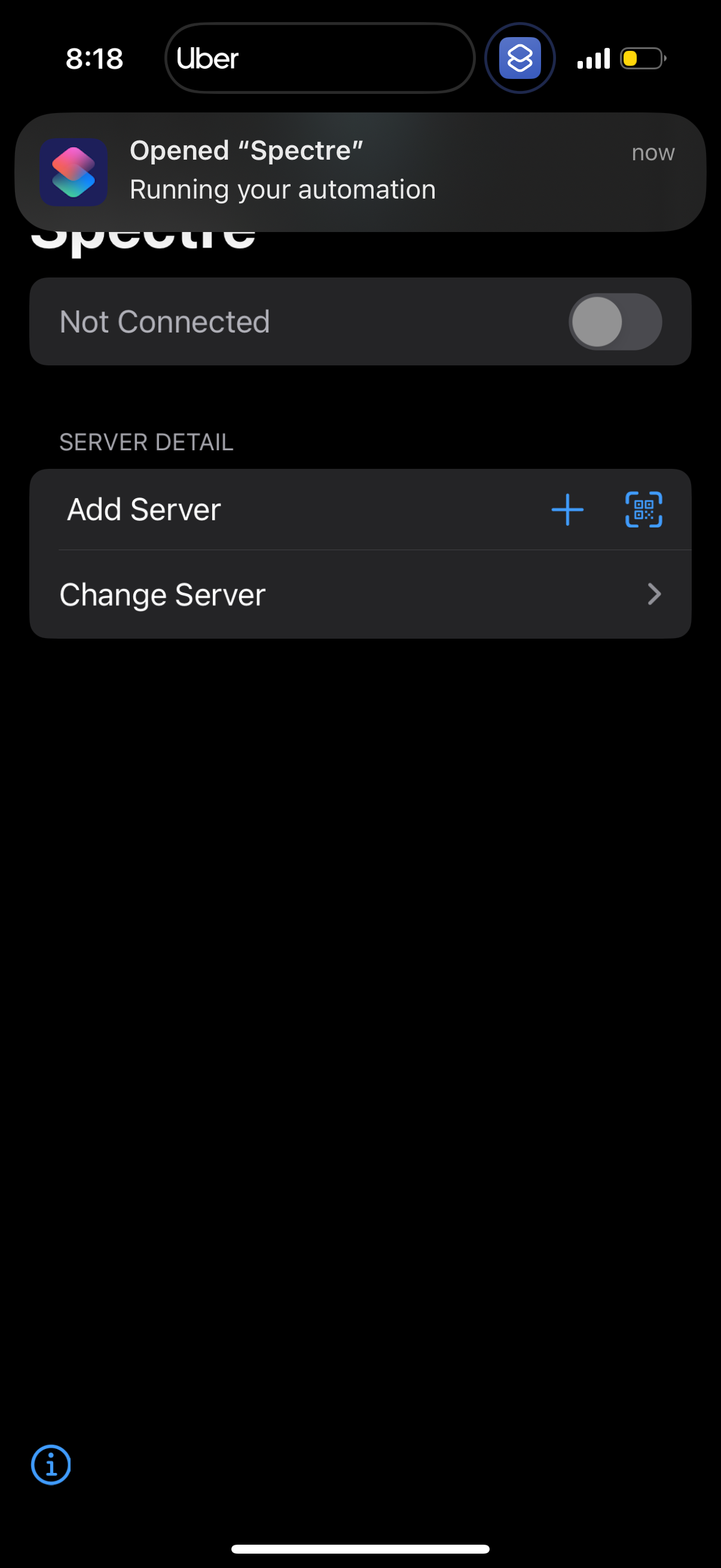
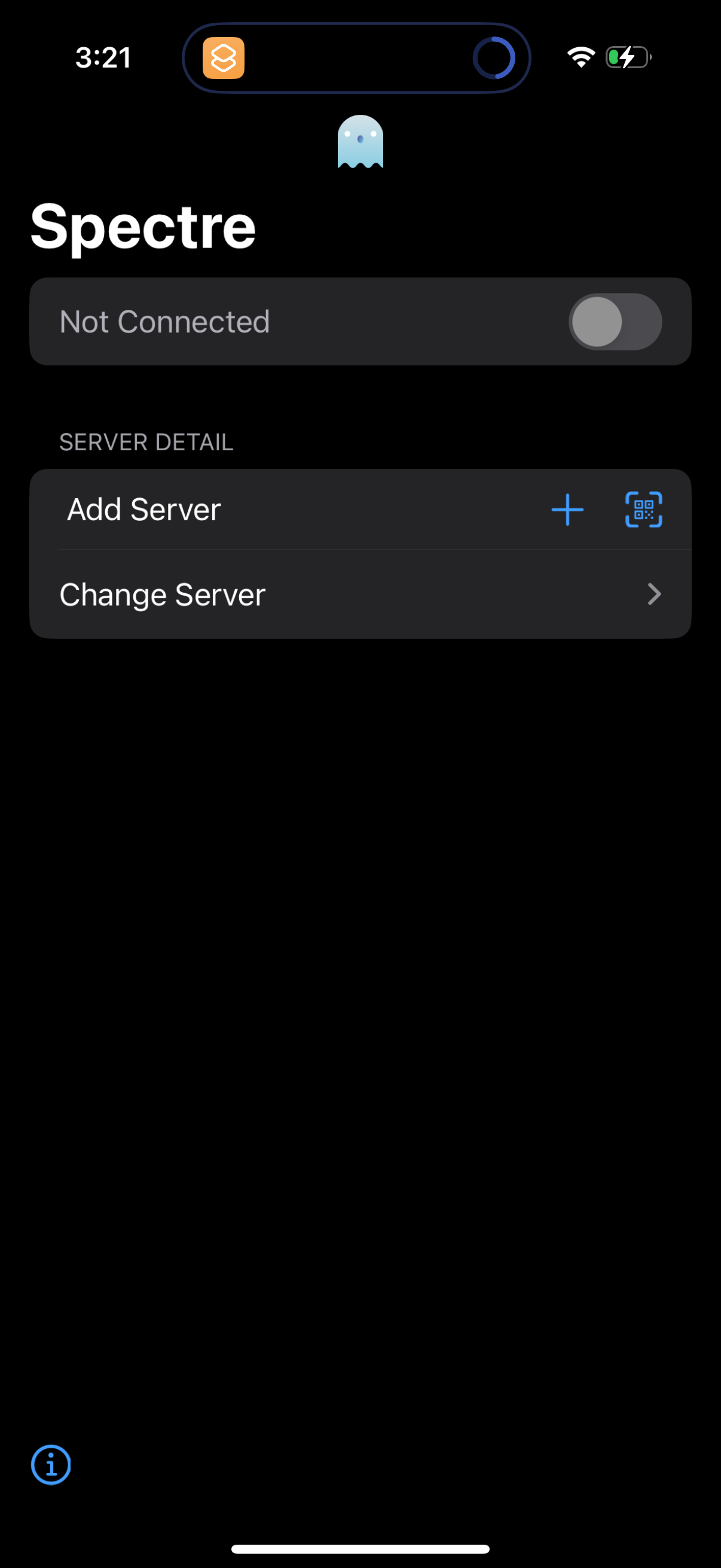
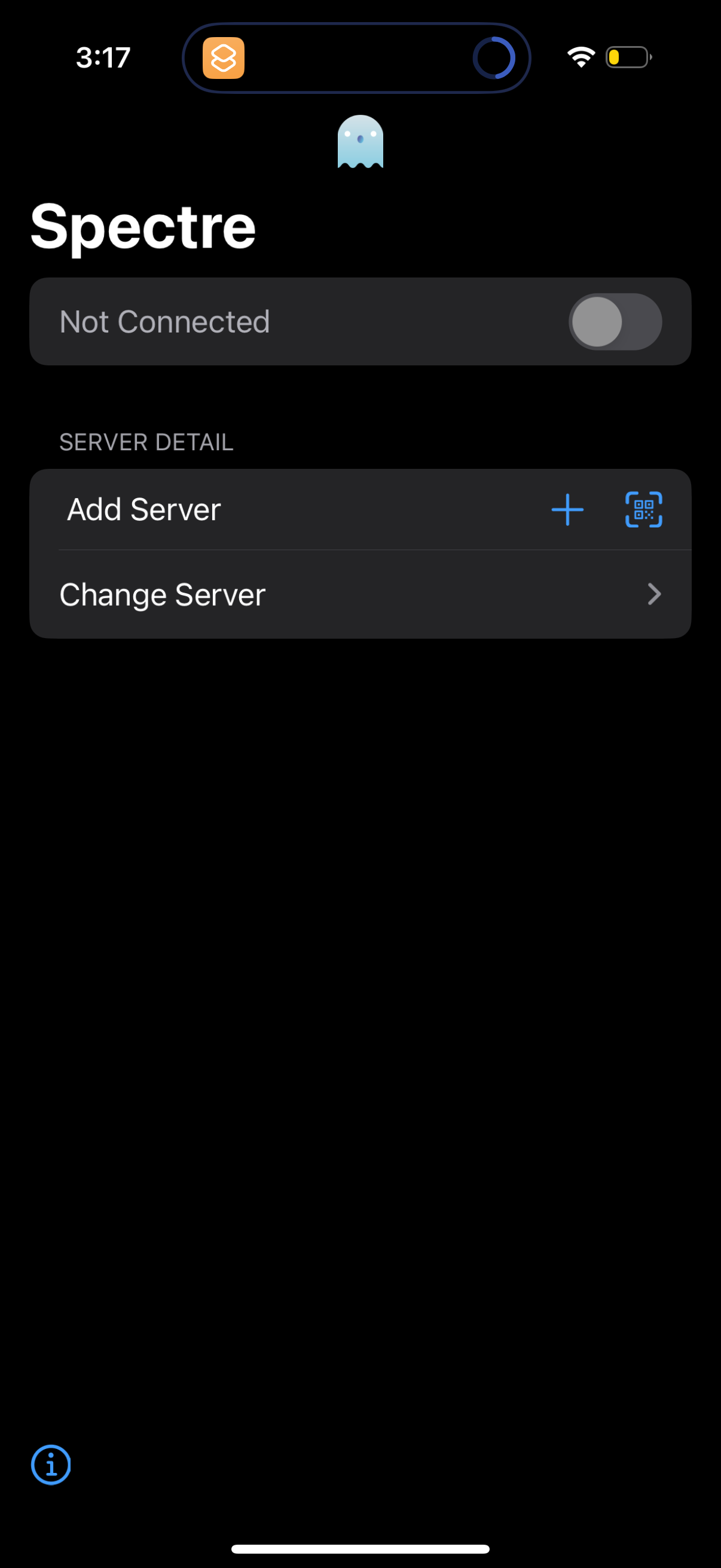
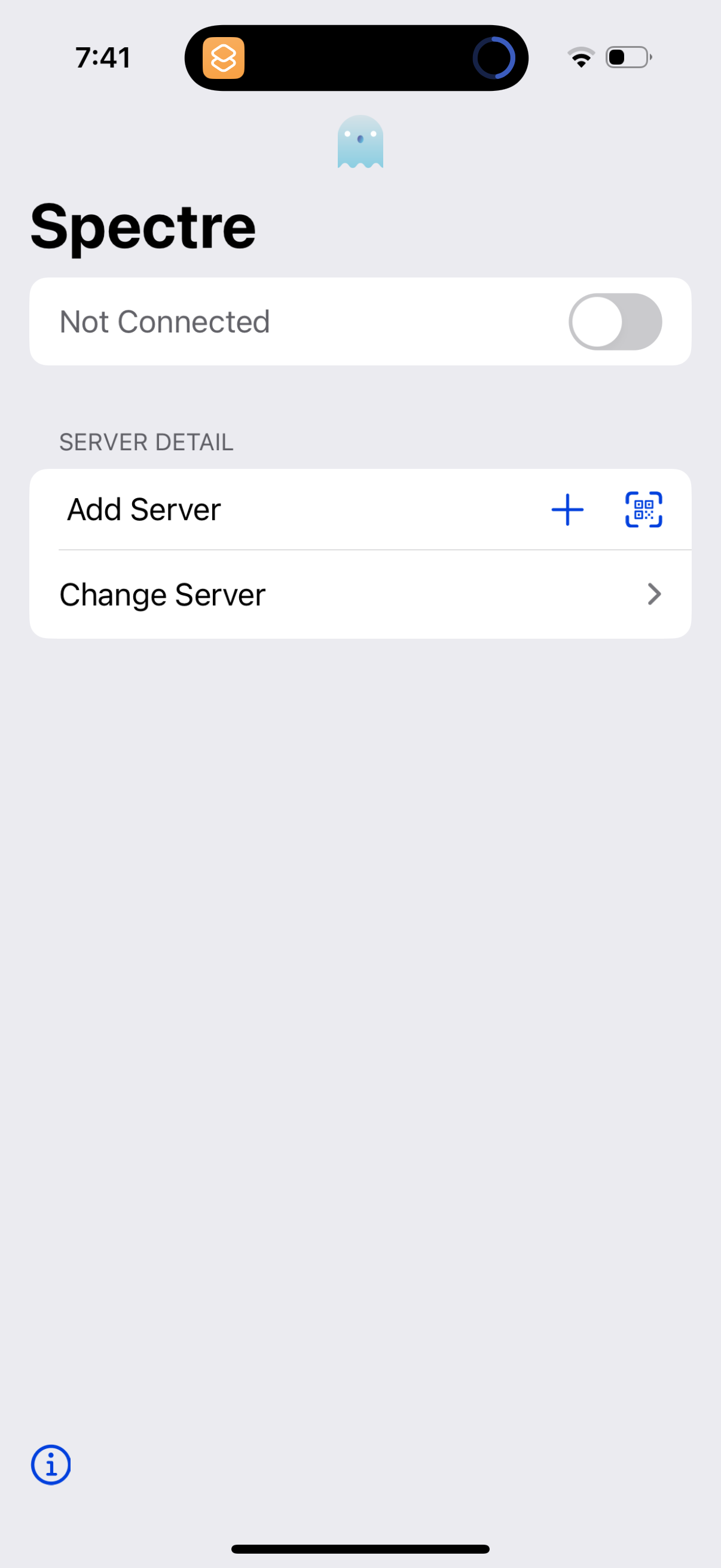
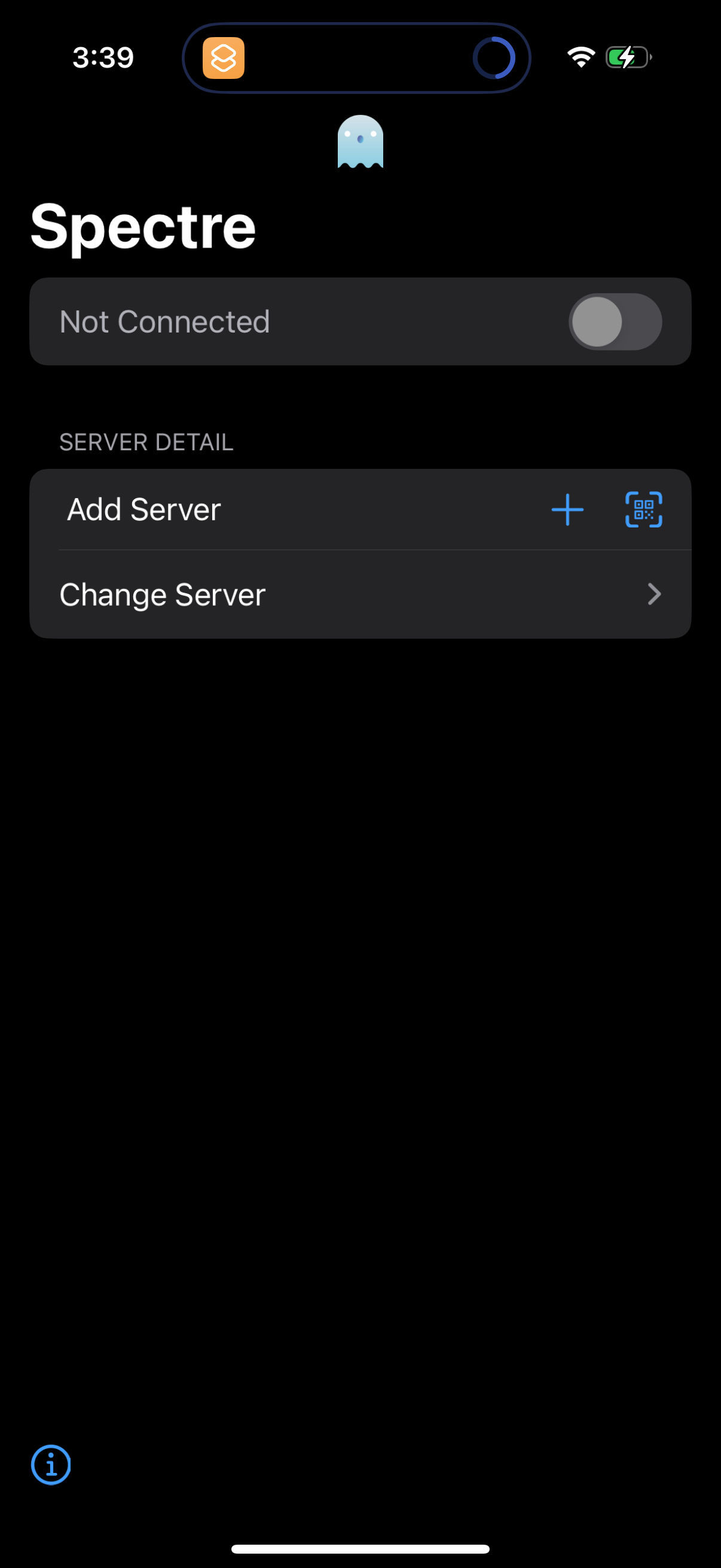
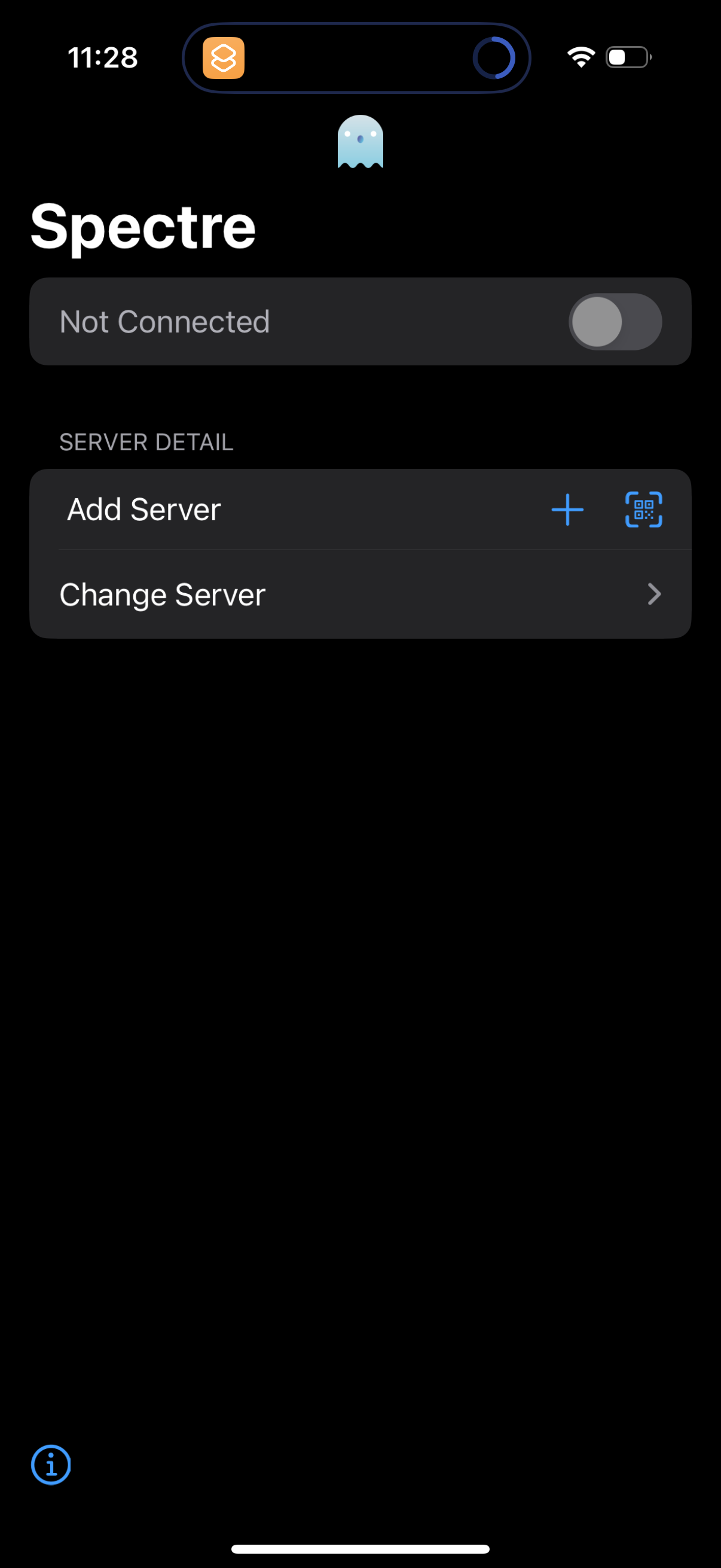
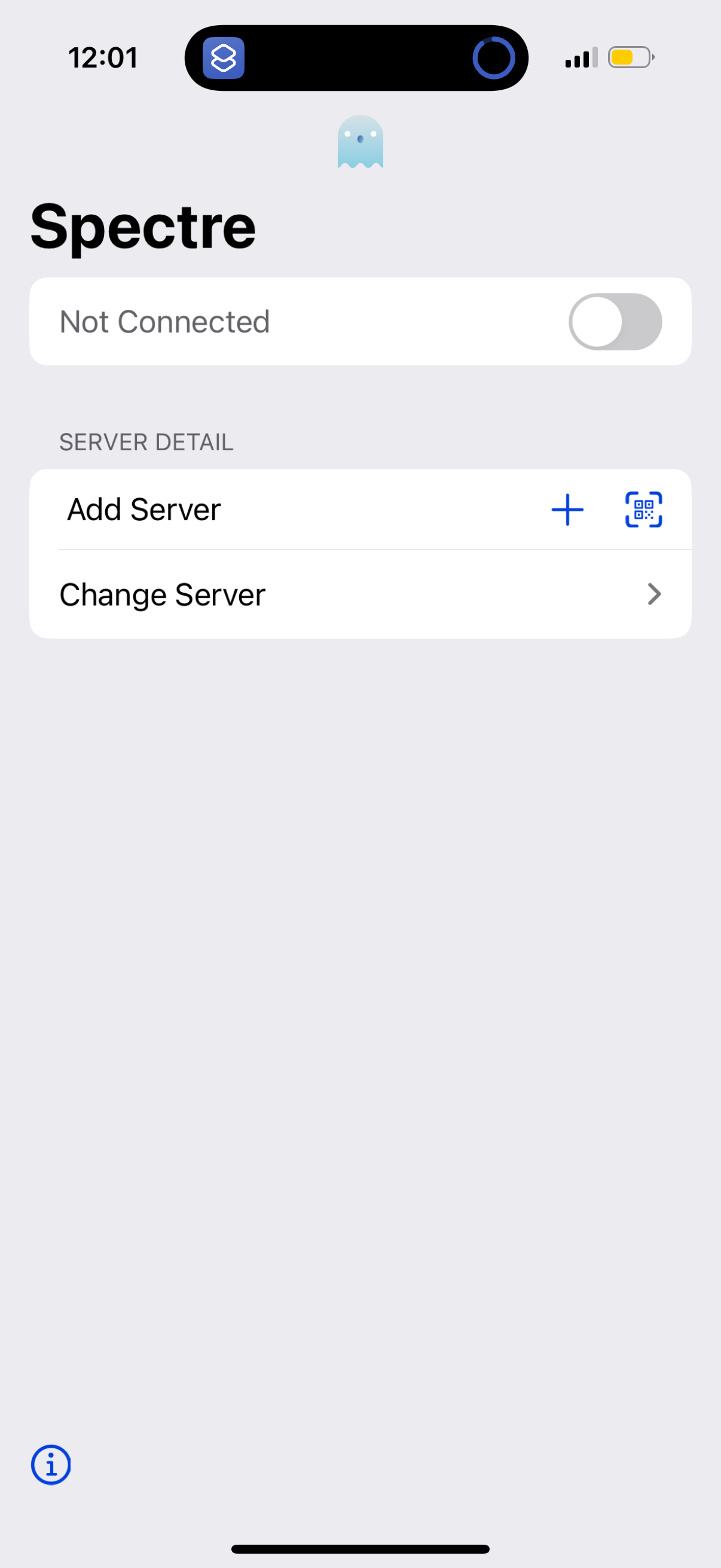
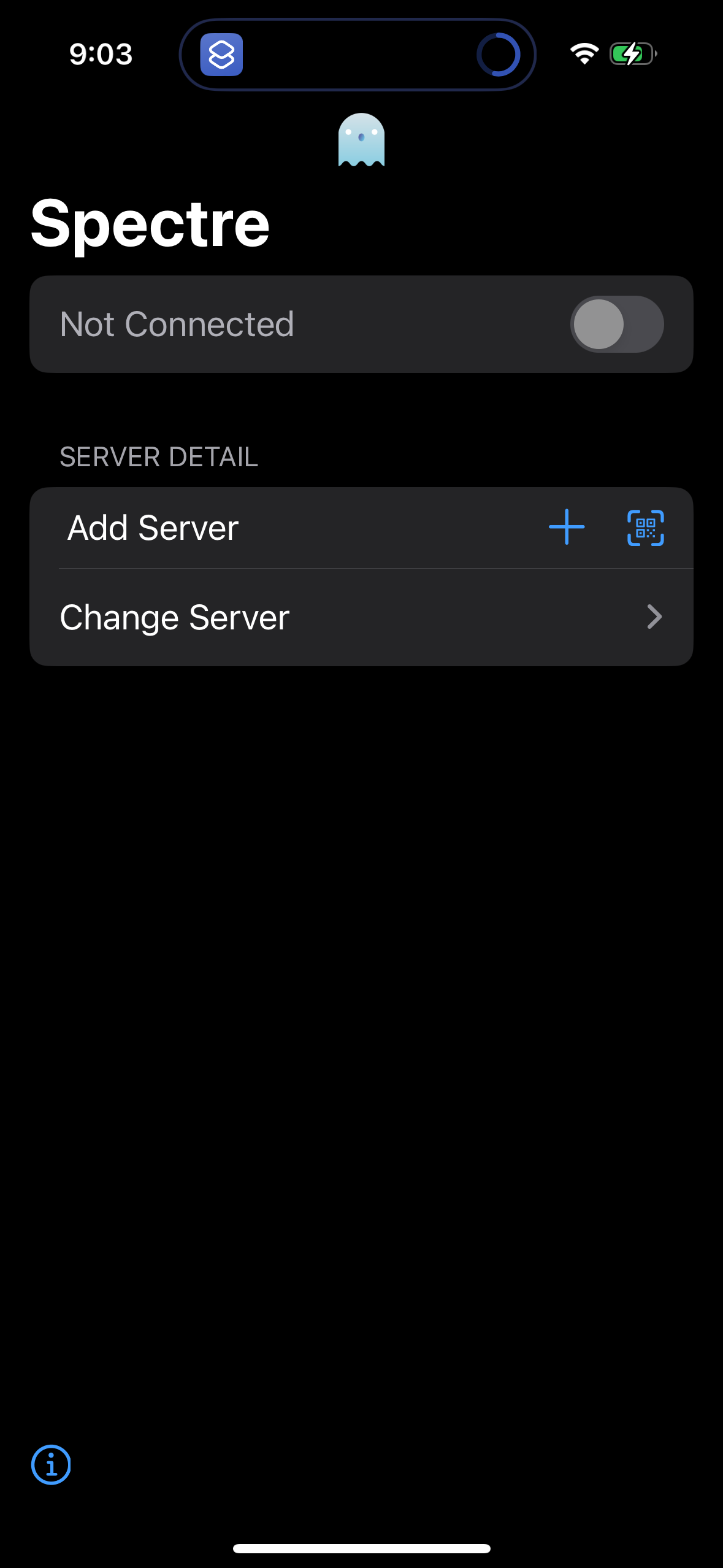
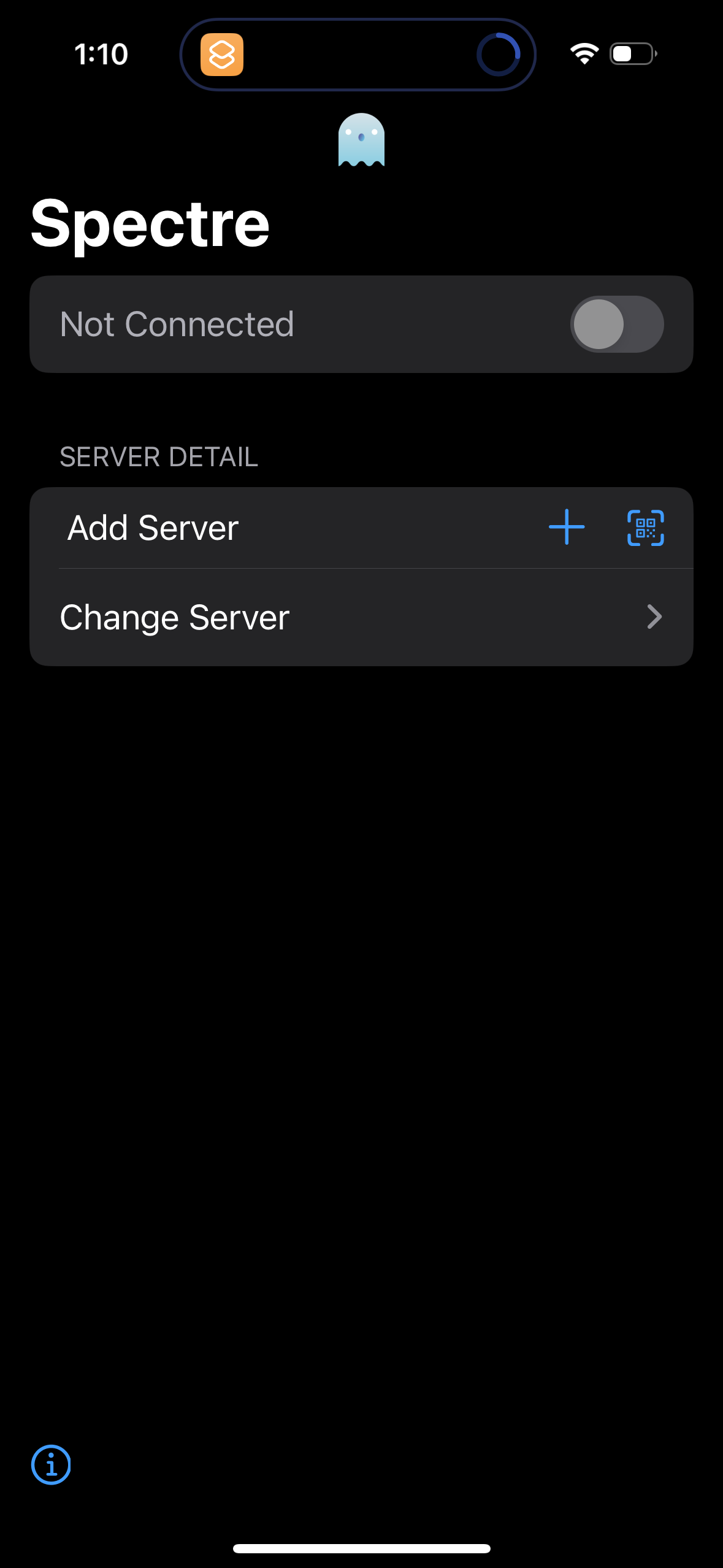
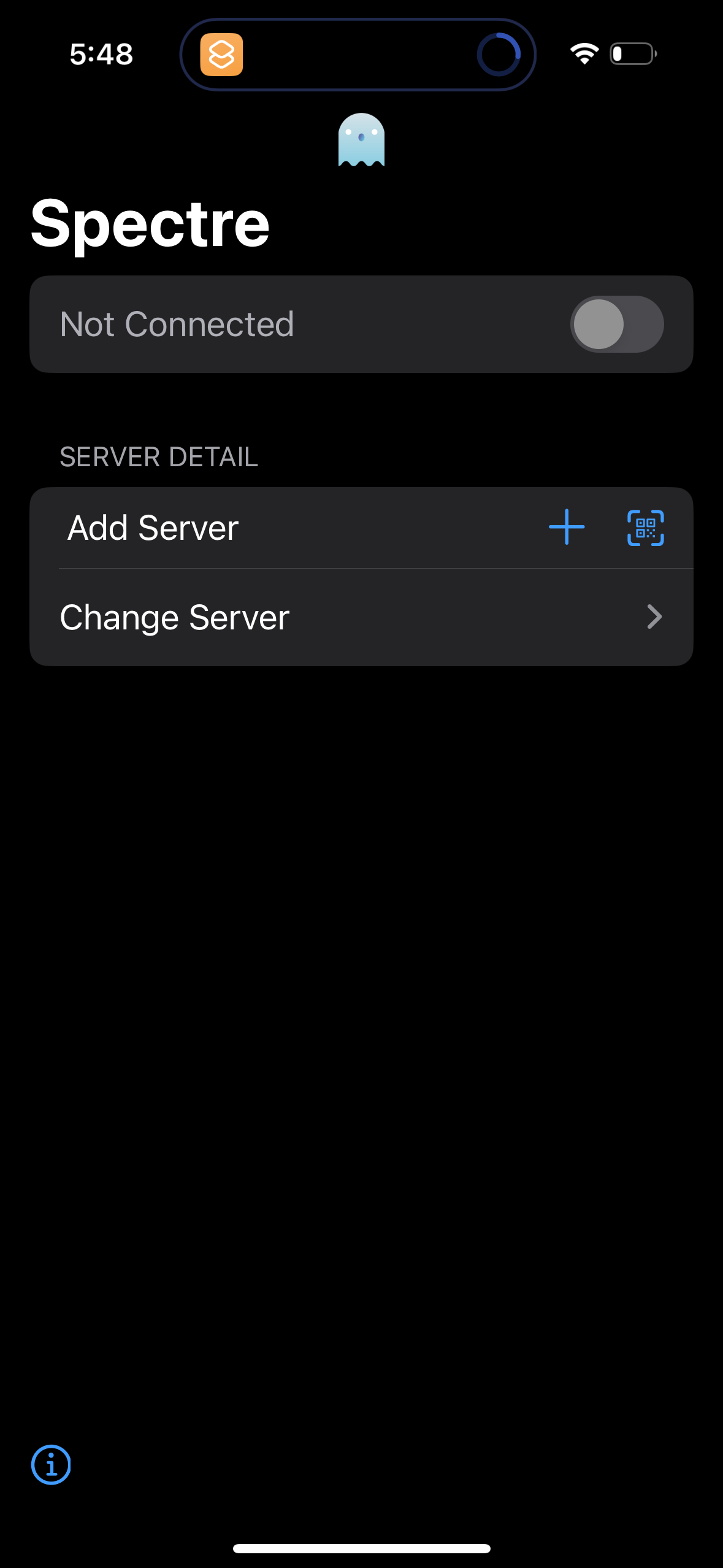
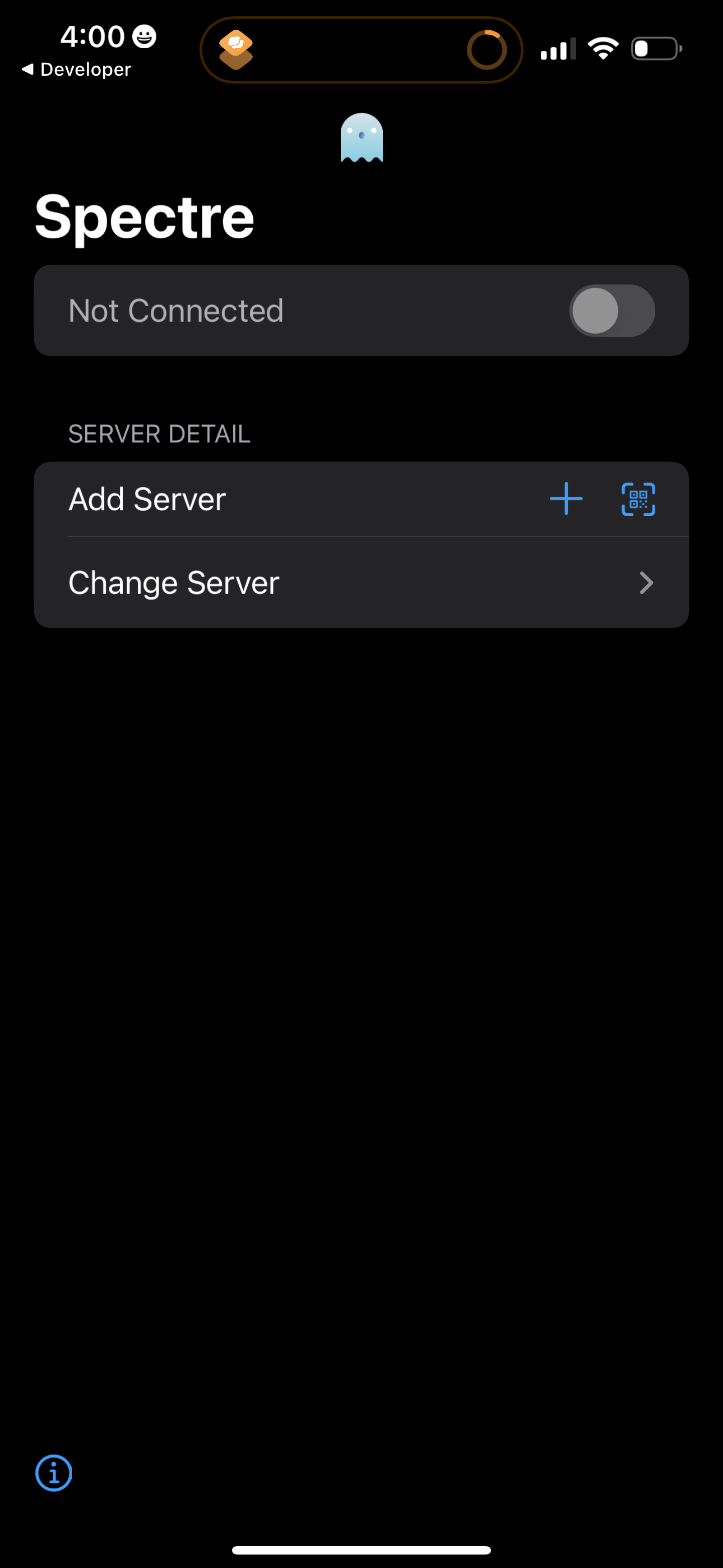
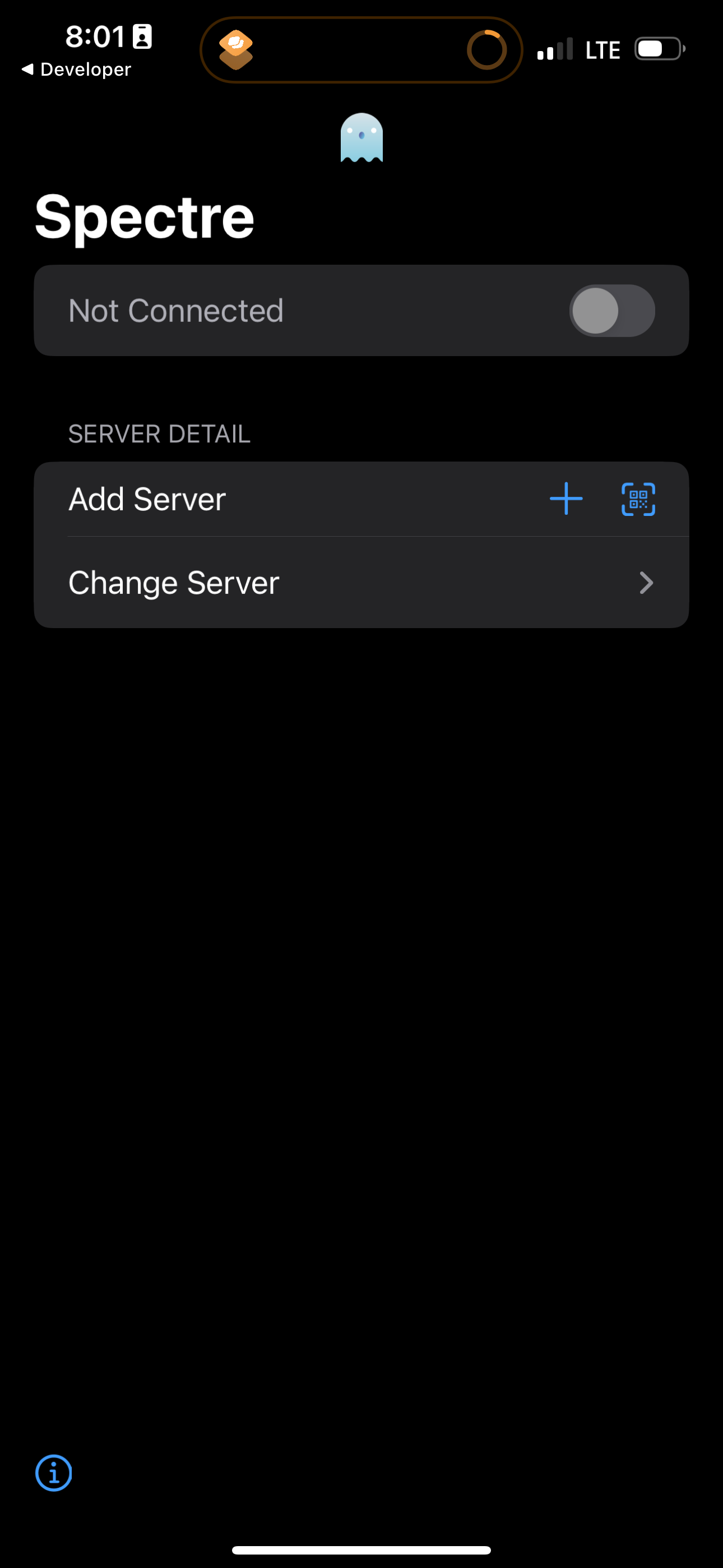
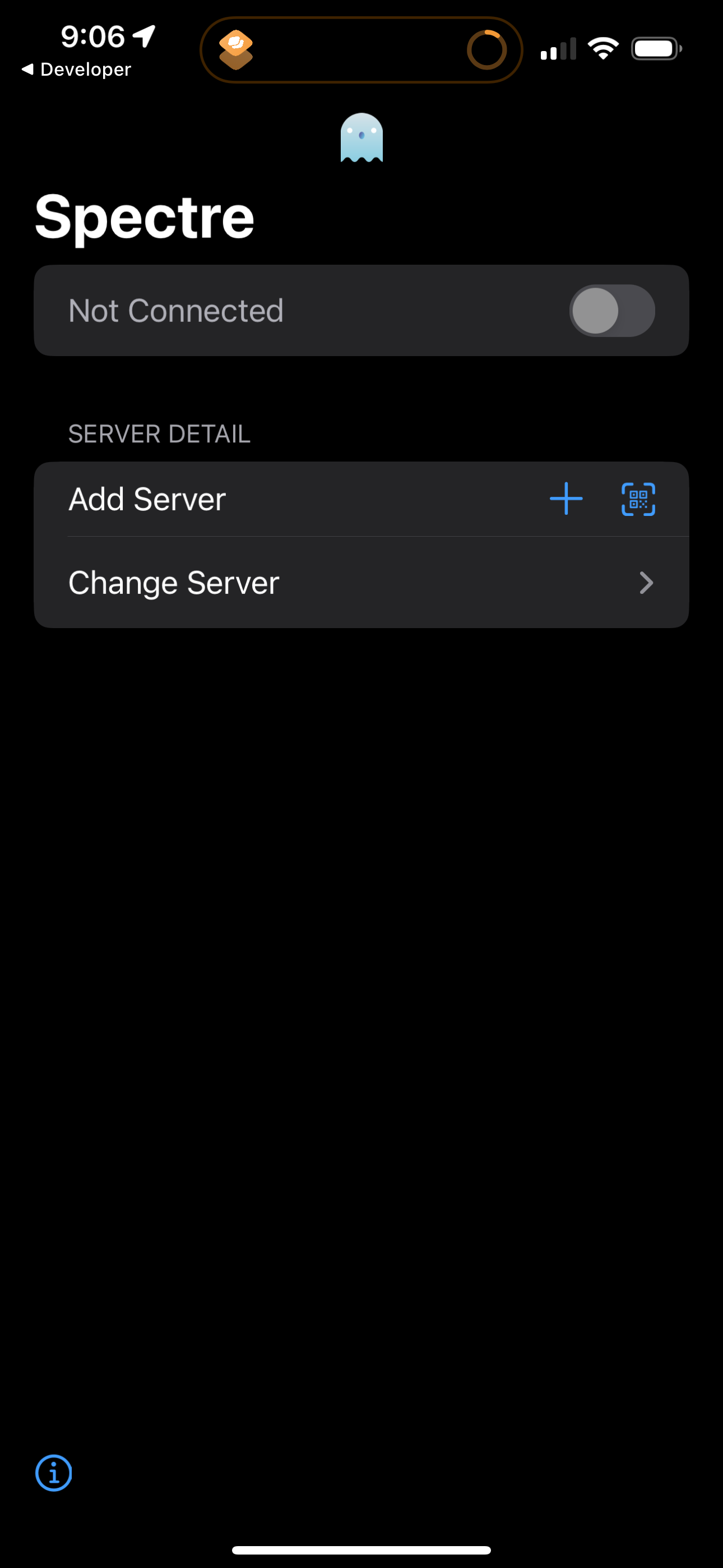
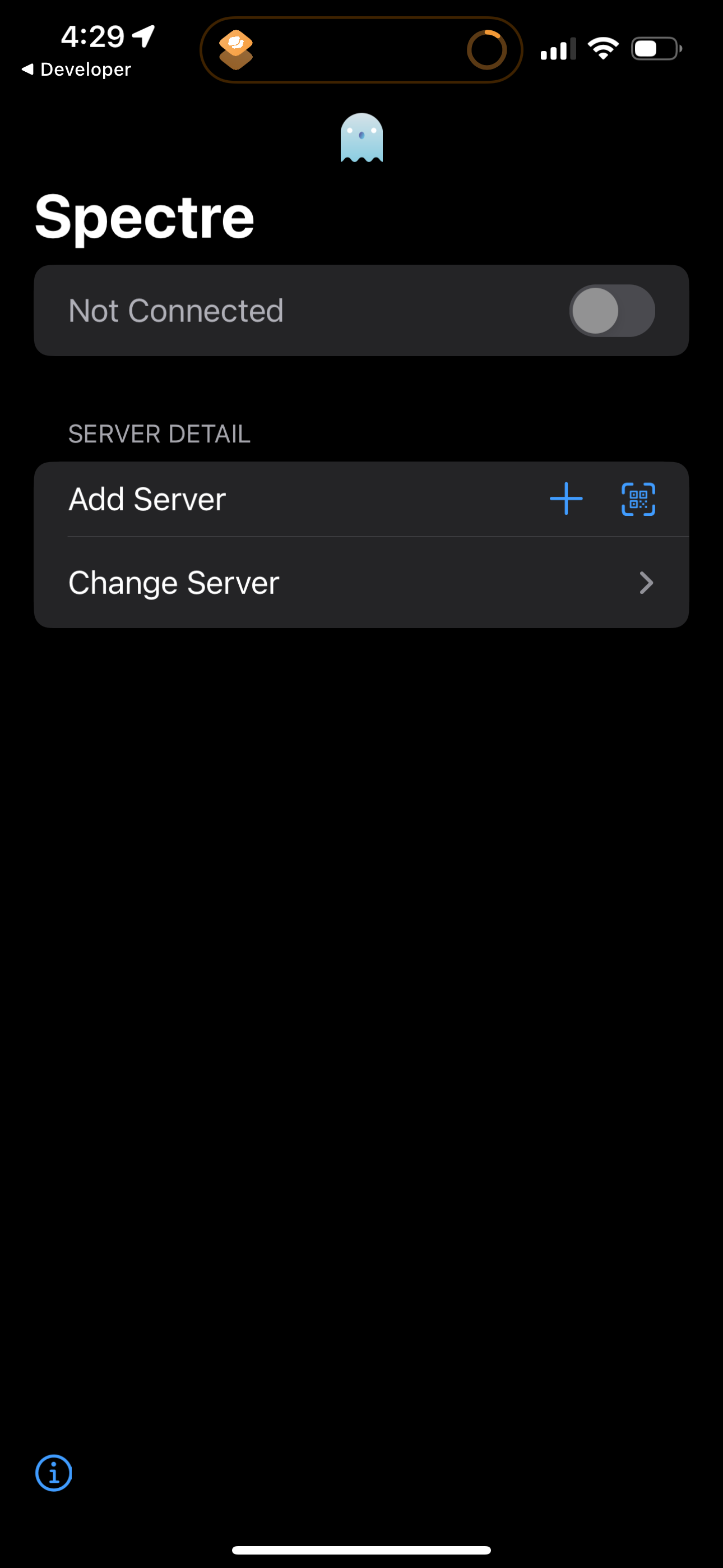
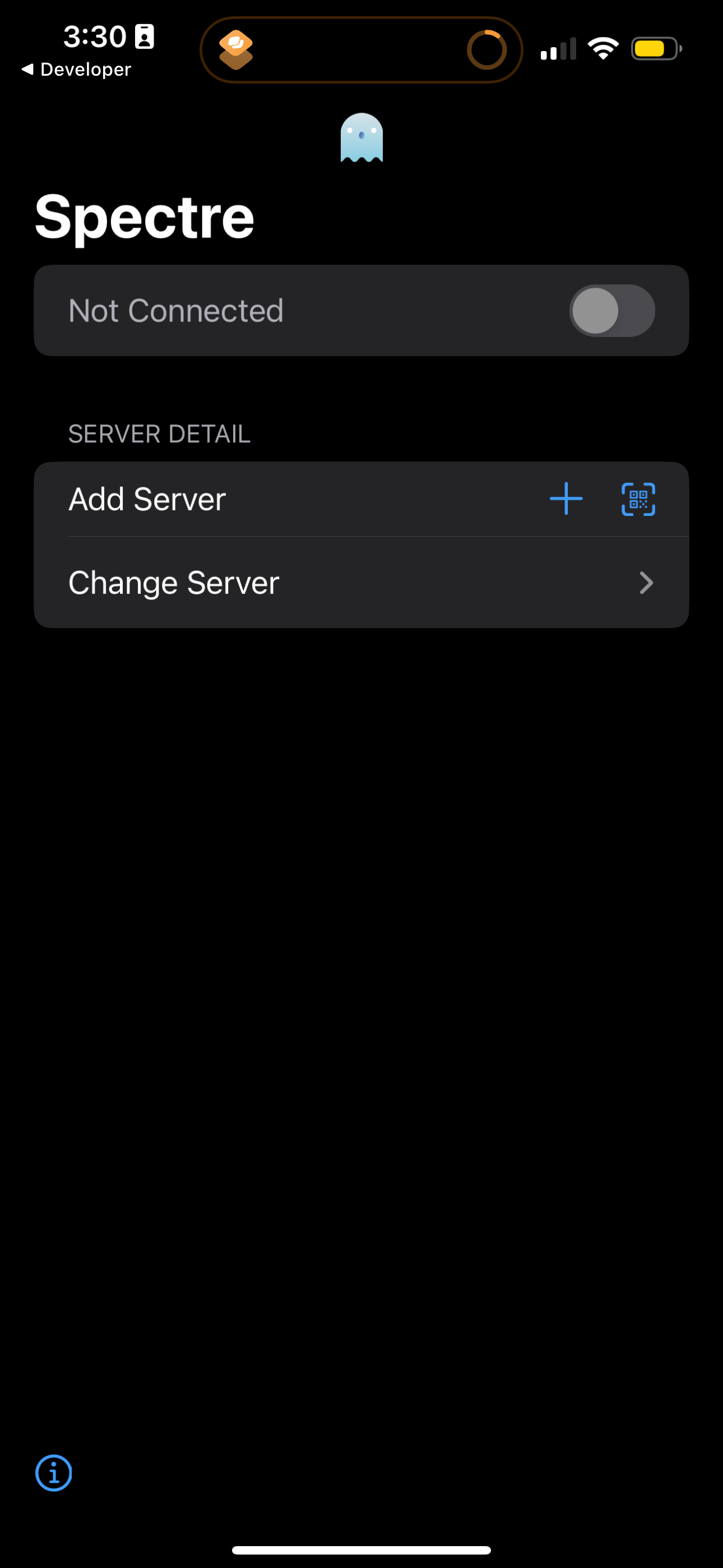
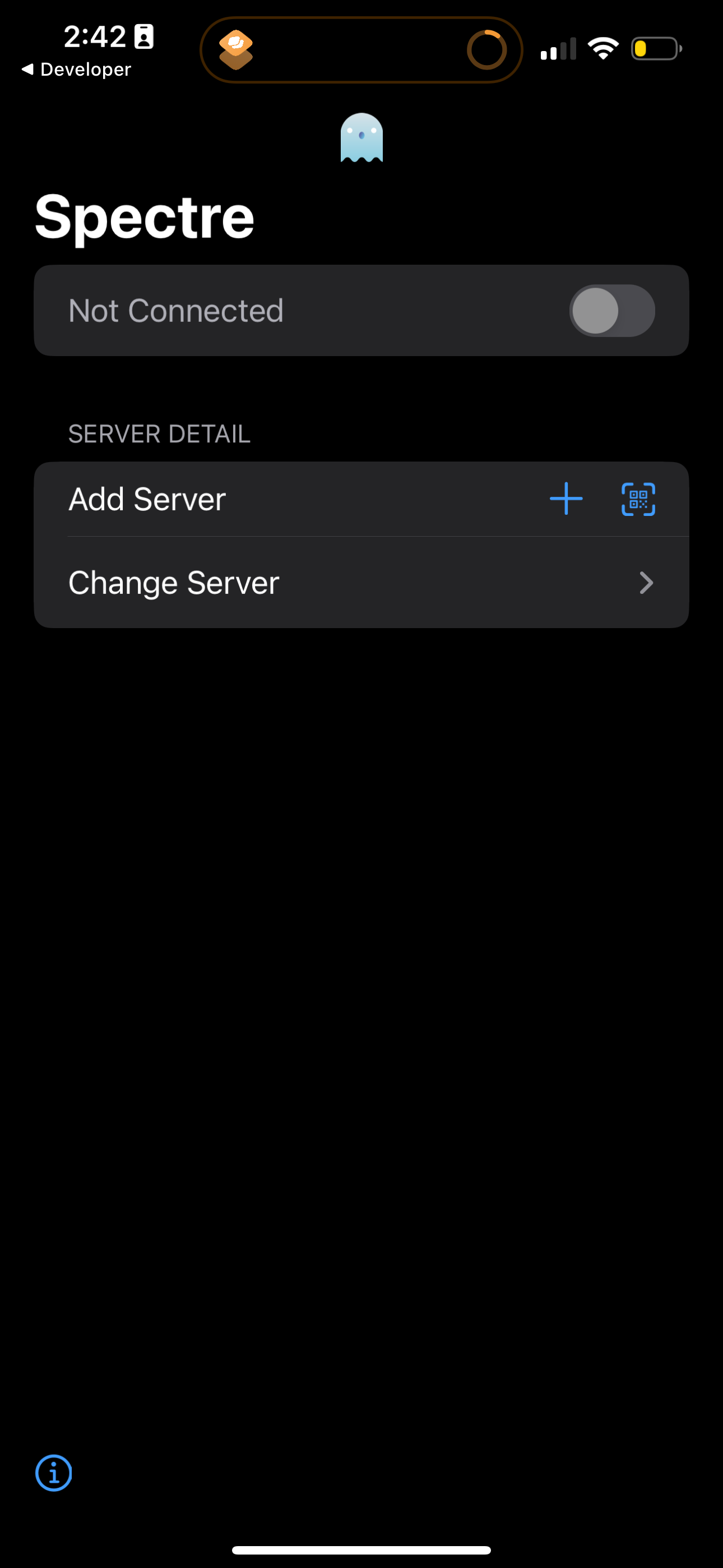
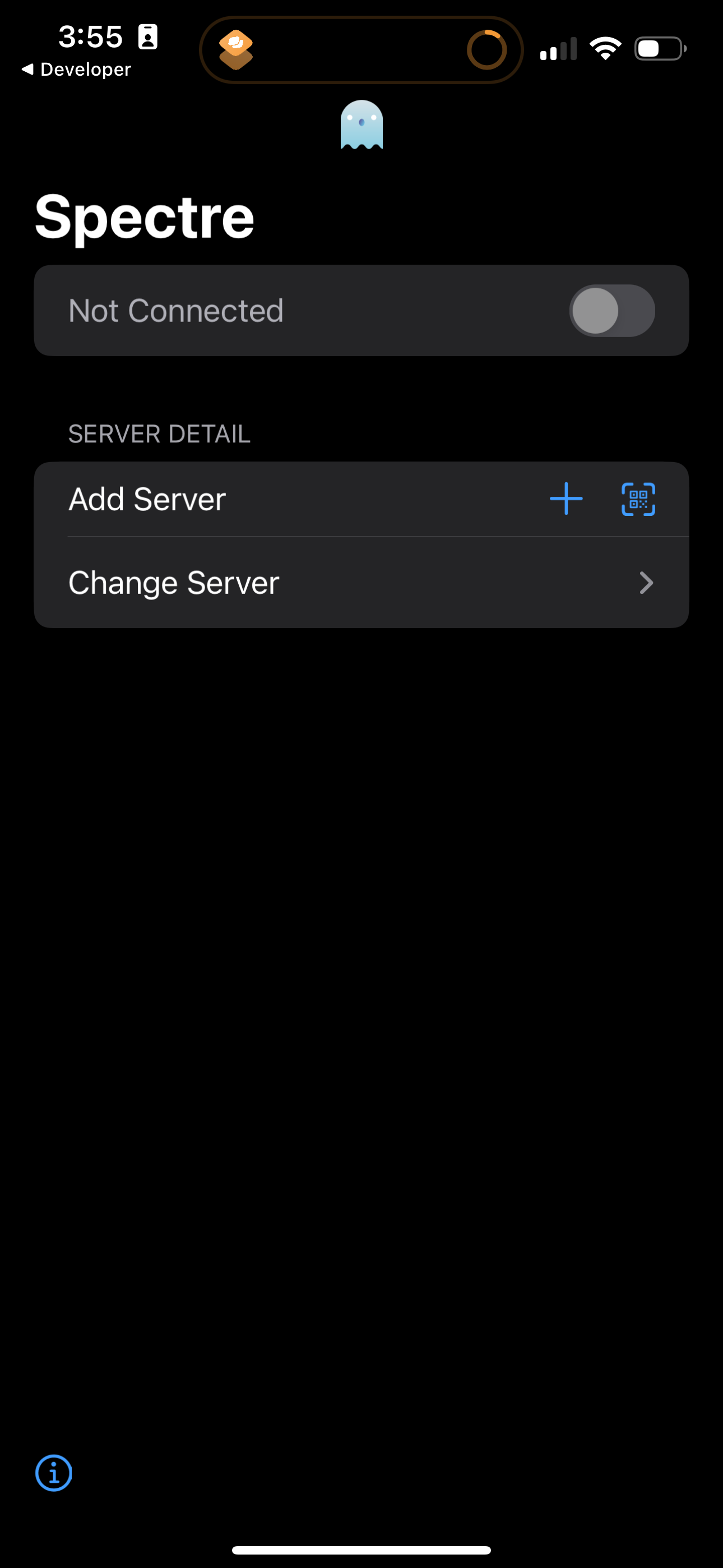
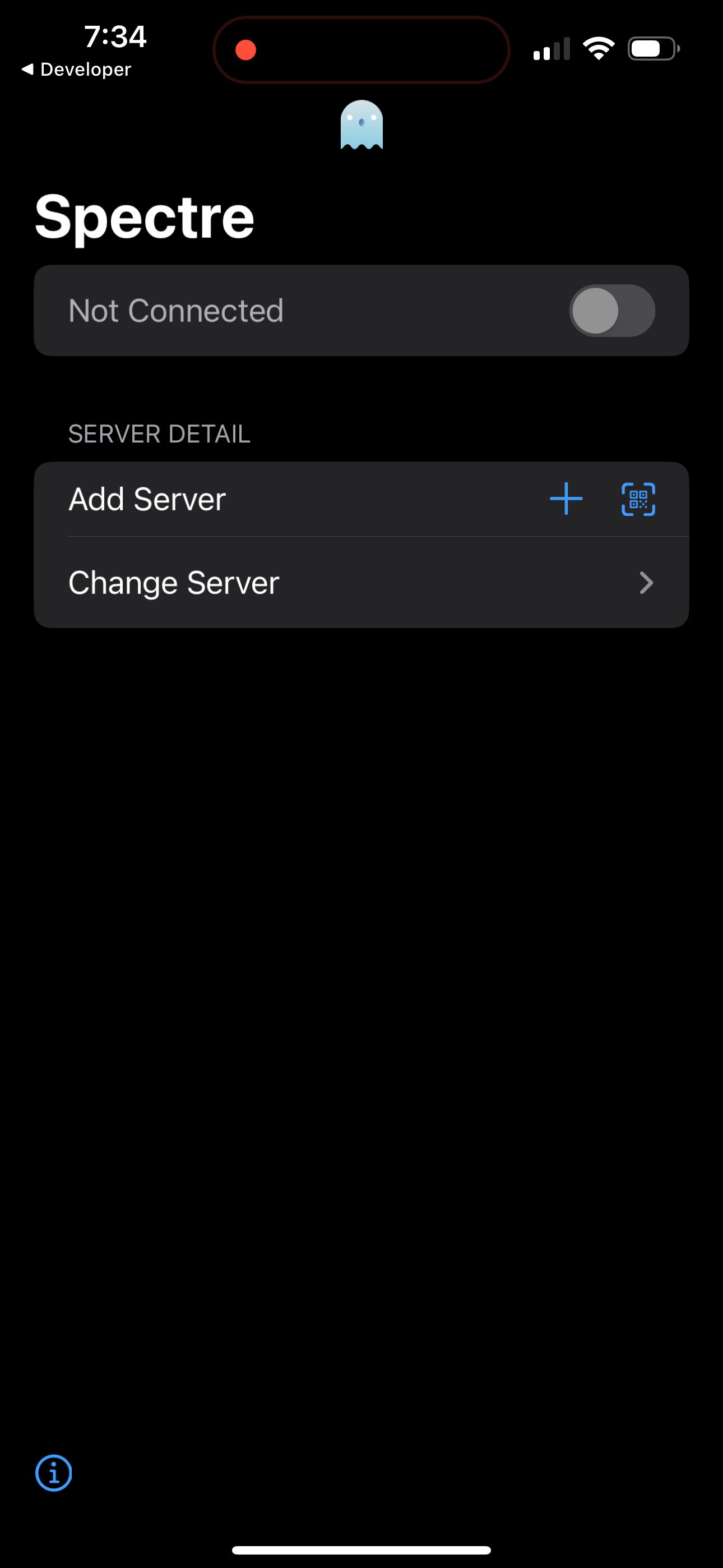
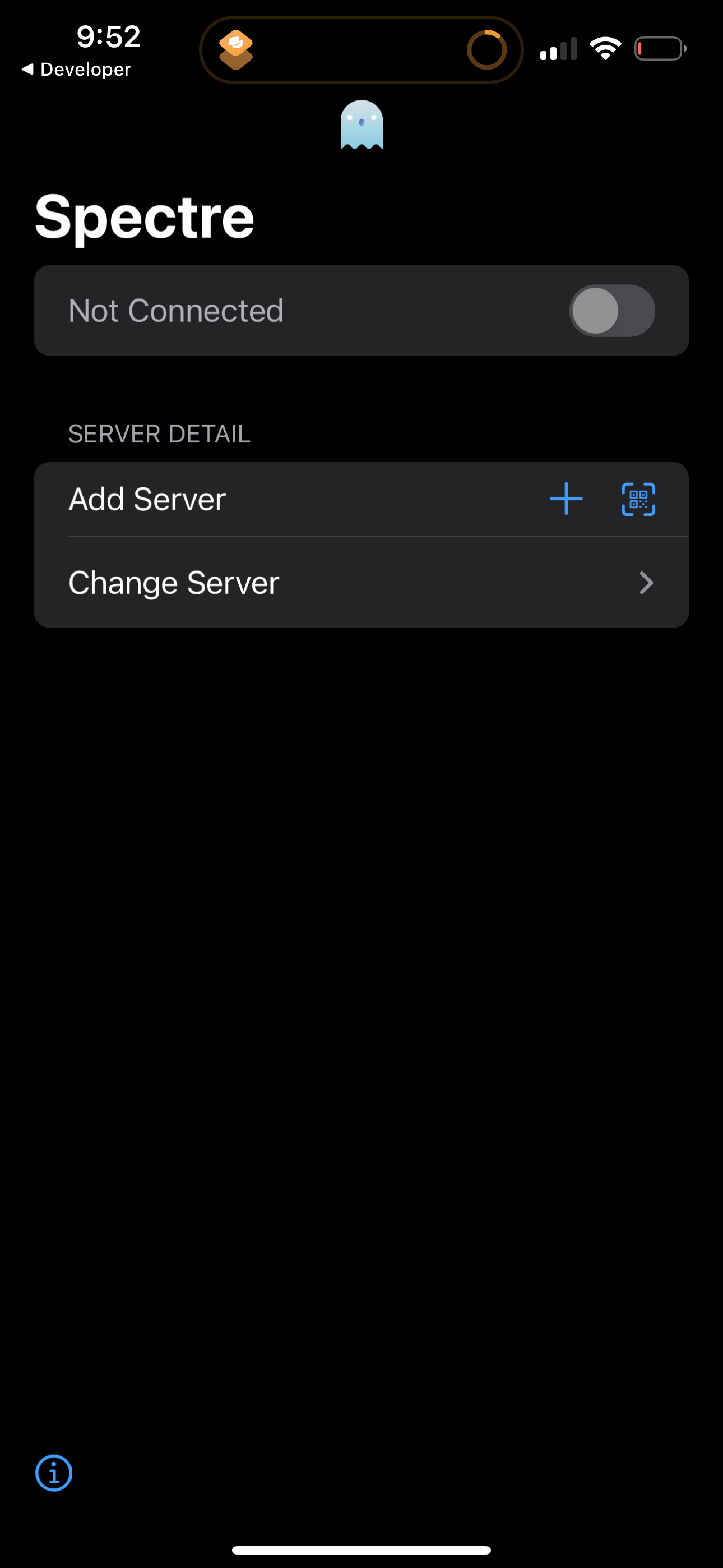
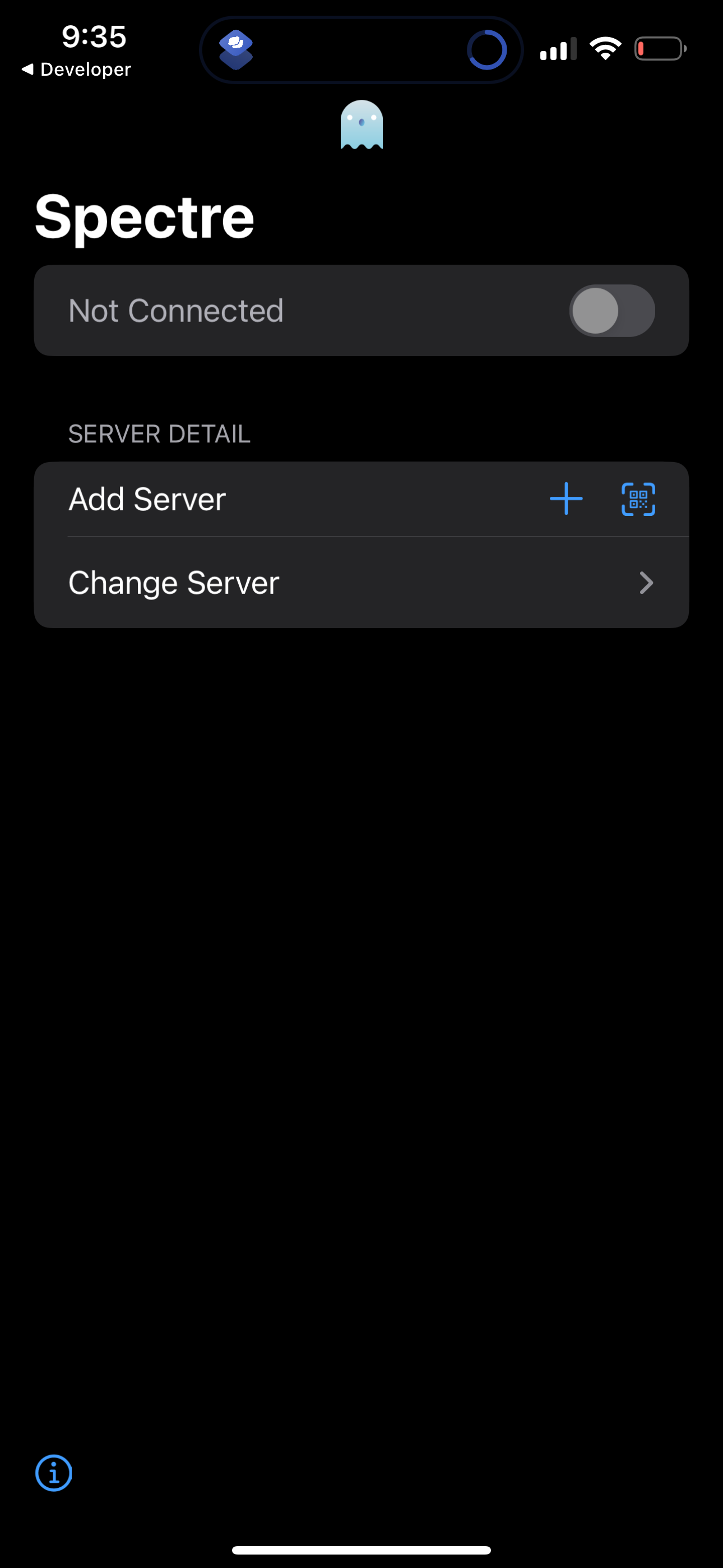
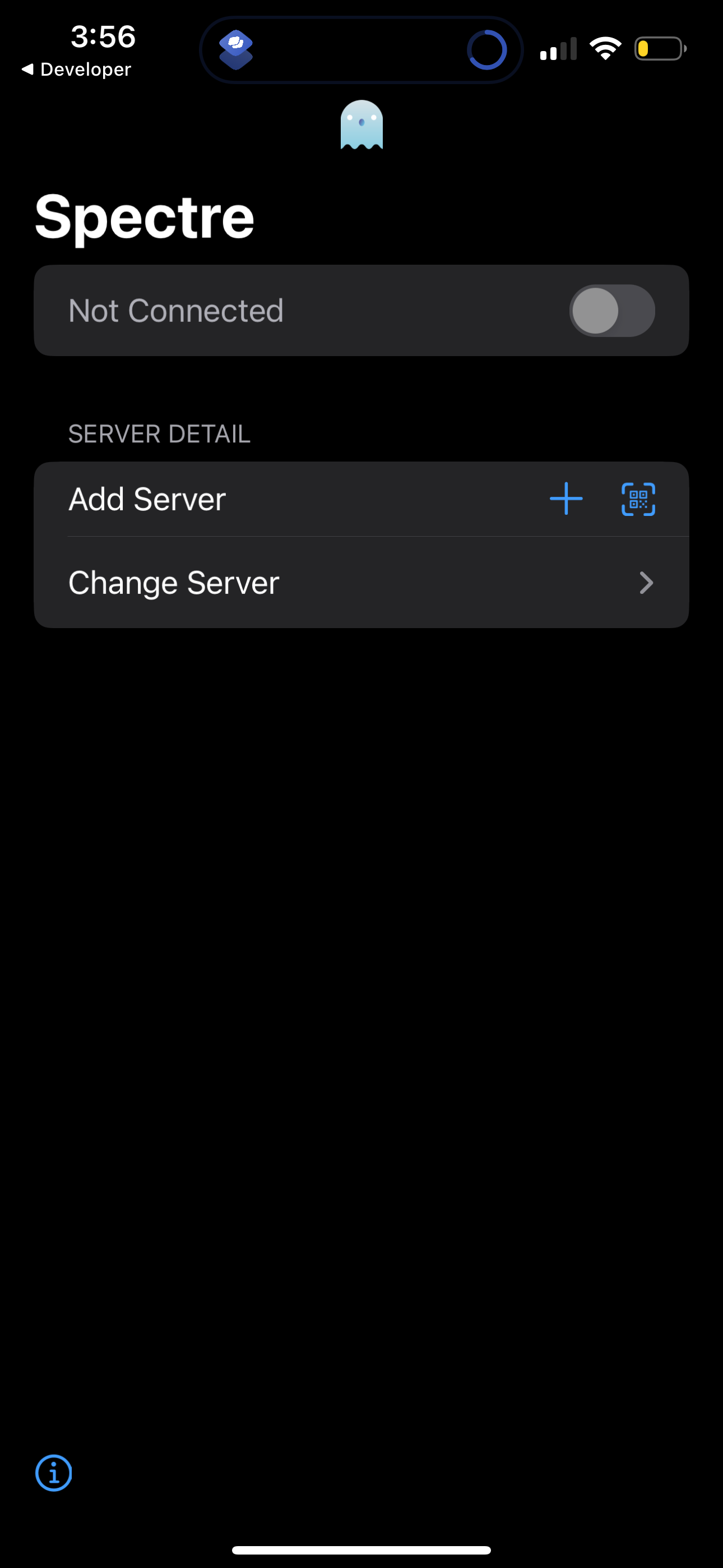
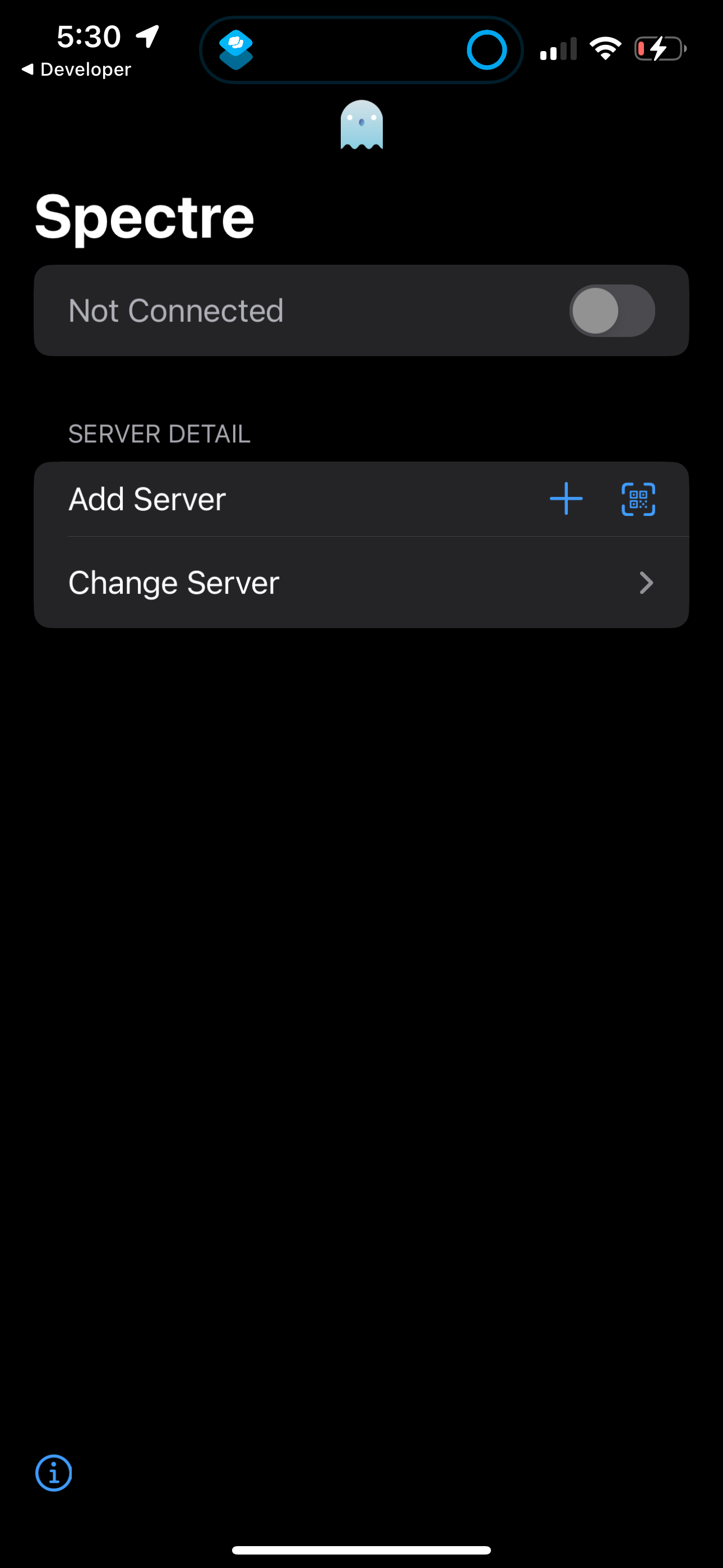
VPN/proxy client home screen showing a “Not Connected” status with a toggle to c
spectre
Form screen for adding a proxy/VPN server configuration, with fields to choose s
spectre
Form screen for adding a proxy/VPN server configuration, with fields to choose s
spectre
Add server configuration screen showing a Type field that opens an iOS action sh
spectre
Add server setup screen with a form to choose a server type from a selection lis
spectre
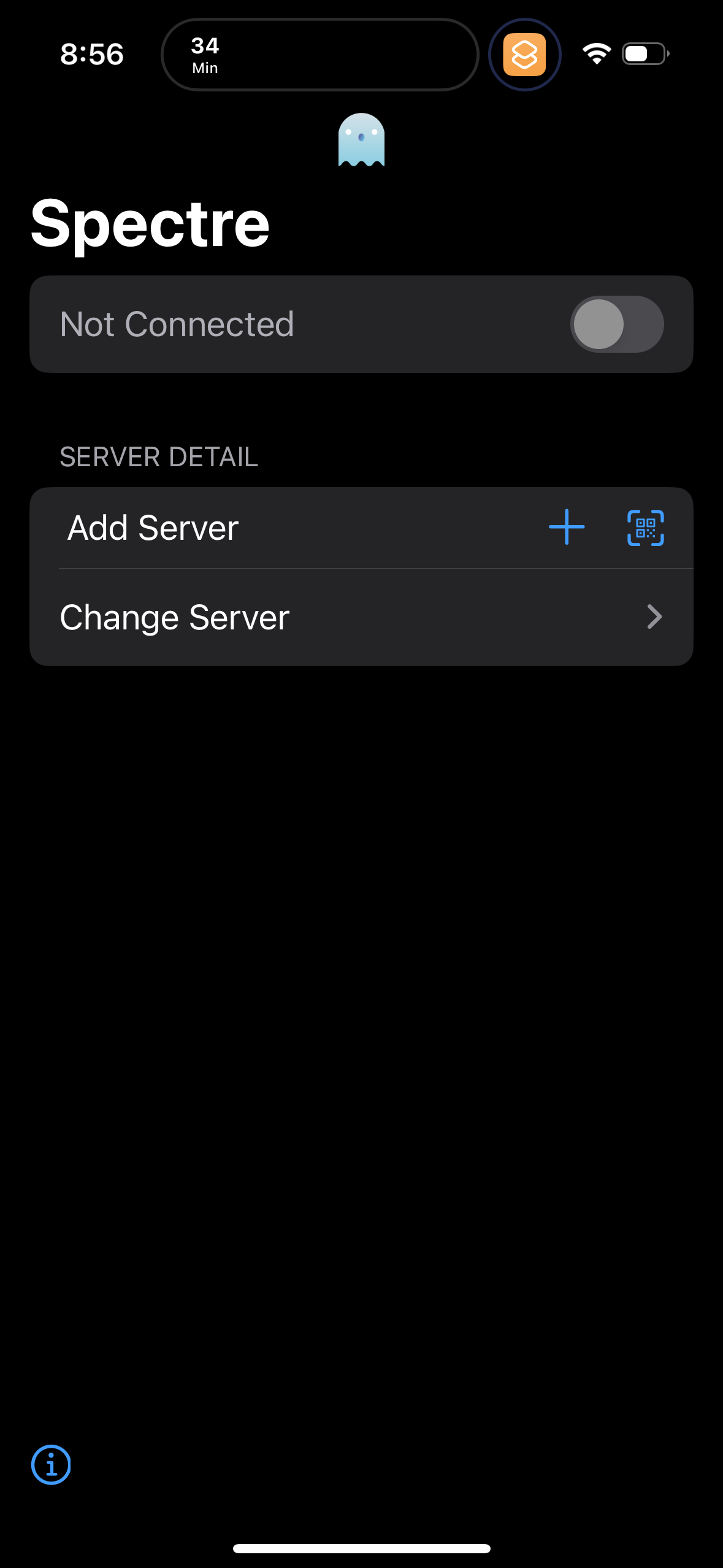
VPN client home screen showing connection status with a toggle to connect/discon
spectre
Connection setup screen for a VPN/proxy app showing current status (Not Connecte
spectre
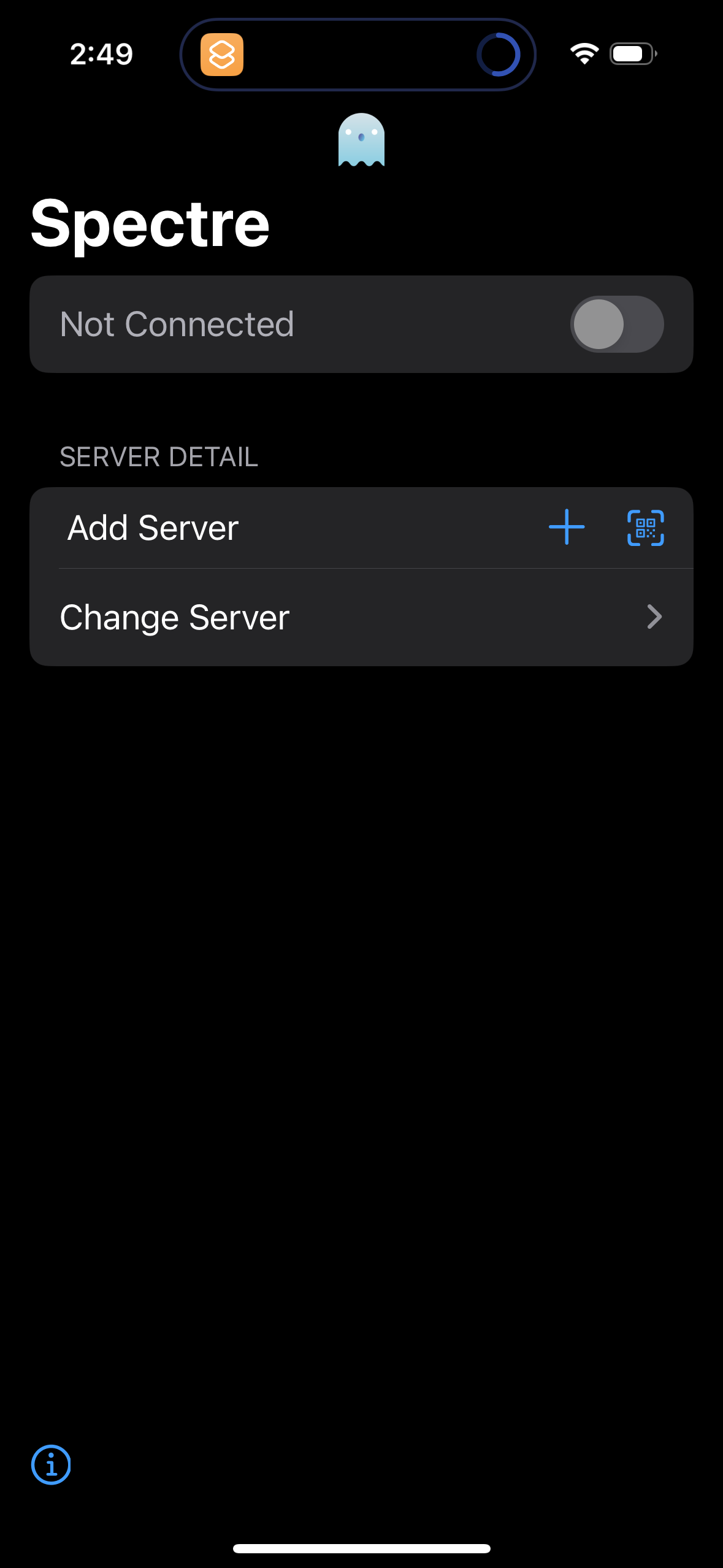
VPN connection home screen showing current status as Not Connected with a toggle
spectre
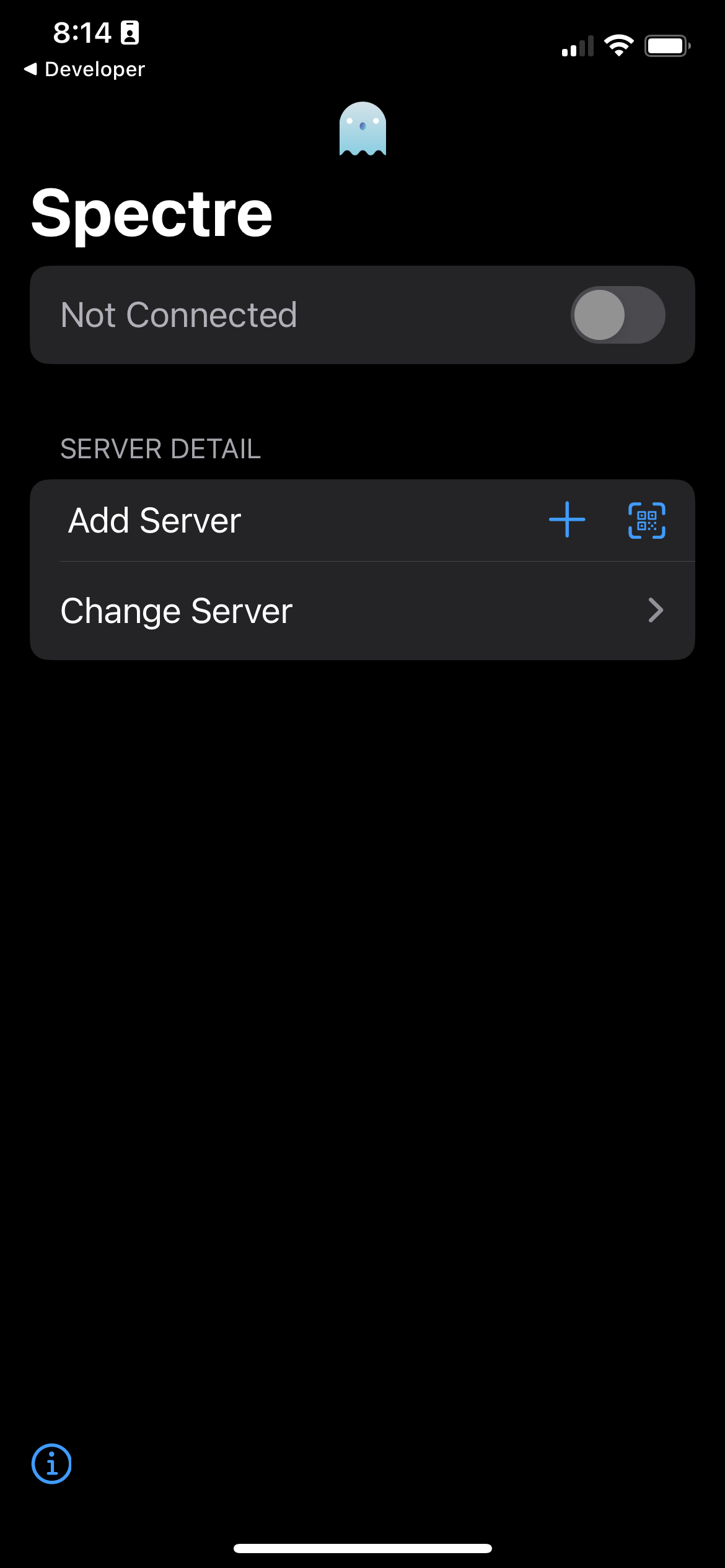
Dark-mode app settings screen for a server connection showing a “Not Connected”
spectre
VPN/proxy connection settings screen showing a “Not Connected” status with a tog
spectre
Server connection settings screen showing a “Not Connected” toggle to enable/dis
spectre
VPN connection home screen showing a large on/off toggle with current status (No
spectre
VPN connection setup screen showing current status as “Not Connected” with a tog
spectre
Server connection settings screen for a VPN/proxy app showing current status as
spectre
Dark-themed VPN or proxy connection screen showing a “Not Connected” status with
spectre
VPN/proxy connection home screen showing current status as “Not Connected” with
spectre
A VPN/proxy connection setup screen showing connection status (“Not Connected”)
spectre
VPN connection home screen showing current status as “Not Connected” with a larg
spectre
Server selection and management screen for a VPN/proxy app showing segmented tab
spectre
Dark-themed server connection settings screen showing connection status (Not Con
spectre
Server selection and management screen for a VPN/proxy app with a segmented cont
spectre
Dark-mode VPN/proxy client home screen showing connection status as “Not Connect
spectre
VPN/proxy connection screen showing current status as Not Connected with a toggl
spectre
Dark-mode VPN/proxy connection screen showing a Not Connected status with a togg
spectre
VPN client home screen showing a connection status toggle (currently not connect
spectre
Main connection screen for a VPN/proxy app showing a “Not Connected” status with
spectre
Server connection settings screen for an app showing current status as “Not Conn
spectre
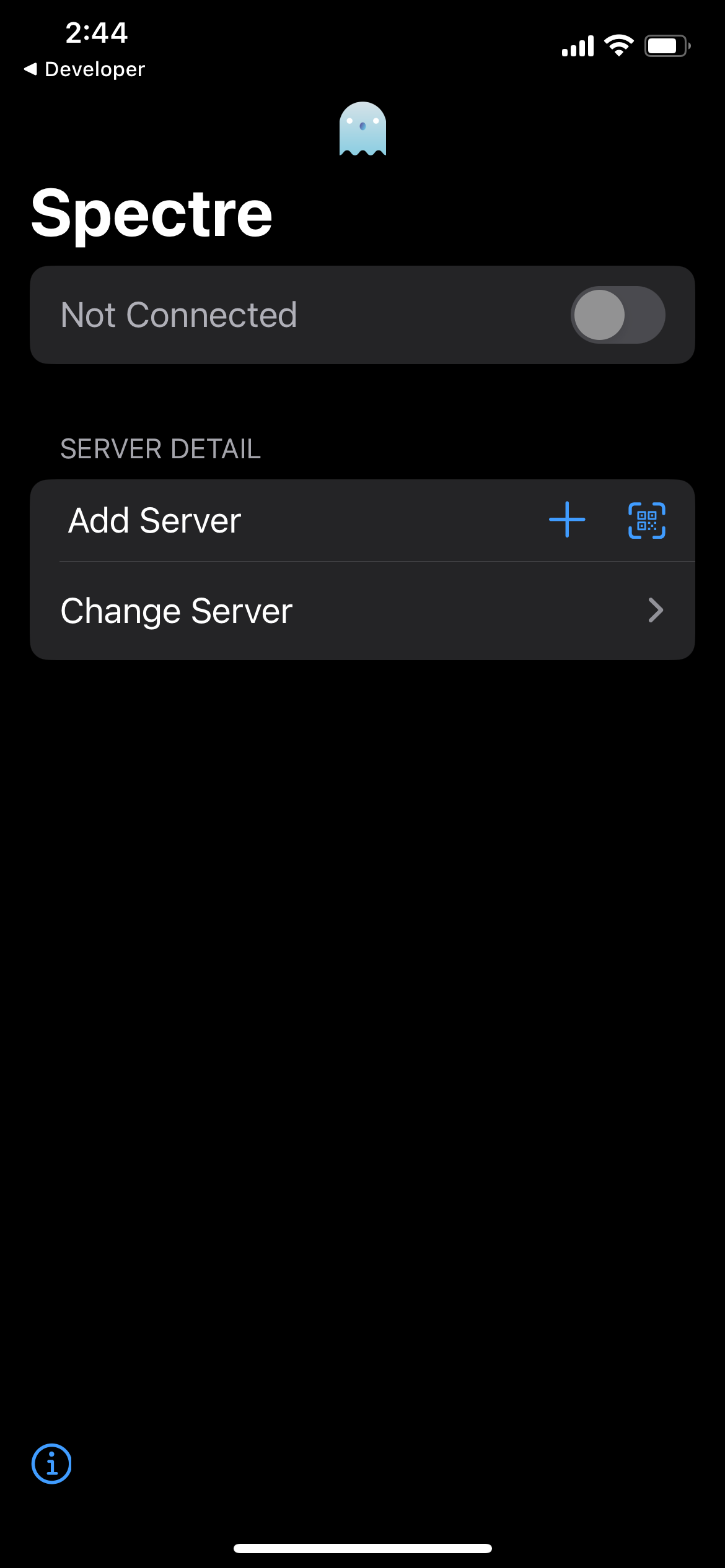
Dark-mode VPN or proxy client home screen showing connection status (“Not Connec
spectre
Modal form for adding a server or subscription by pasting a shared link, with a
spectre
A VPN/proxy connection screen showing current status as “Not Connected” with a t
spectre
Dark-mode VPN/proxy connection screen showing current status as “Not Connected”
spectre
VPN/proxy connection home screen showing current status “Not Connected” with a l
spectre
Dark-mode VPN/proxy connection screen showing a “Not Connected” status with a to
spectre
VPN client home screen showing a connection status (“Not Connected”) with a togg
spectre
Connection settings screen for a VPN or proxy app showing current status as Not
spectre
VPN client home screen showing a “Not Connected” status with a main toggle to co
spectre
Server connection settings screen showing current connection status with a conne
spectre
VPN client home screen showing connection status (Not Connected) with a main tog
spectre
Server selection and management screen for a VPN/proxy app with a segmented cont
spectre
Modal form screen for adding a server or subscription by pasting a shared link,
spectre
Dark-mode VPN or proxy connection screen showing current status as “Not Connecte
spectre
VPN/proxy connection management screen showing current status (Not Connected) wi
spectre
VPN client home screen showing connection status (Not Connected) with a toggle t
spectre
Connection settings screen for a network/VPN-style app showing current status as
spectre