onx-backcountry

Navigation · 56 screens · onX Backcountry is the ultimate GPS navigation app, purpose-built for all your outdoor pursuits. Try 3D maps specifically tailored for hiking, backcountry skiing, mountain biking, or rock climbing.

Your agent can search this library too. Lazyweb CLI →
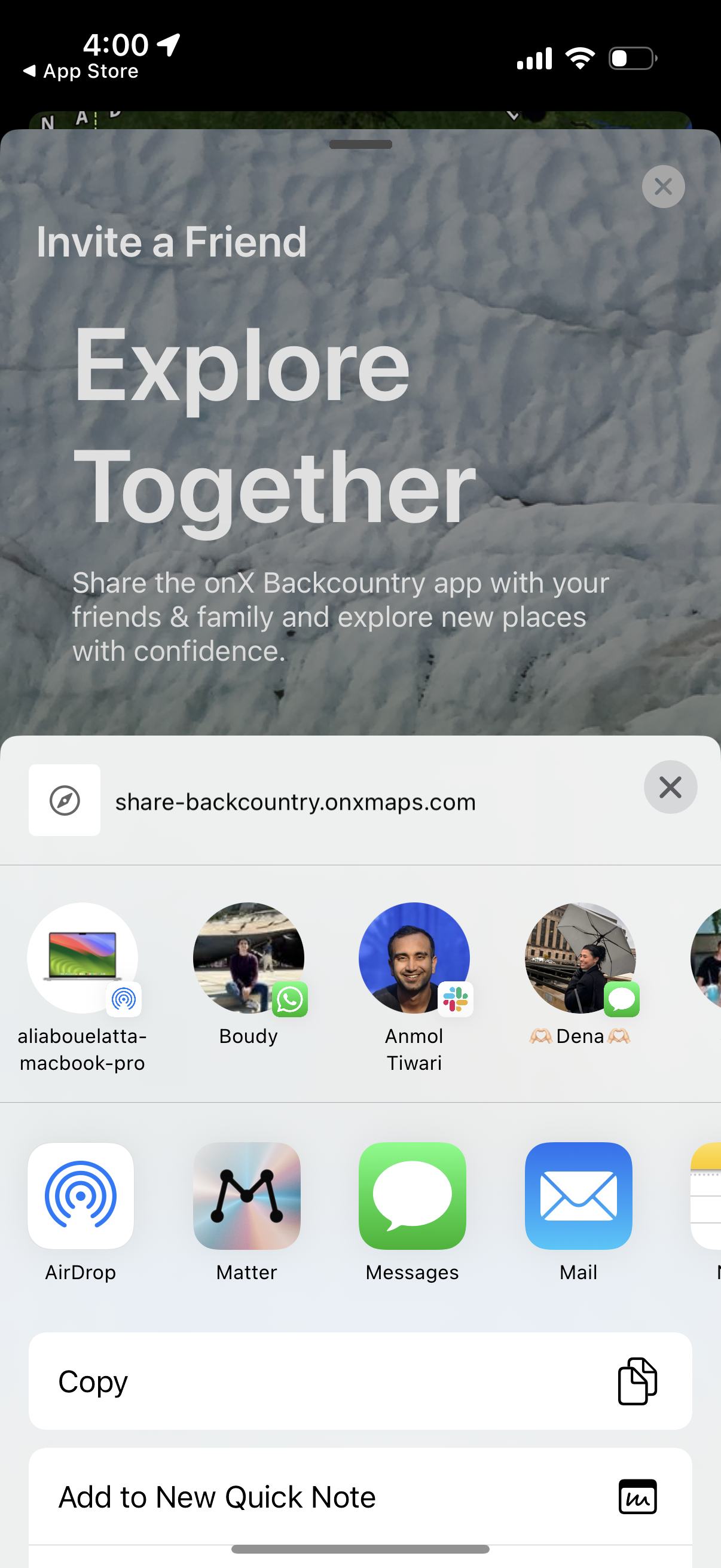
Invite-a-friend share screen for an outdoor/backcountry app, prompting users to
onx-backcountry
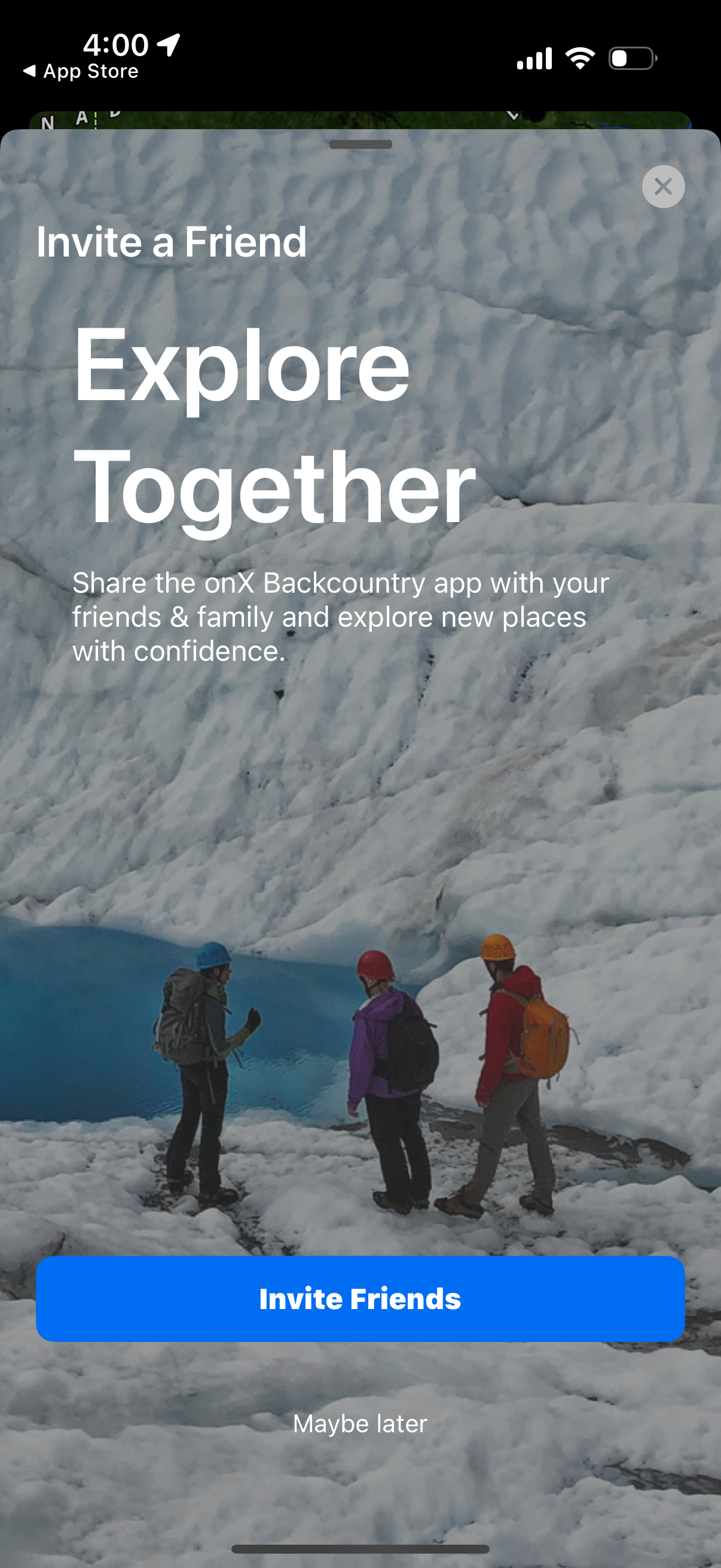
Full-screen “Invite a Friend” referral prompt encouraging users to share an outd
onx-backcountry
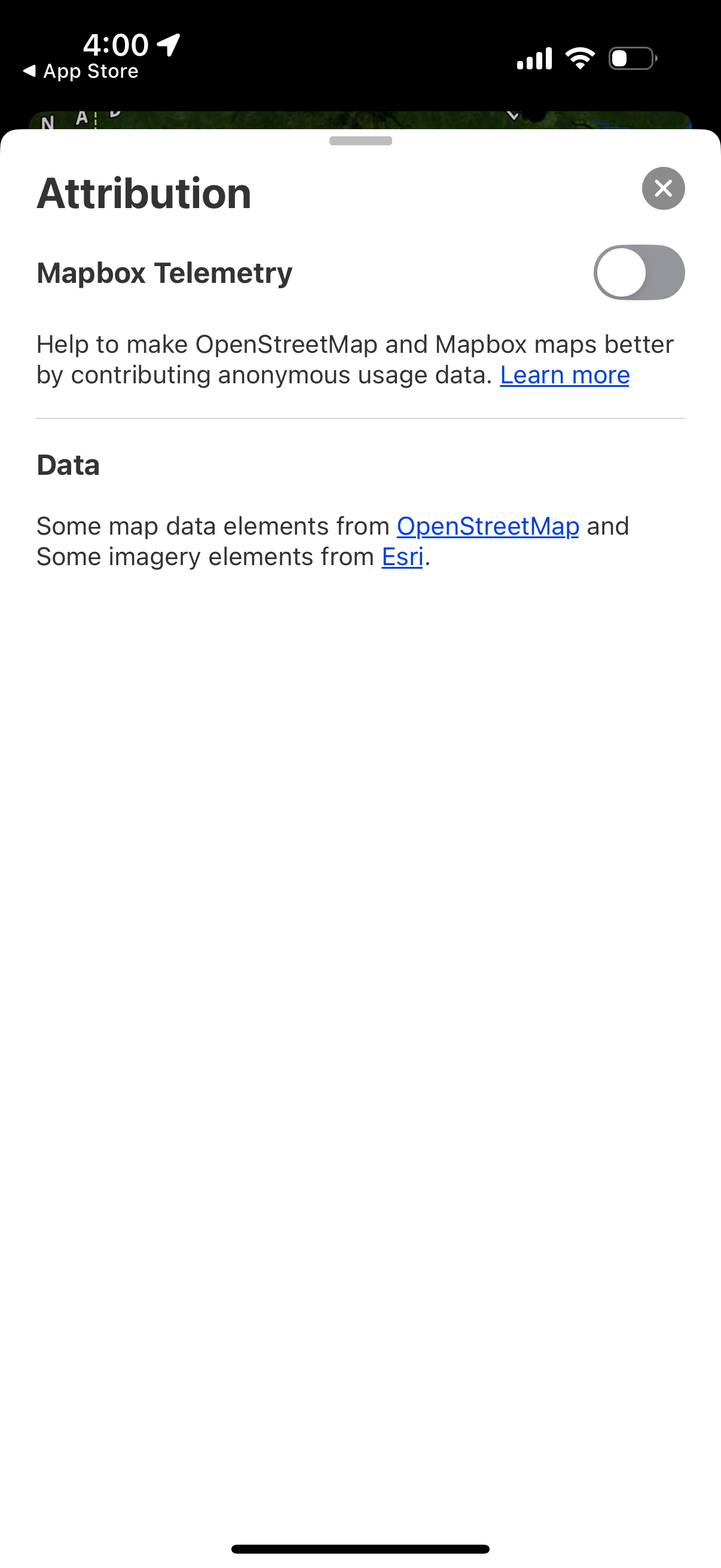
Attribution settings modal for a maps app showing a Mapbox Telemetry toggle to o
onx-backcountry
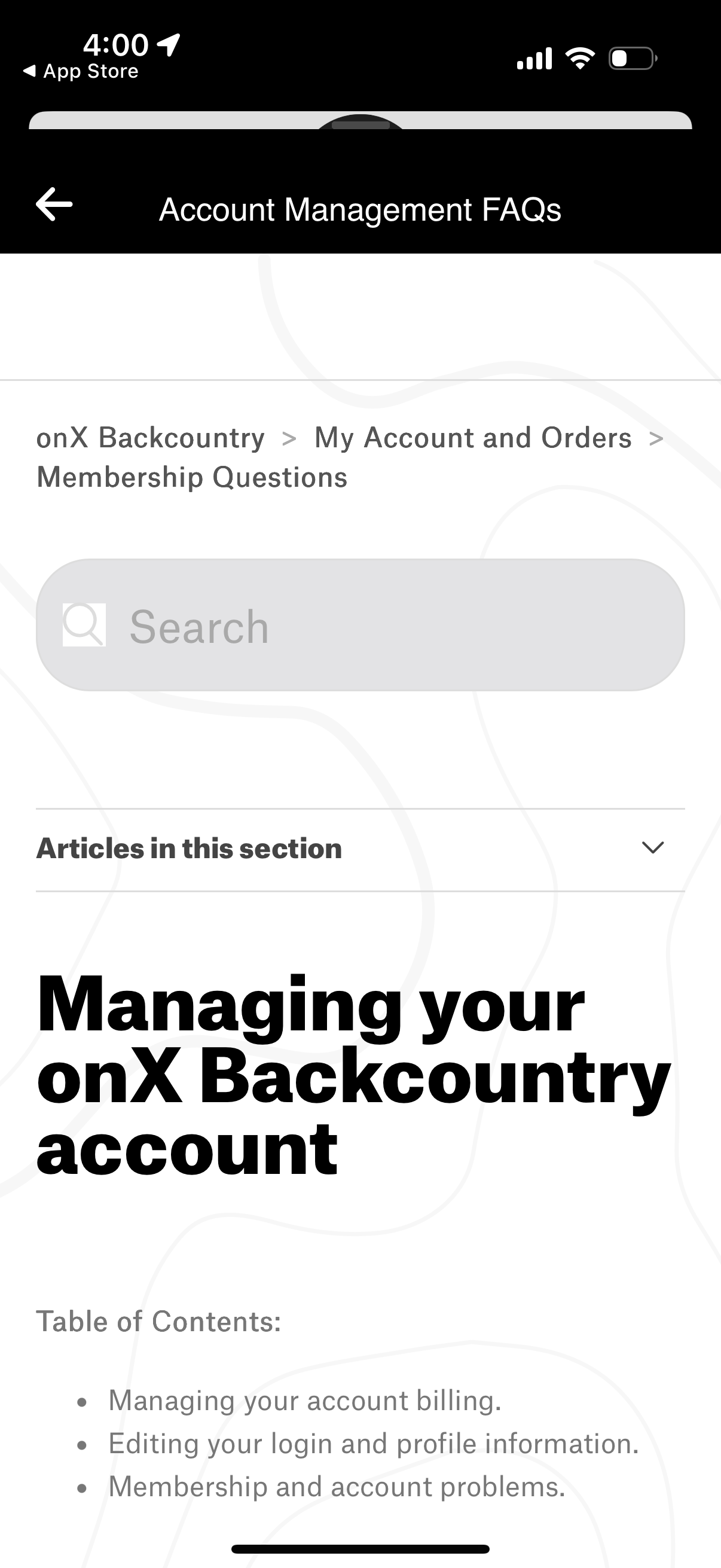
Help center FAQ screen for account management and membership questions, showing
onx-backcountry
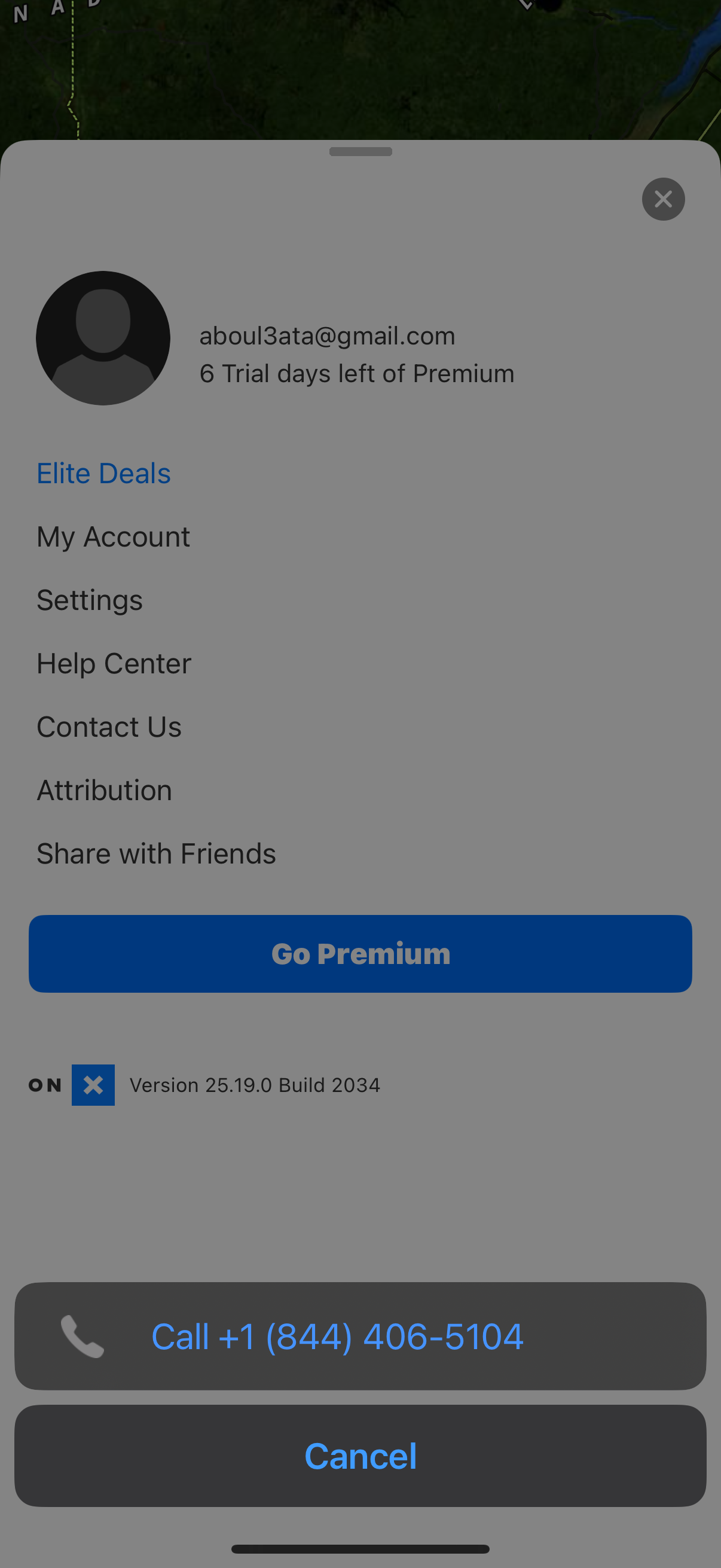
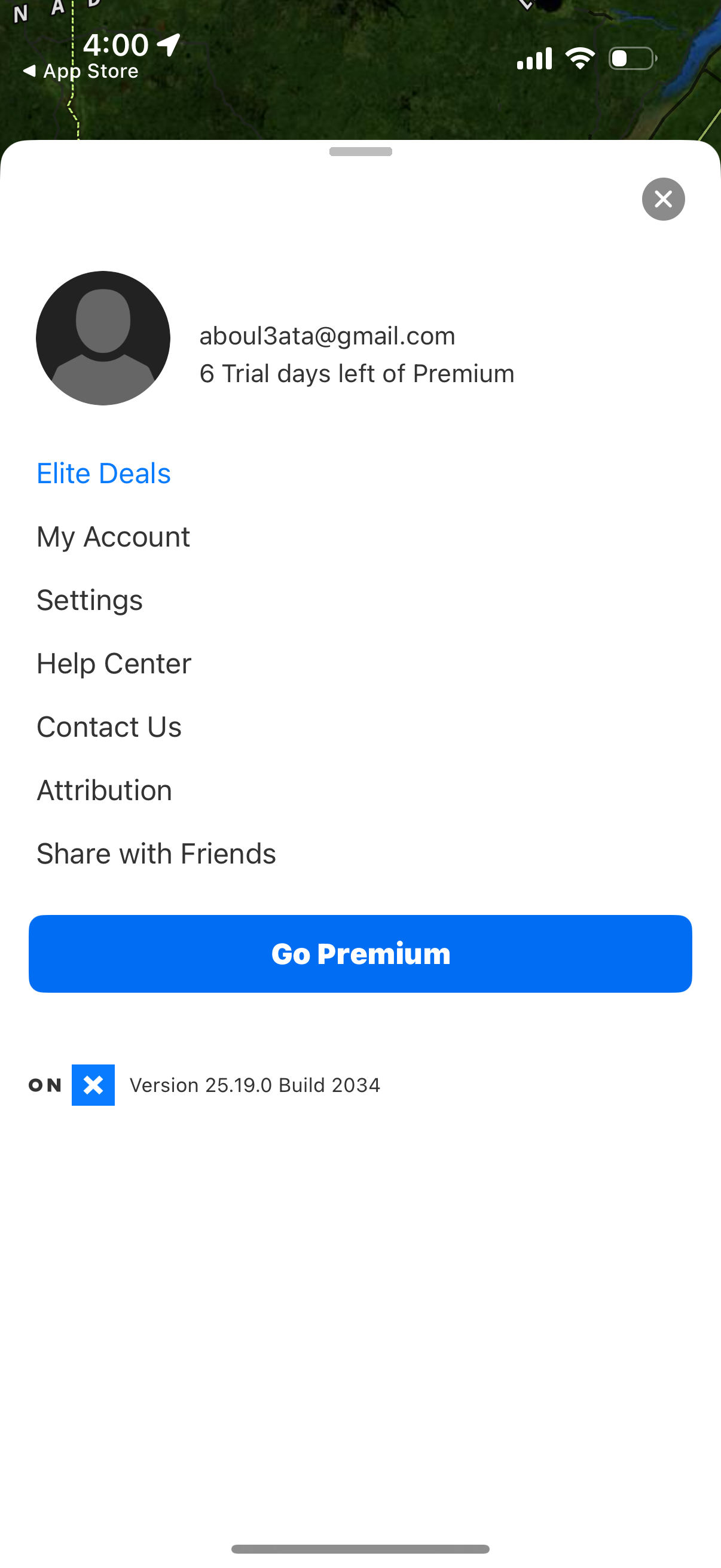
Side navigation drawer showing a logged-in user profile with remaining Premium t
onx-backcountry
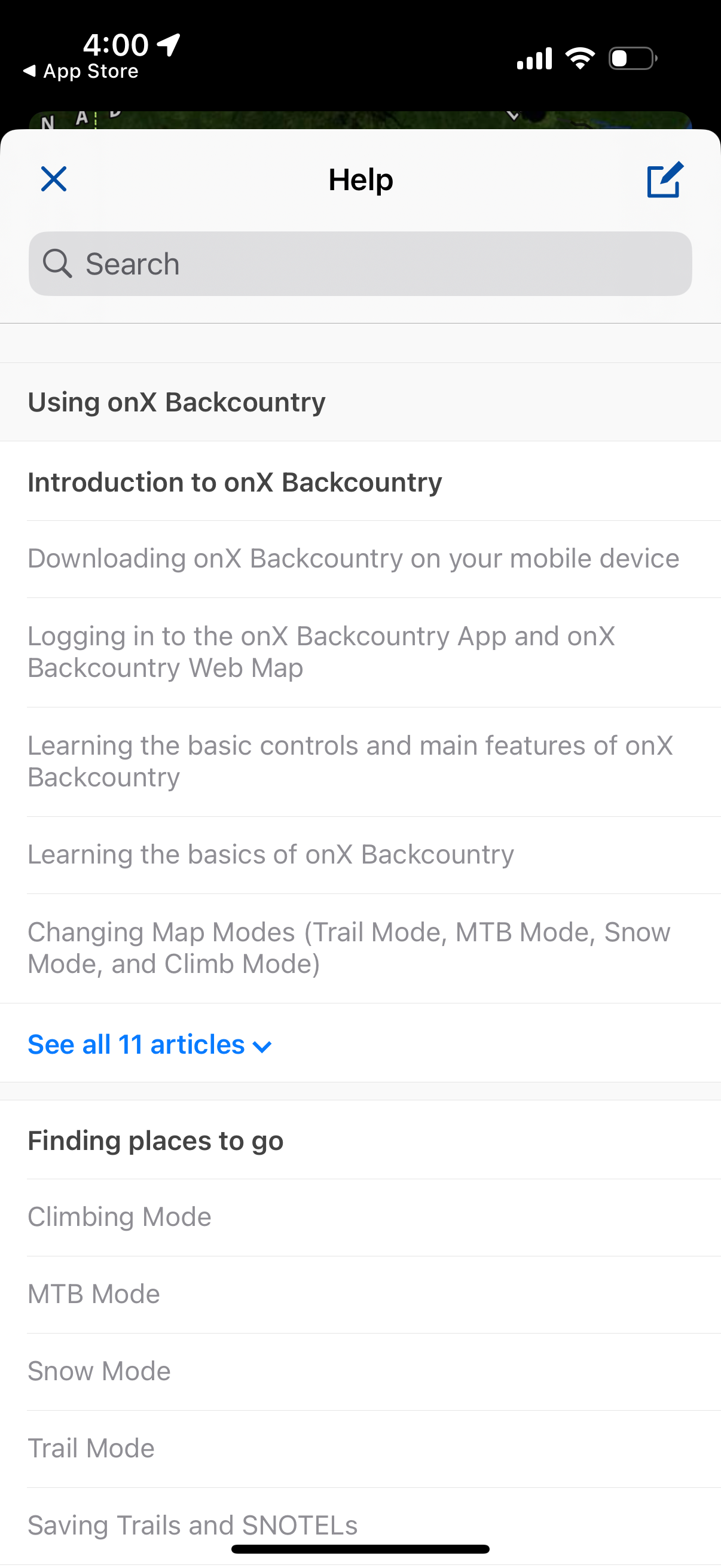
Help center screen with a search bar and categorized support articles for a back
onx-backcountry
Settings modal for managing connected social media accounts, listing available i
onx-backcountry
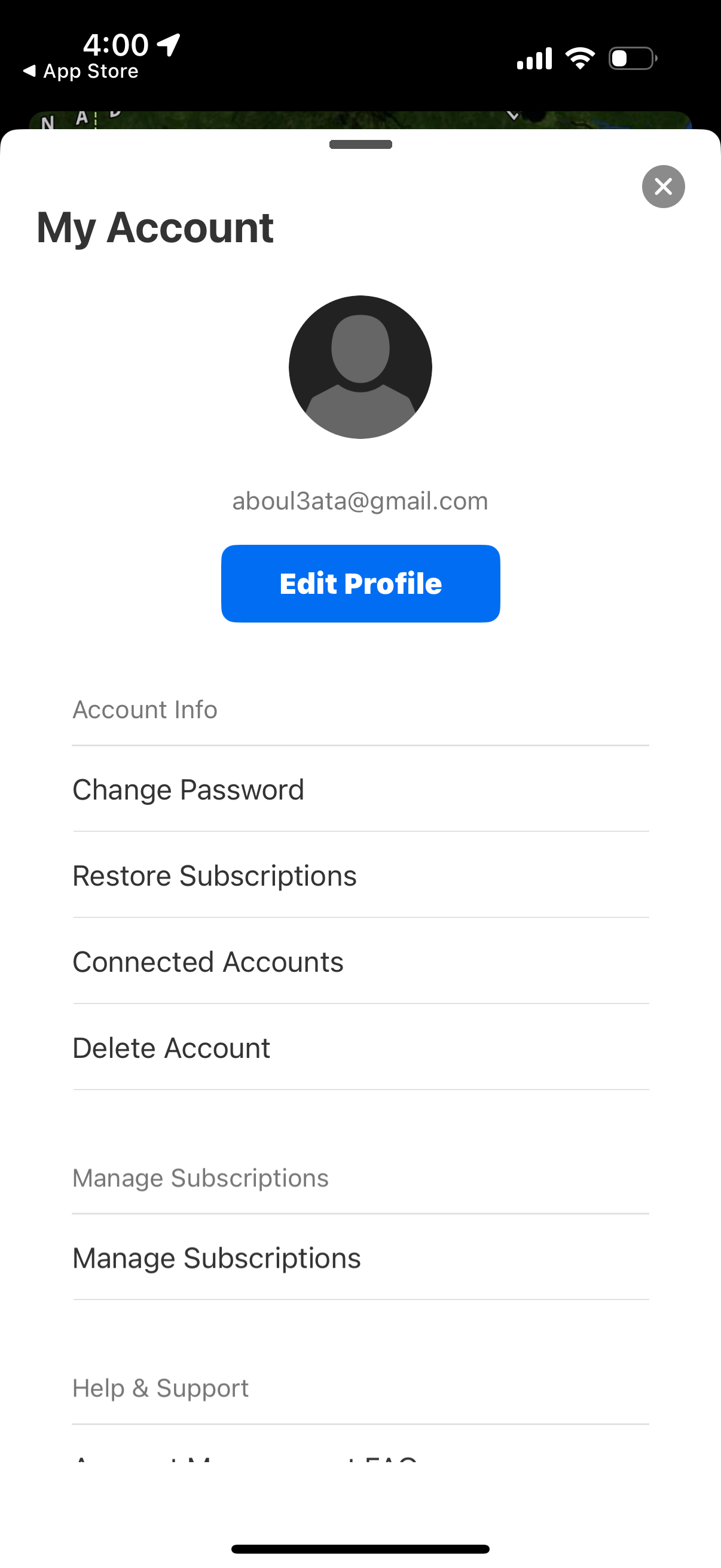
My Account settings screen showing a user profile with email and an Edit Profile
onx-backcountry
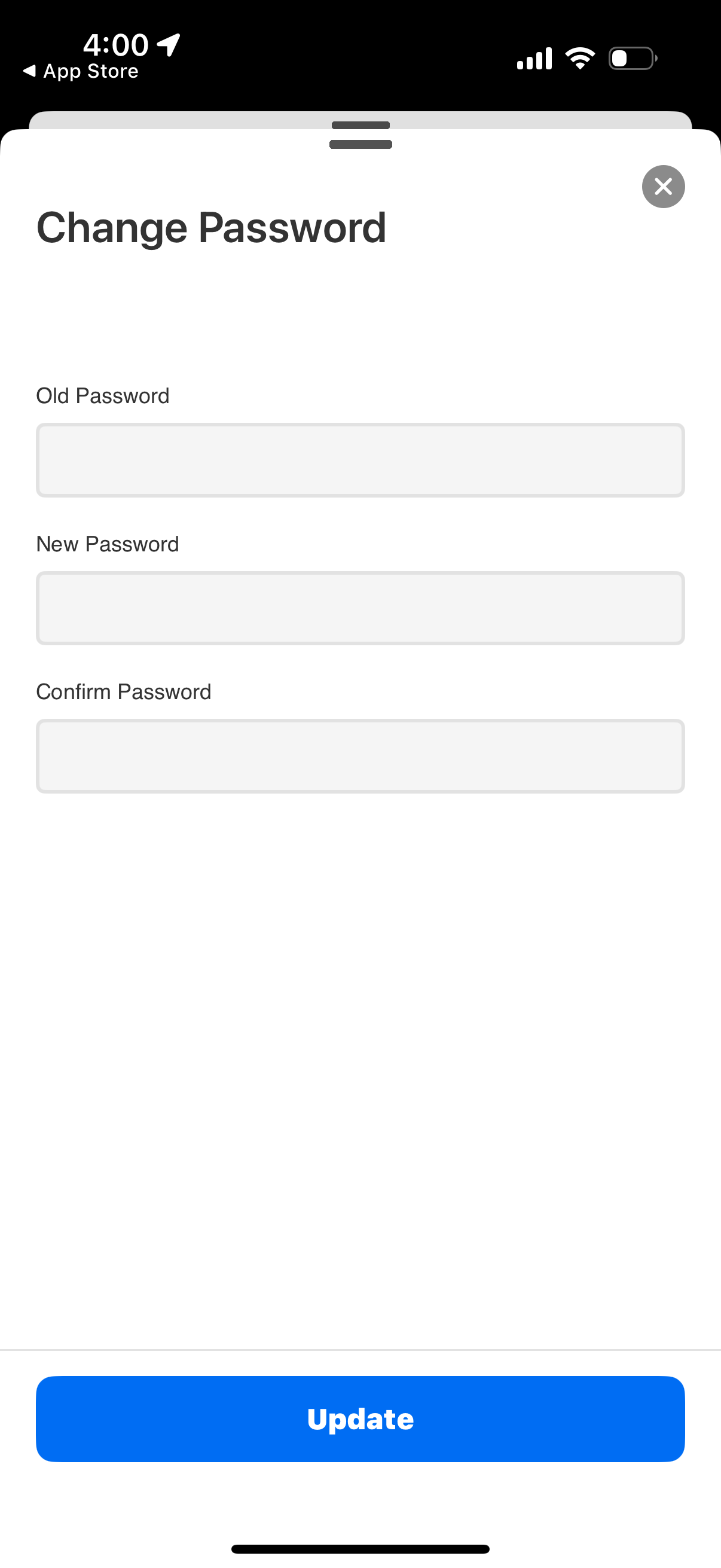
Modal “Change Password” screen with form fields for old password, new password,
onx-backcountry
Membership benefits promo modal for an “Elite” subscription, highlighting new ex
onx-backcountry
Account settings screen showing the user profile avatar and email with a primary
onx-backcountry
Account and settings side menu showing the signed-in profile with premium trial
onx-backcountry
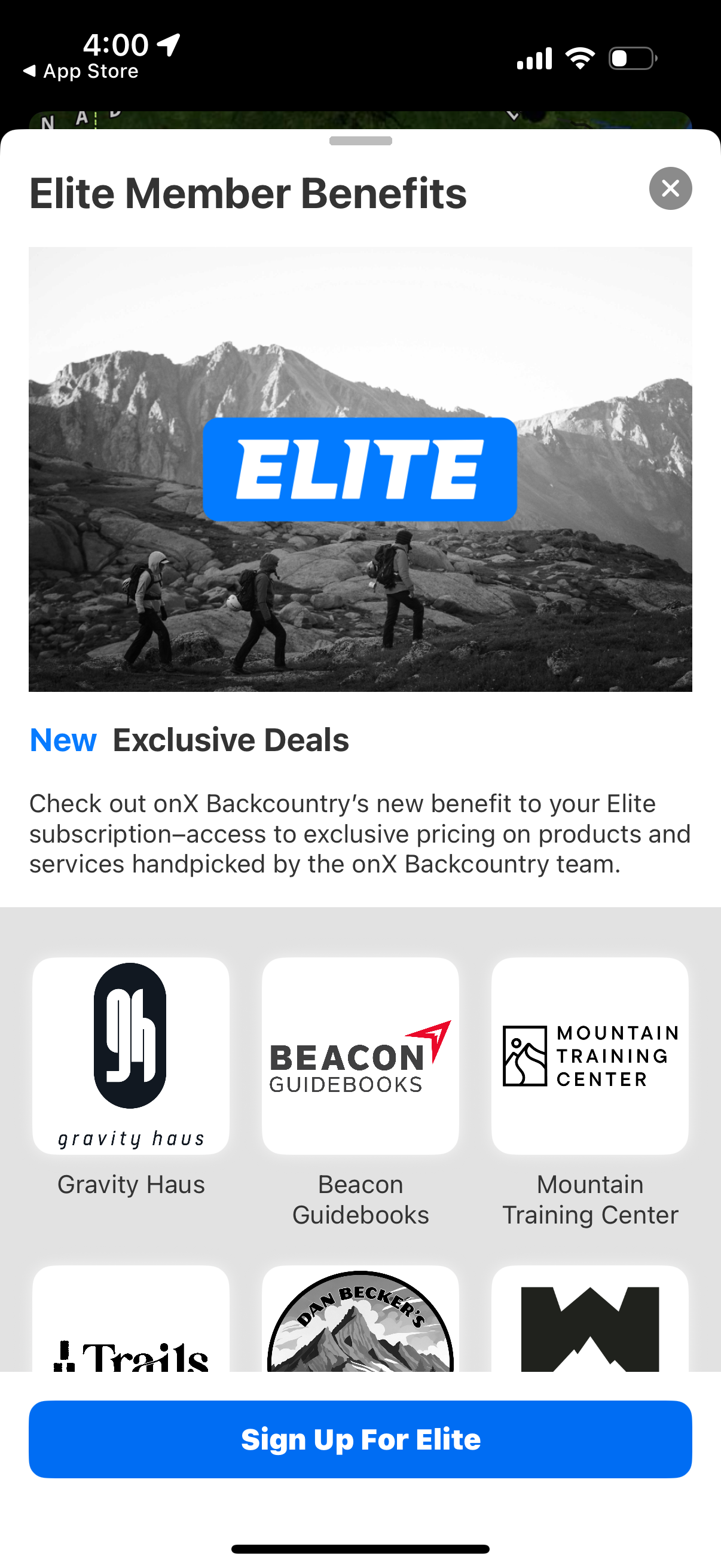
Subscription upsell modal highlighting “Elite Member Benefits,” featuring a hero
onx-backcountry
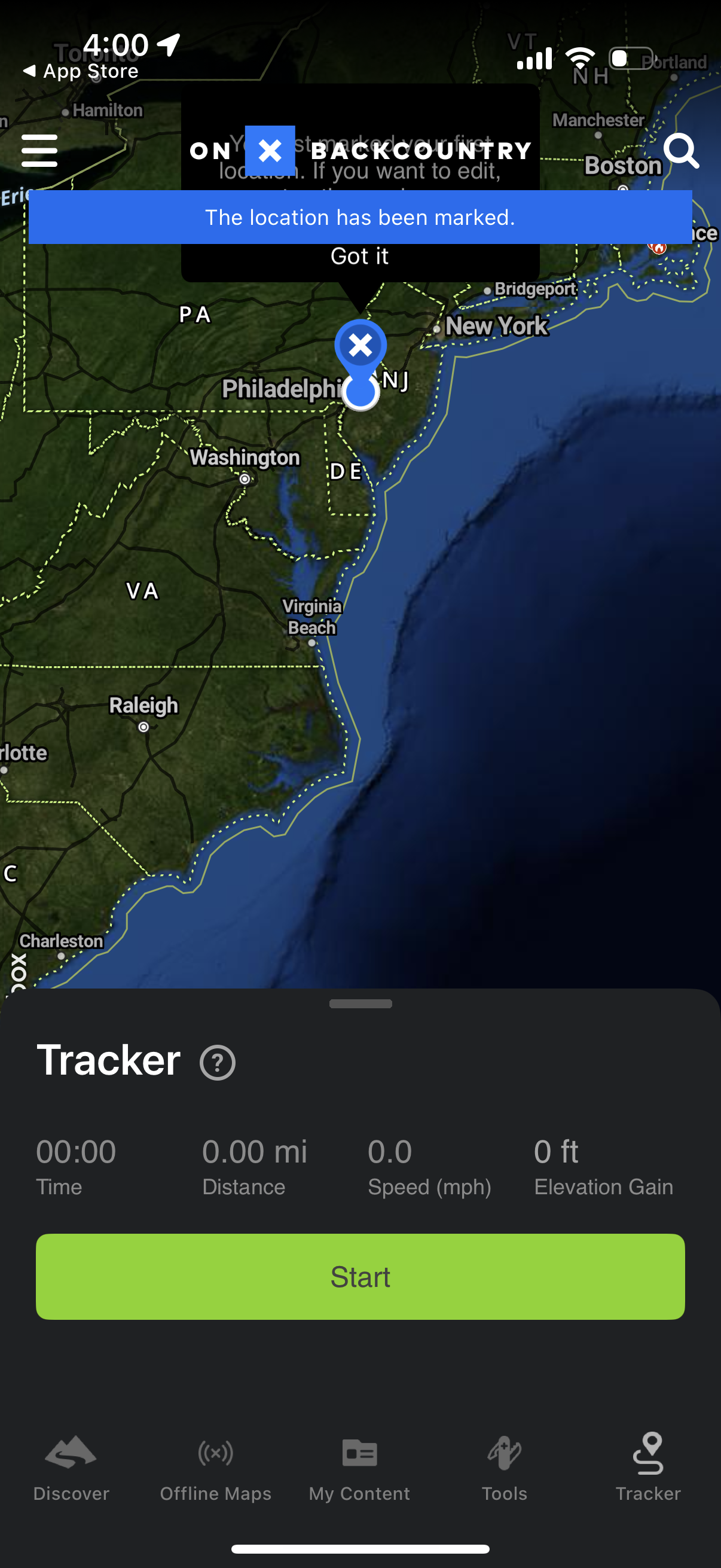
Map-based GPS tracking screen where the user drops a pin to mark a location, wit
onx-backcountry
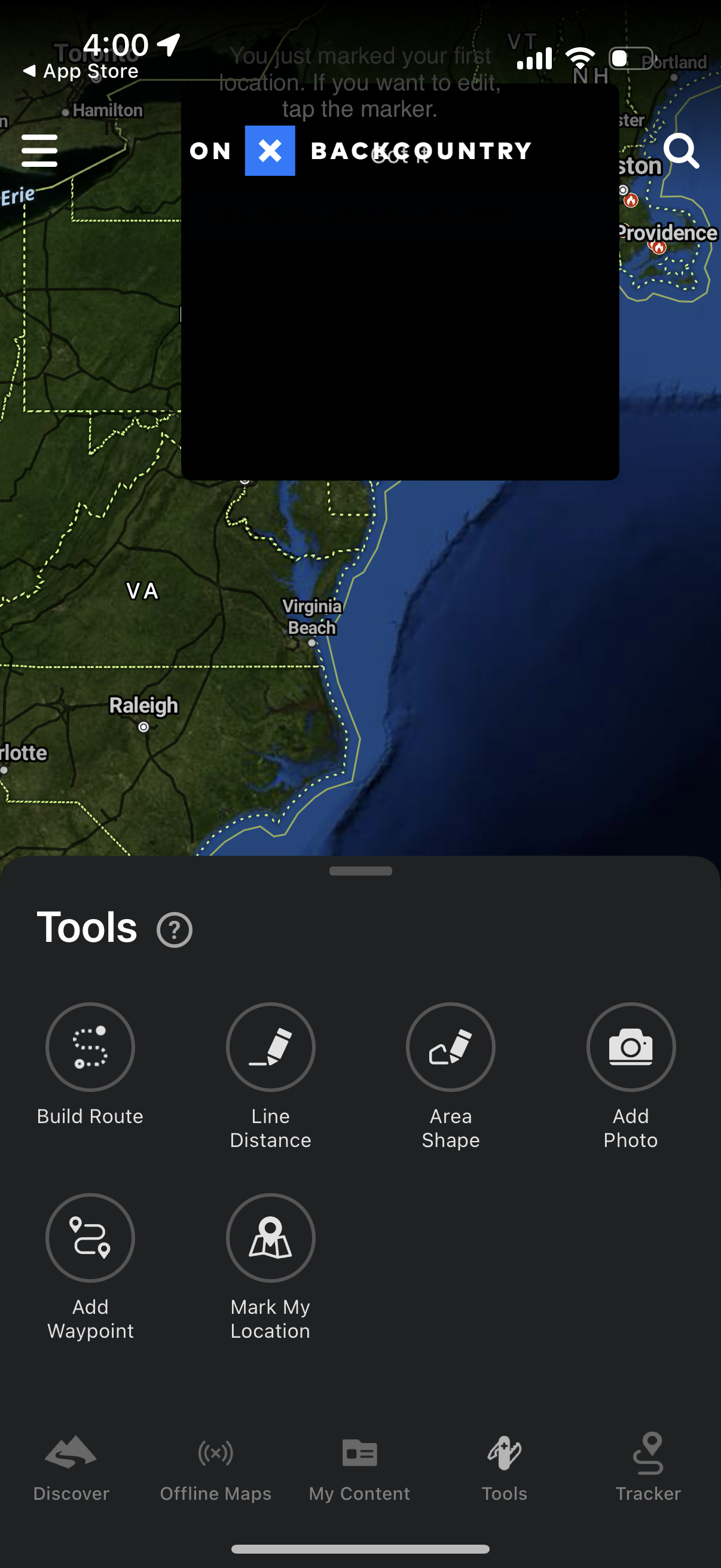
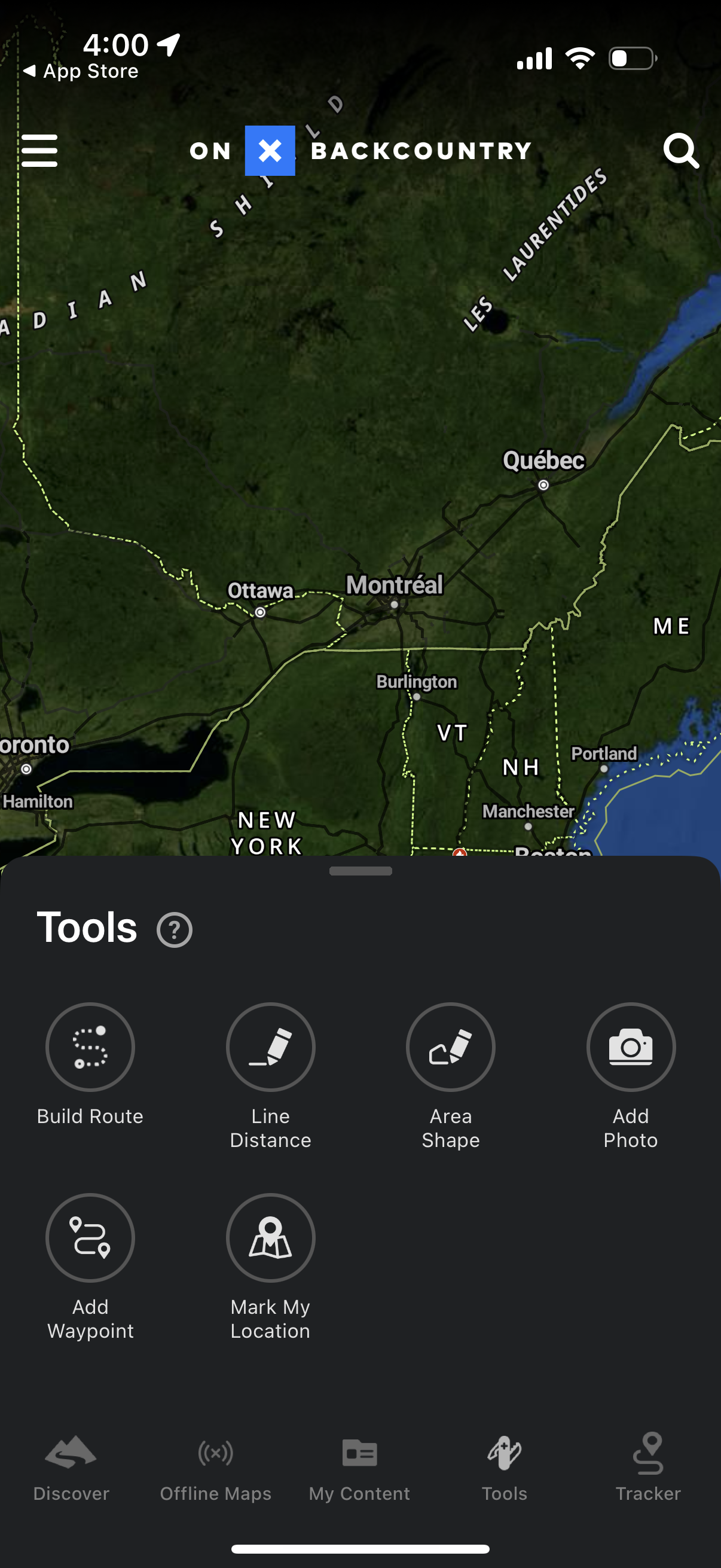
Map screen with a “Tools” bottom sheet for planning and editing outdoor navigati
onx-backcountry
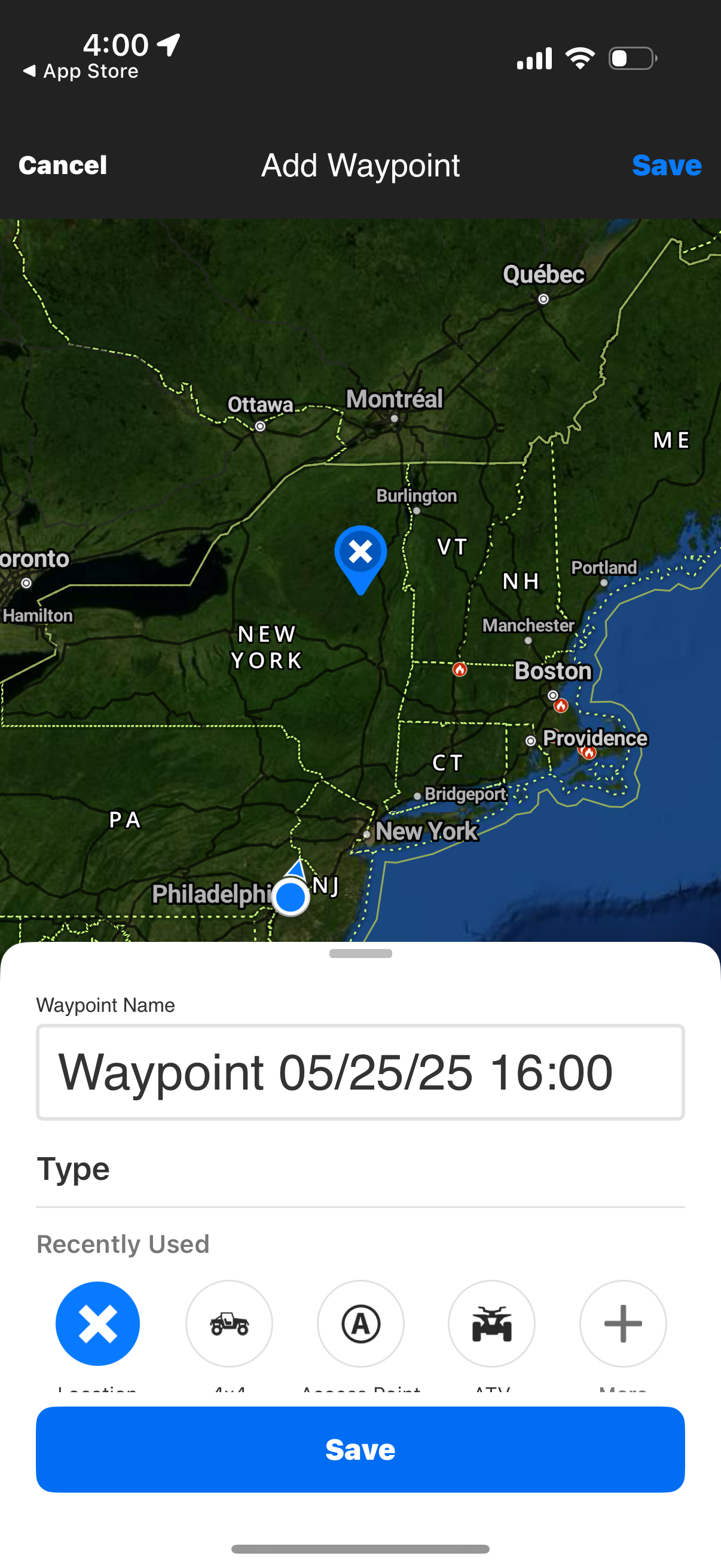
Map-based “Add Waypoint” screen for a navigation/flight app where the user selec
onx-backcountry
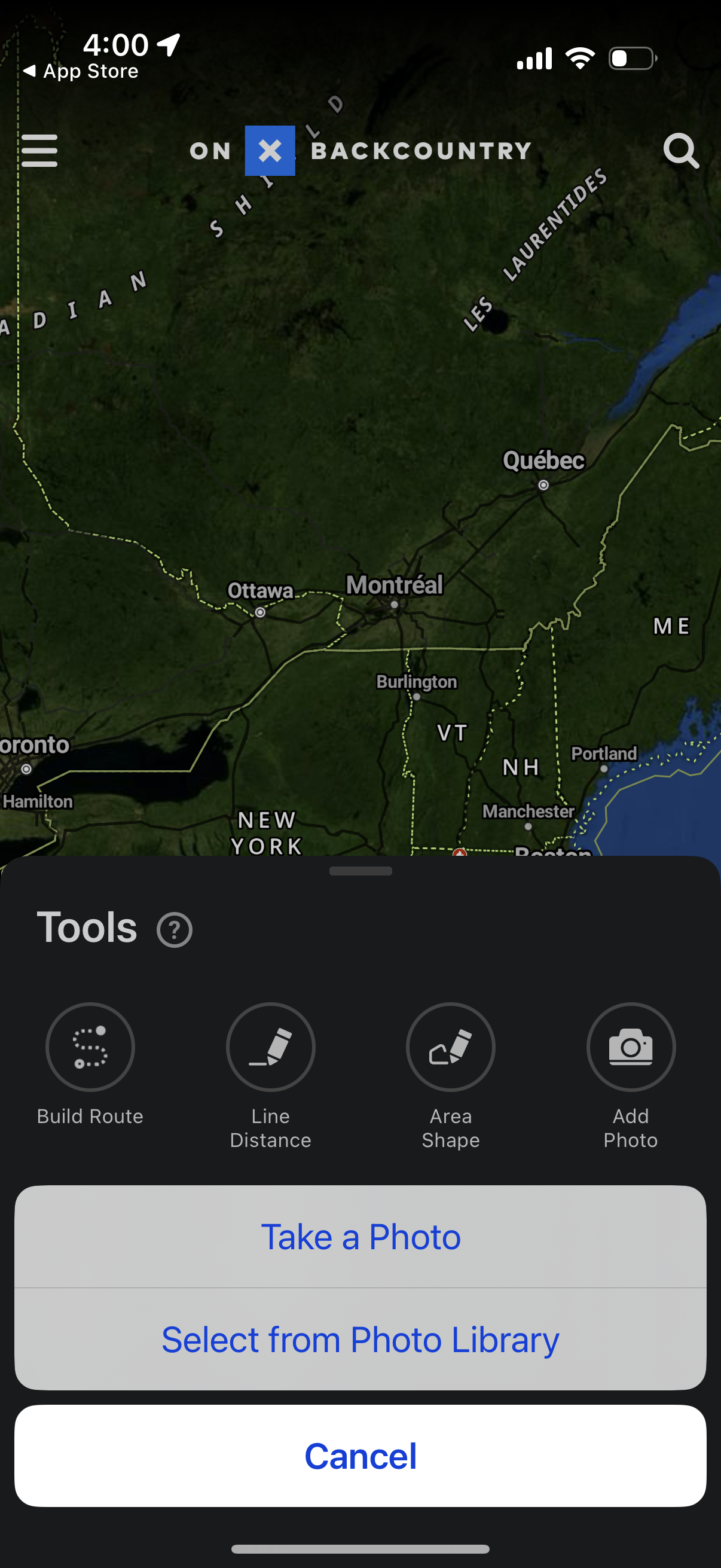
Map navigation screen with a bottom-sheet Tools panel for trip planning and meas
onx-backcountry
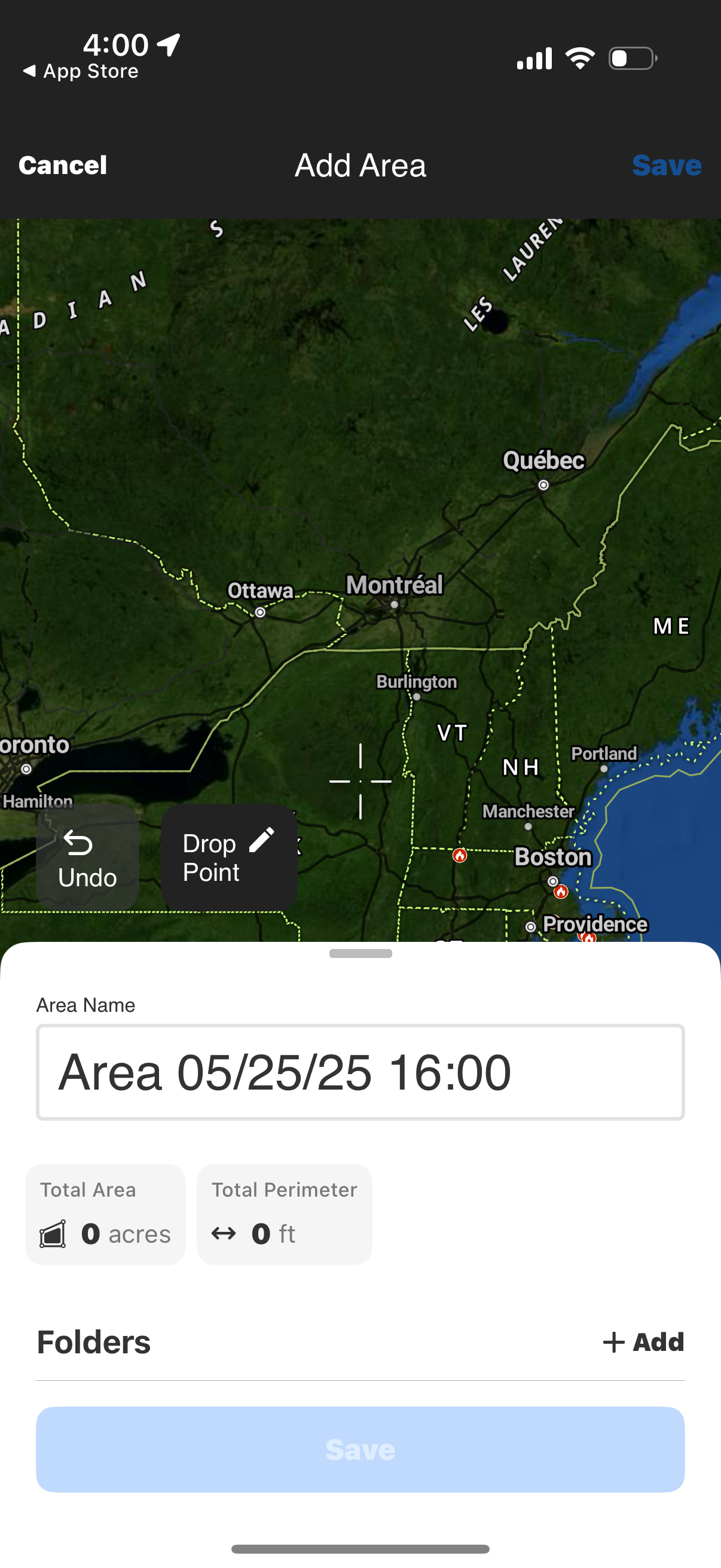
Map-based “Add Area” screen for creating a geofenced polygon by dropping points
onx-backcountry
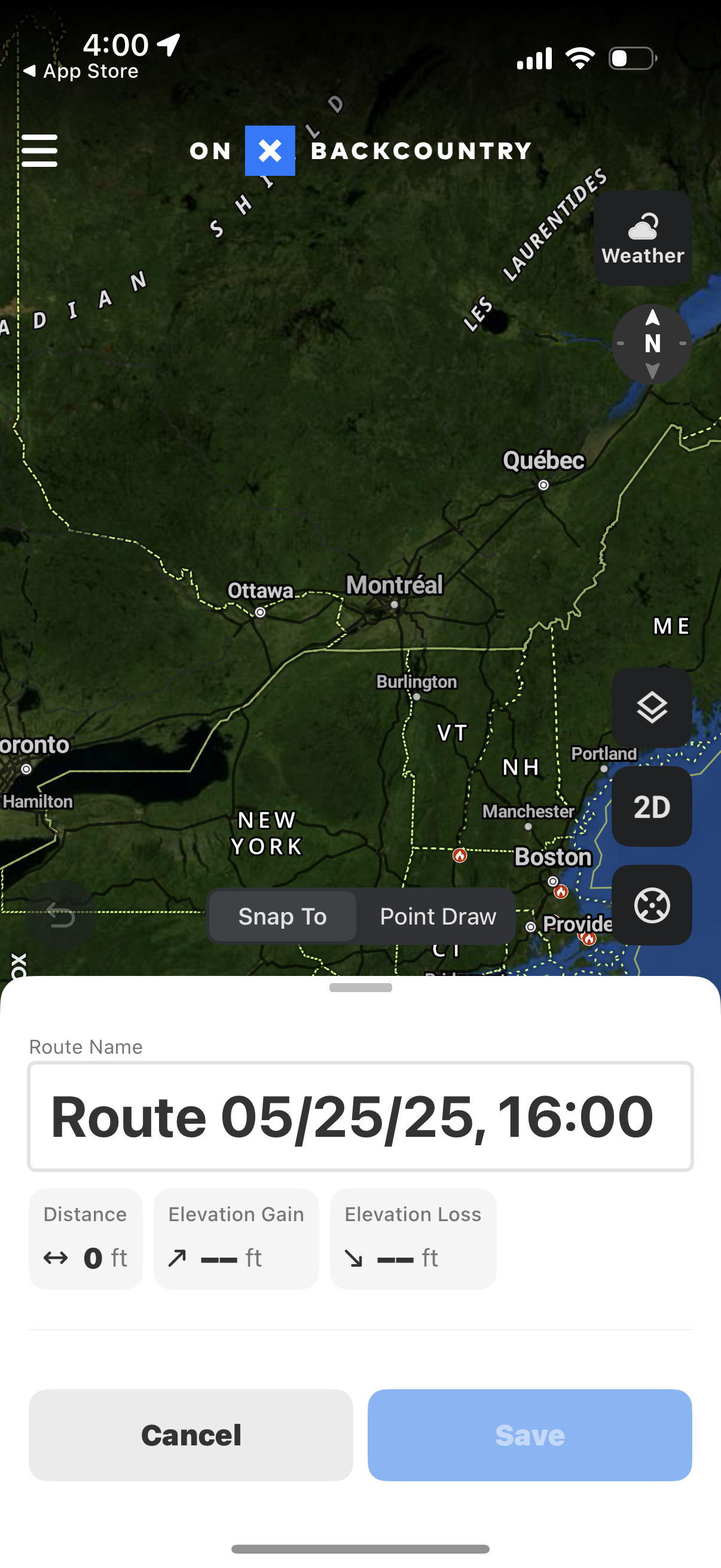
Map-based route planning screen for an outdoor/backcountry app showing a region
onx-backcountry
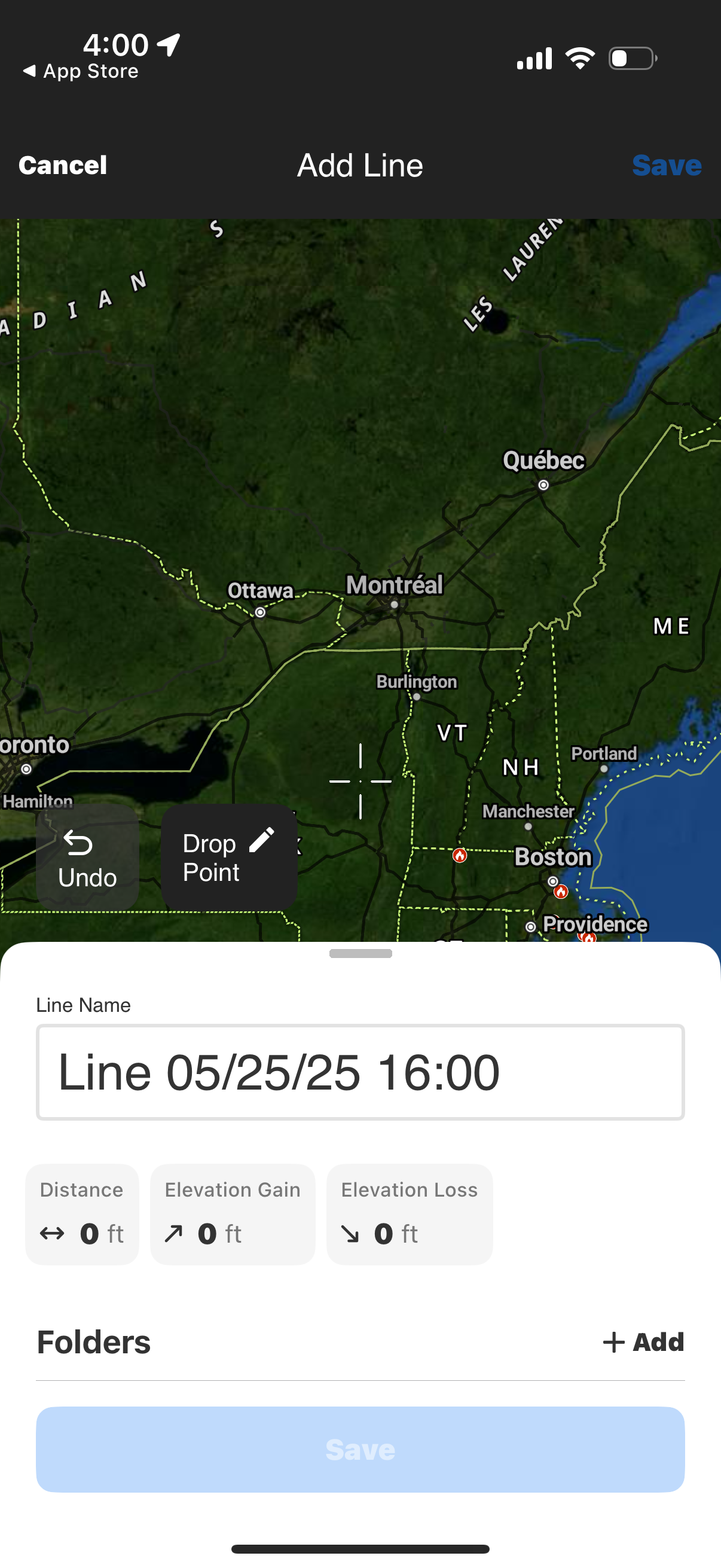
Map-based “Add Line” screen for creating a custom route by dropping points on a
onx-backcountry
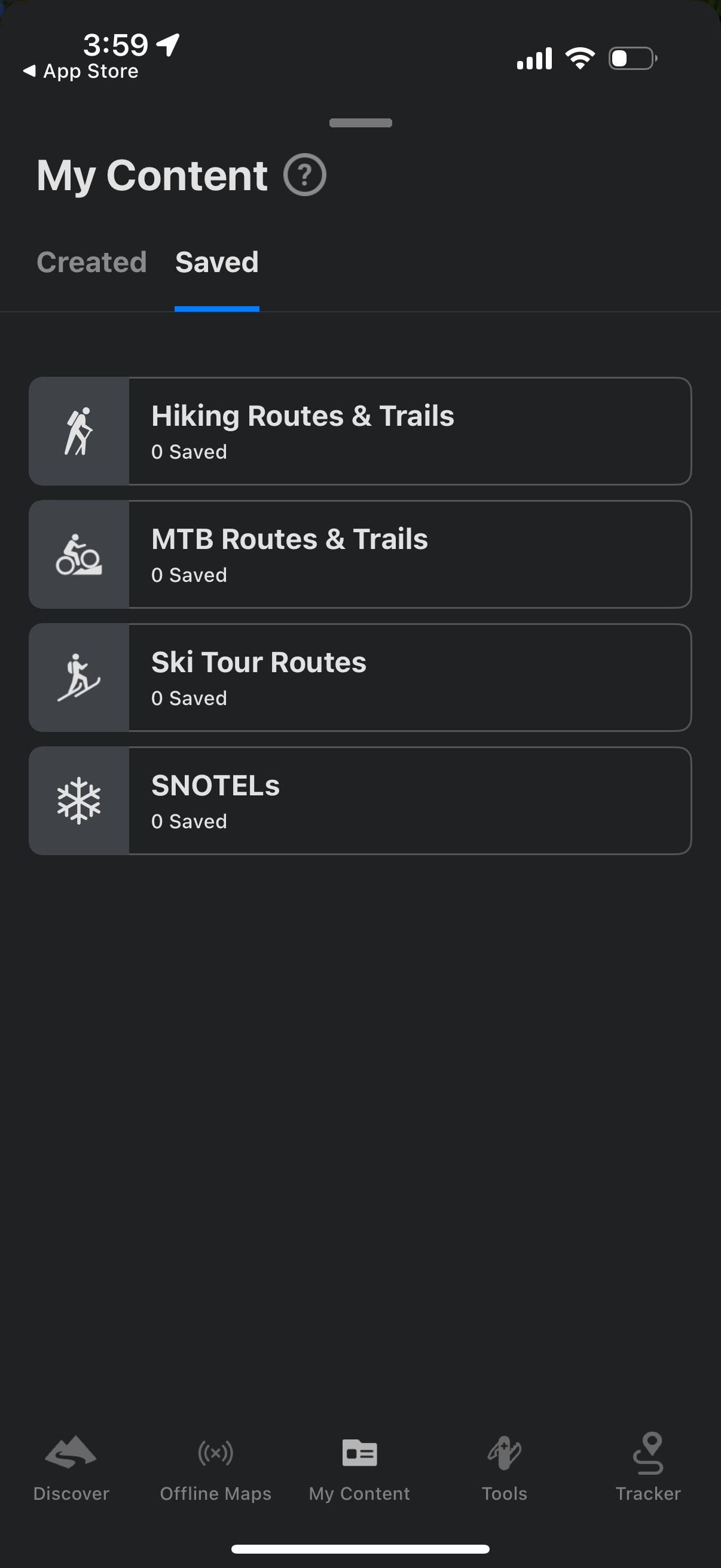
My Content screen showing a Saved tab where users can view and manage saved outd
onx-backcountry
GPS mapping app showing a regional map with a bottom sheet “Tools” menu for plan
onx-backcountry
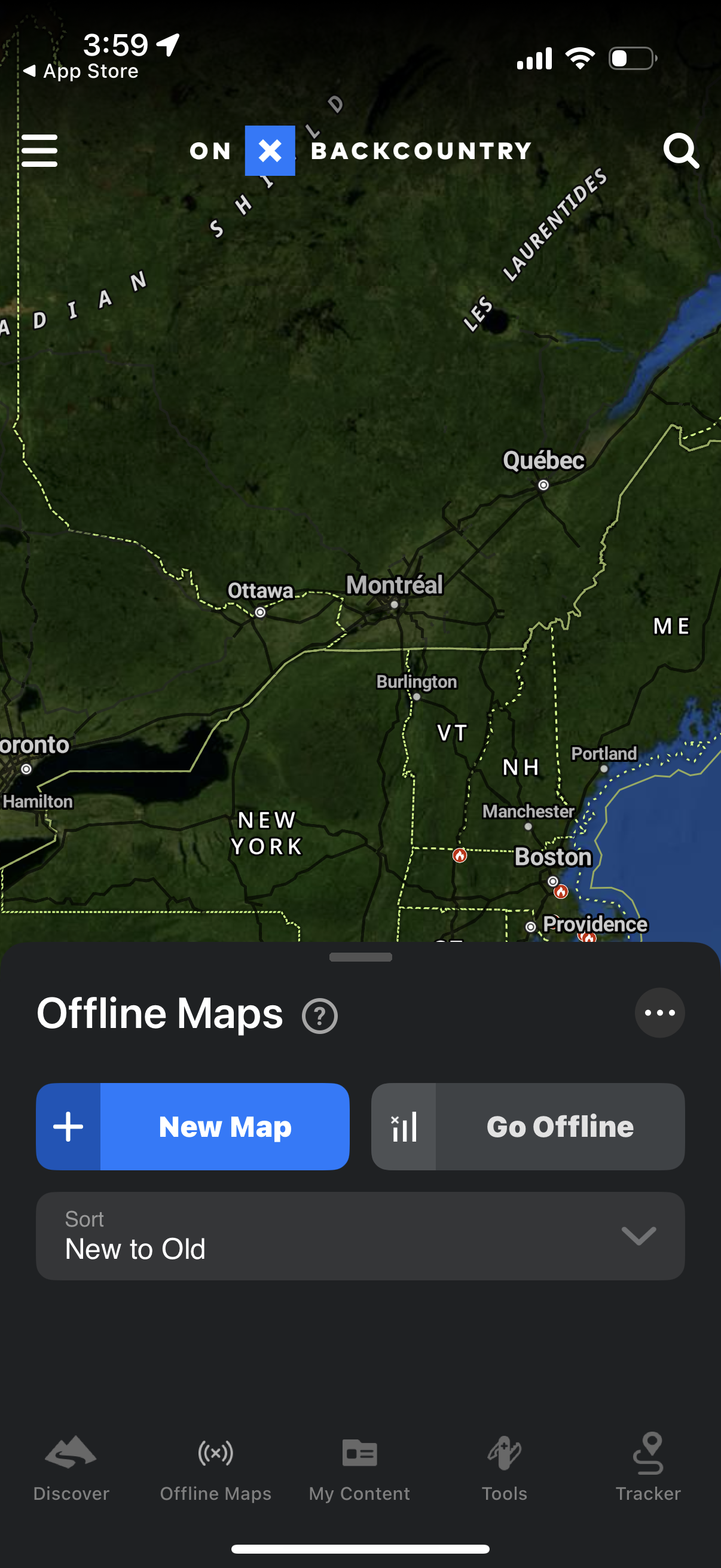
Offline maps management screen in a navigation/backcountry app showing a map vie
onx-backcountry
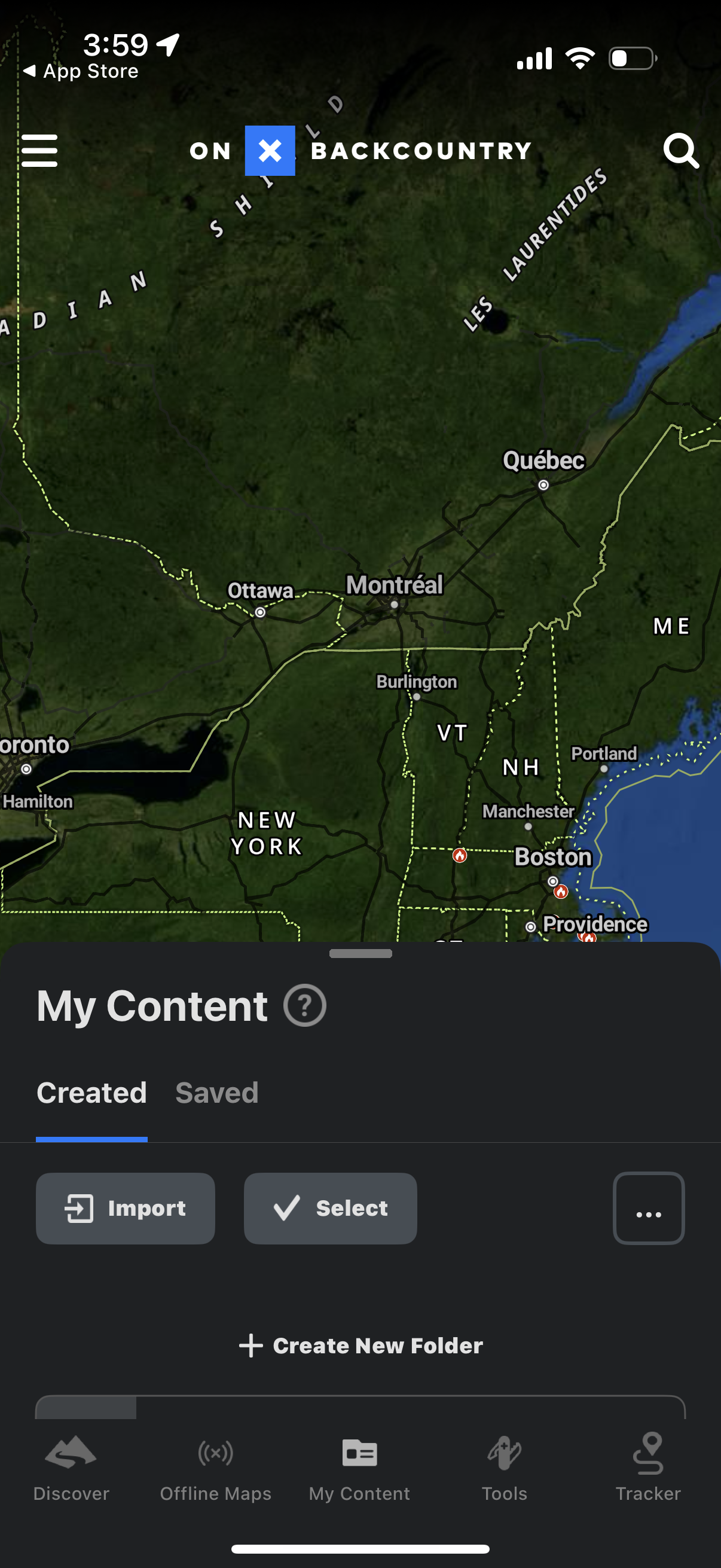
Offline mapping app “My Content” screen showing a map background with a bottom s
onx-backcountry
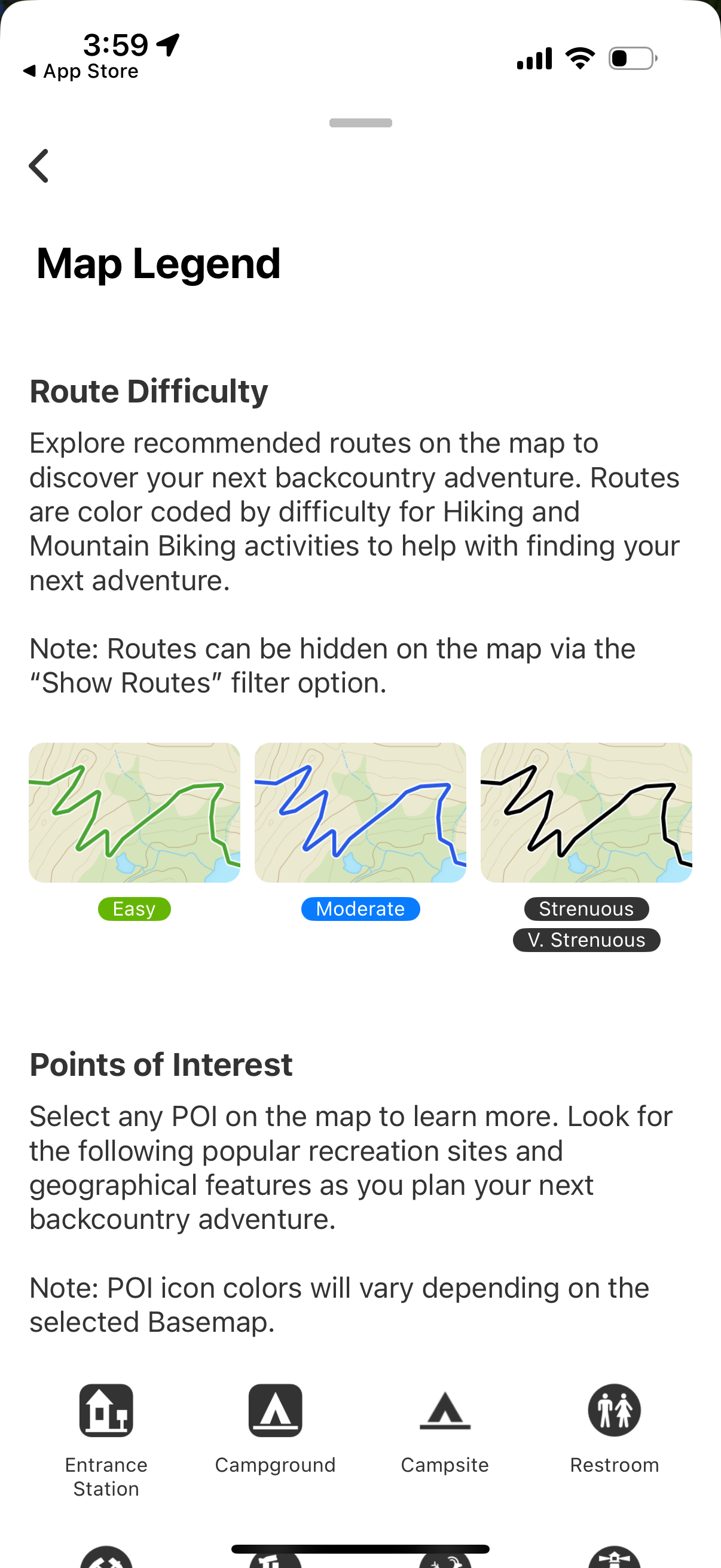
Map legend help screen for an outdoor navigation app explaining color-coded rout
onx-backcountry
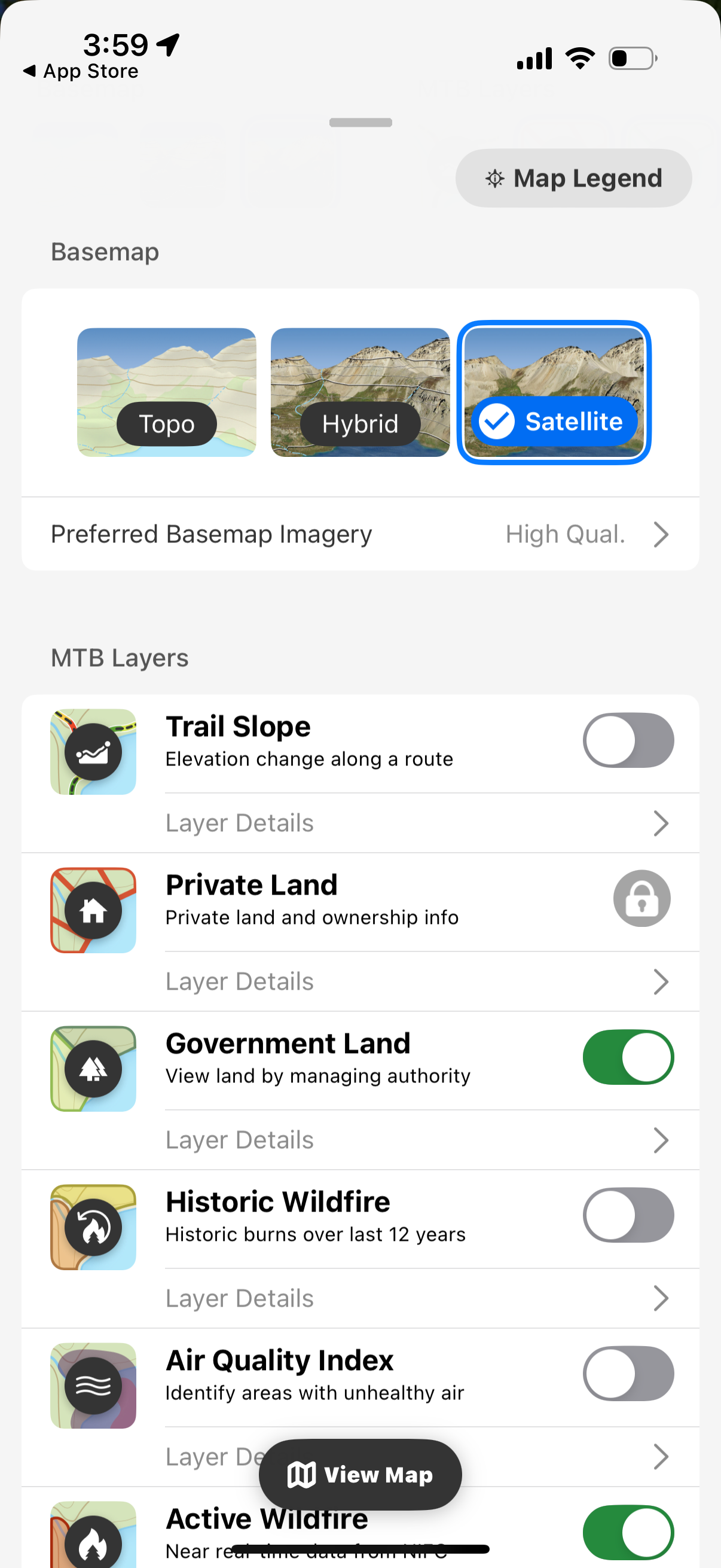
Map settings screen for choosing a basemap style (Topo, Hybrid, Satellite) and s
onx-backcountry
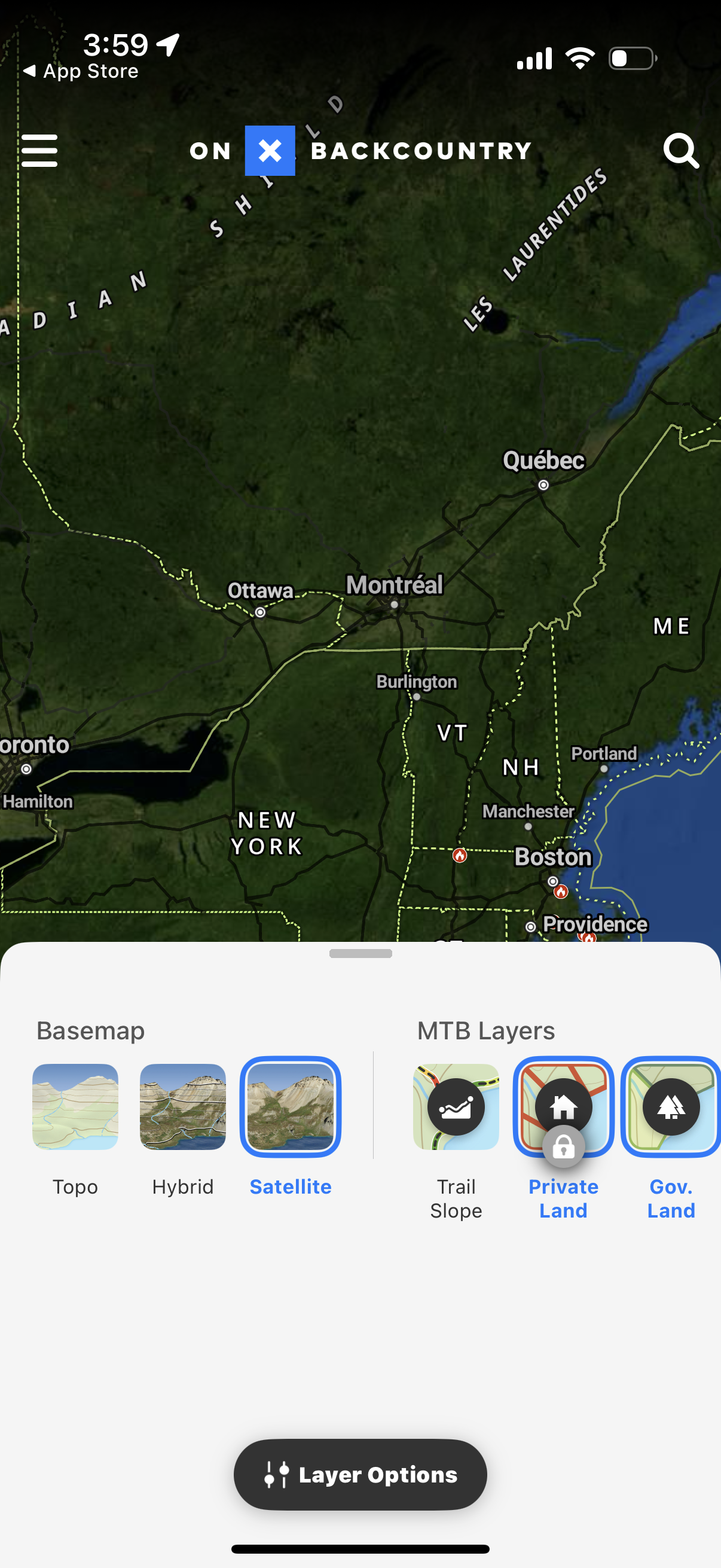
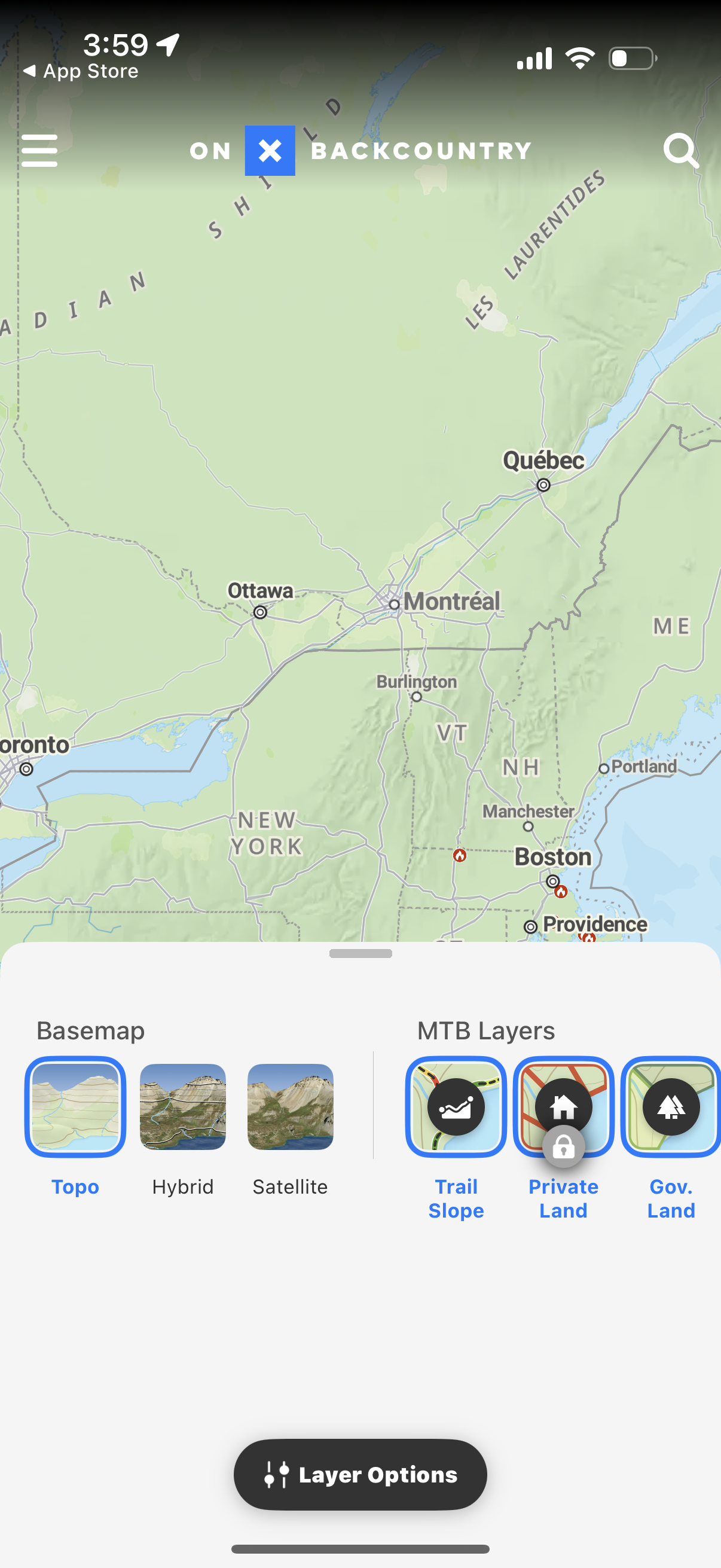
Map view with a bottom sheet for layer selection, letting users switch the basem
onx-backcountry
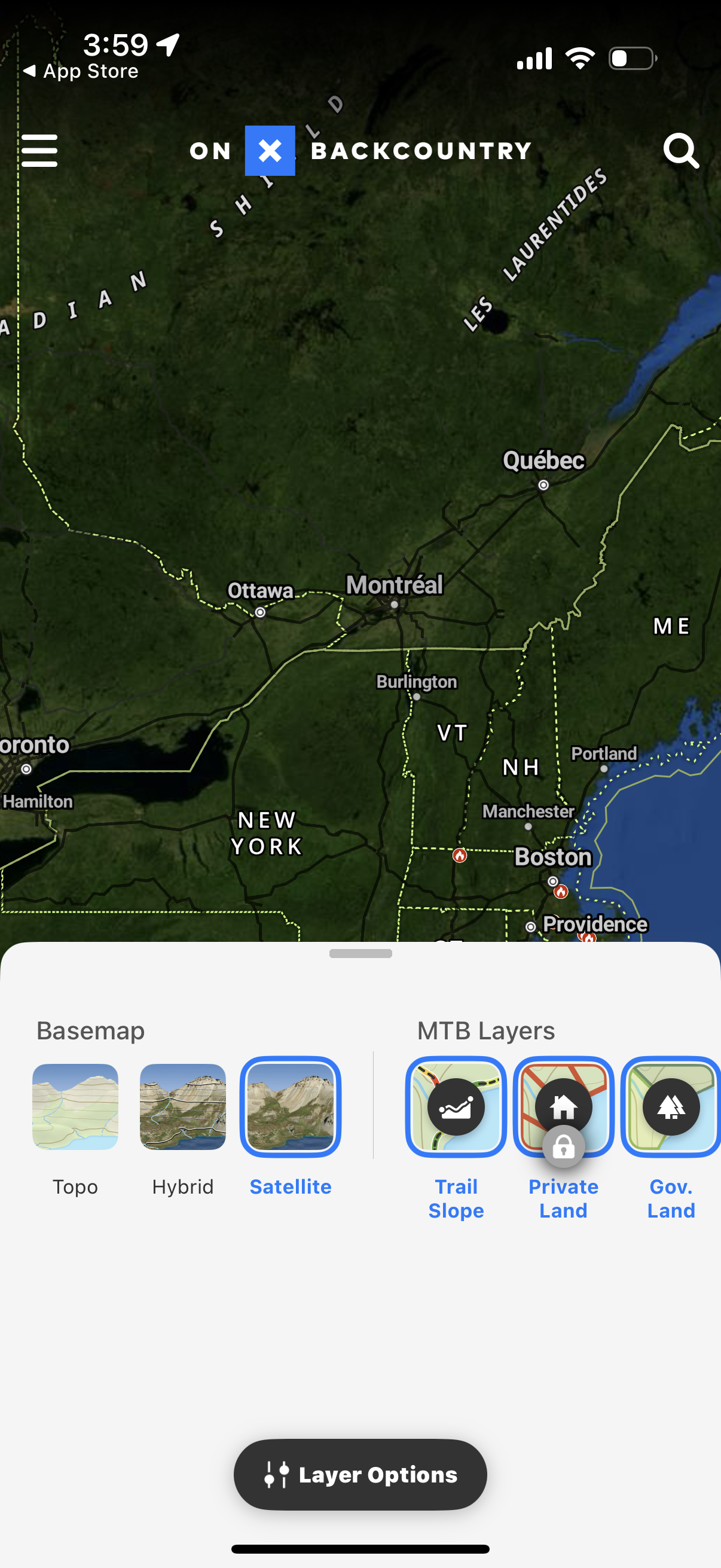
Map view with a bottom sheet for selecting map layers, including basemap options
onx-backcountry
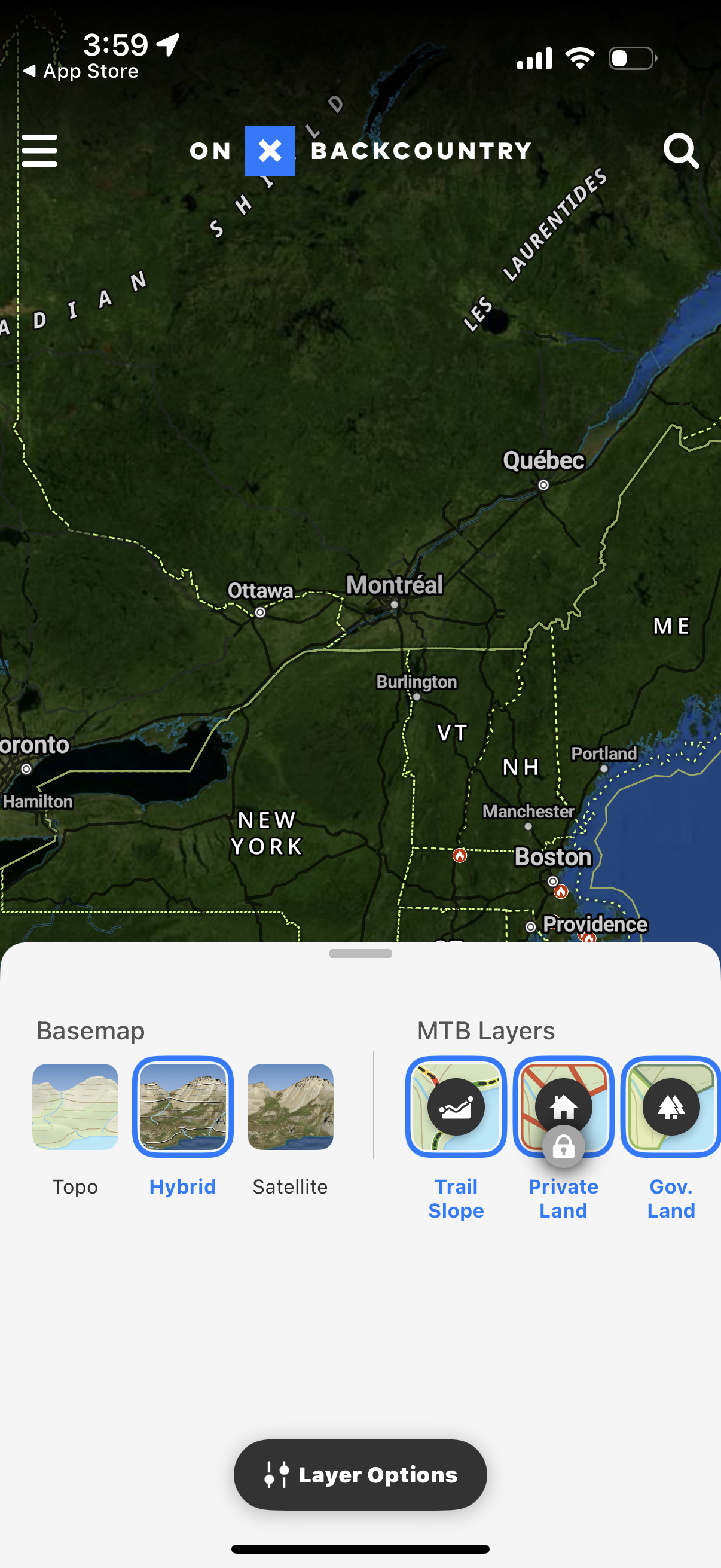
Map screen with a bottom sheet for selecting basemap style (topo, hybrid, satell
onx-backcountry
Map screen with a bottom sheet for layer selection, allowing users to switch bas
onx-backcountry
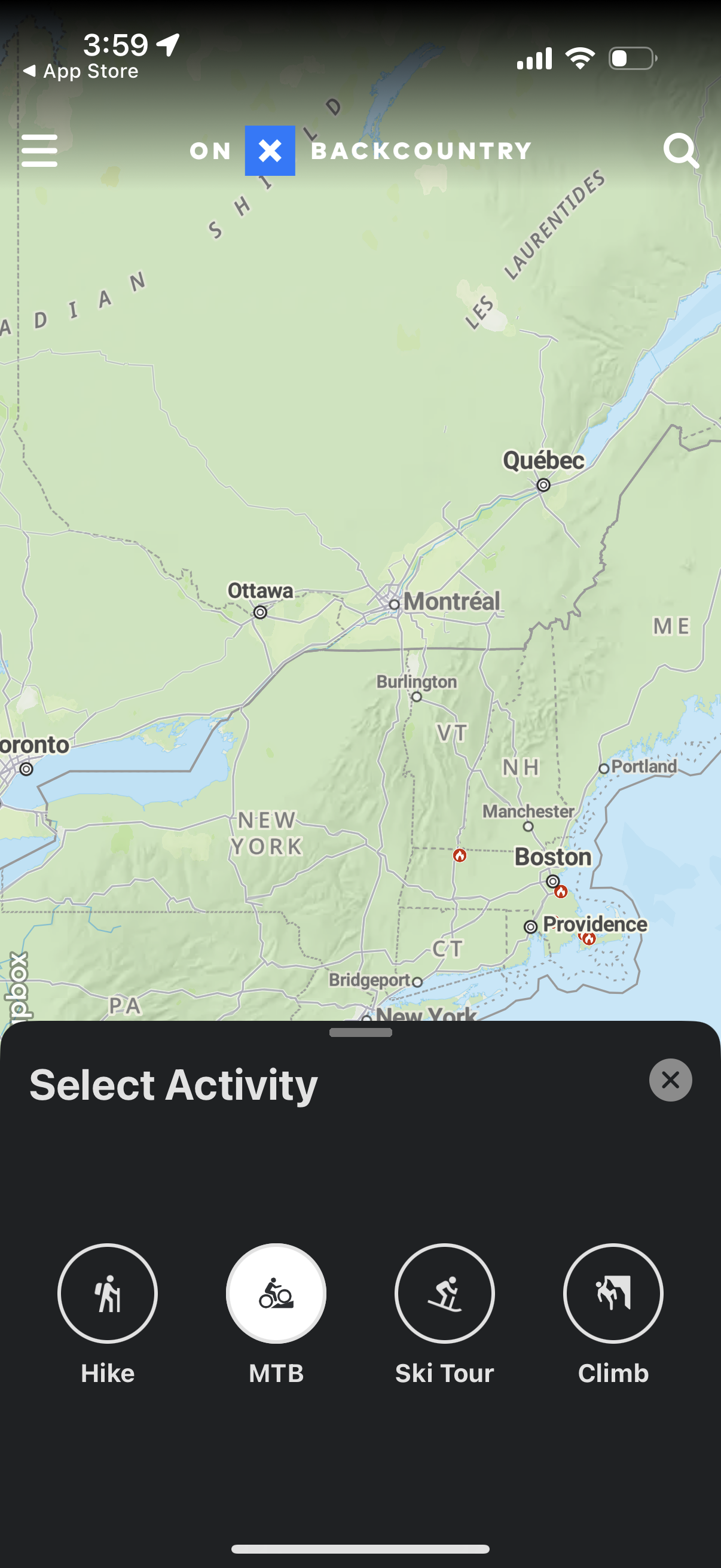
Map-based outdoor exploration screen with a bottom sheet prompting the user to s
onx-backcountry
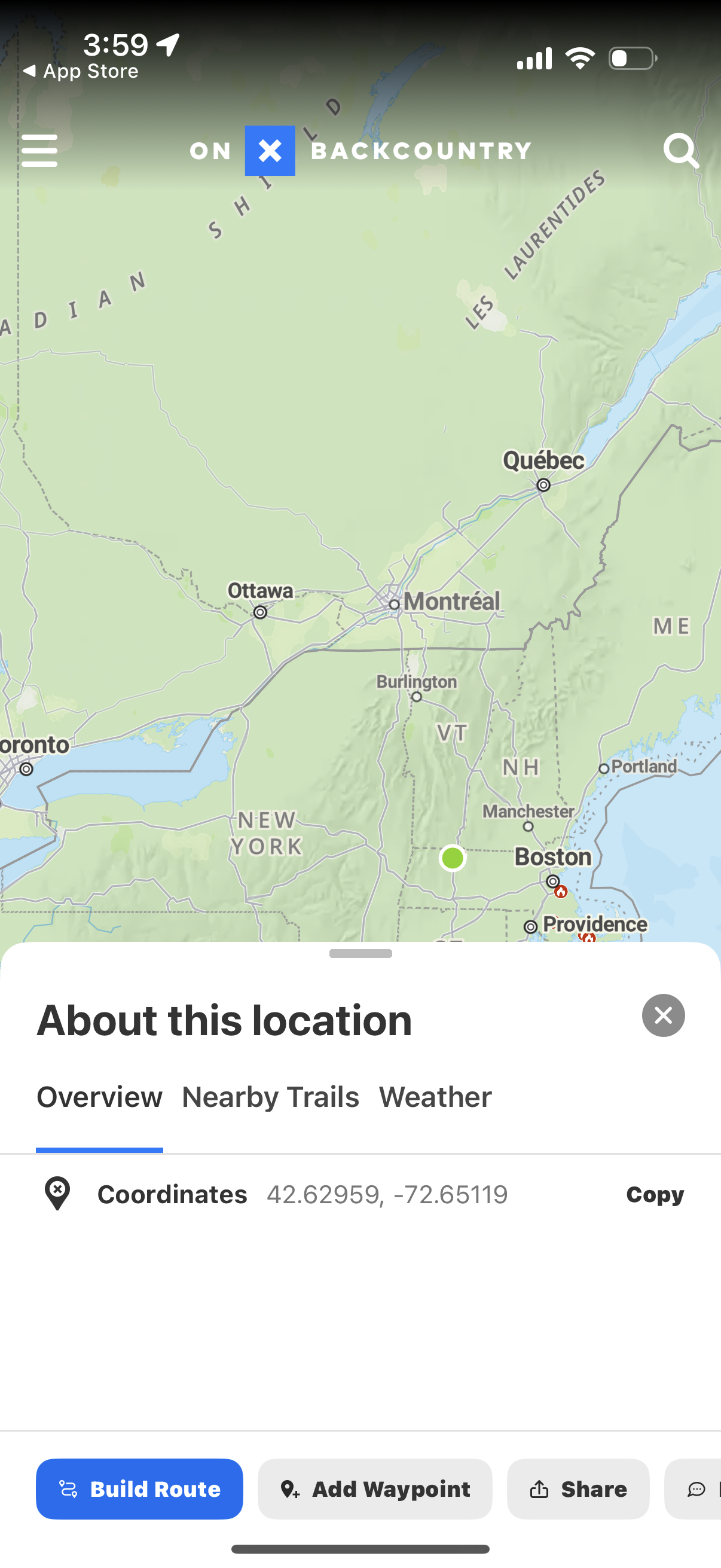
Map screen in an outdoor navigation app showing a selected location with a botto
onx-backcountry
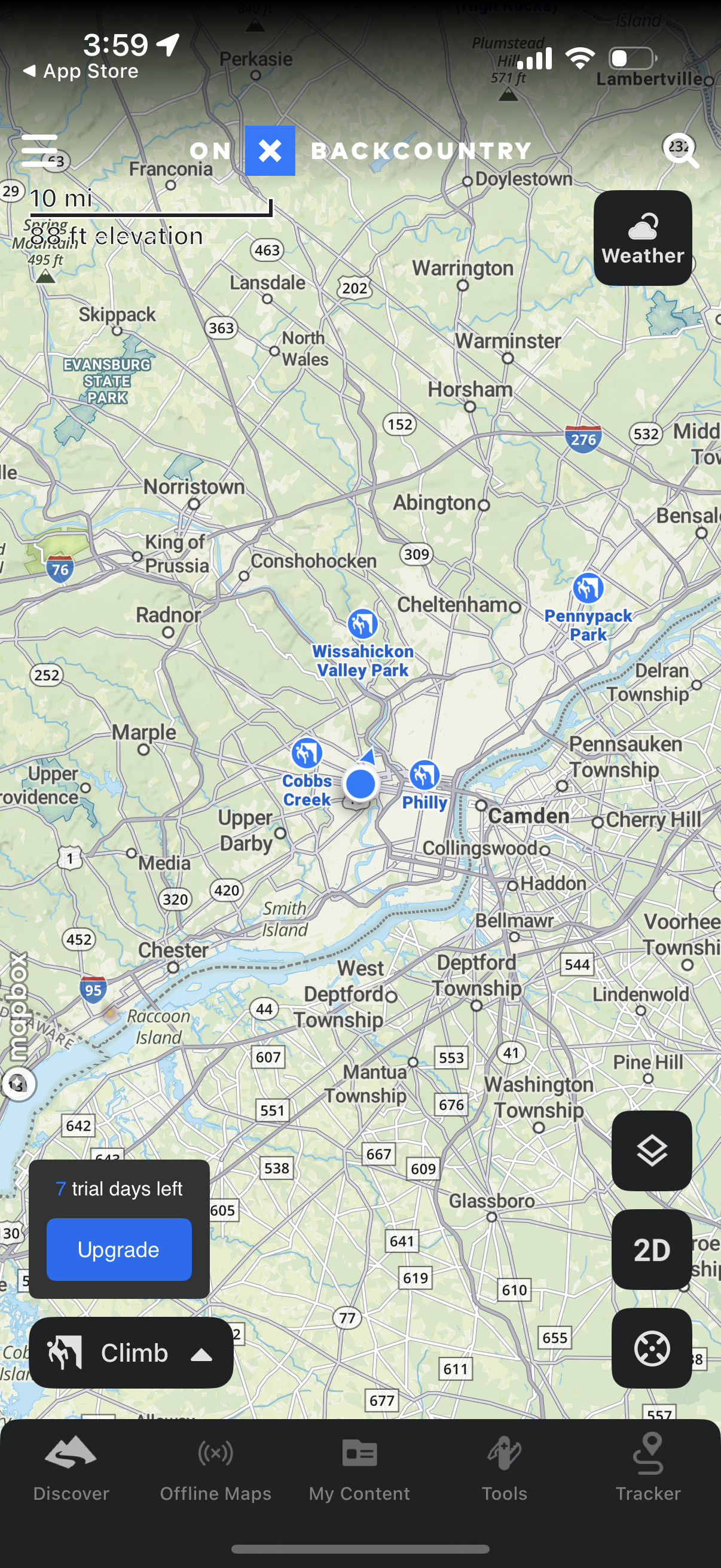
Outdoor navigation map screen showing the user’s current location on a regional
onx-backcountry
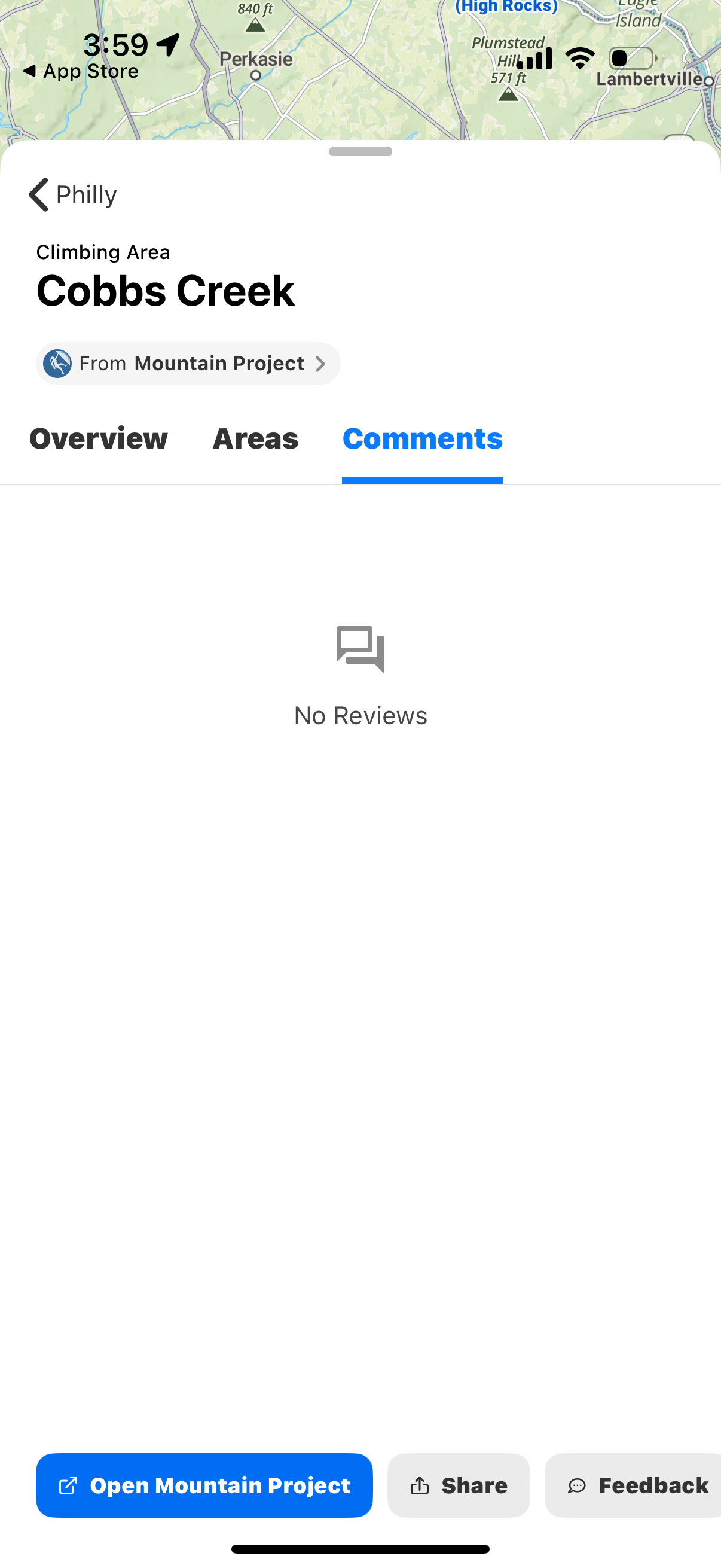
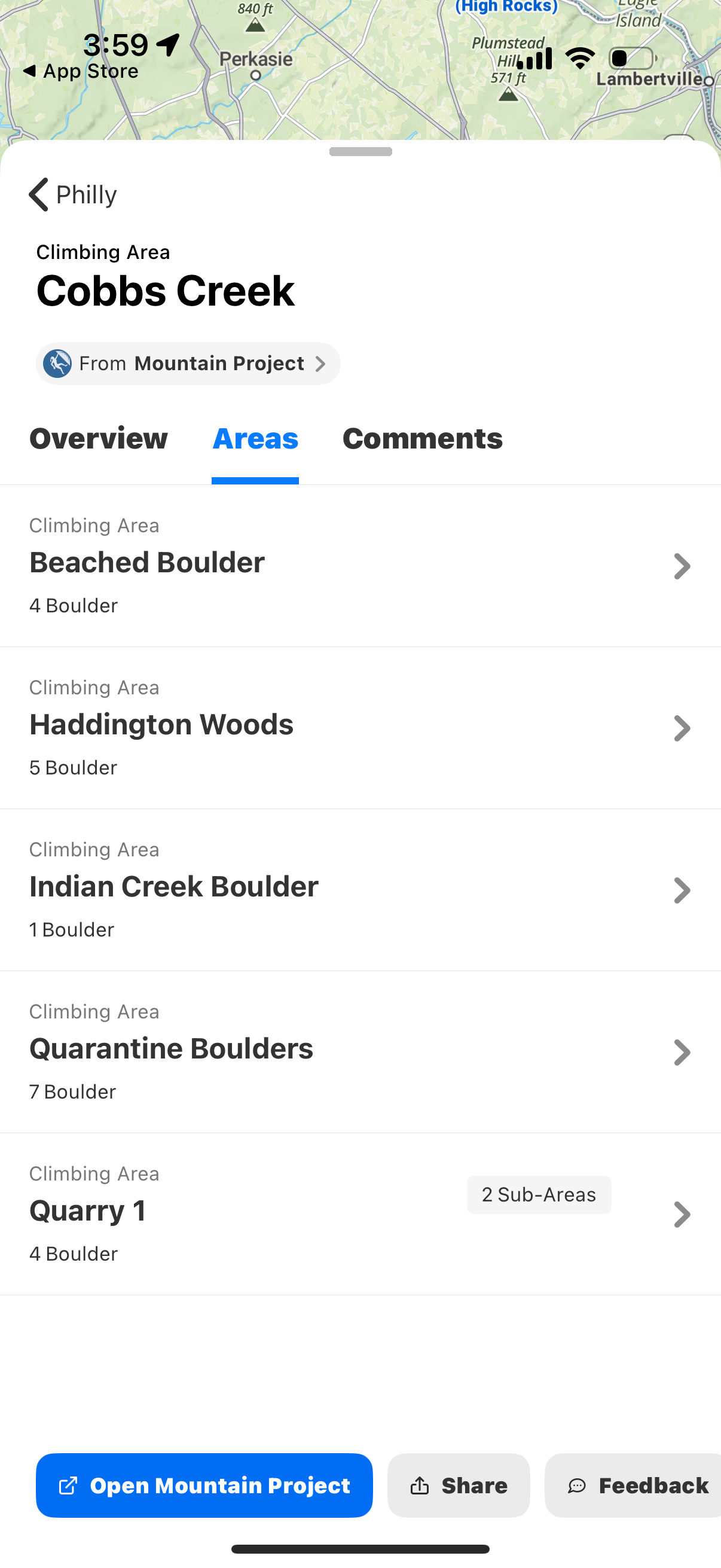
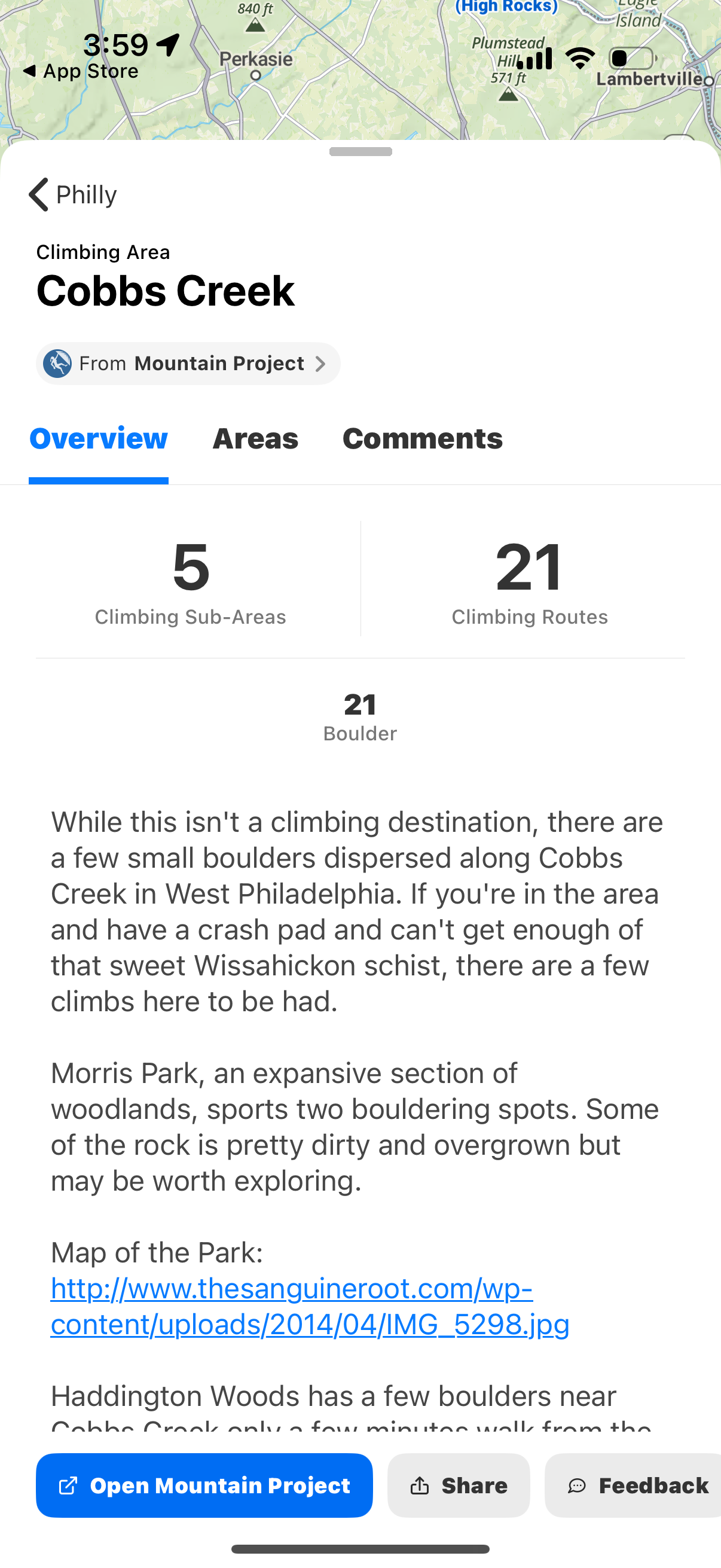
Detail screen for a climbing area showing the location name and a segmented tab
onx-backcountry
Detail screen for a climbing area showing tabs for Overview, Areas, and Comments
onx-backcountry
Detail page for a climbing area showing the location name and source, with tab n
onx-backcountry
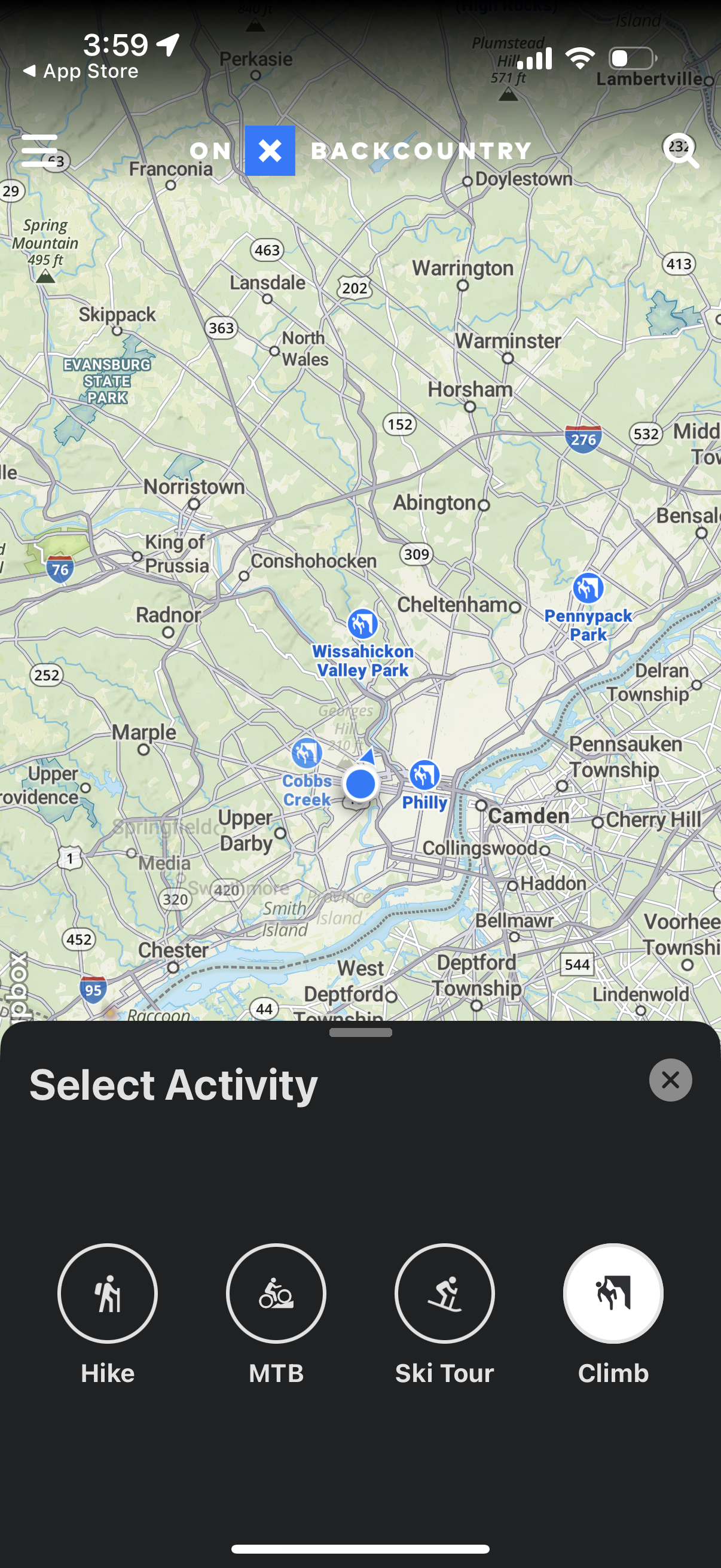
Map-based outdoors app screen with the user’s current location shown and a botto
onx-backcountry
Map-based outdoors app screen showing the user’s current location and a bottom s
onx-backcountry
Outdoor maps screen showing the user’s current location with nearby trail and pa
onx-backcountry
Map-based outdoor navigation screen showing the user’s current location and near
onx-backcountry
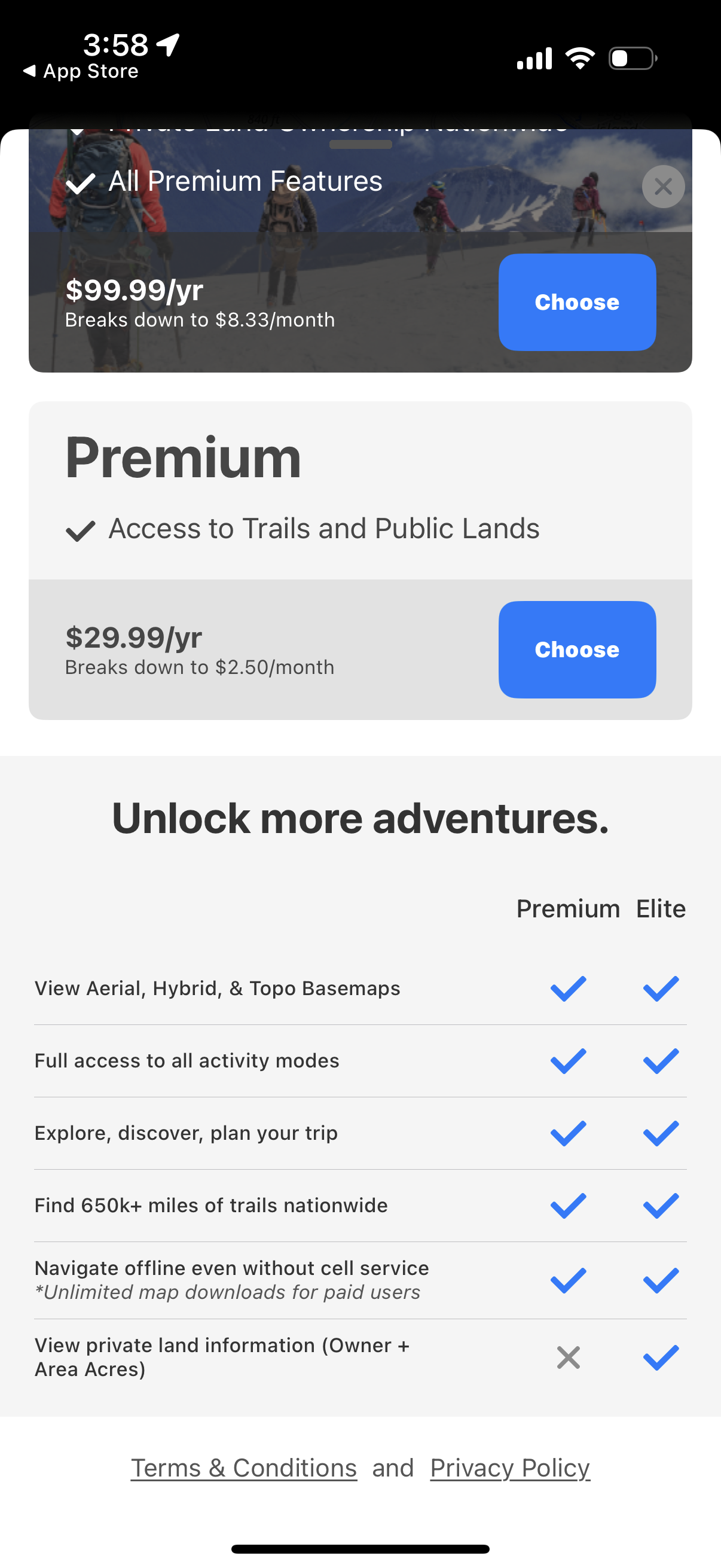
Subscription upgrade paywall for an outdoor trails app showing Premium vs Elite
onx-backcountry
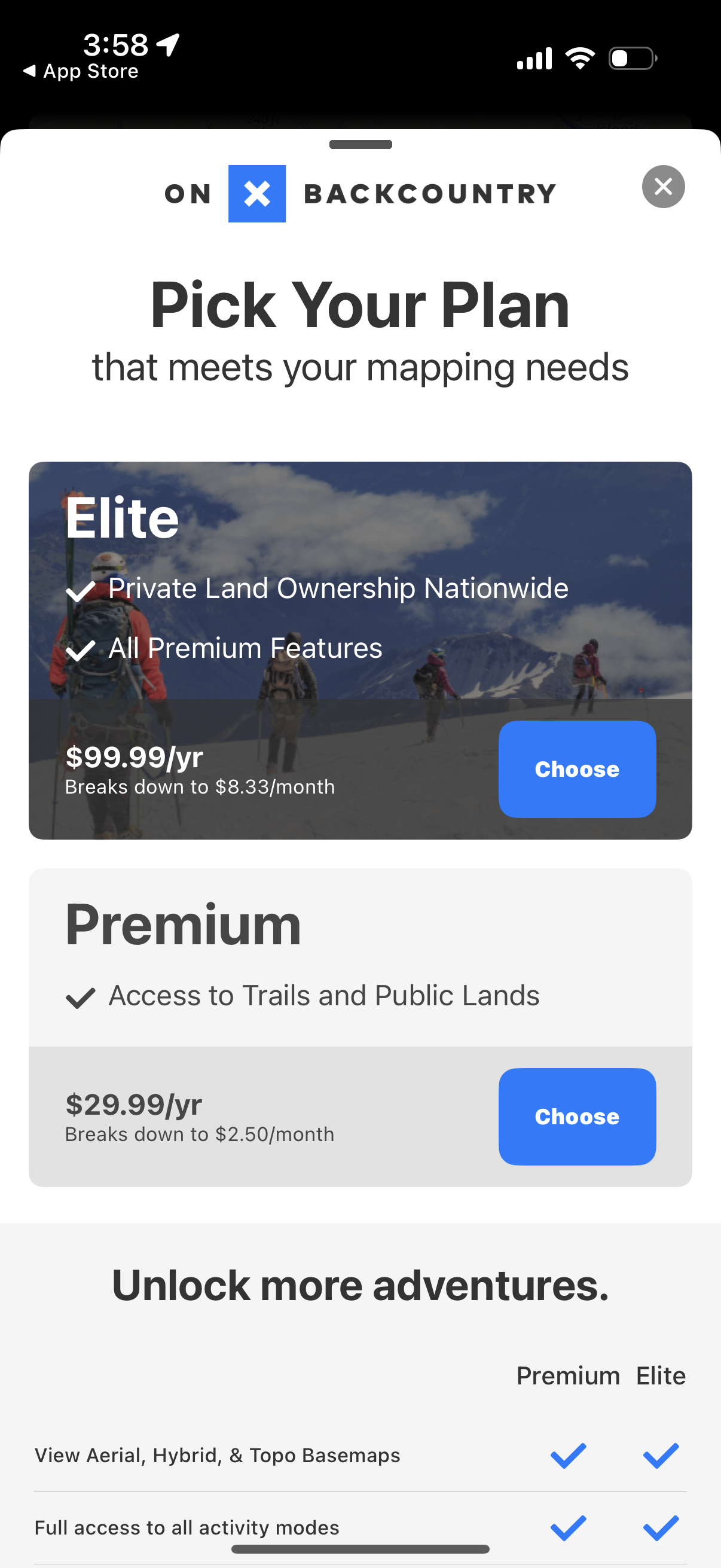
Subscription paywall plan selection screen for a mapping/outdoor navigation app,
onx-backcountry
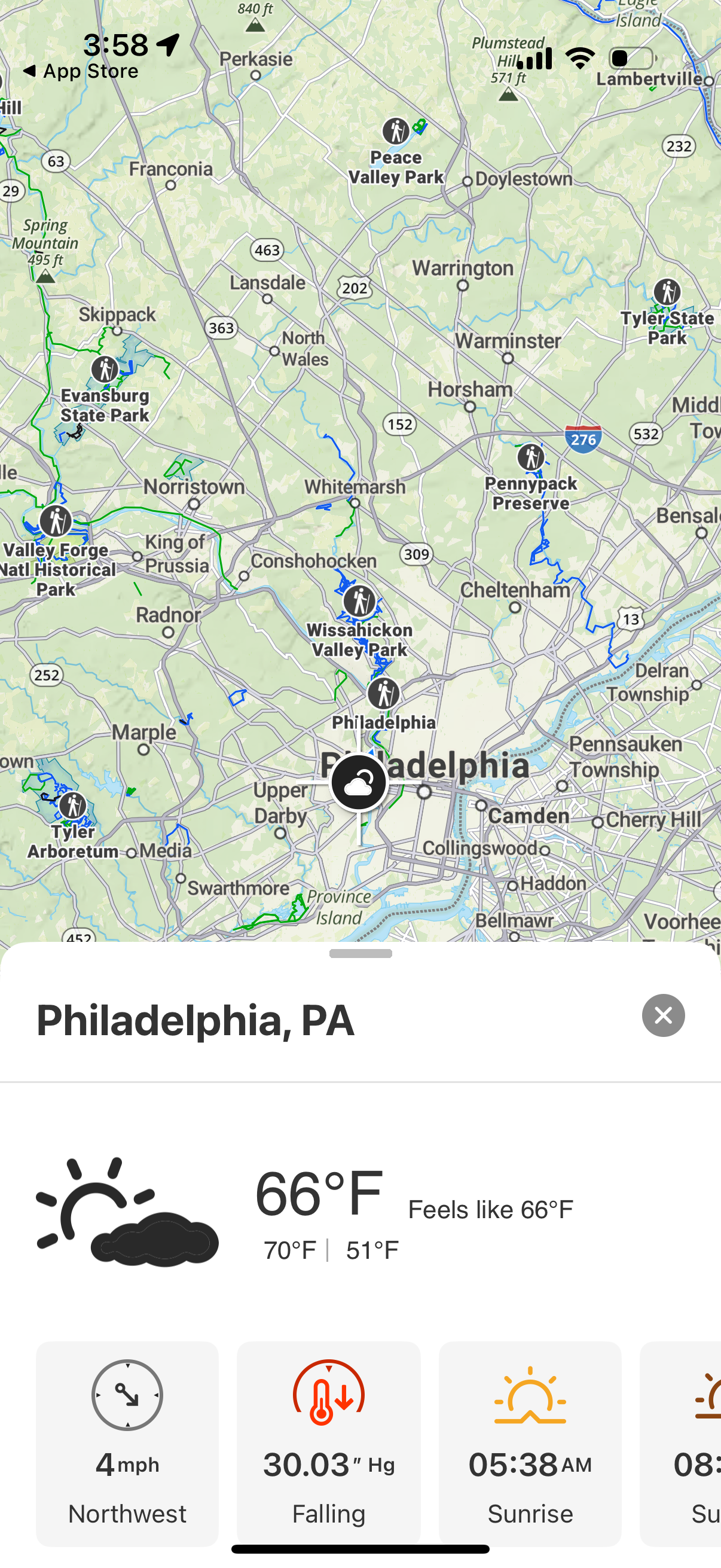
Weather app map view centered on a city with a draggable bottom sheet showing th
onx-backcountry
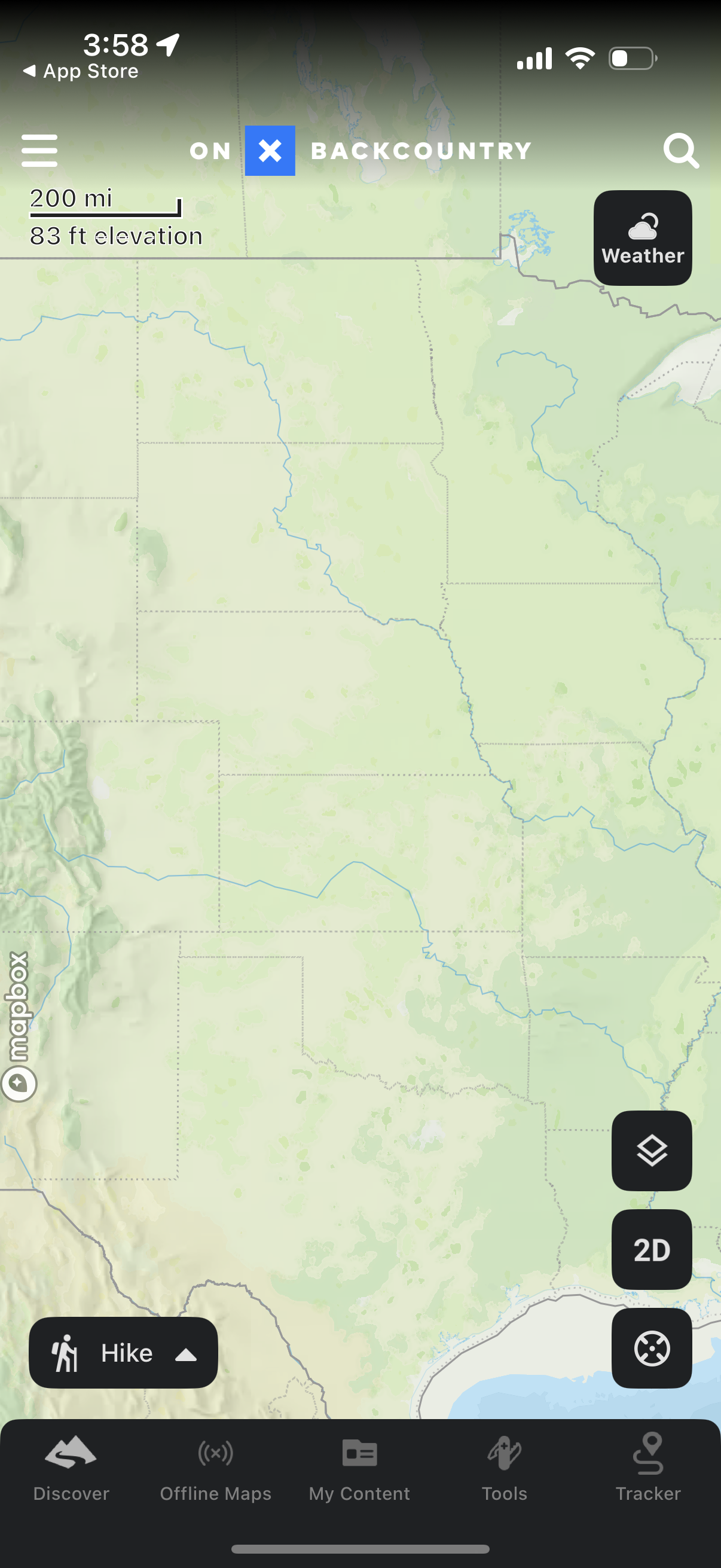
Outdoor navigation map screen showing a large interactive terrain map with menu
onx-backcountry
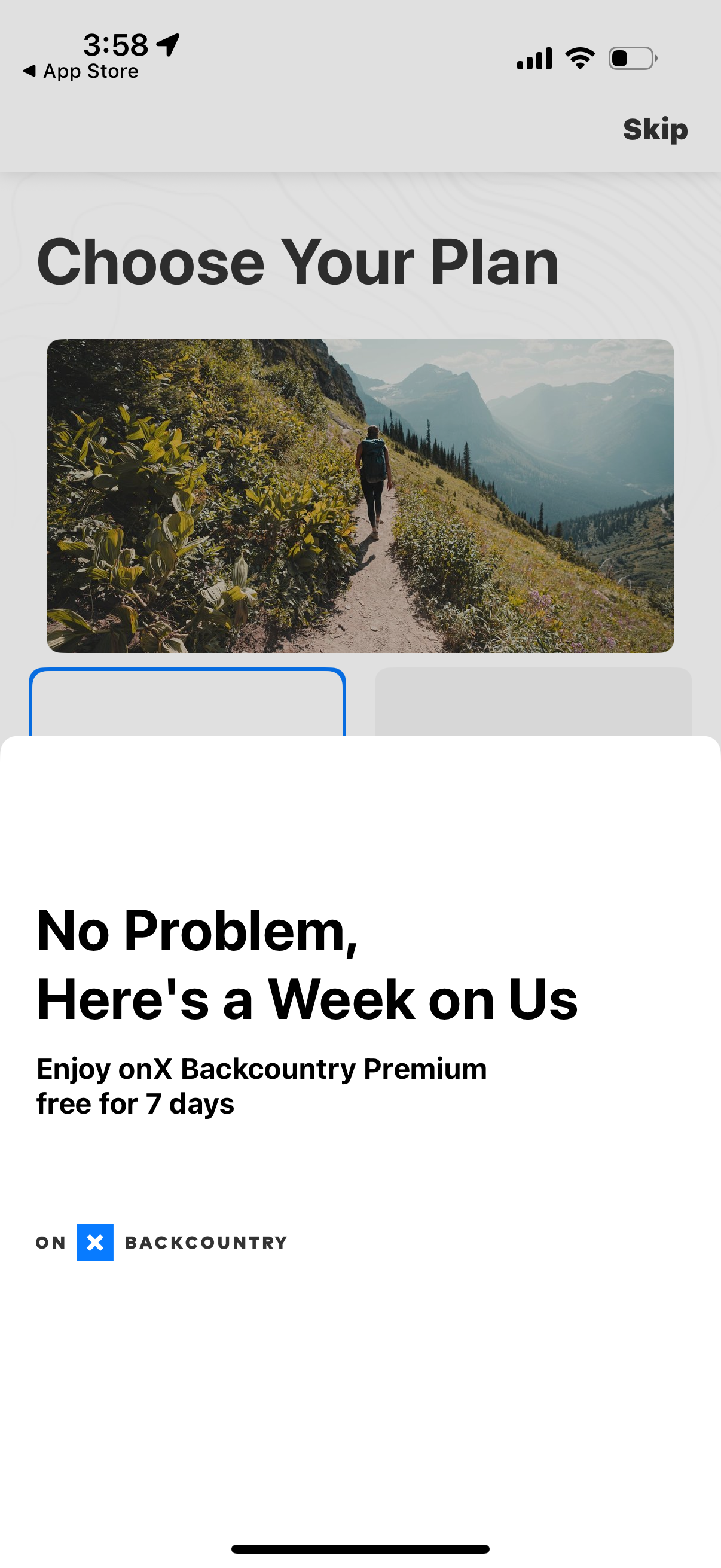
Subscription plan selection screen promoting a premium upgrade with a 7-day free
onx-backcountry
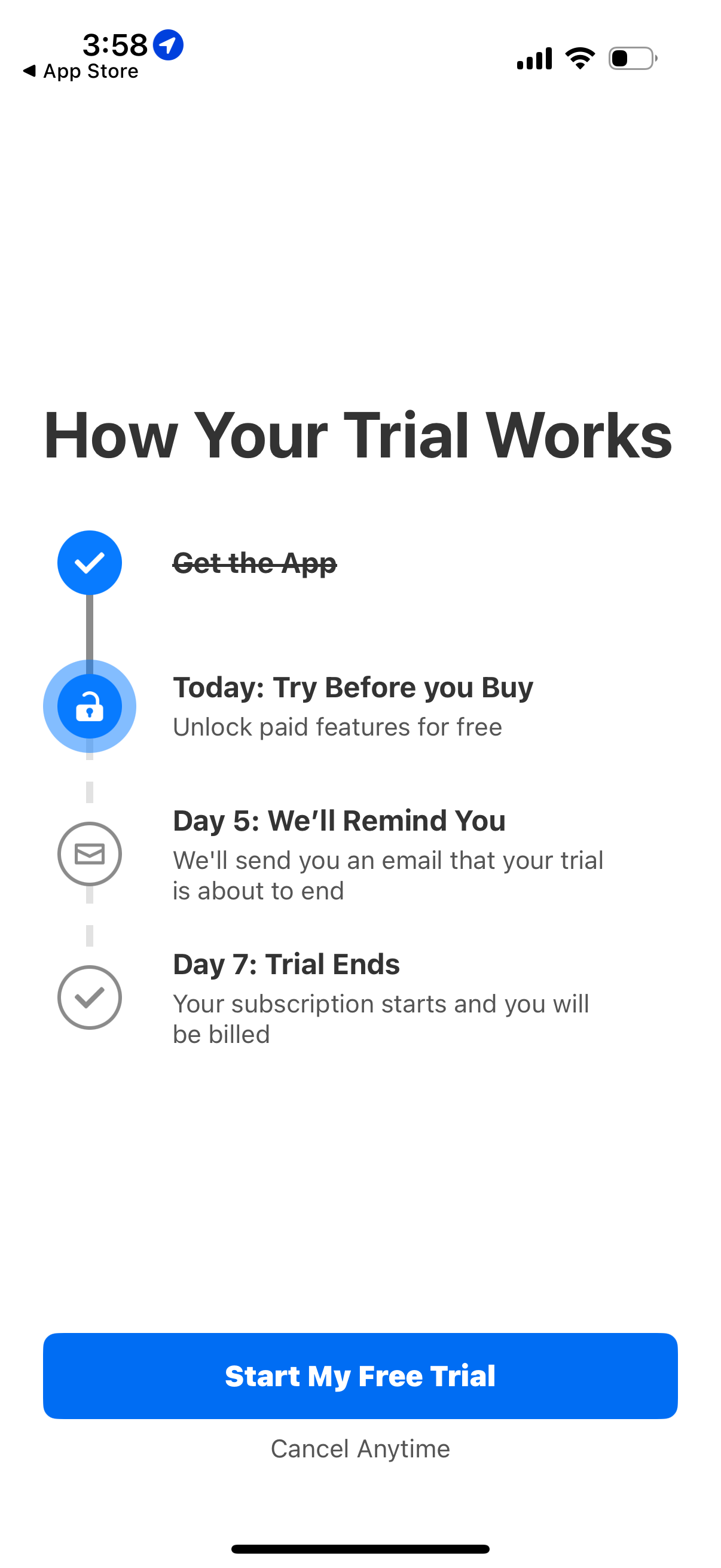
Subscription free trial onboarding screen explaining how the trial works with a
onx-backcountry
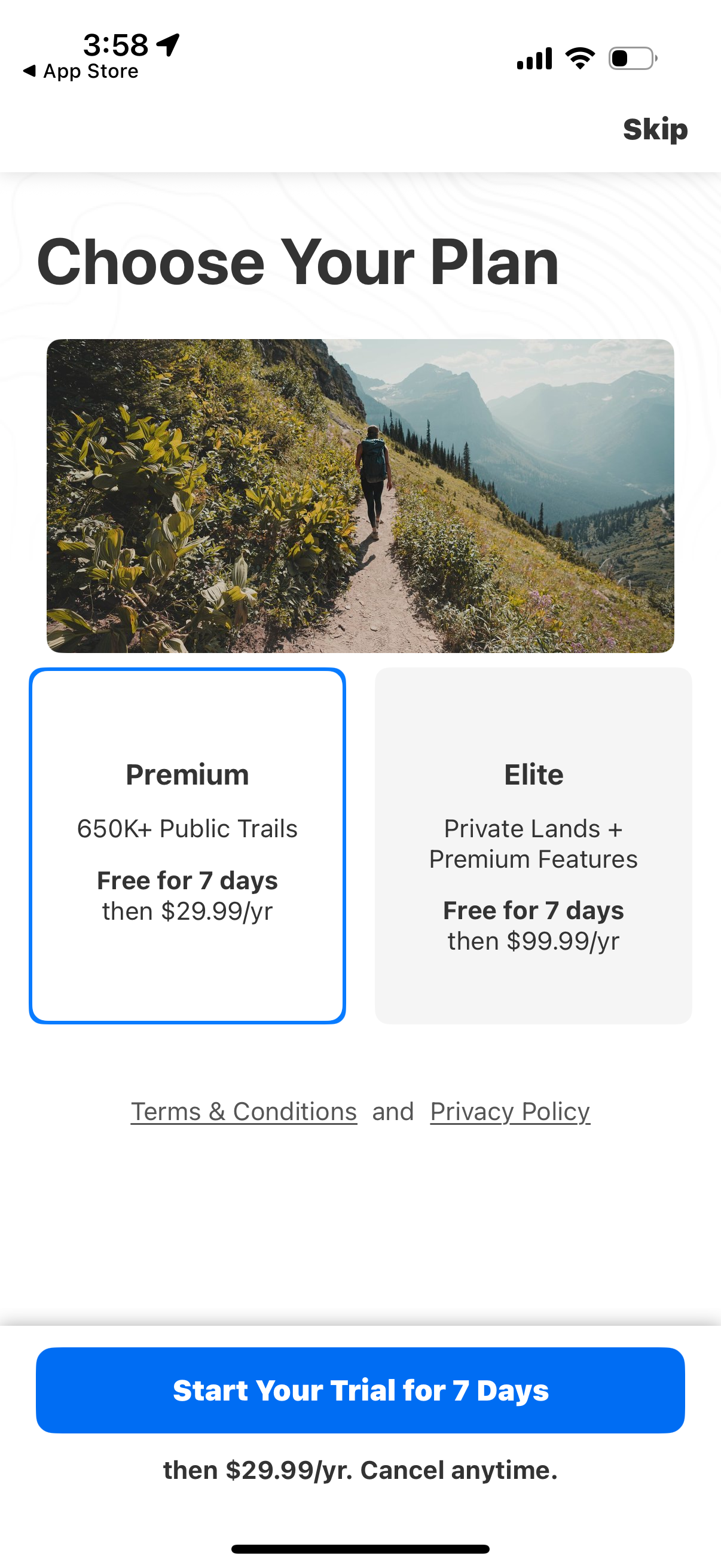
Subscription paywall screen prompting users to choose a plan, comparing Premium
onx-backcountry
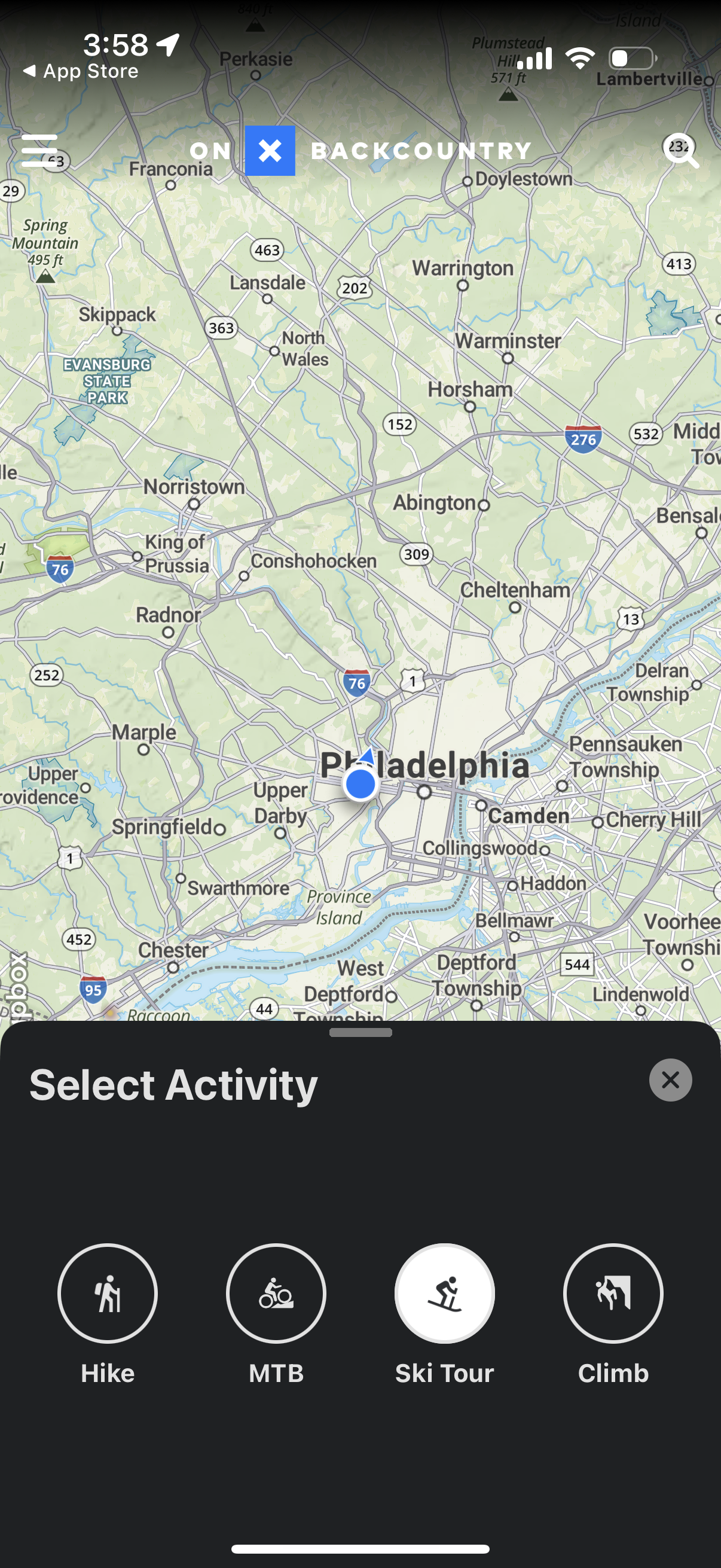
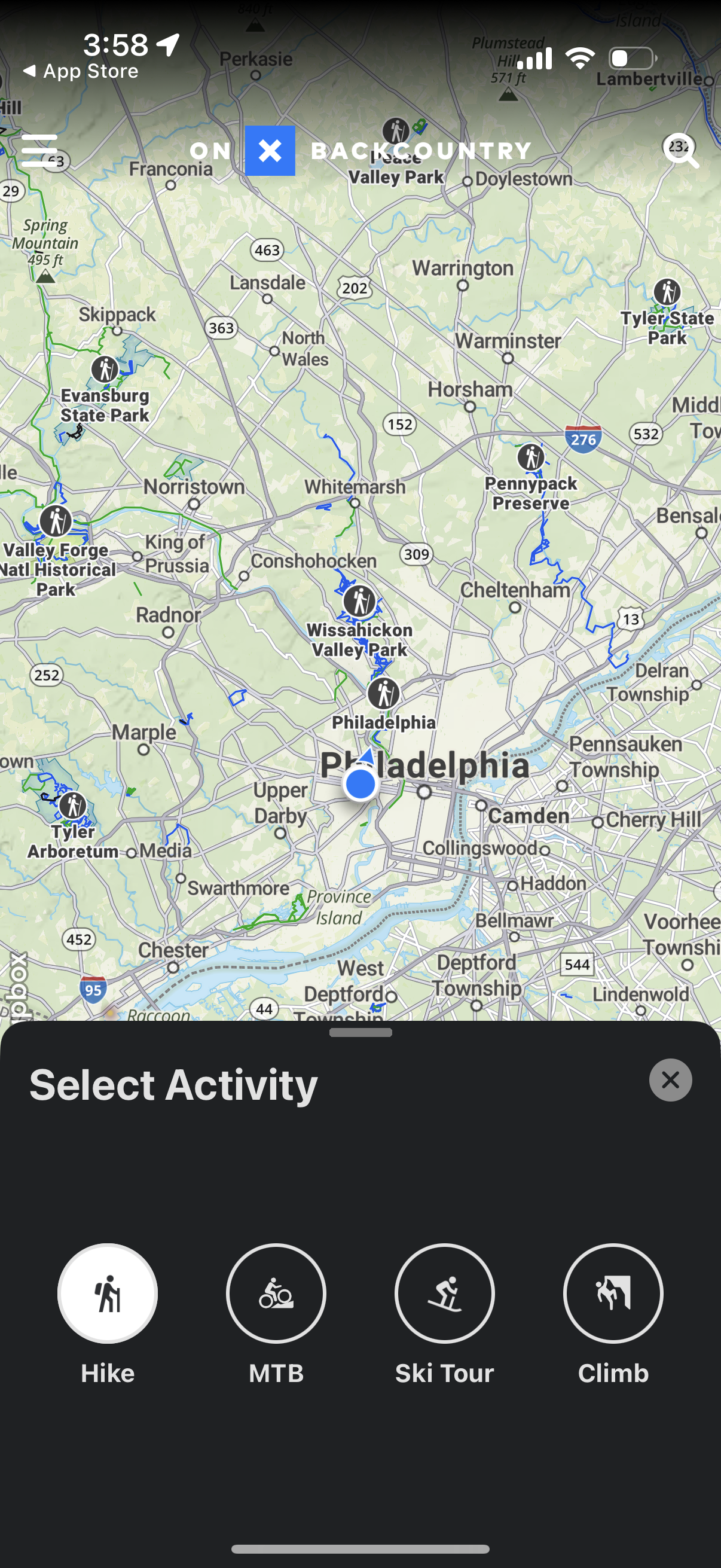
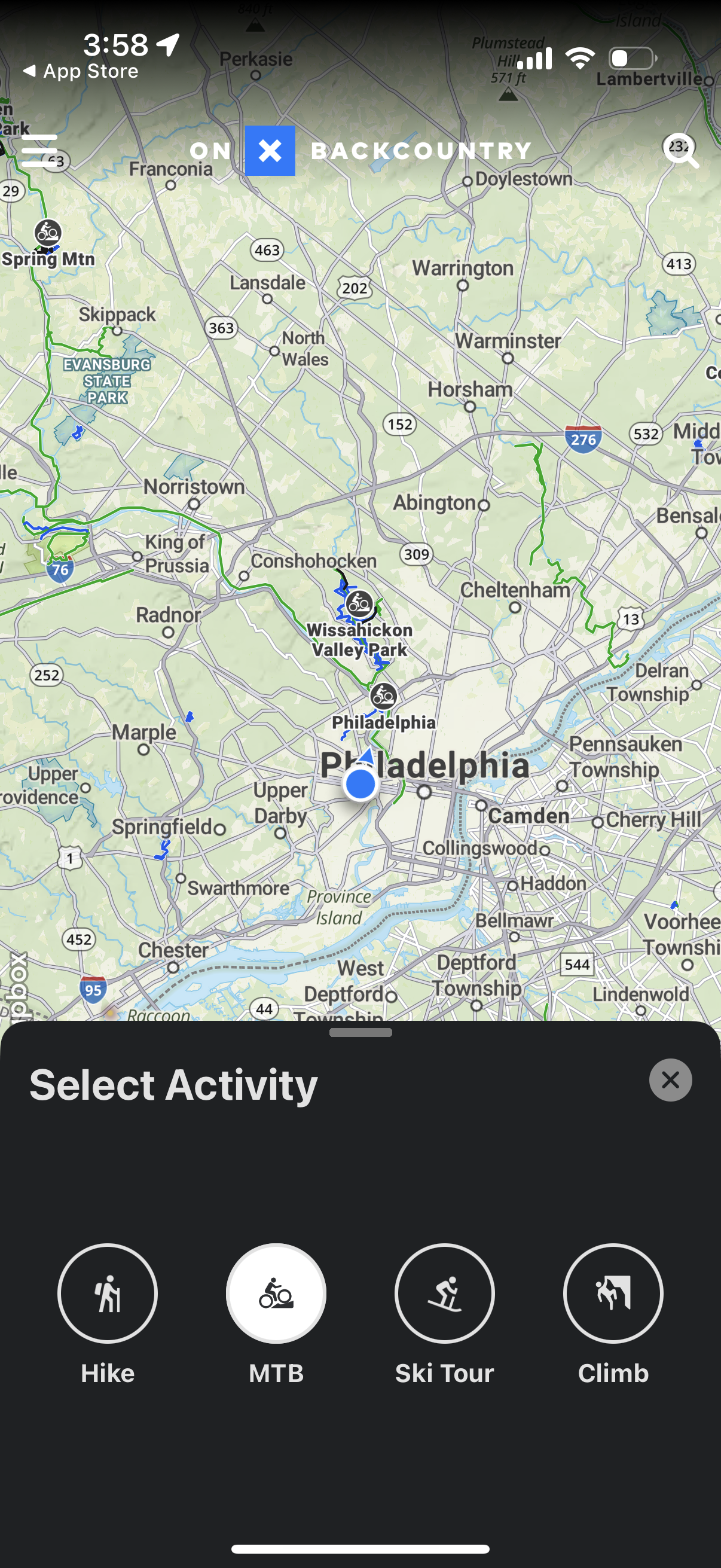
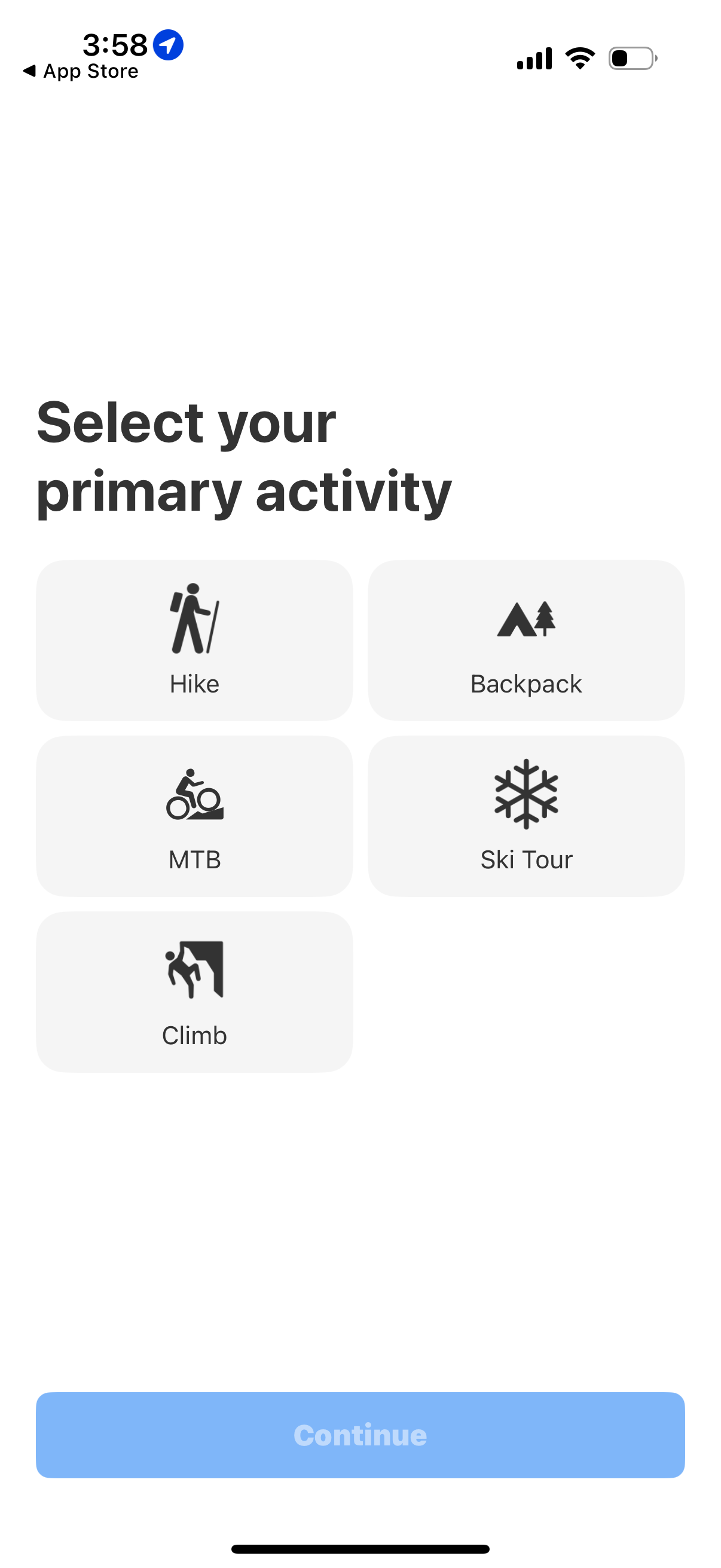
Onboarding preference screen asking the user to select their primary outdoor act
onx-backcountry
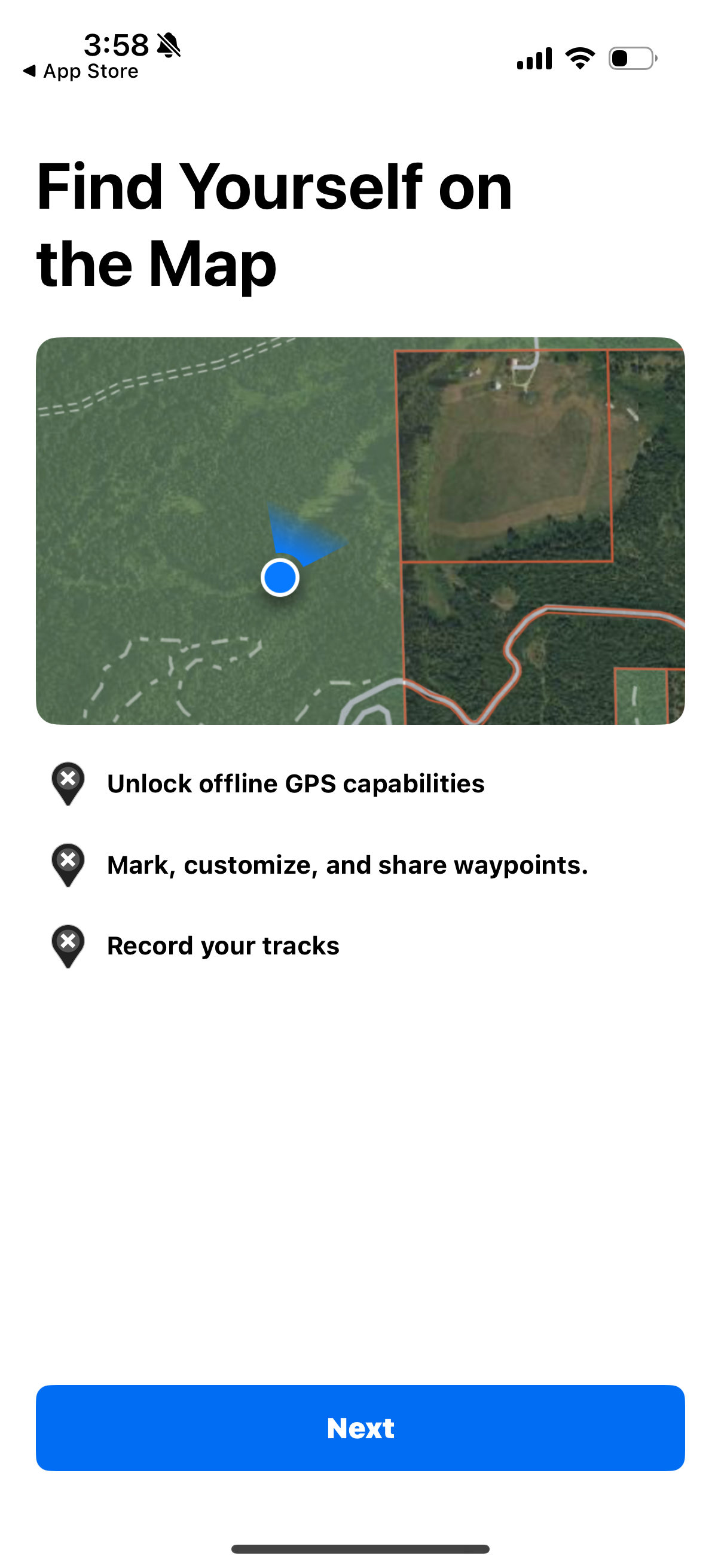
Onboarding feature-intro screen for a GPS mapping app showing a map preview with
onx-backcountry
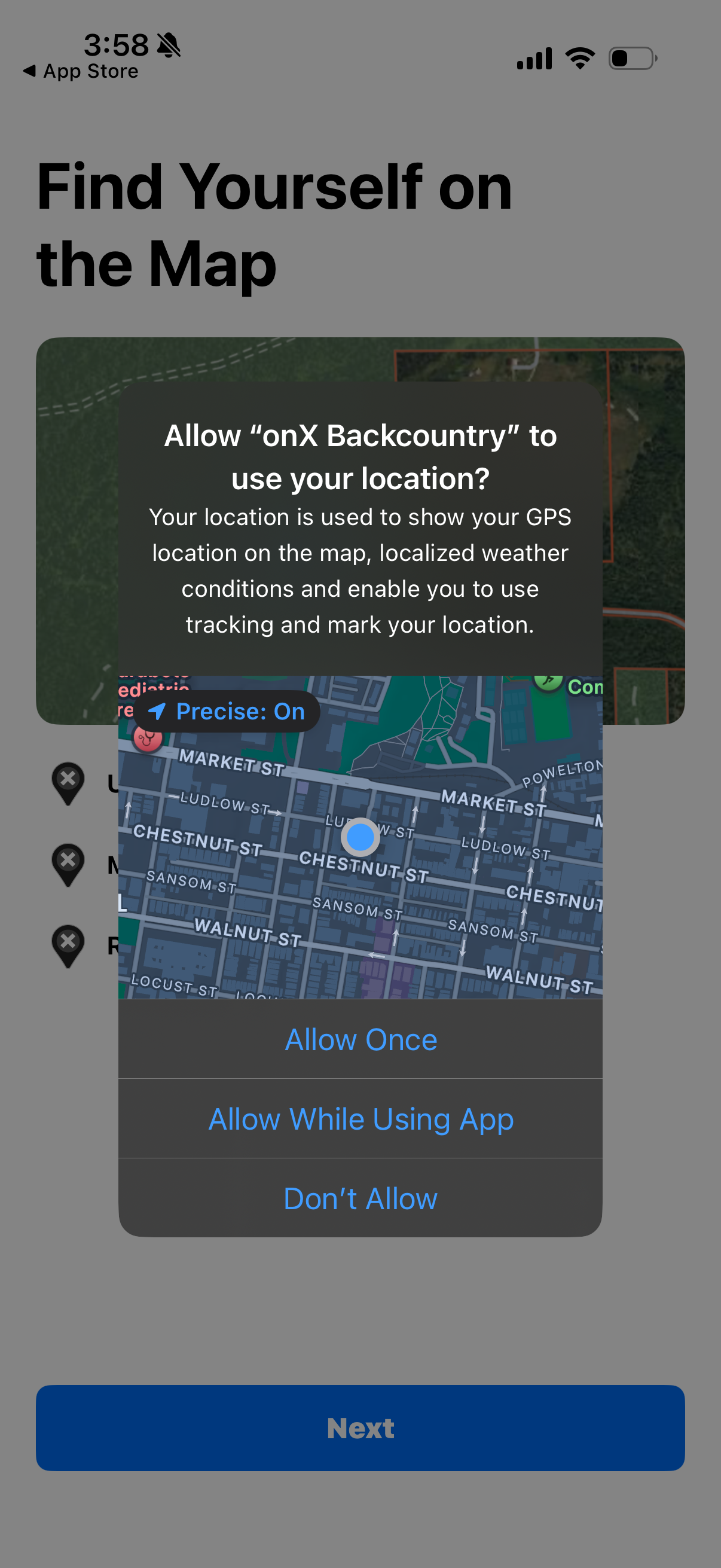
iOS location permission prompt shown during onboarding for a mapping/GPS app, as
onx-backcountry
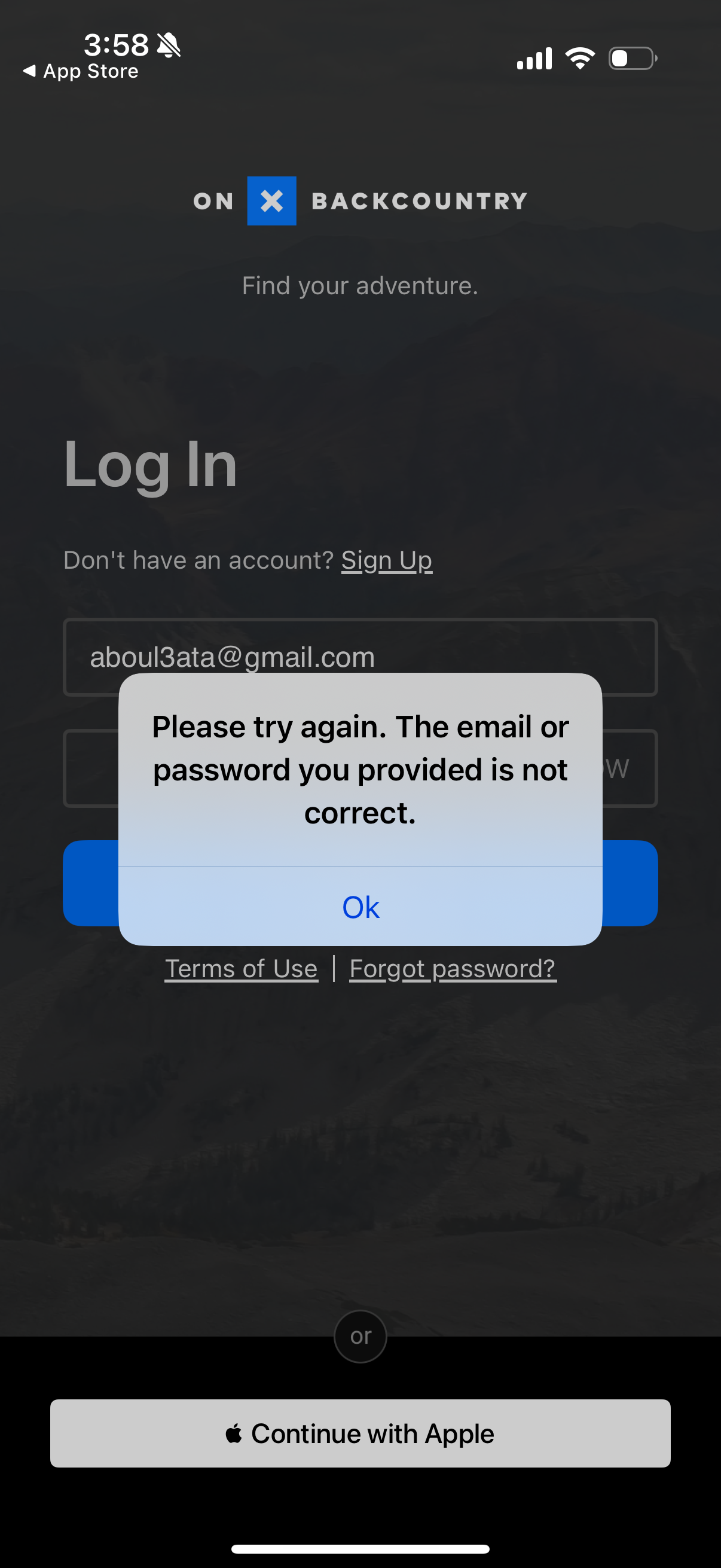
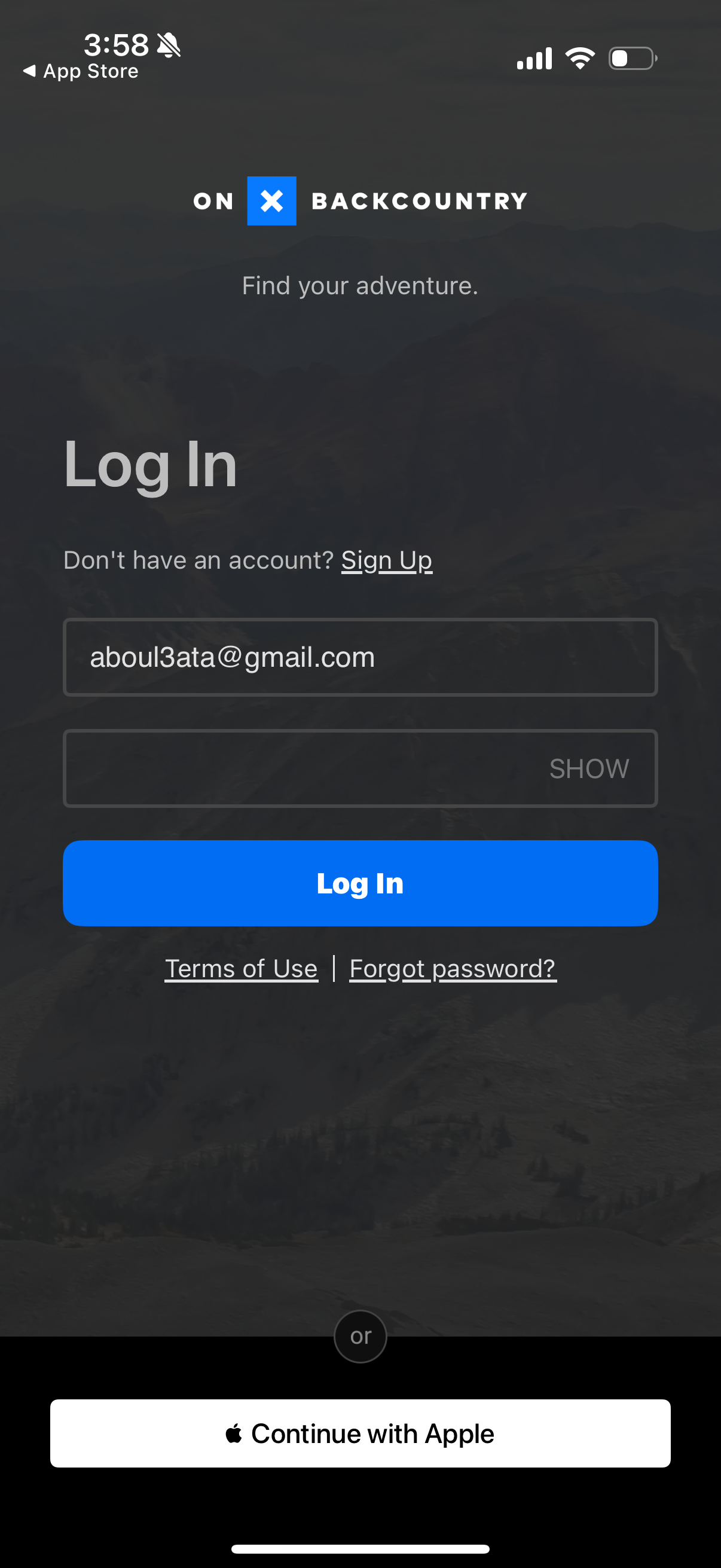
Login screen for an outdoor adventure app with email and password fields, a prim
onx-backcountry
Login screen for an outdoor adventure app with email and password fields (includ
onx-backcountry
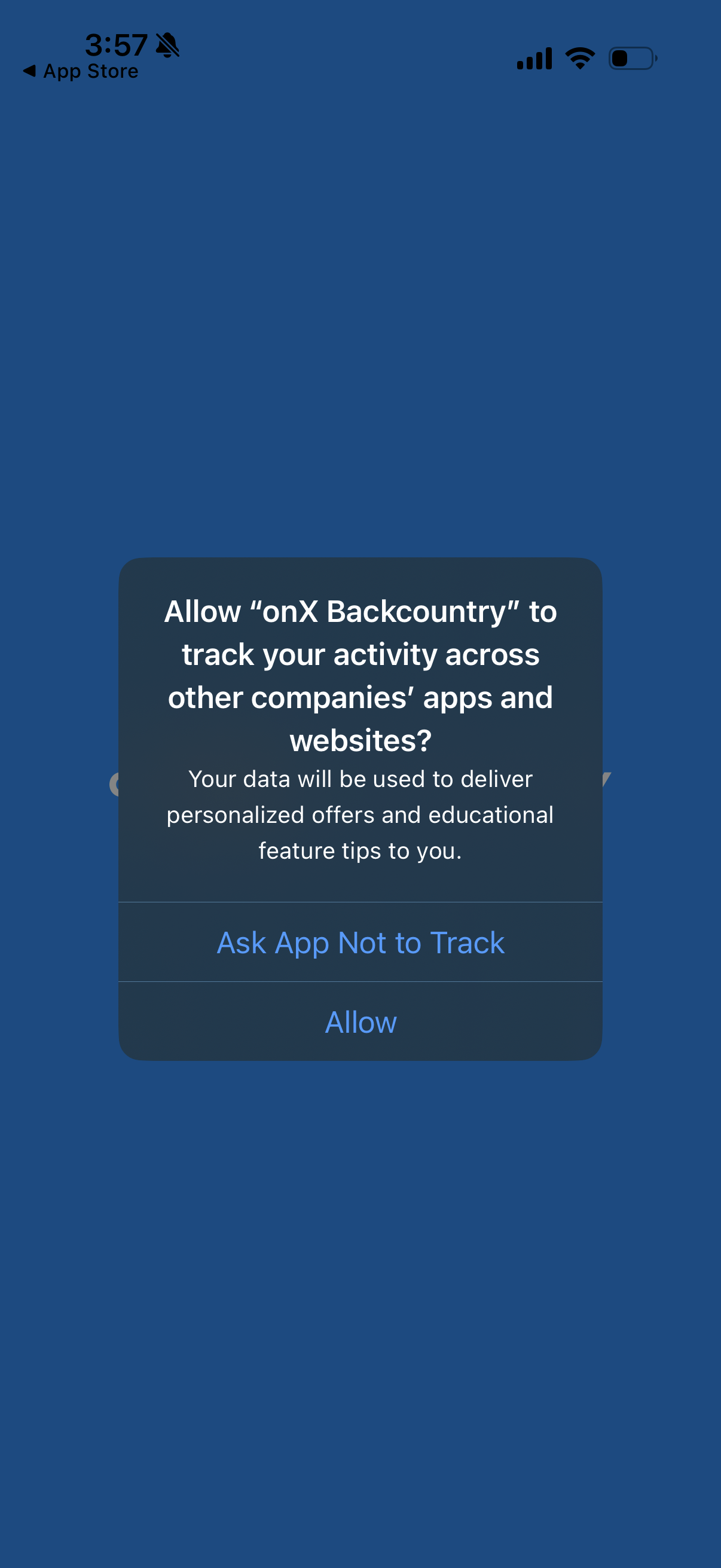
iOS App Tracking Transparency permission popup asking whether to allow the app t
onx-backcountry
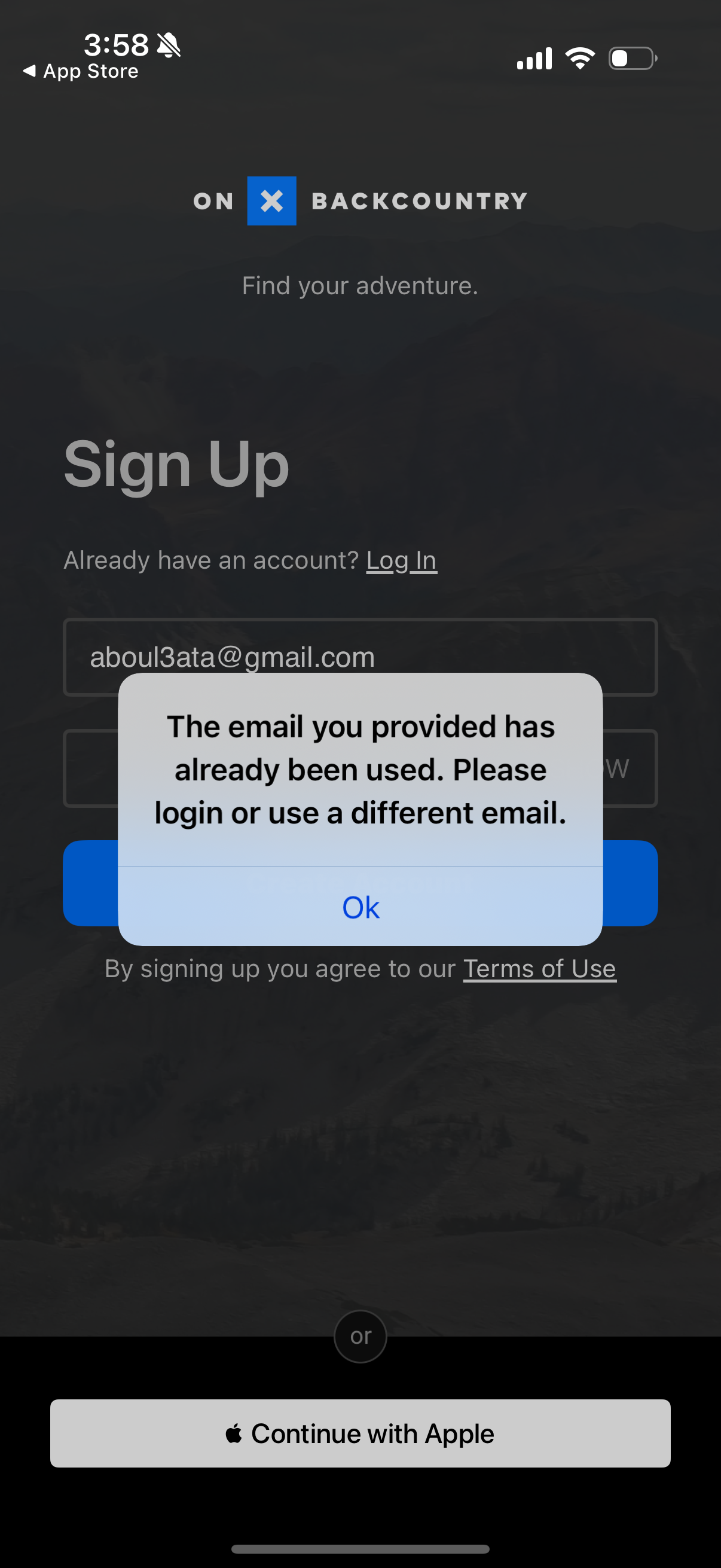
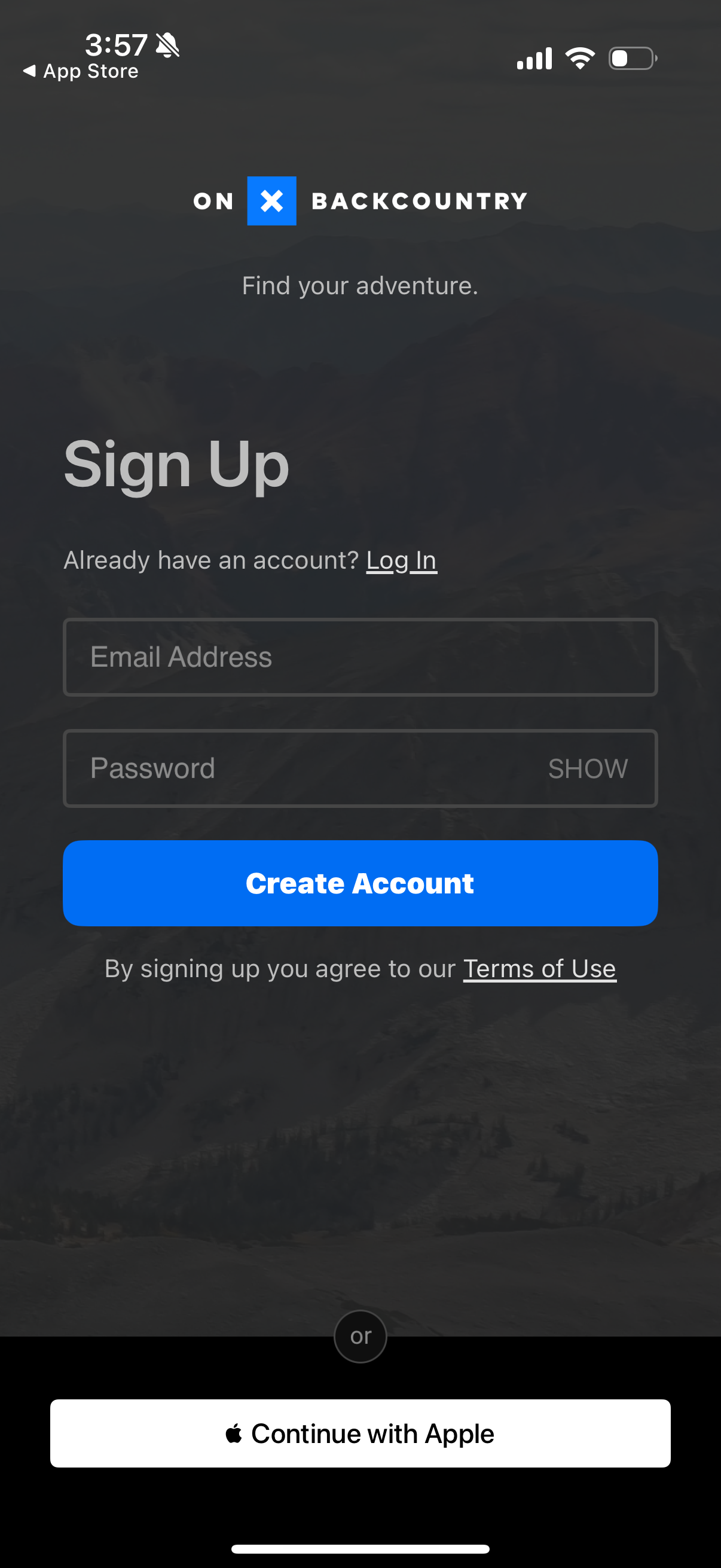
Sign up screen for an outdoor/adventure app with email input, a link to log in f
onx-backcountry
App splash/loading screen with a solid color background displaying the app logo
onx-backcountry
Sign up screen for creating a new account with email and password fields, a pass
onx-backcountry