notion

Productivity · 36 screens · One workspace. Zero busywork.

Your agent can search this library too. Lazyweb CLI →
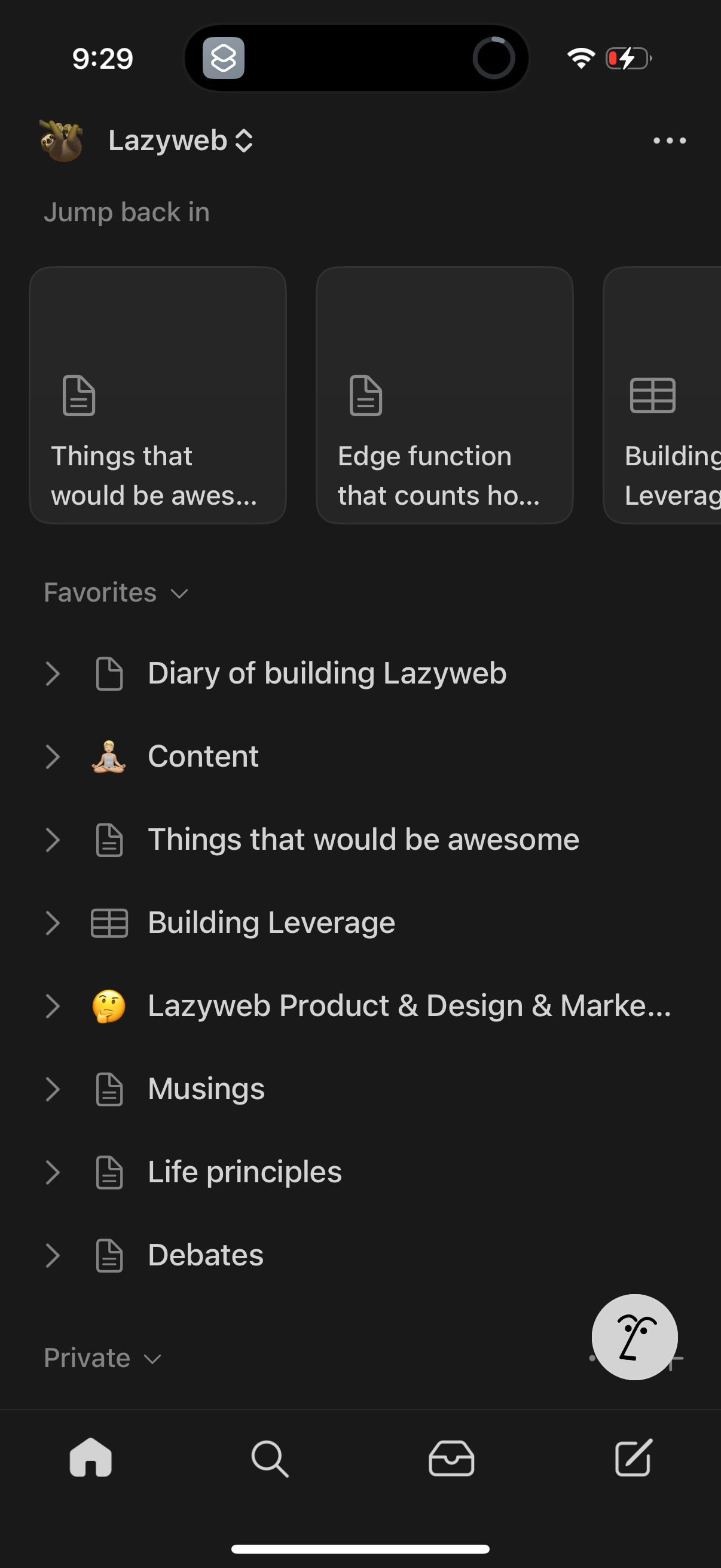
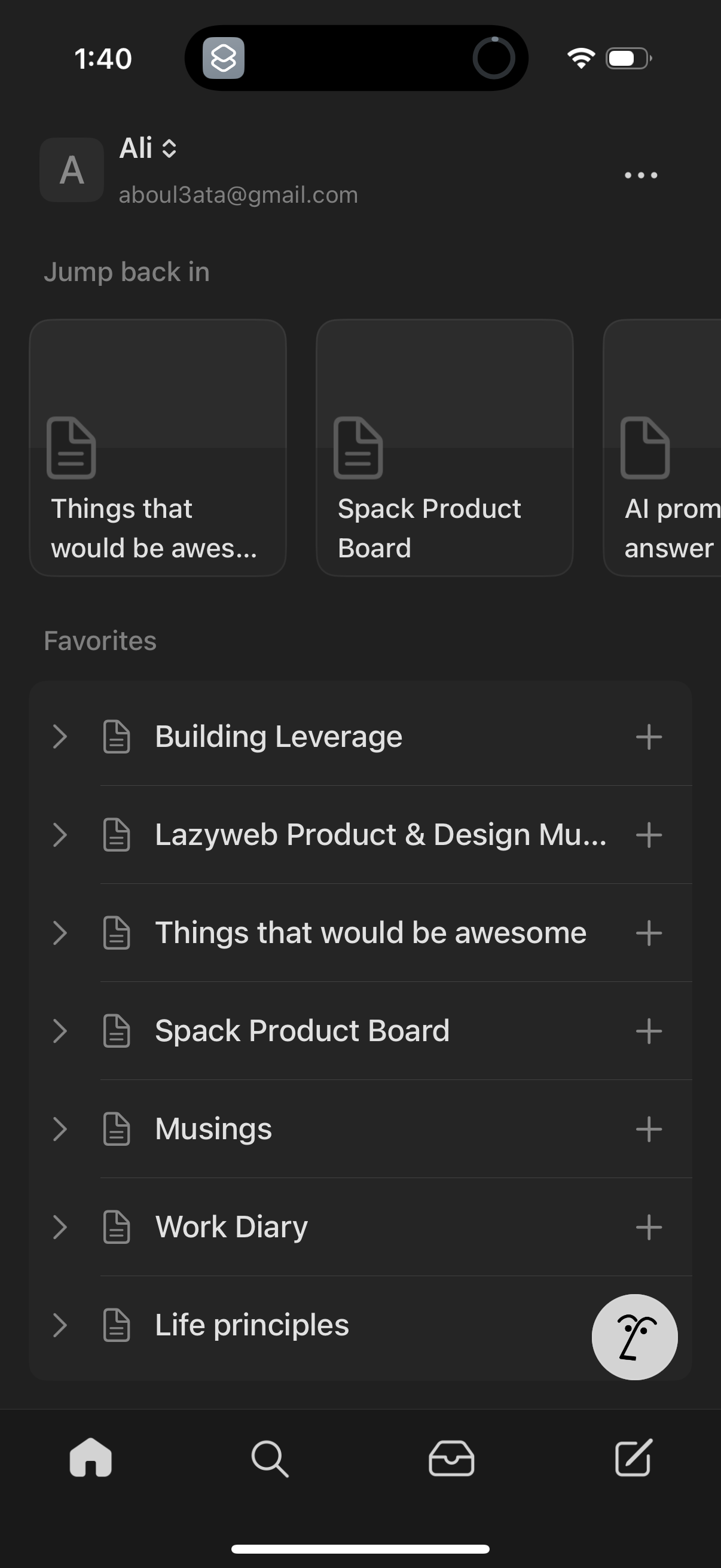
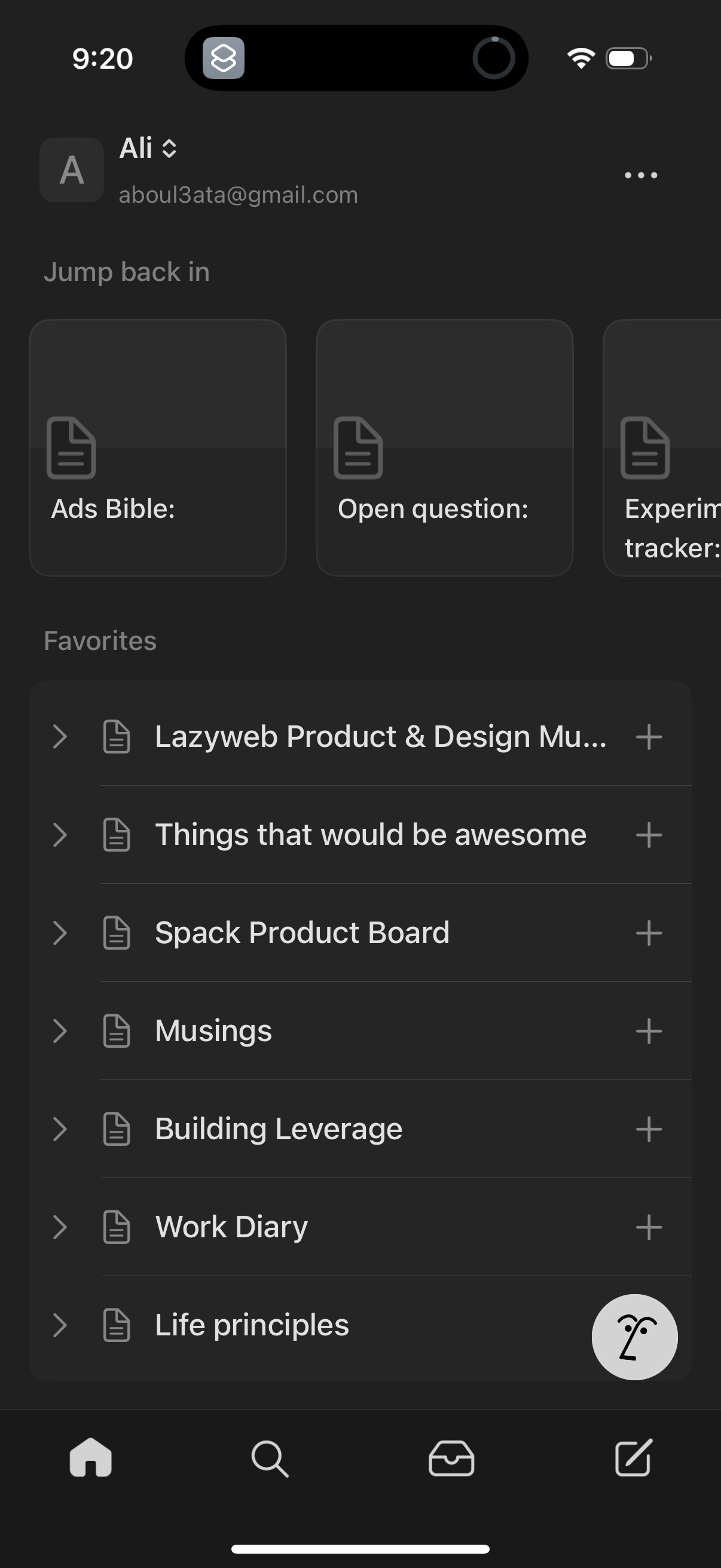
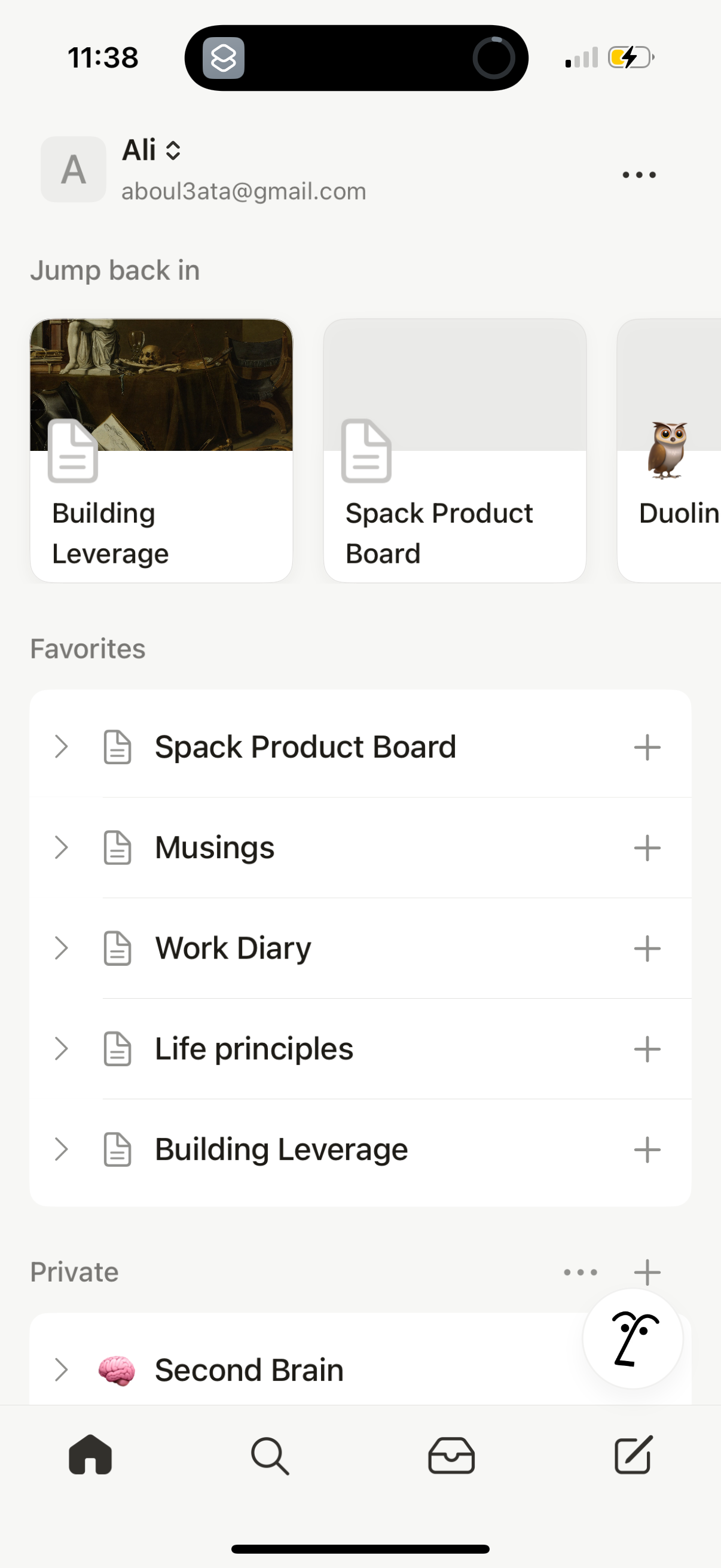
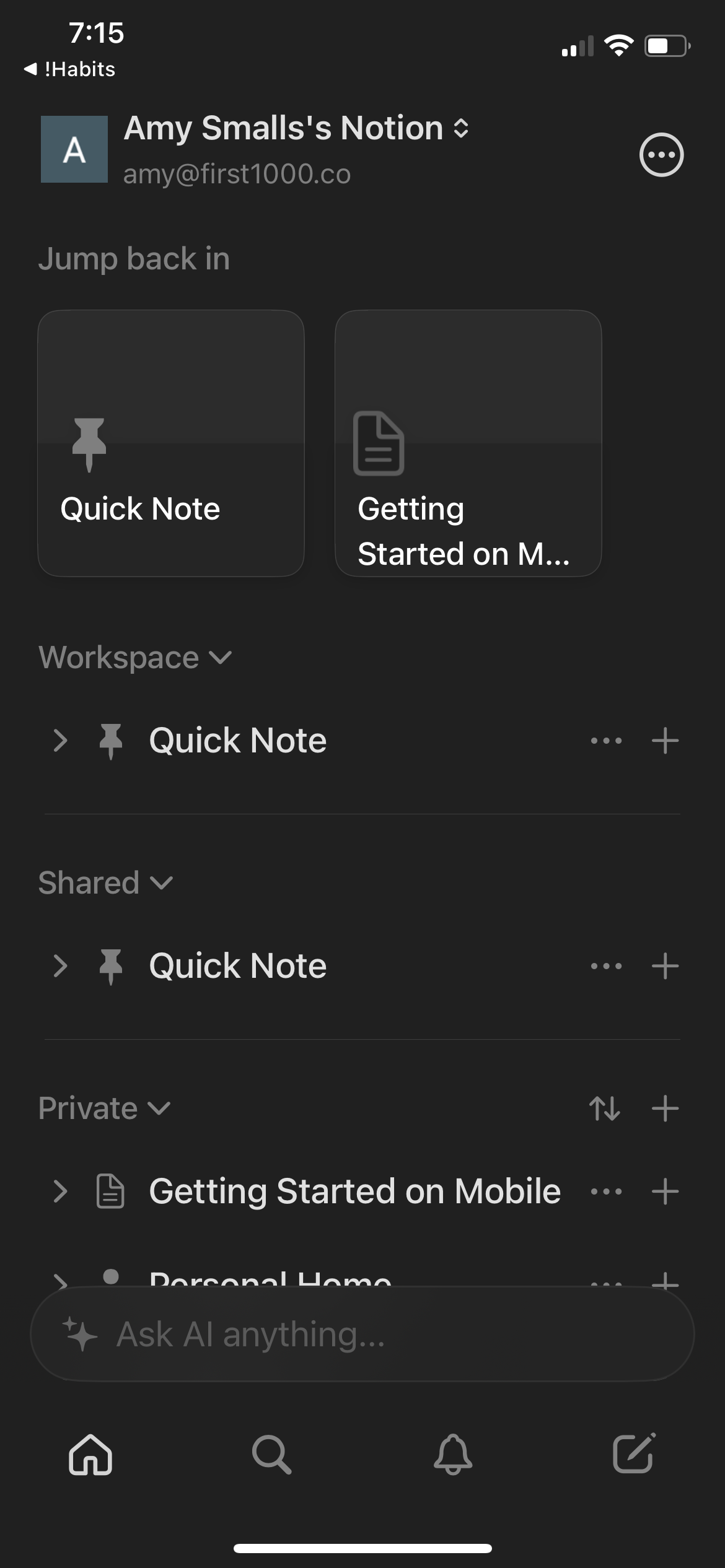
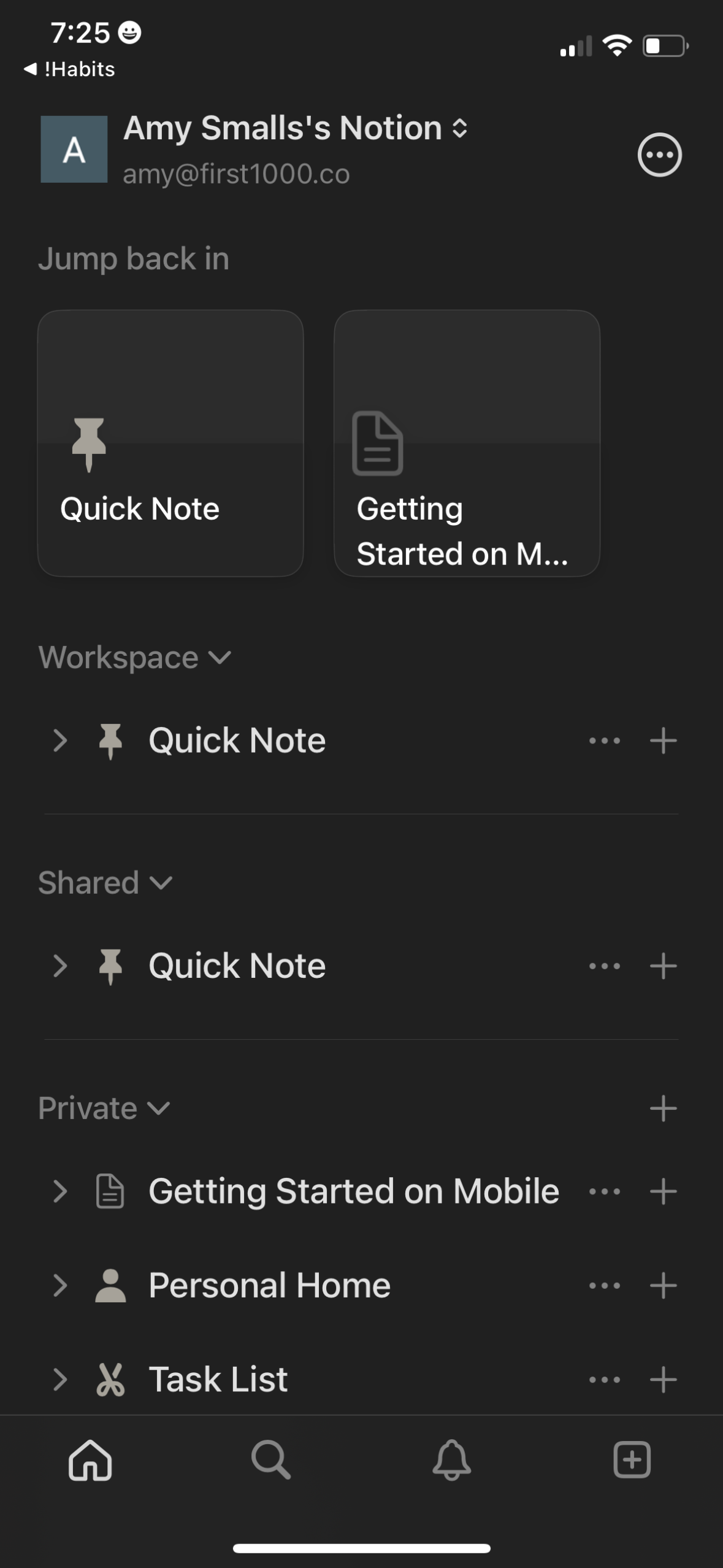
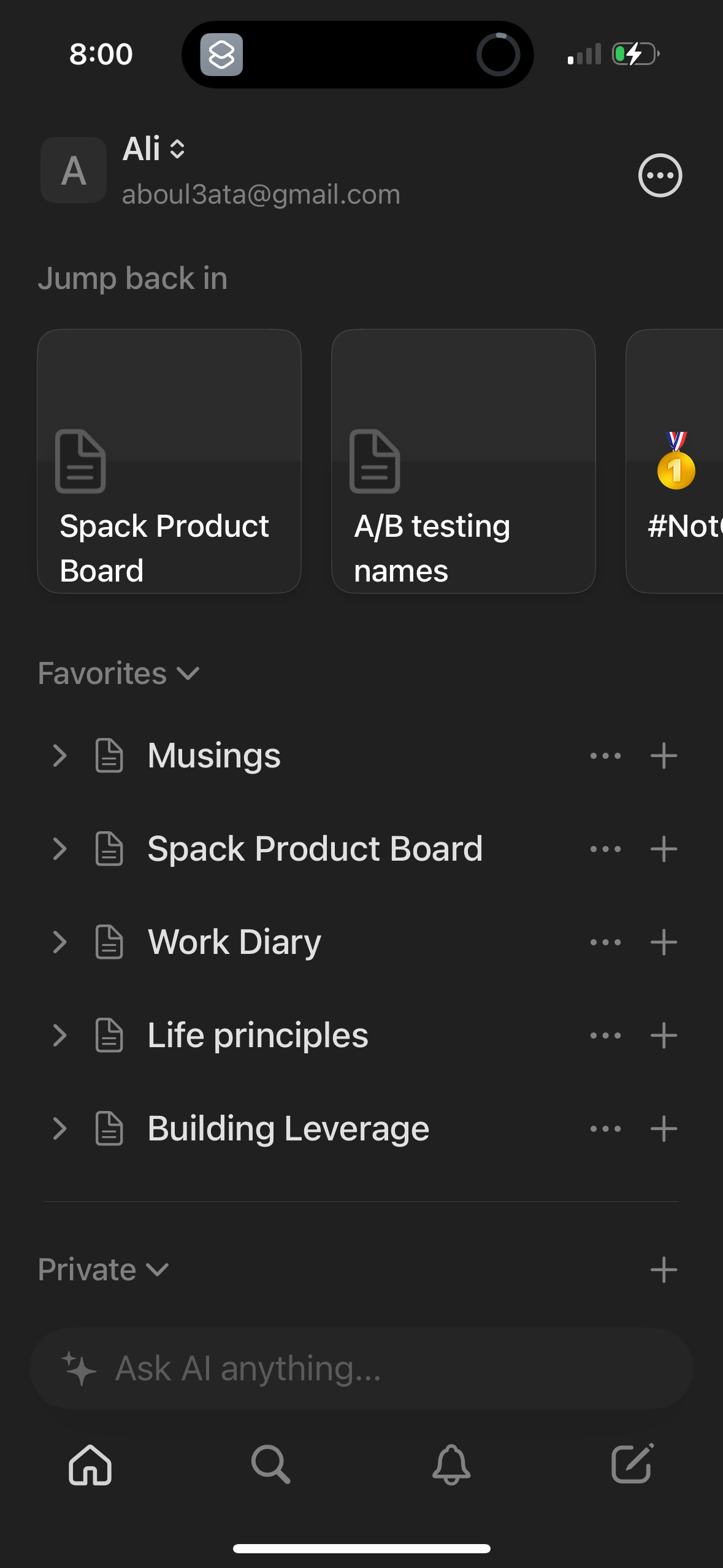
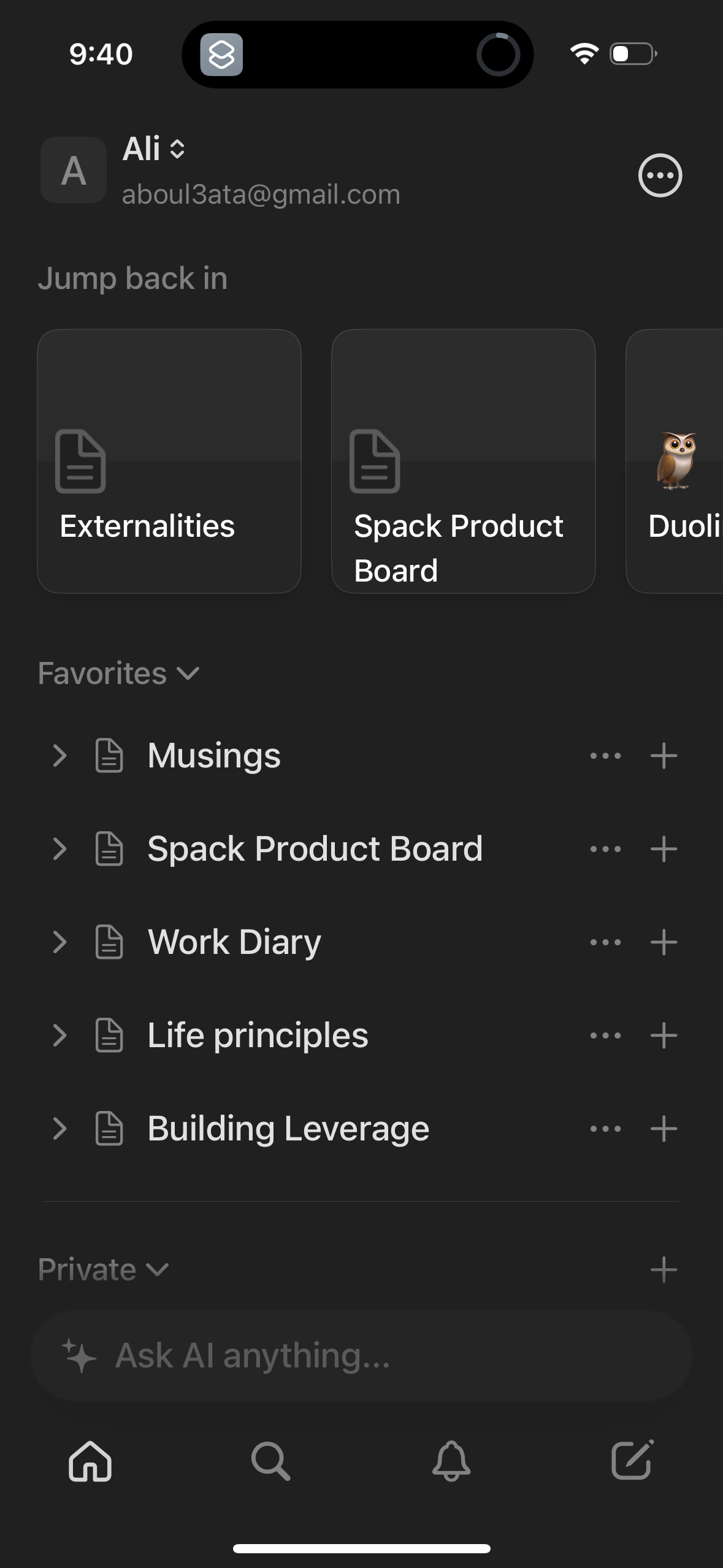
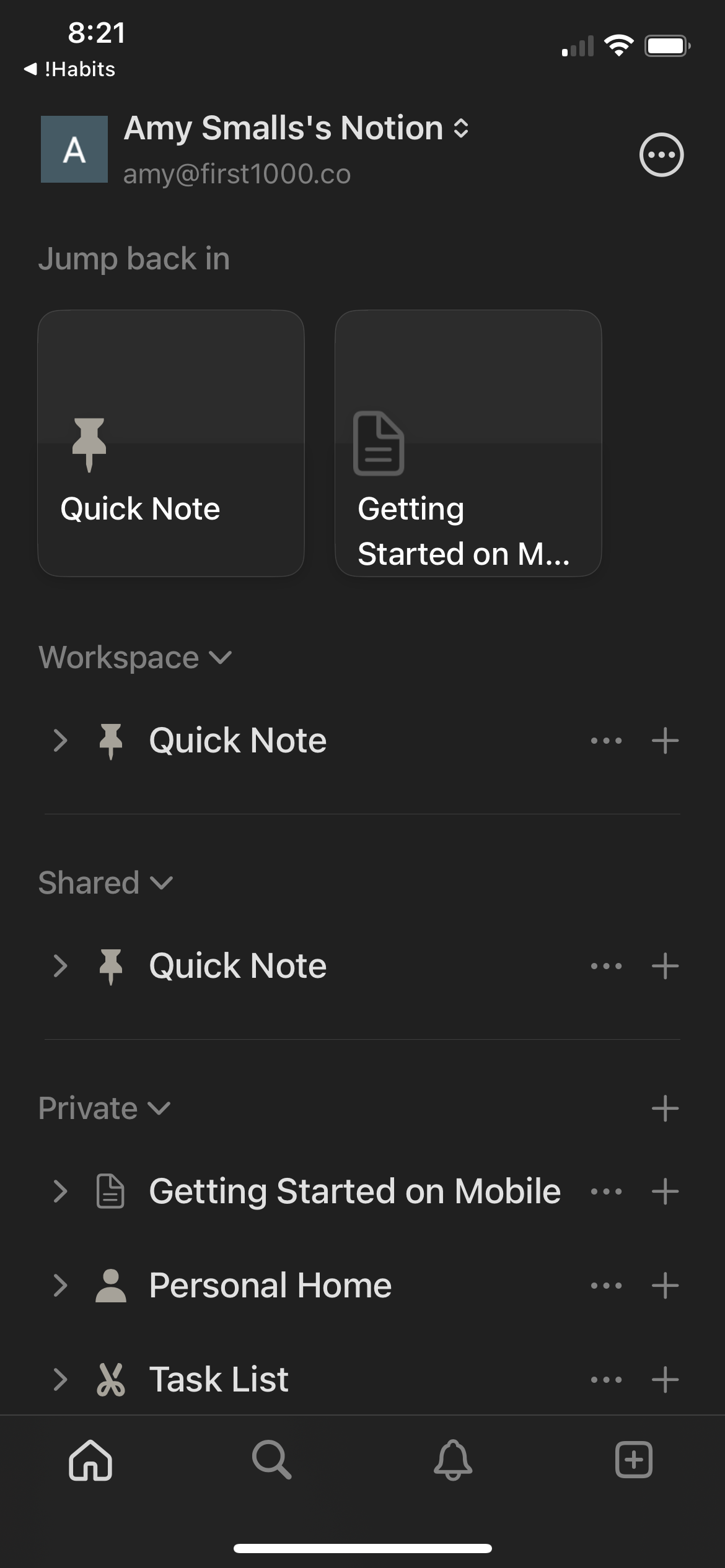
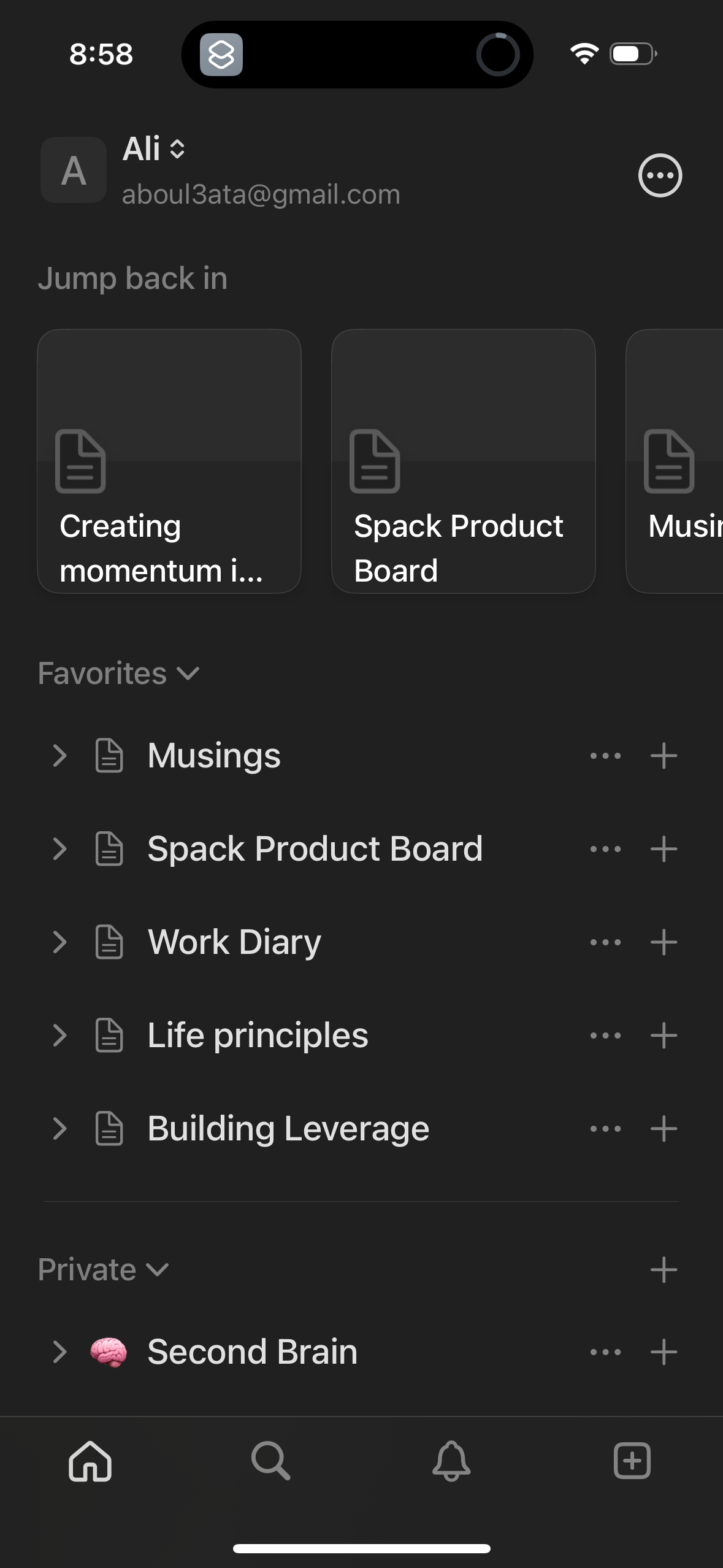
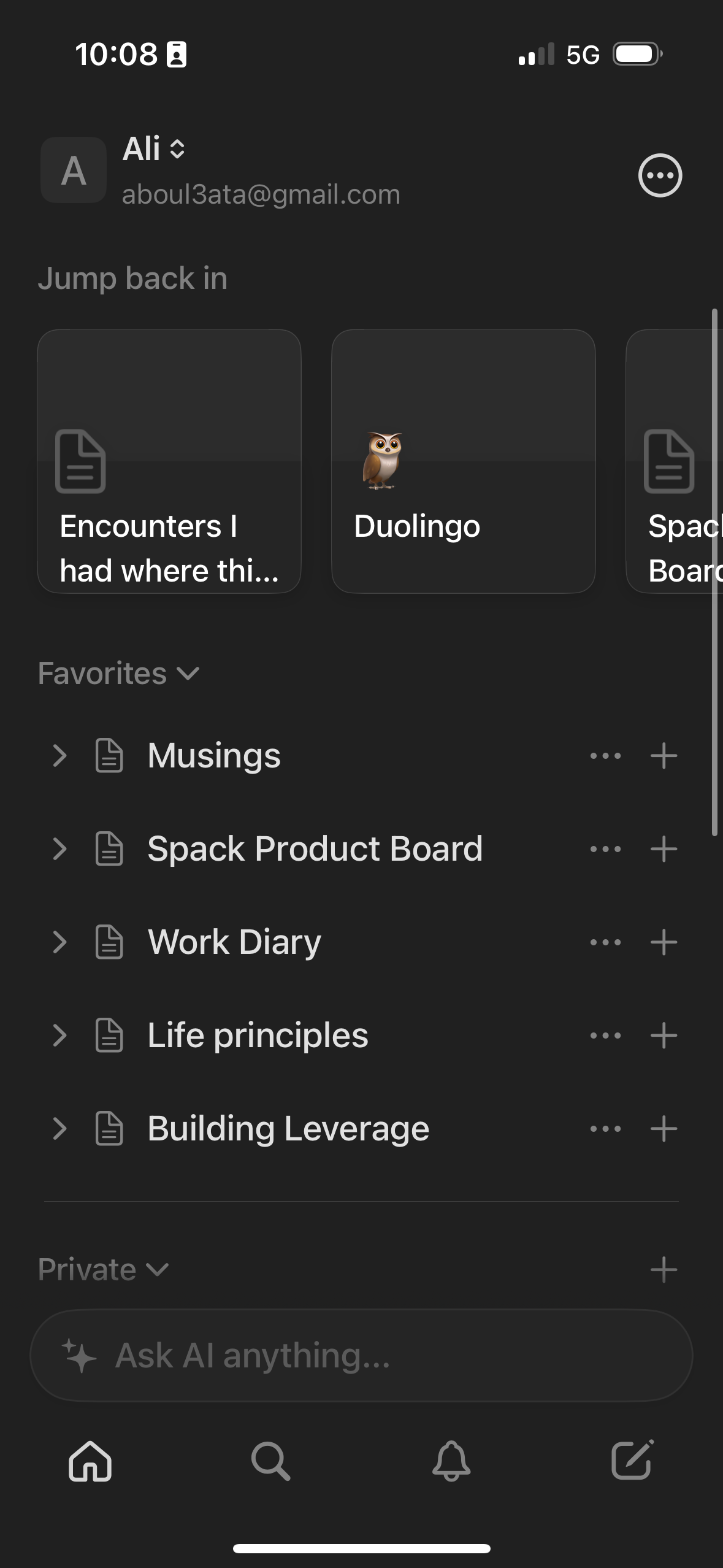
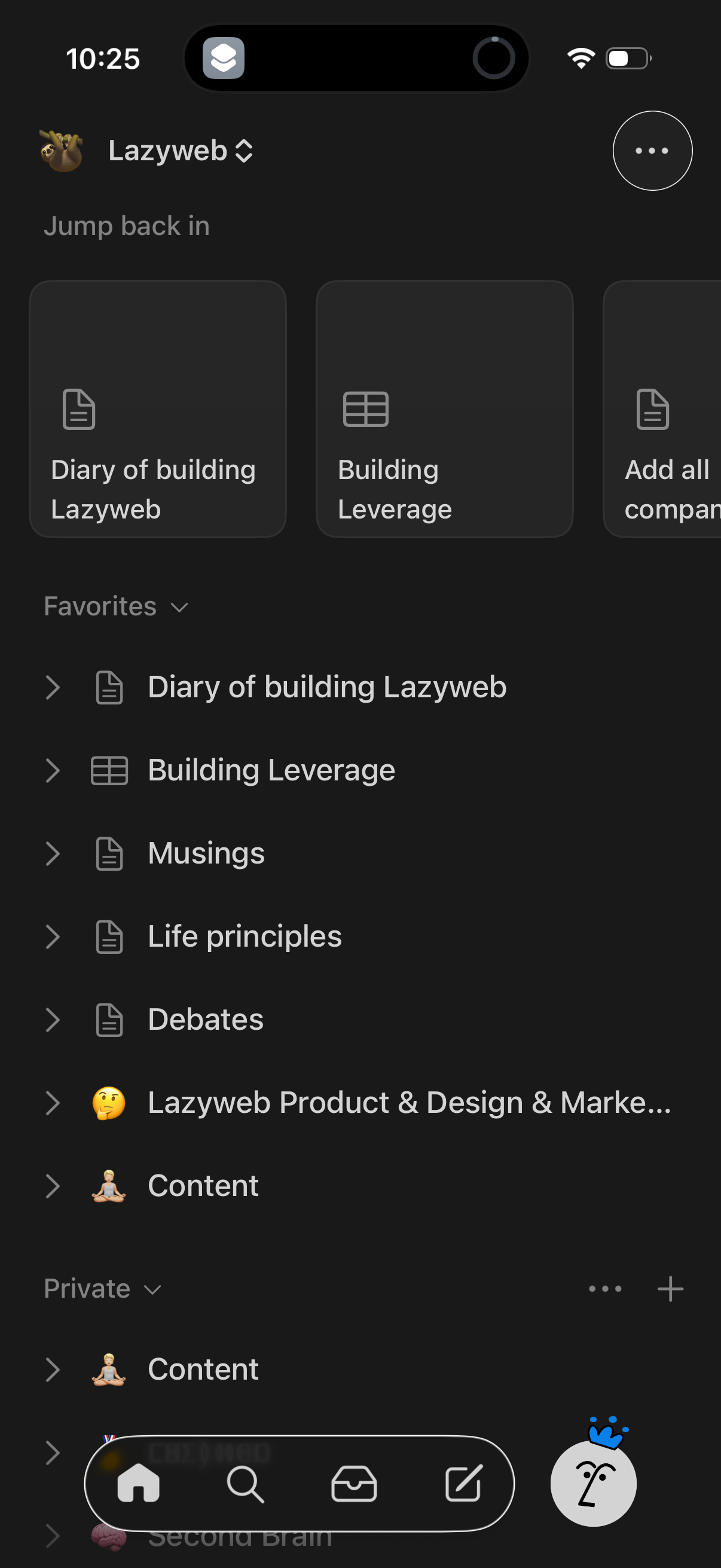
Workspace home screen for a notes/database app showing a “Jump back in” row of r
notion
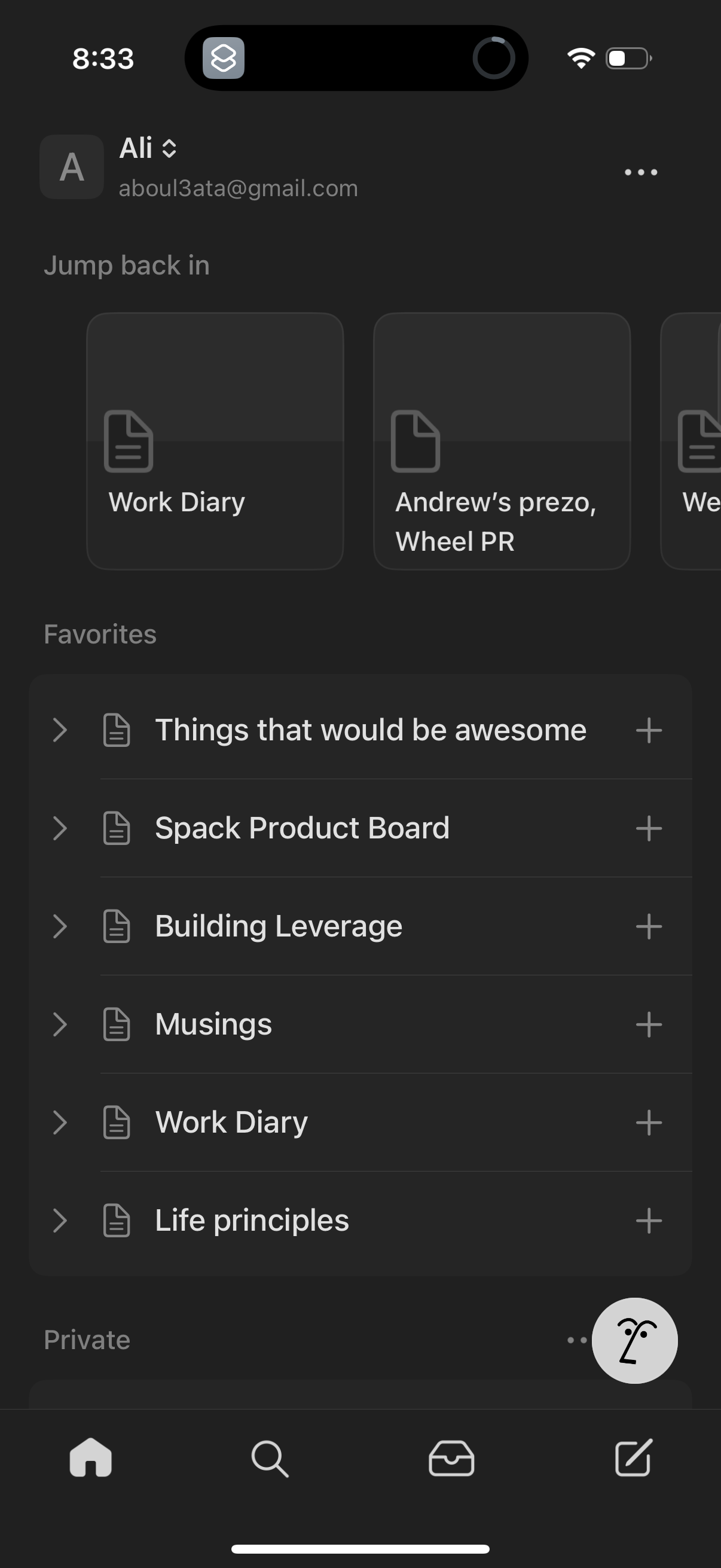
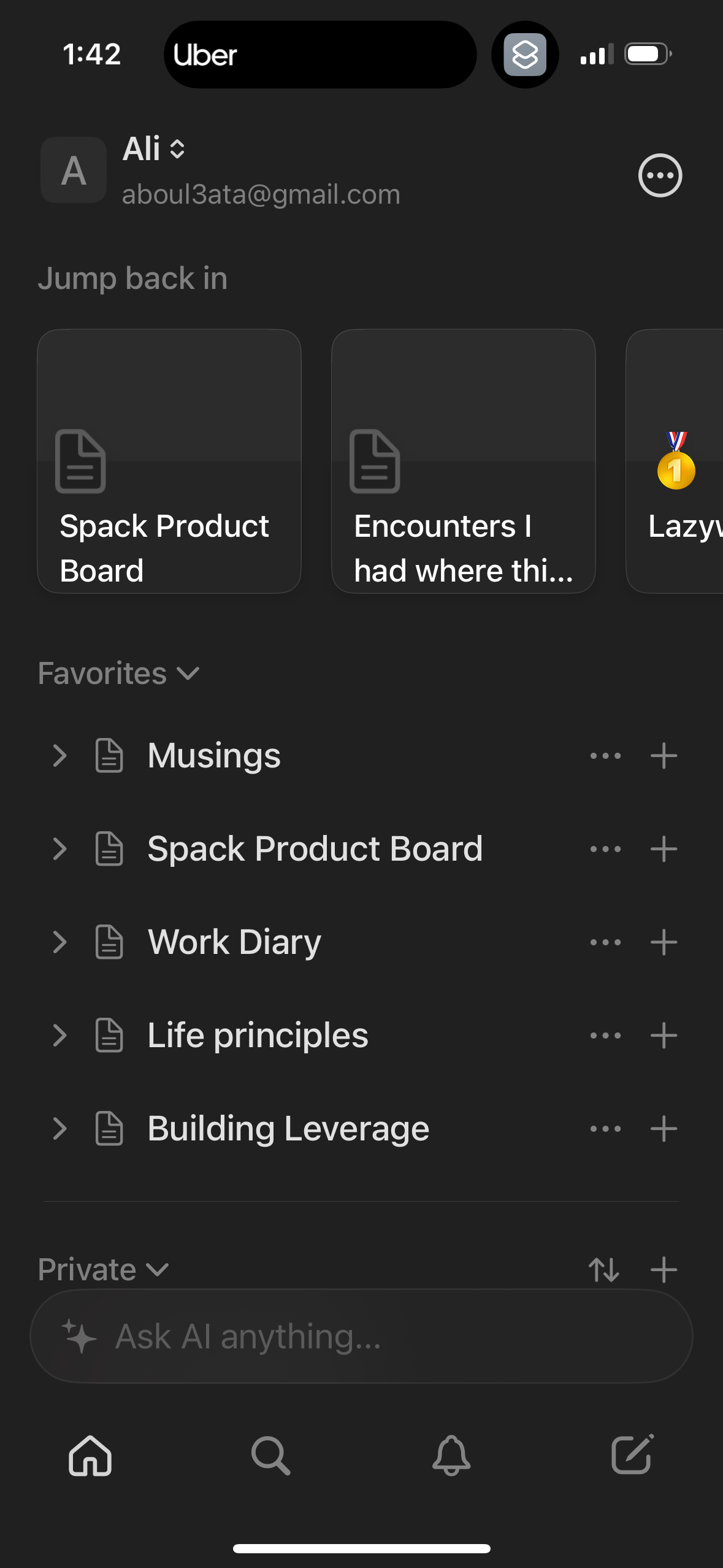
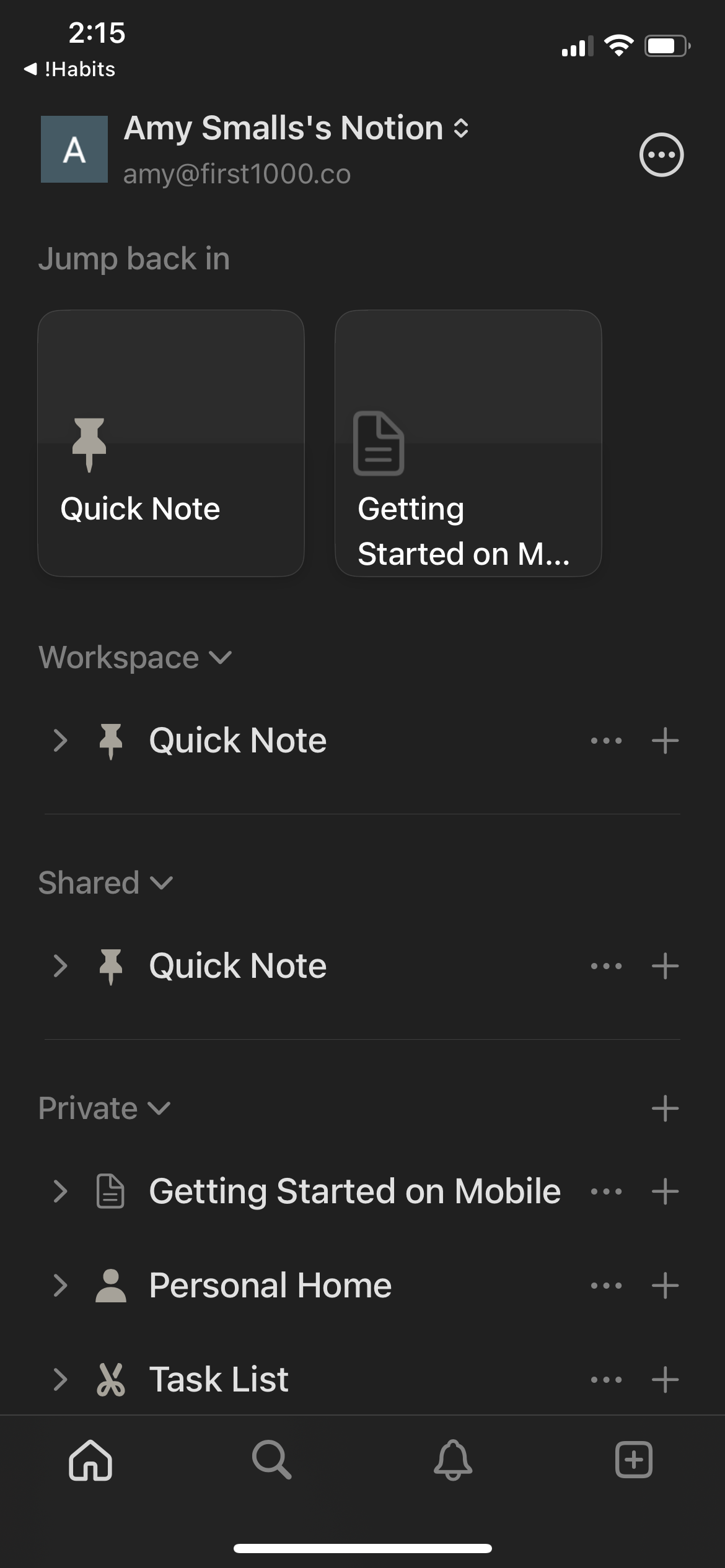
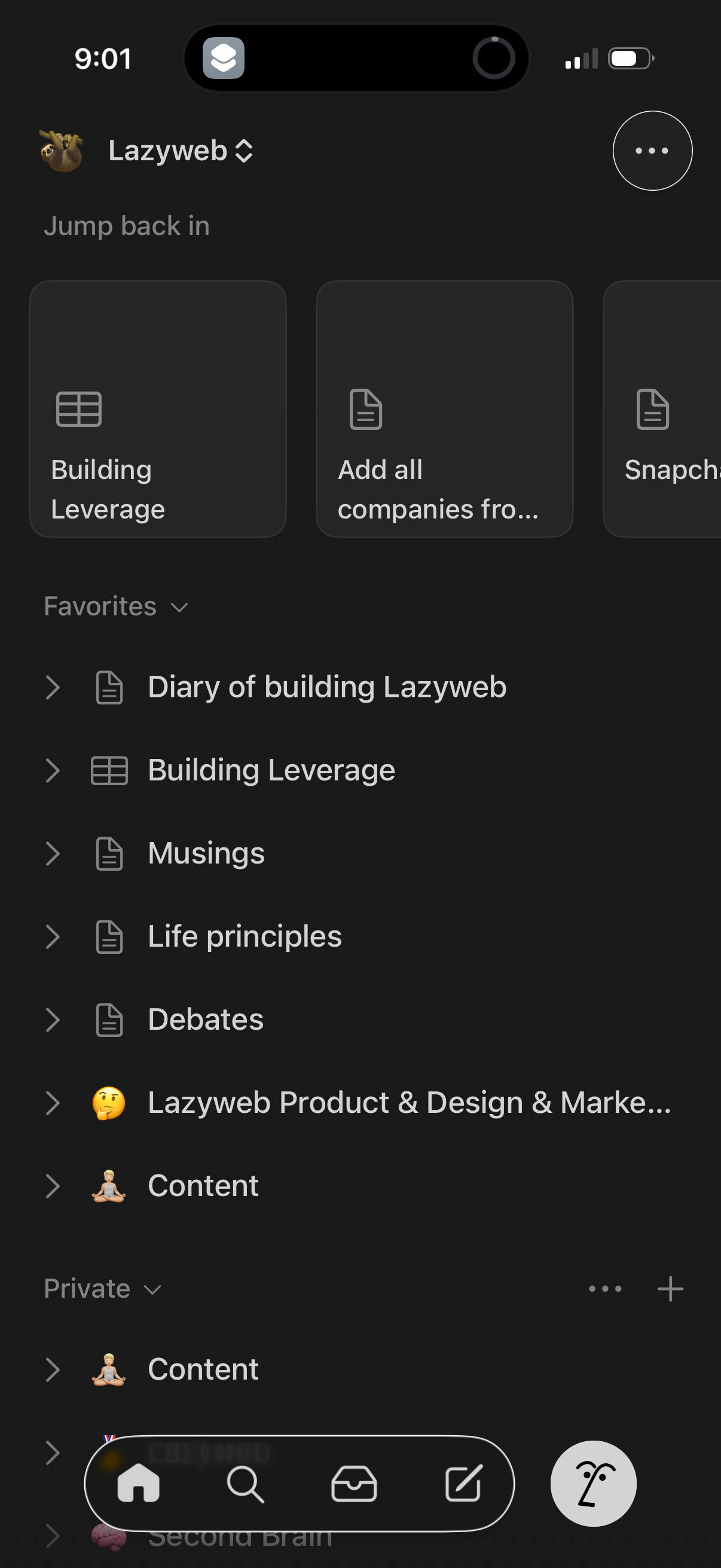
Workspace home screen in a notes/database app showing a “Jump back in” section w
notion
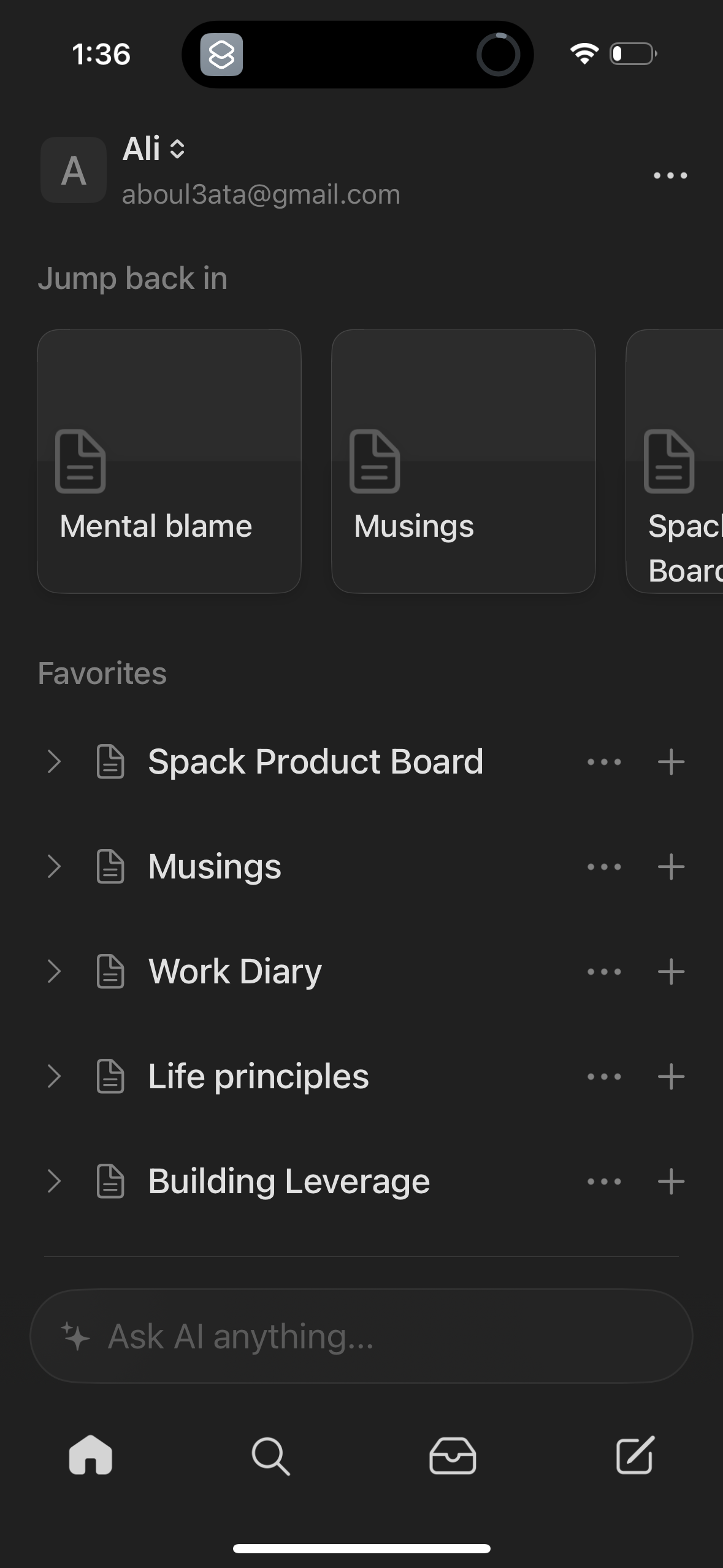
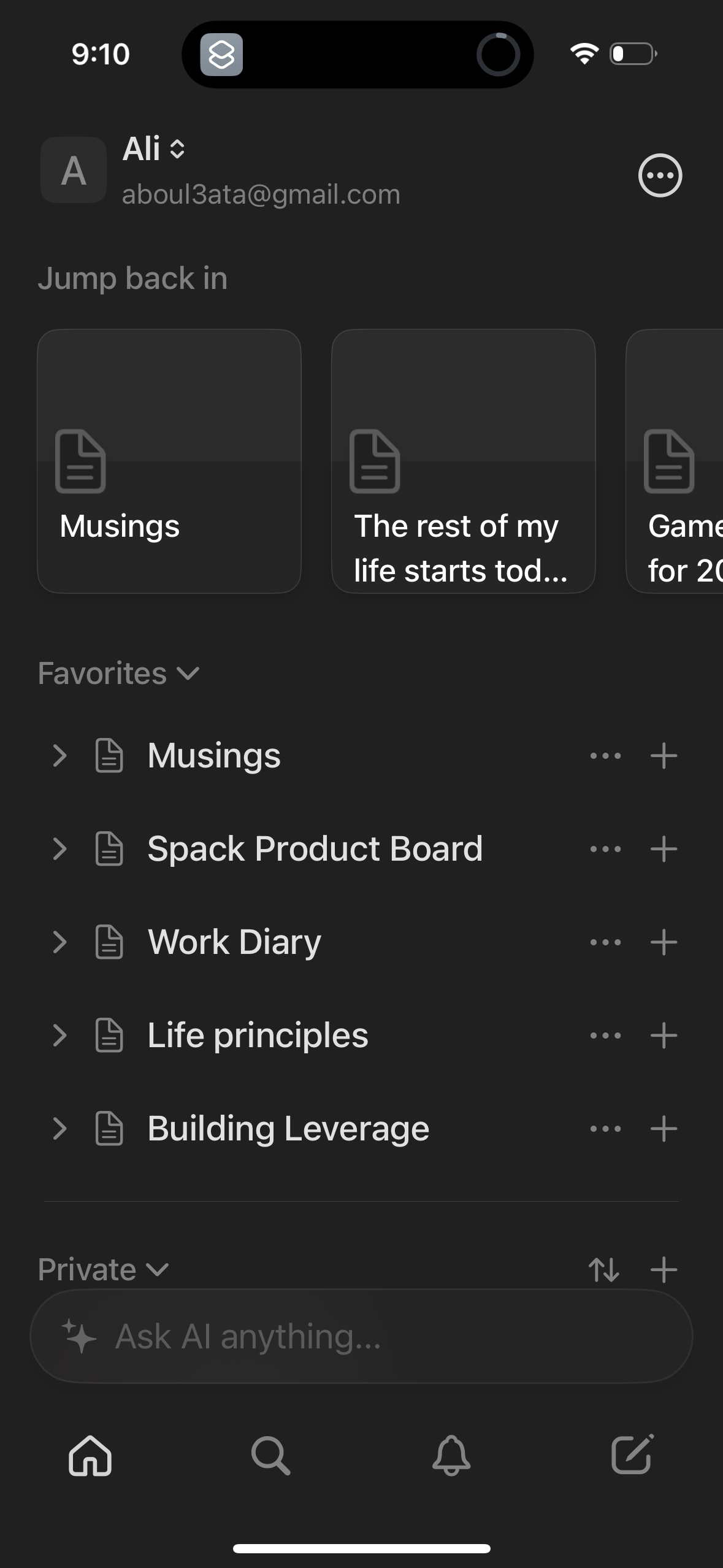
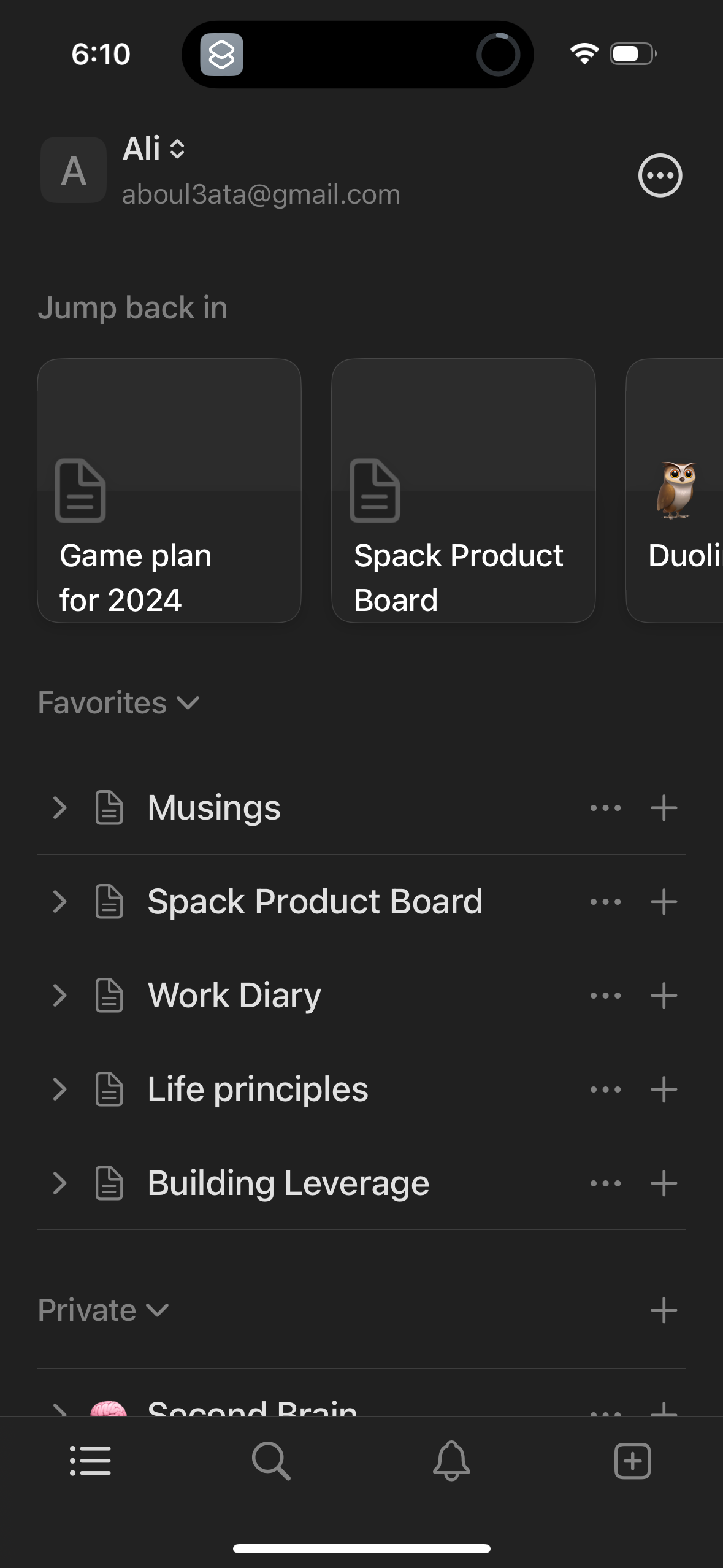
Mobile workspace home screen for a notes/docs app showing a “Jump back in” row o
notion
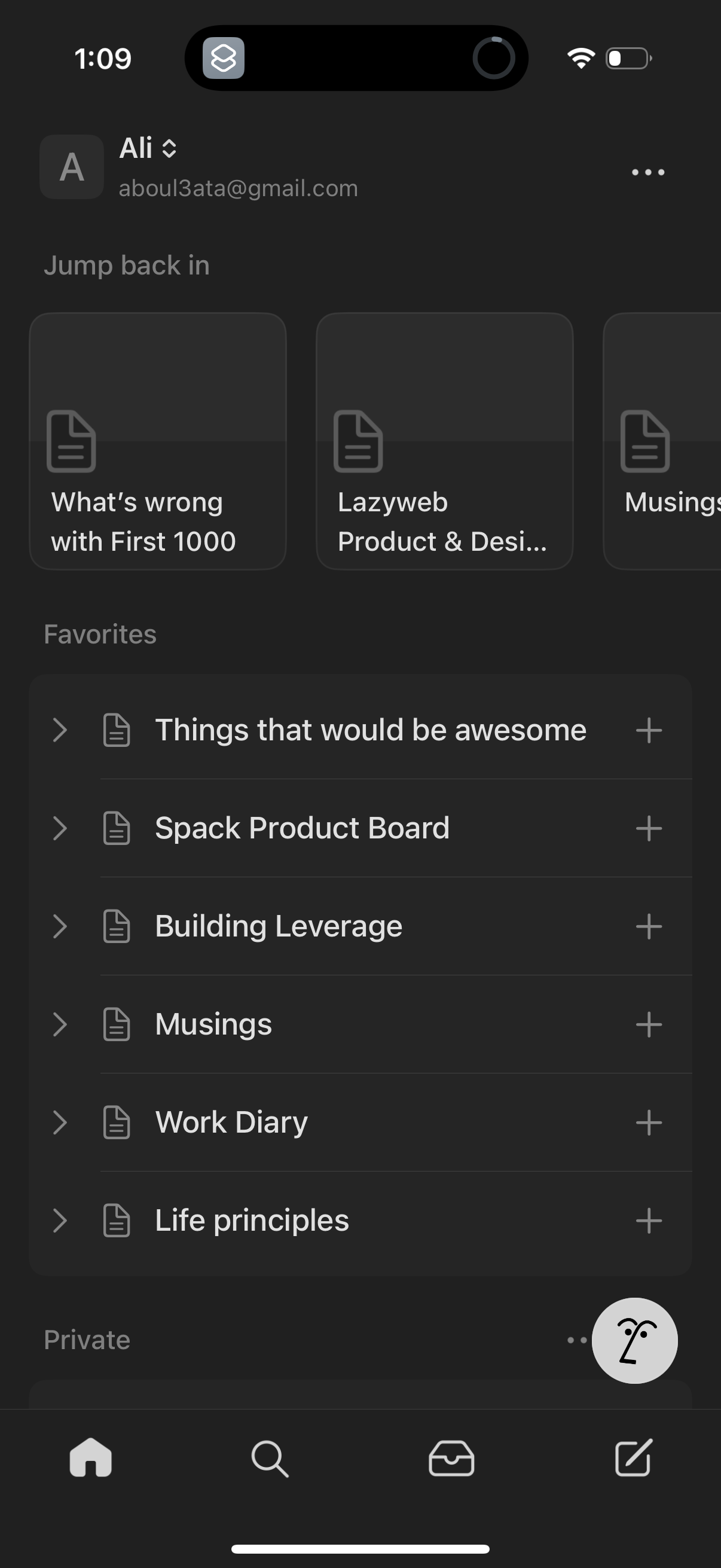
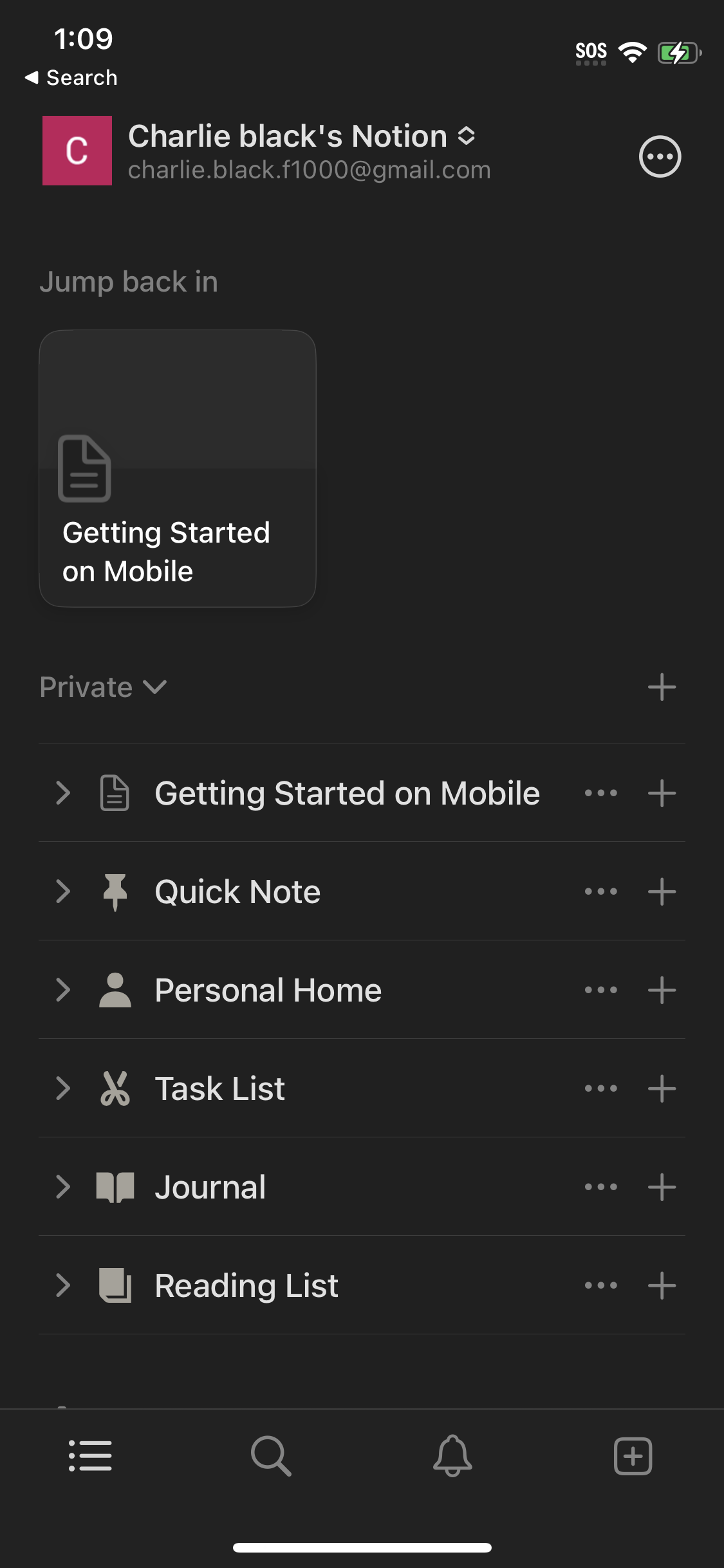
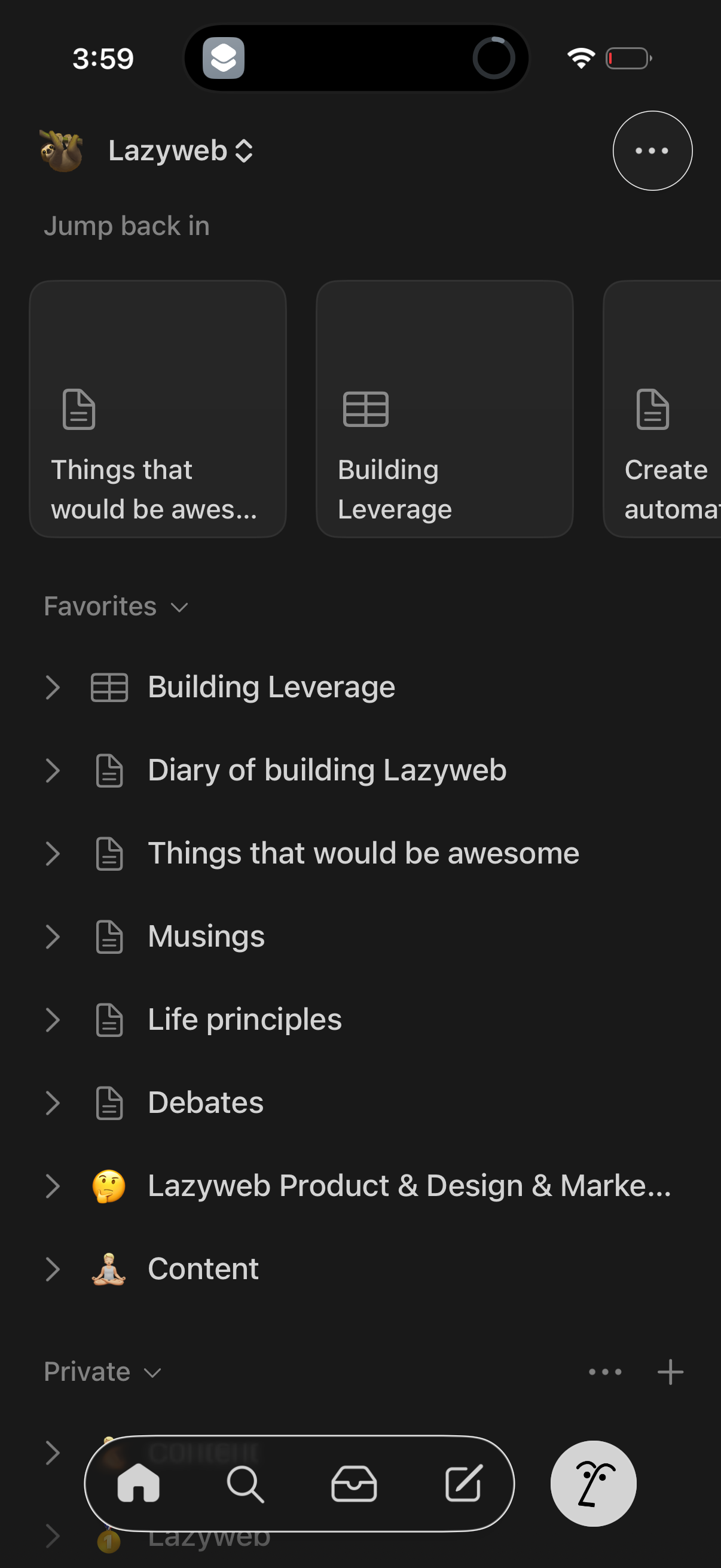
Mobile note-taking workspace home screen showing a “Jump back in” row of recent
notion
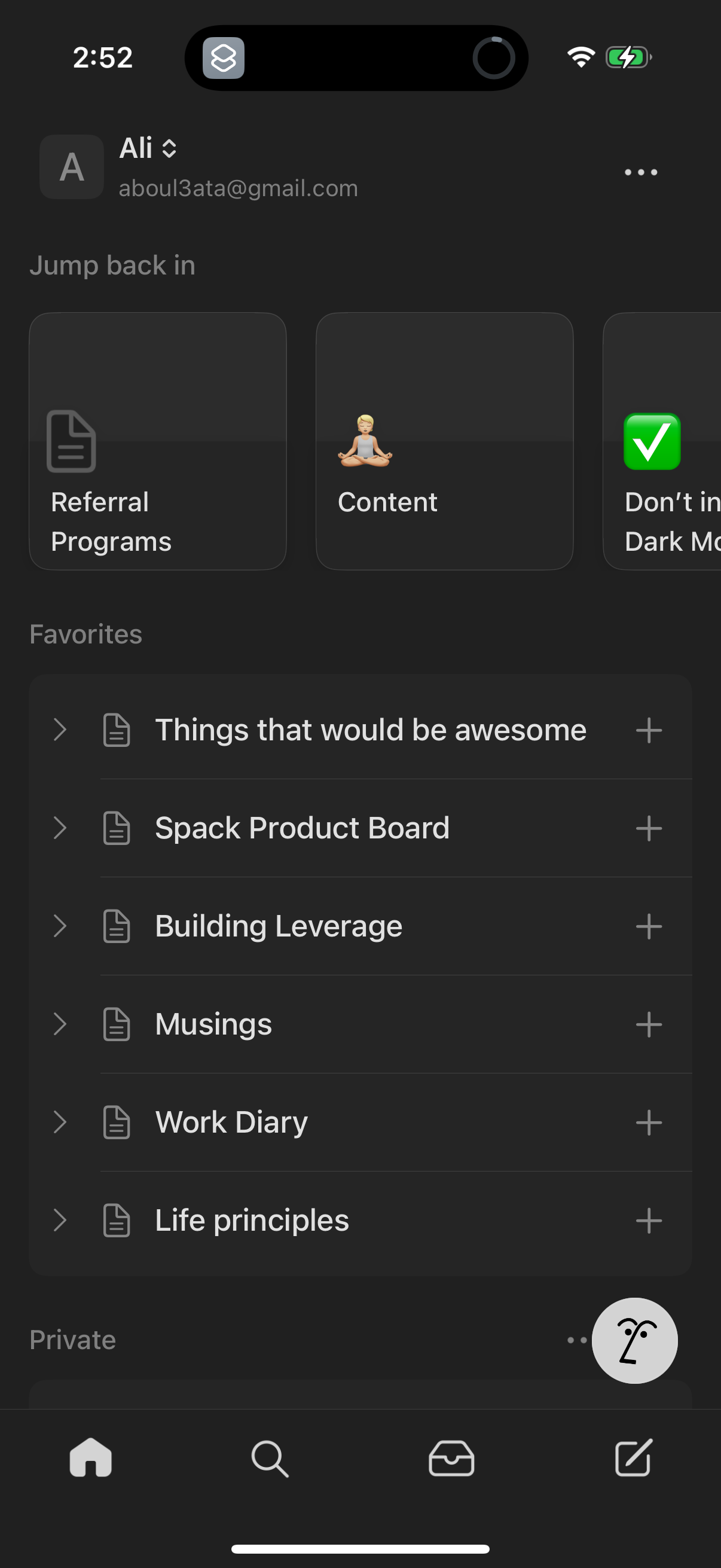
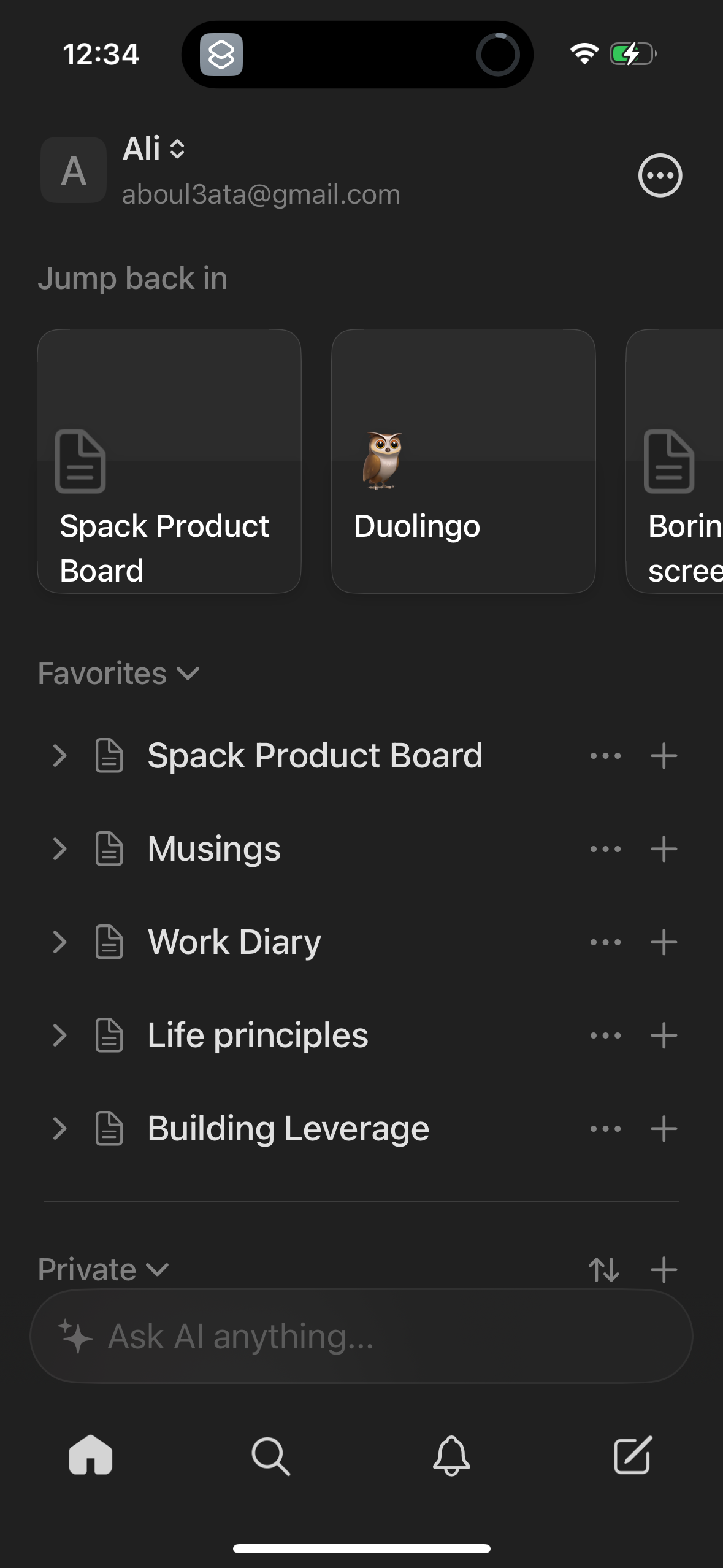
Mobile notes app home/dashboard showing a workspace with a “Jump back in” sectio
notion
Inbox notifications screen showing an empty state with “You’re all caught up” me
notion
Mobile notes/knowledge base search screen showing a “Search or ask AI” bar with
notion
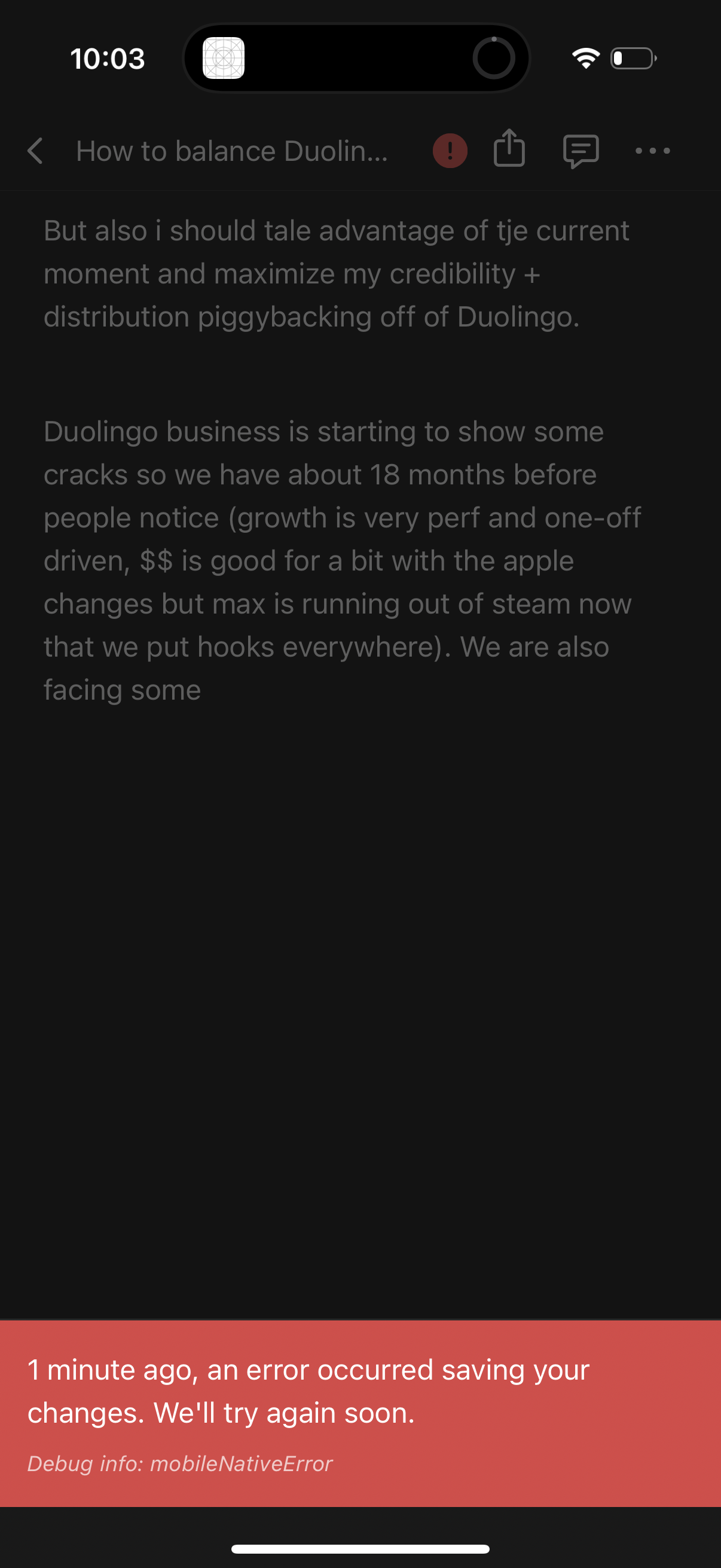
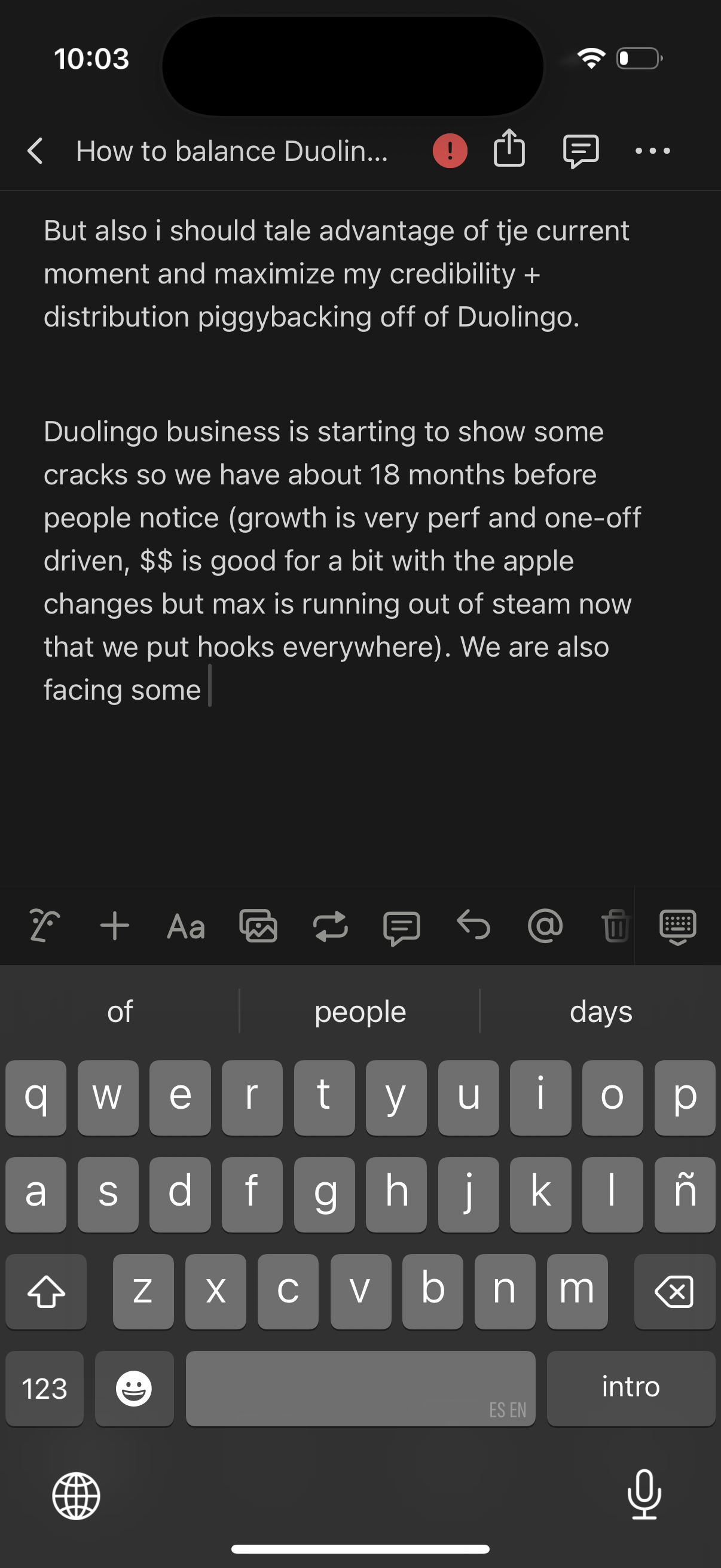
Mobile note editor screen showing a long text note in dark mode with the keyboar
notion
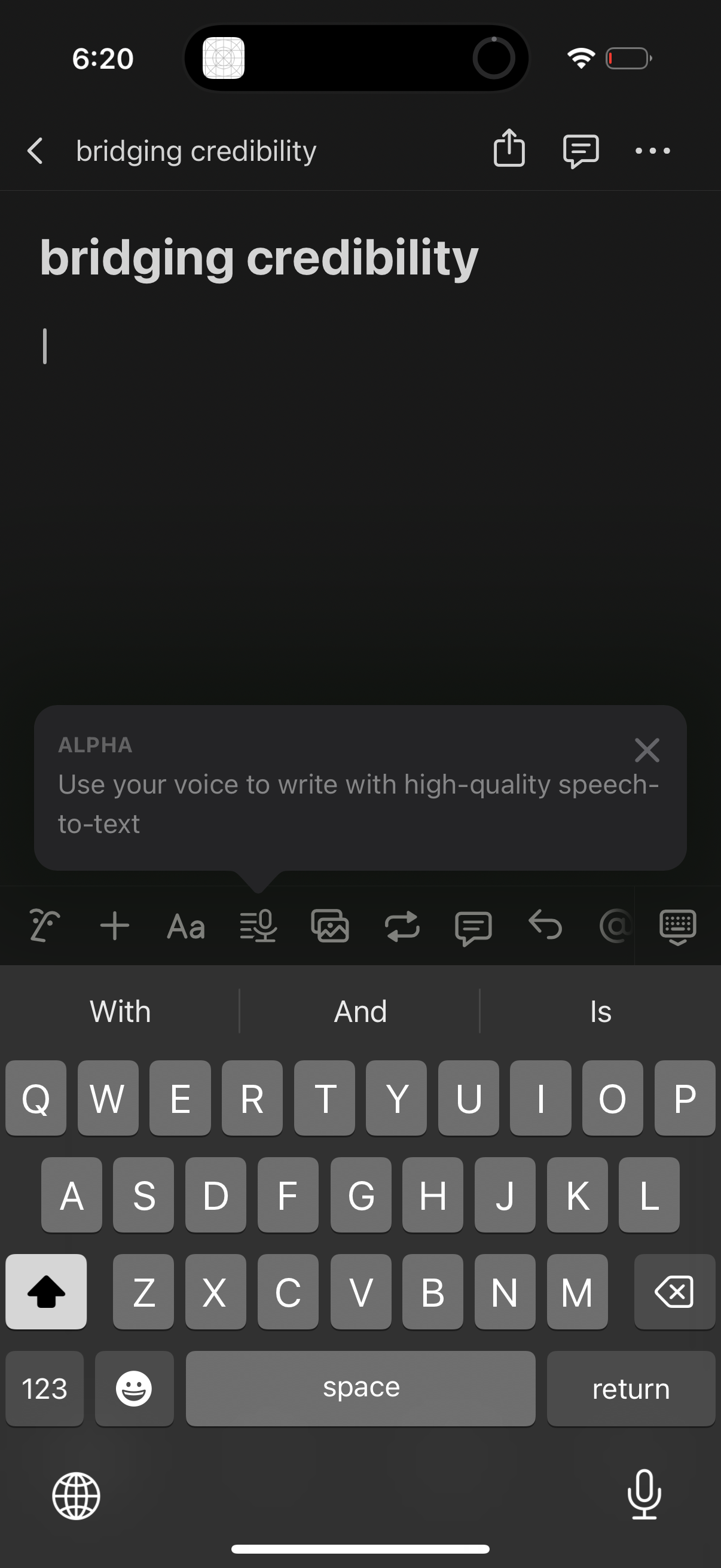
A mobile note editor screen in dark mode showing a note title and text cursor wi
notion
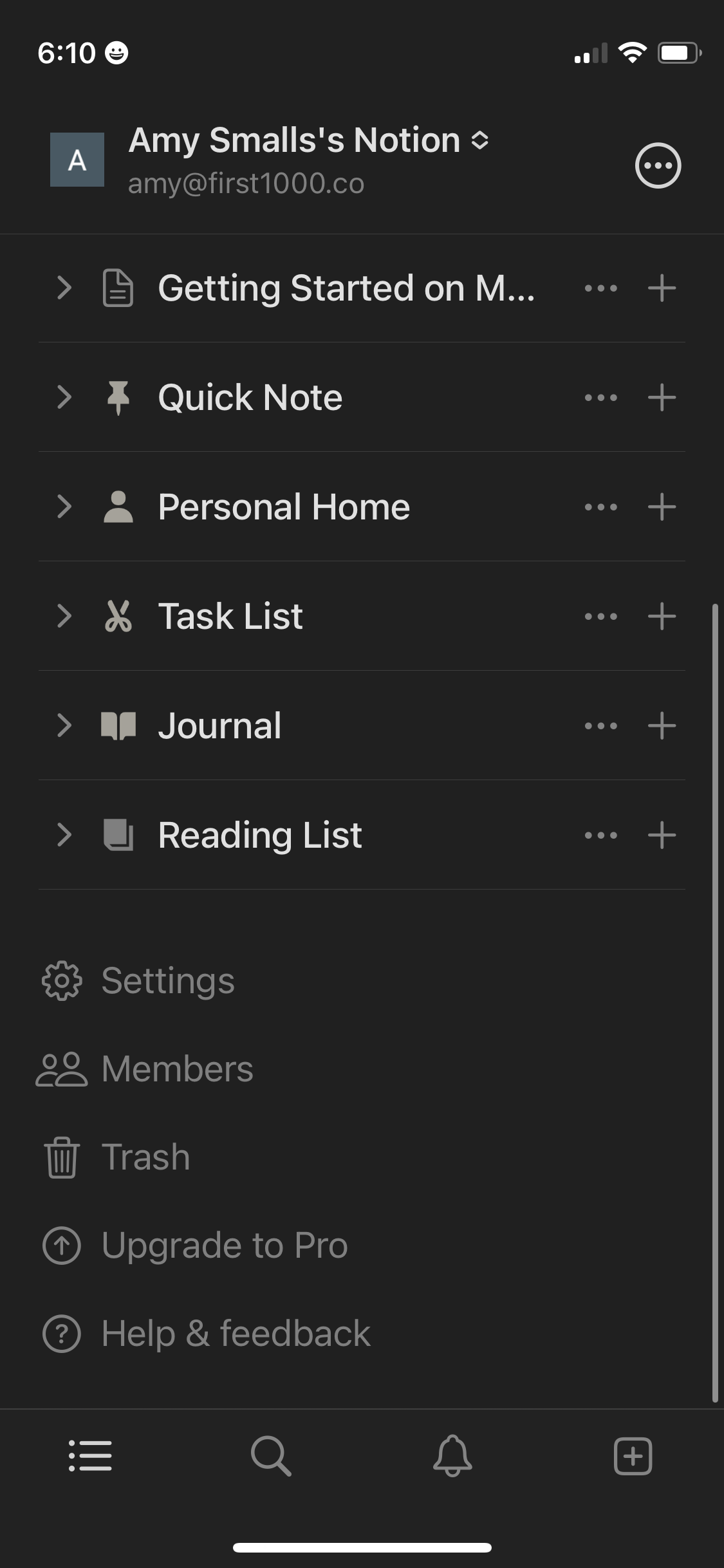
Workspace sidebar navigation for a note-taking/productivity app showing a list o
notion
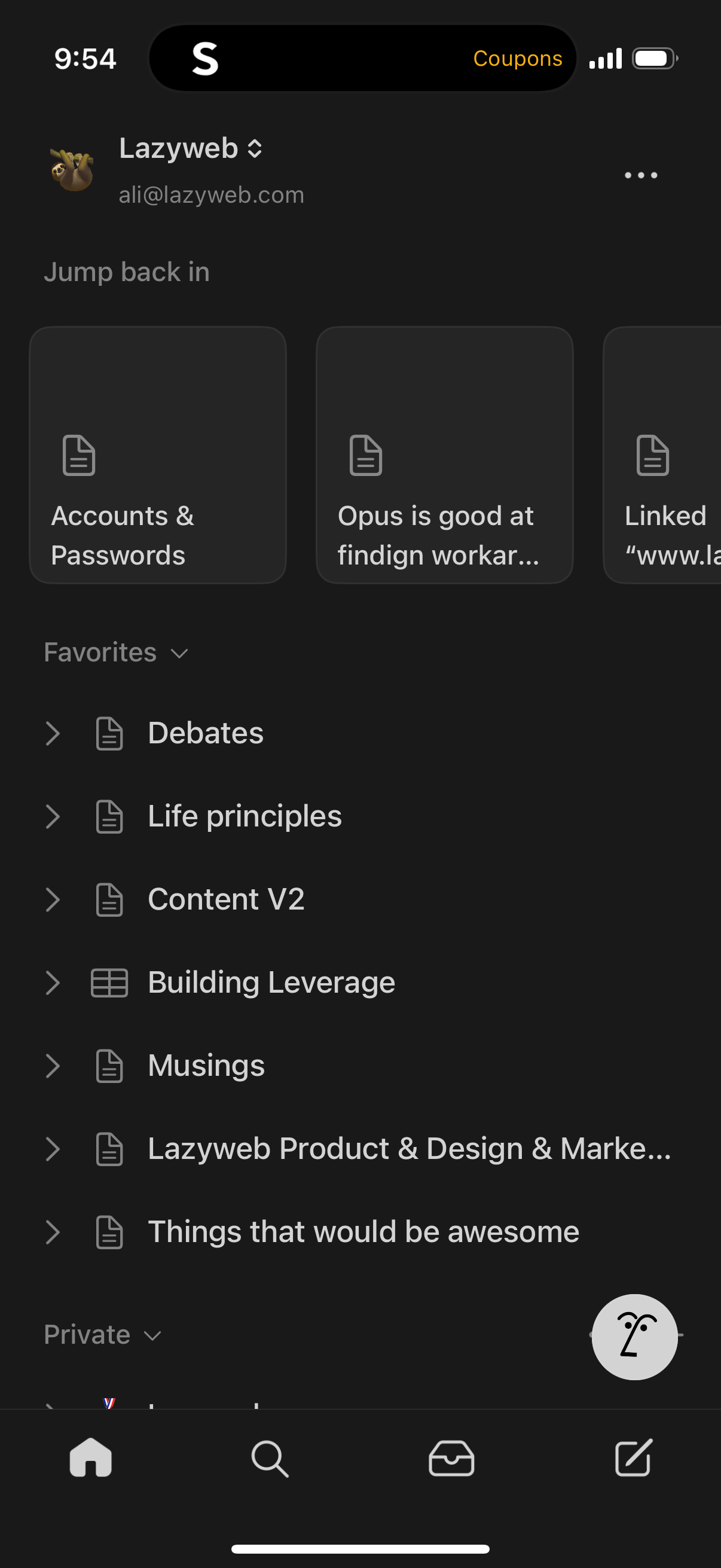
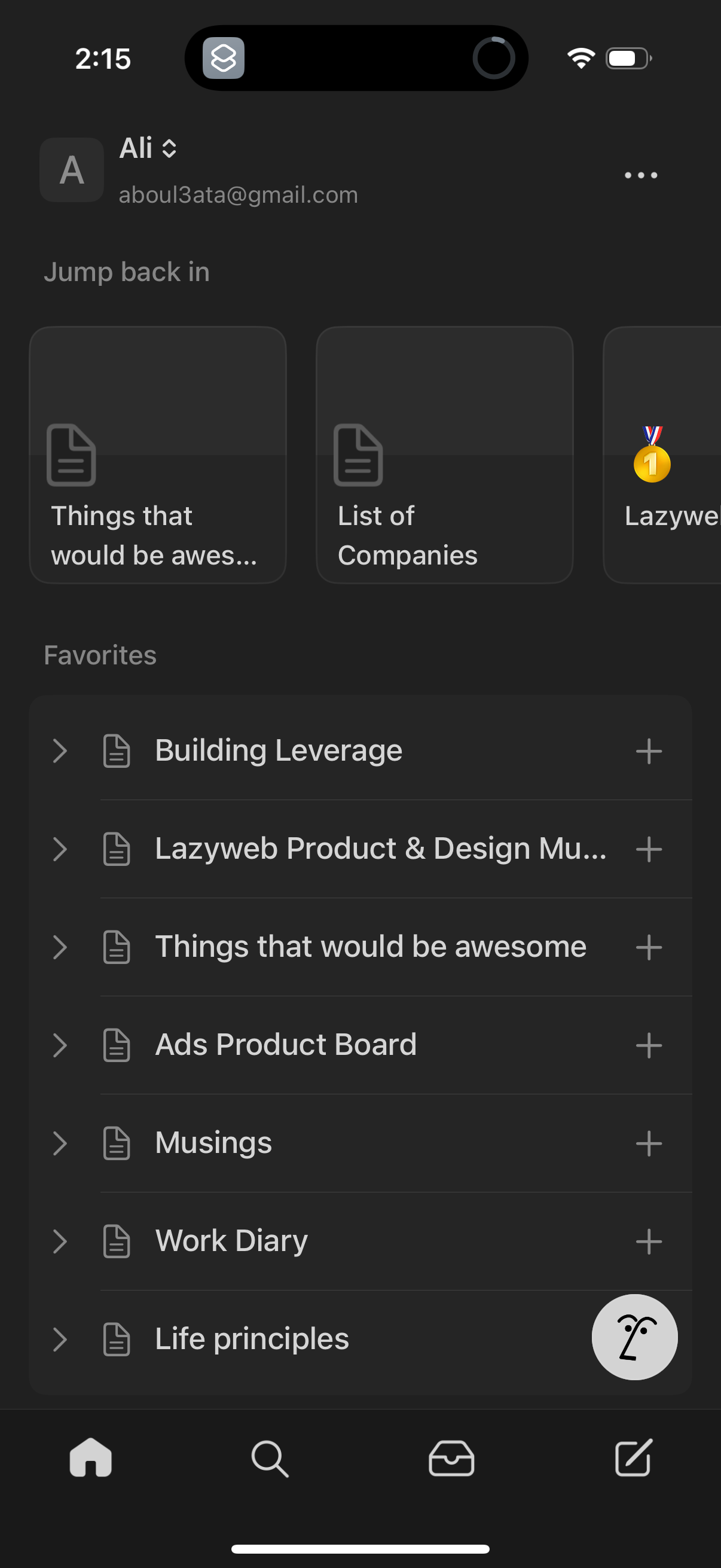
Home dashboard of a notes app showing the signed-in account, a “Jump back in” se
notion
Dark-mode note editor screen for creating or editing a document with a large tit
notion
Mobile document or note editor screen showing a text draft with top actions for
notion
Mobile document or notes editor screen showing a text draft with an inline curso
notion
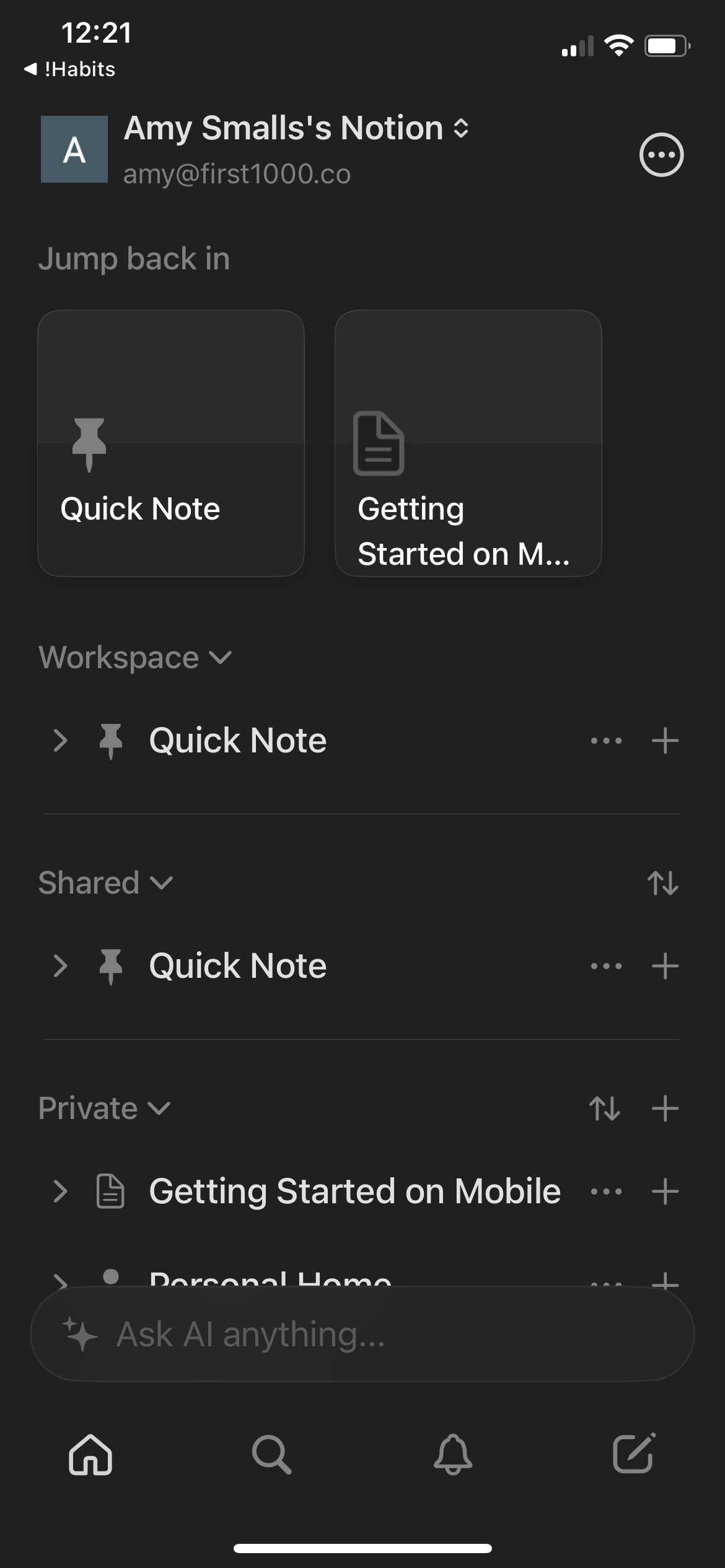
Home dashboard of a notes/documents app showing a “Jump back in” row of recent d
notion
Home screen of a notes/document app showing account profile, a “Jump back in” se
notion
Home dashboard of a notes/document app showing a “Jump back in” section with rec
notion
Dark-mode note-taking home screen showing a “Jump back in” row of recently opene
notion
Dark-mode home dashboard for a notes/knowledge base app showing recent “Jump bac
notion
Home/dashboard screen for a note-taking app showing a “Jump back in” carousel of
notion
Home screen of a notes/document app showing recently accessed documents in a “Ju
notion
Mobile notes/workspace home screen showing the current account, a “Jump back in”
notion
Mobile workspace home screen for a note-taking app showing recently accessed pag
notion
Notion mobile home/workspace screen showing a “Jump back in” section with recent
notion
Notes app home dashboard showing a “Jump back in” recent documents carousel and
notion
Home/dashboard screen of a note-taking app showing “Jump back in” recent note ca
notion
Home/dashboard screen for a note-taking and workspace app showing recently opene
notion
Home/dashboard screen of a notes or documents app showing recent items (“Jump ba
notion
Mobile notes app home/dashboard showing the user workspace with “Jump back in” r
notion
Mobile workspace home screen for a notes/productivity app showing “Jump back in”
notion
Notes app home screen showing a “Jump back in” section with recent documents and
notion
A notes and document workspace home screen showing a “Jump back in” carousel of
notion
Home dashboard of a notes/workspace app showing recent pages as “Jump back in” c
notion
Notion mobile home/workspace dashboard showing “Jump back in” recent pages and c
notion
Notes app home/dashboard showing account switcher, a “Jump back in” row of recen
notion
Mobile note-taking workspace home screen showing a sidebar-style list of private
notion