libby

Books · 60 screens · Libby is the award-winning and much-loved app for your local library. Borrow ebooks and listen to audiobooks, and support your library!

Your agent can search this library too. Lazyweb CLI →
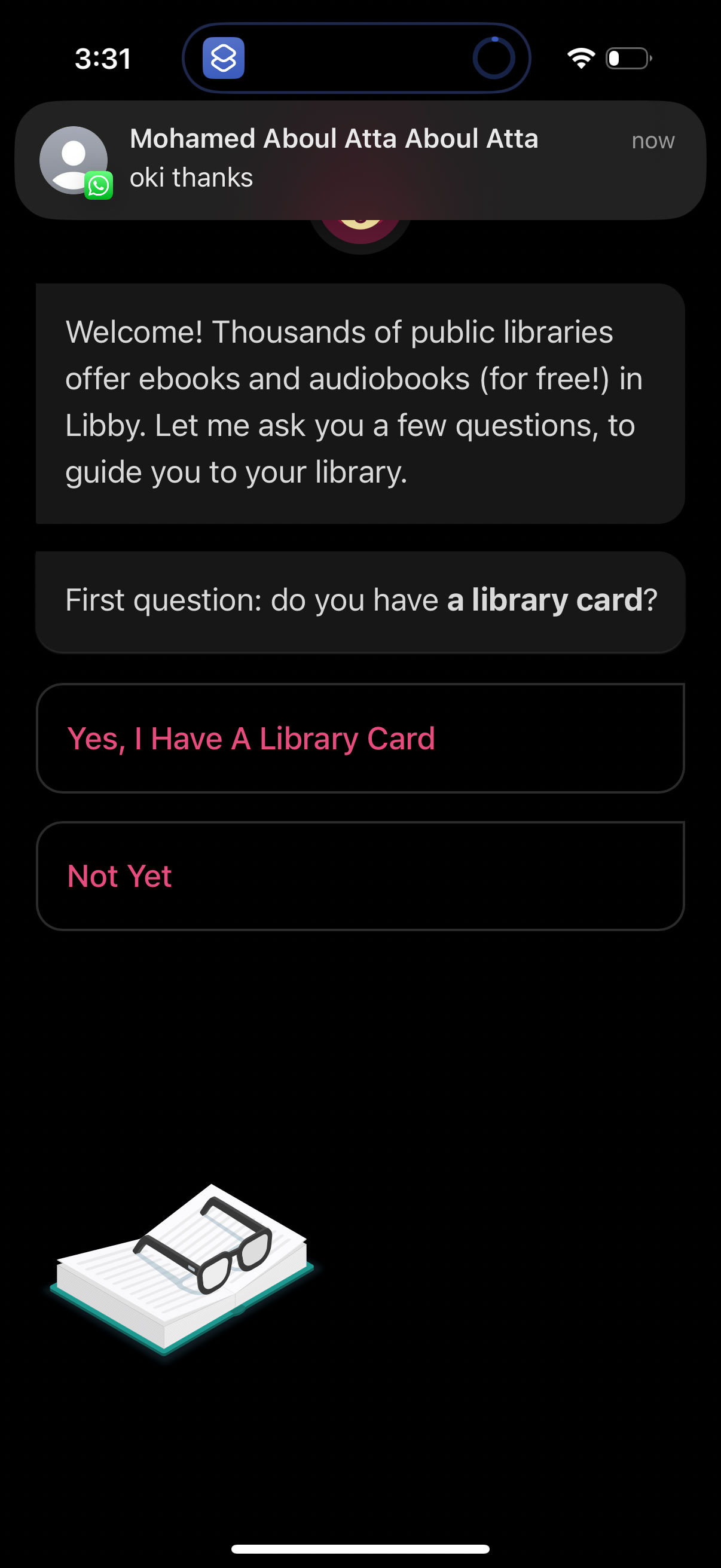
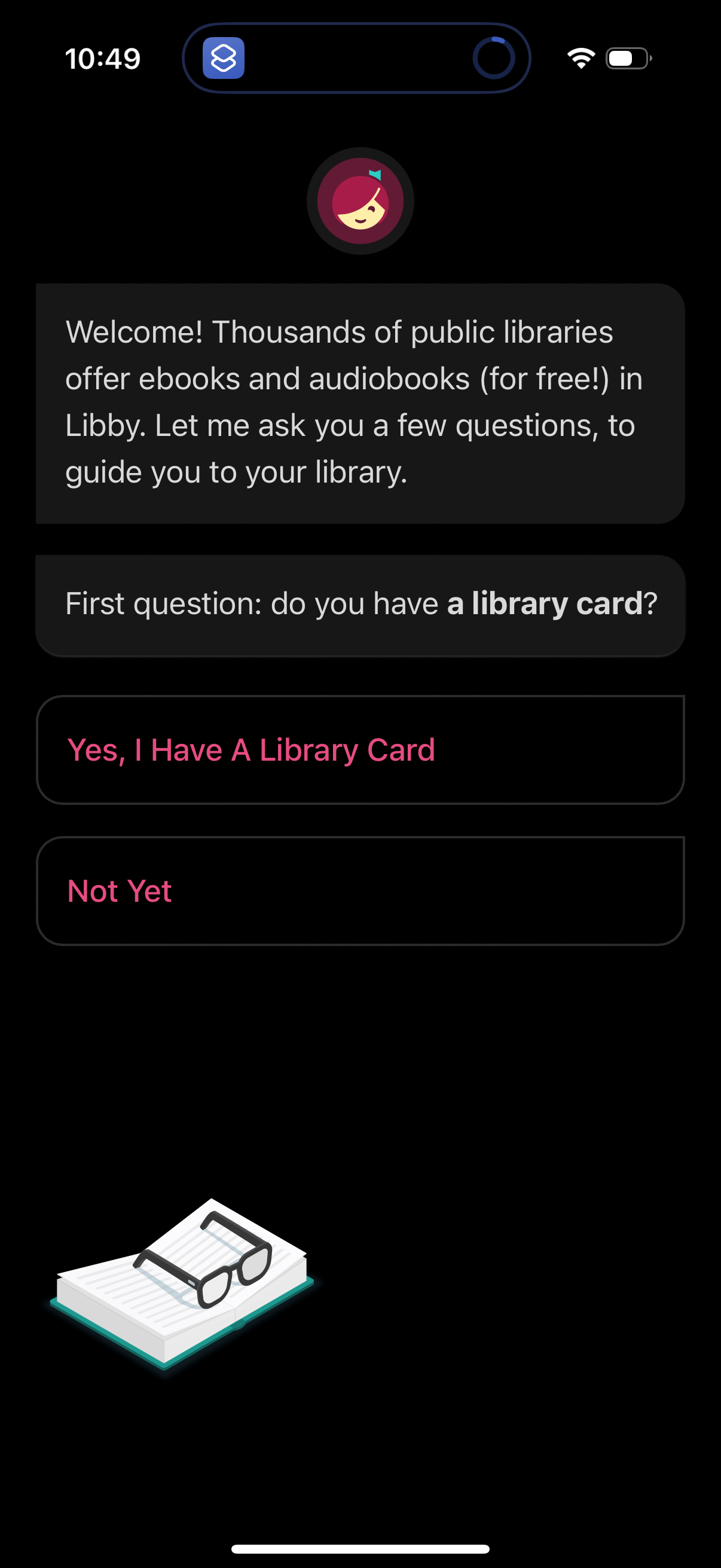
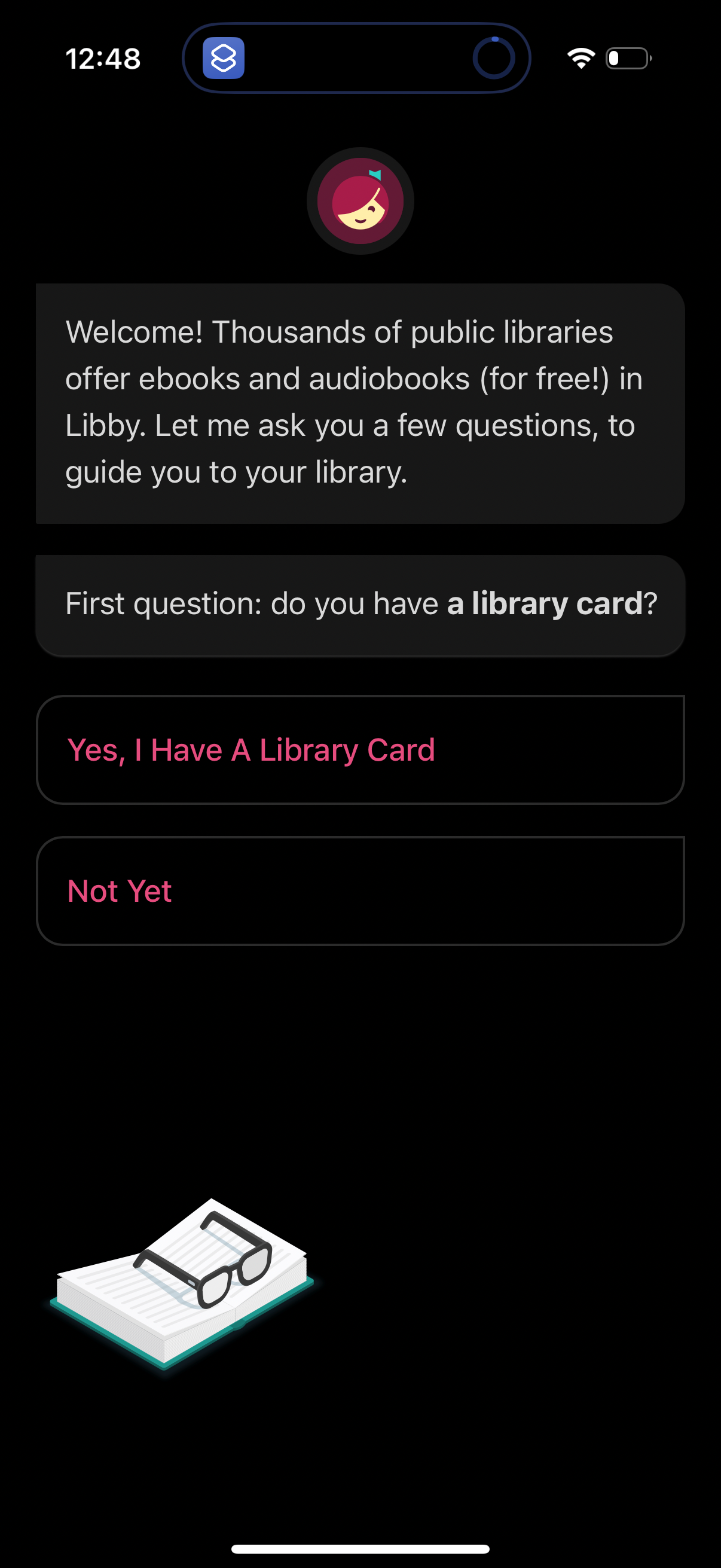
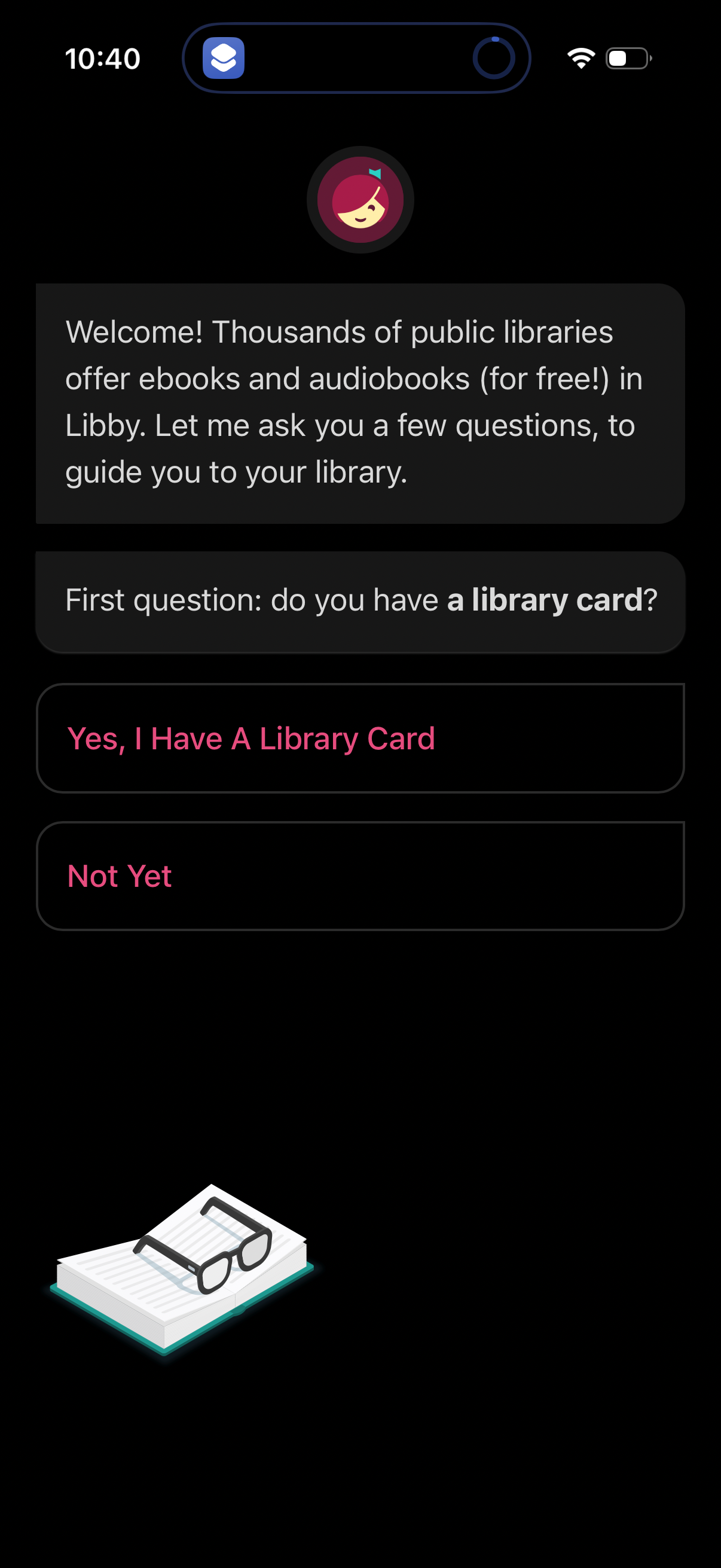
Onboarding welcome screen for a library ebooks/audiobooks app that guides users
libby
Onboarding welcome screen for a library ebook/audiobook app that guides users to
libby
Onboarding welcome screen for a library ebooks/audiobooks app that explains the
libby
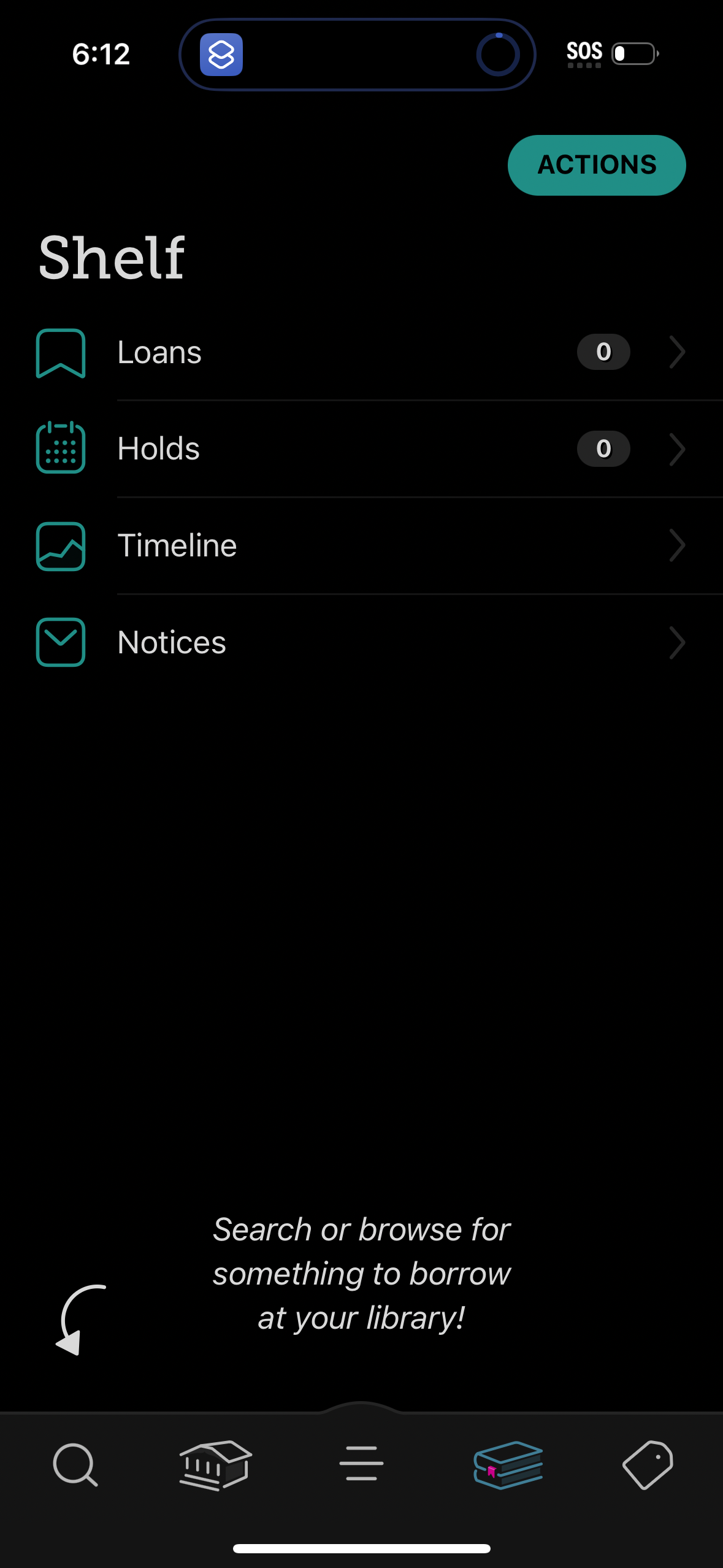
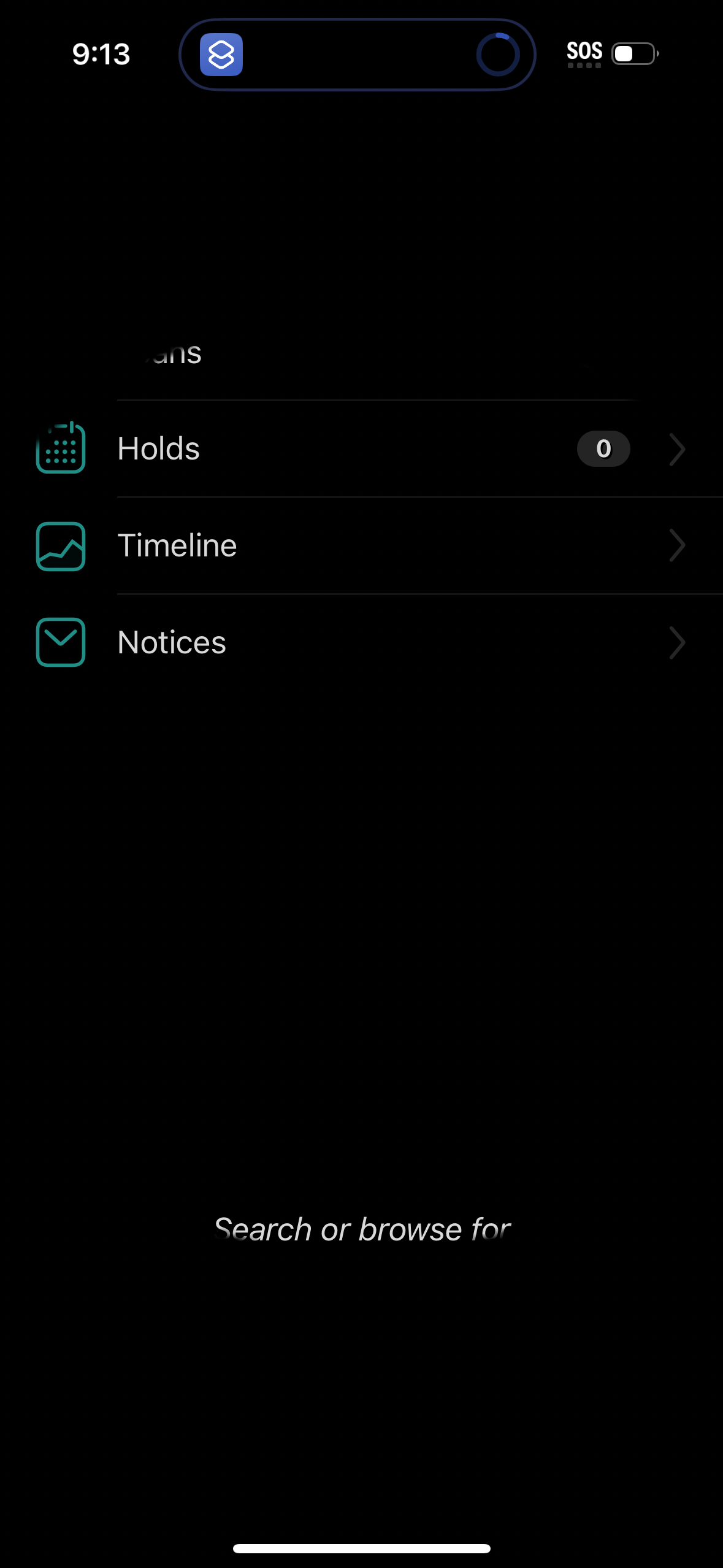
Library app “Shelf” screen showing account and activity sections for Loans, Hold
libby
Onboarding welcome screen for a library ebooks/audiobooks app that guides users
libby
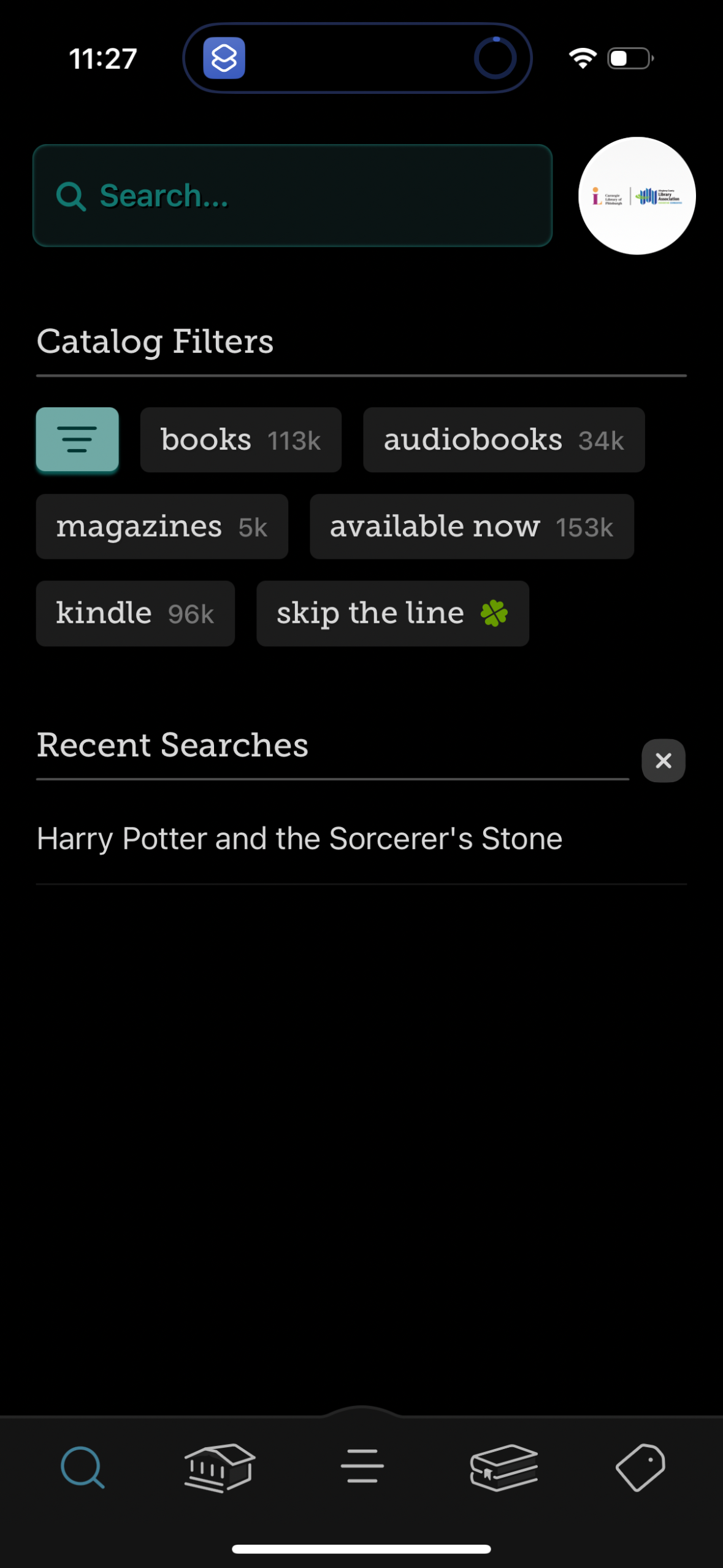
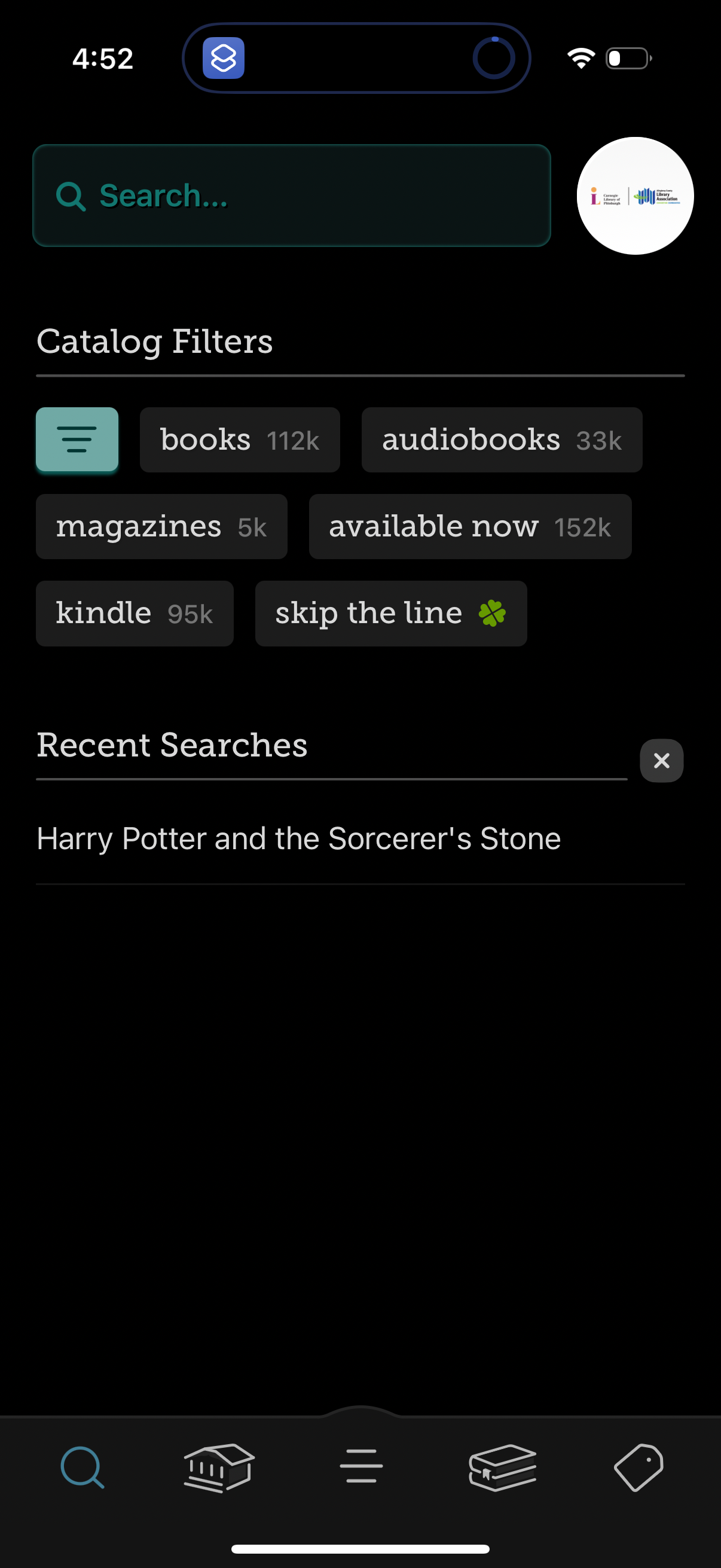
Library catalog search screen with a prominent search bar, quick filter chips fo
libby
Onboarding welcome screen for a library ebook/audiobook app that guides users to
libby
Dark-mode navigation menu listing options for managing a case or request, includ
libby
Library catalog search screen with a prominent search bar, quick filter chips fo
libby
Empty state screen for a “Notices” section inside a shelf/library, with a back n
libby
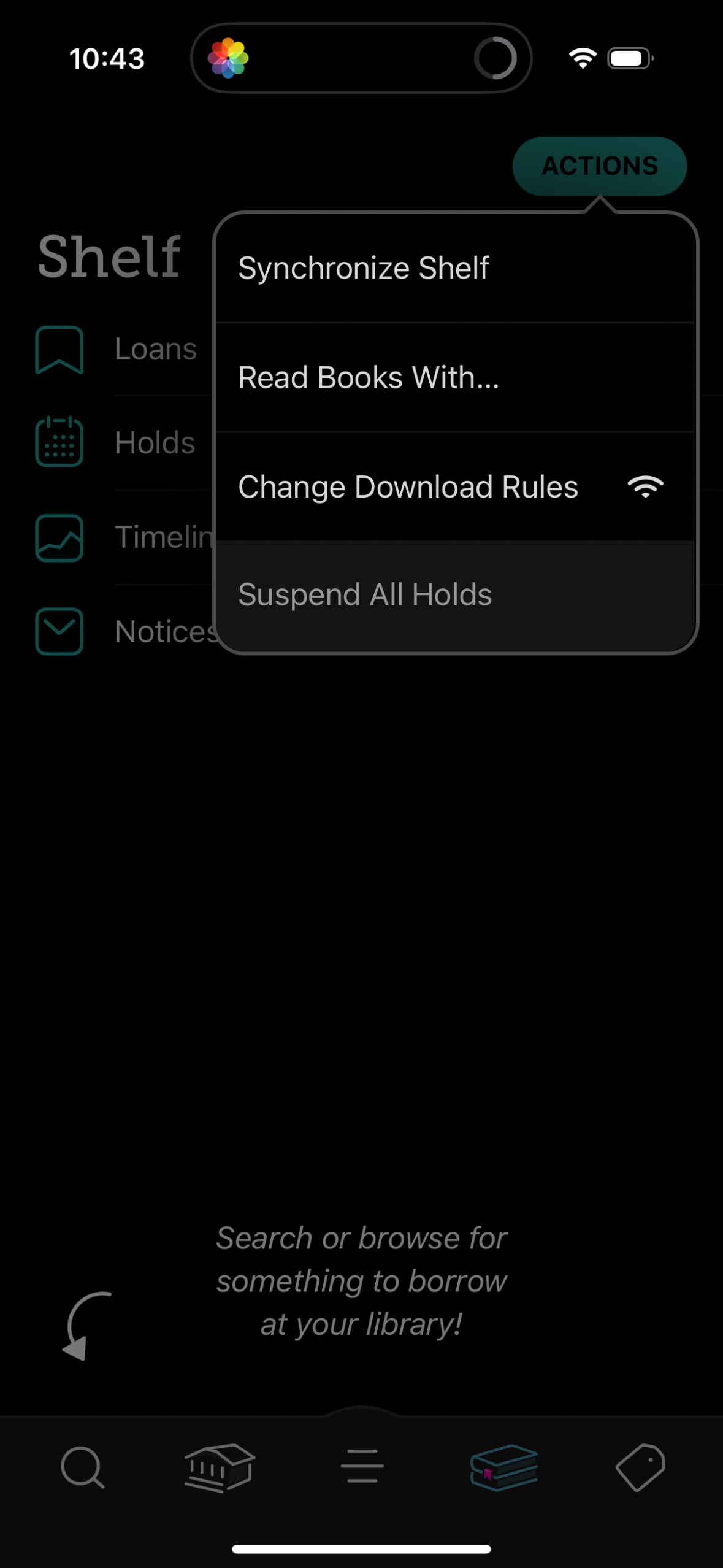
Library ebook app “Shelf” screen with an Actions overflow menu for managing acco
libby
Library reading app “Shelf” dashboard showing navigation to Loans, Holds, Timeli
libby
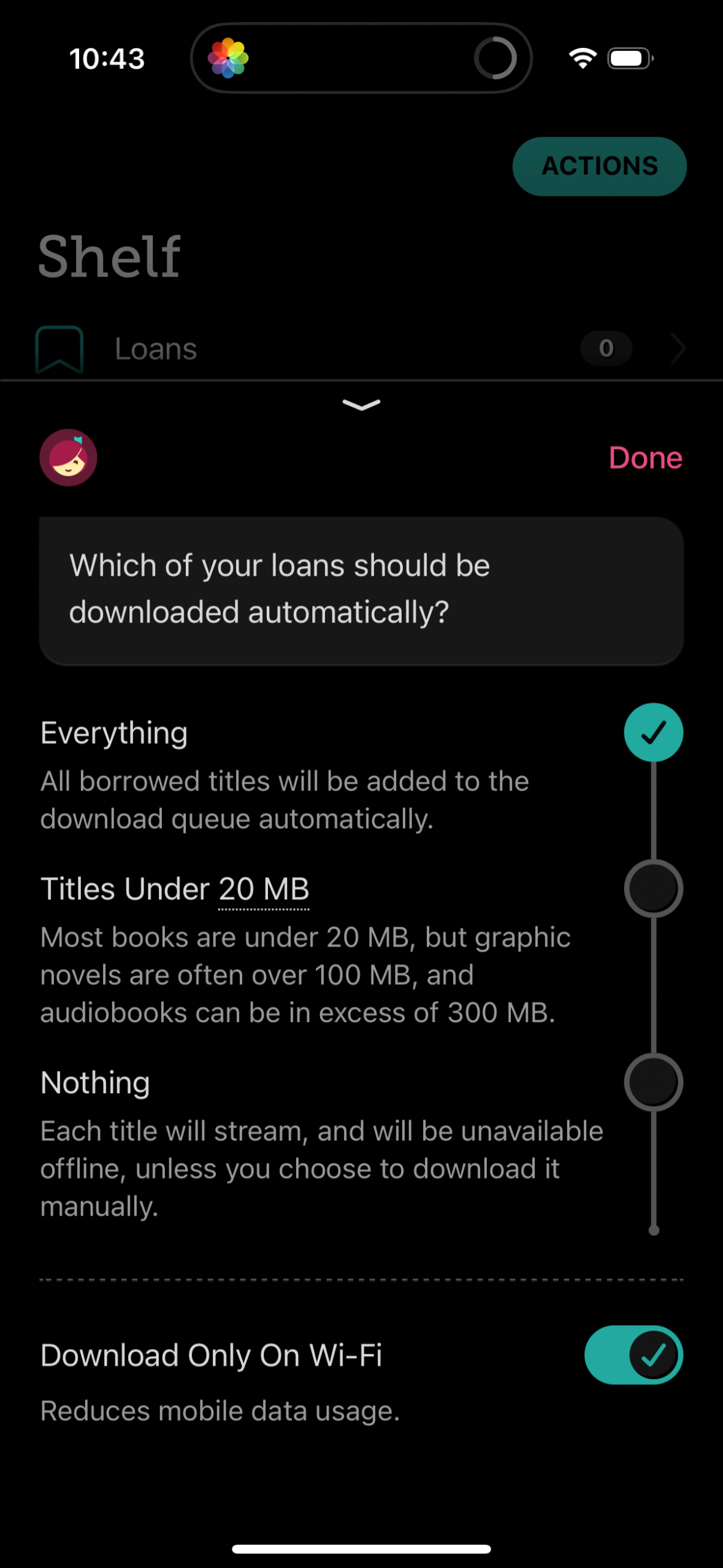
Settings screen for a library/ebook “Loans” shelf letting users choose which bor
libby
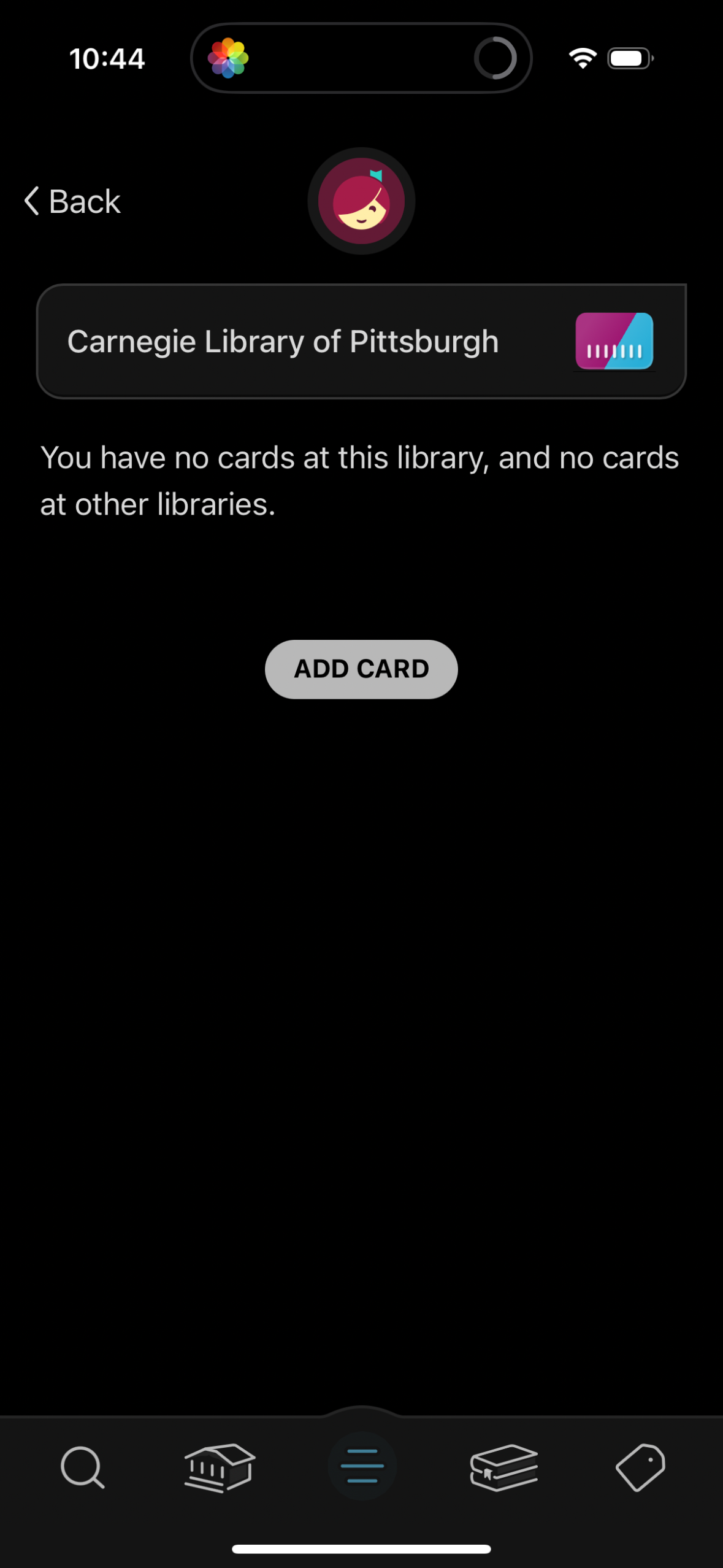
Library account management screen for a selected library showing that no library
libby
Library account/profile screen showing the user’s current library status and mem
libby
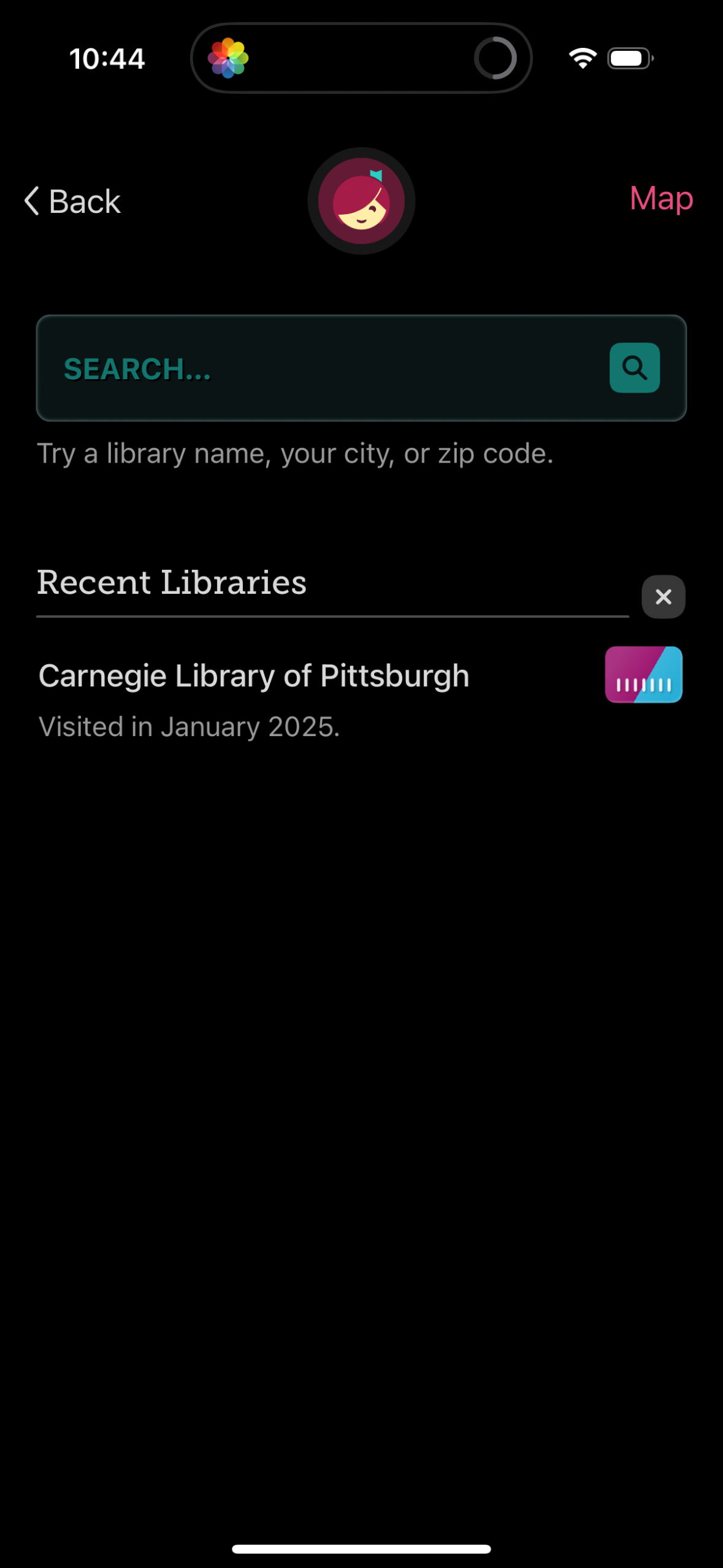
Library finder screen with a search bar to look up libraries by name, city, or z
libby
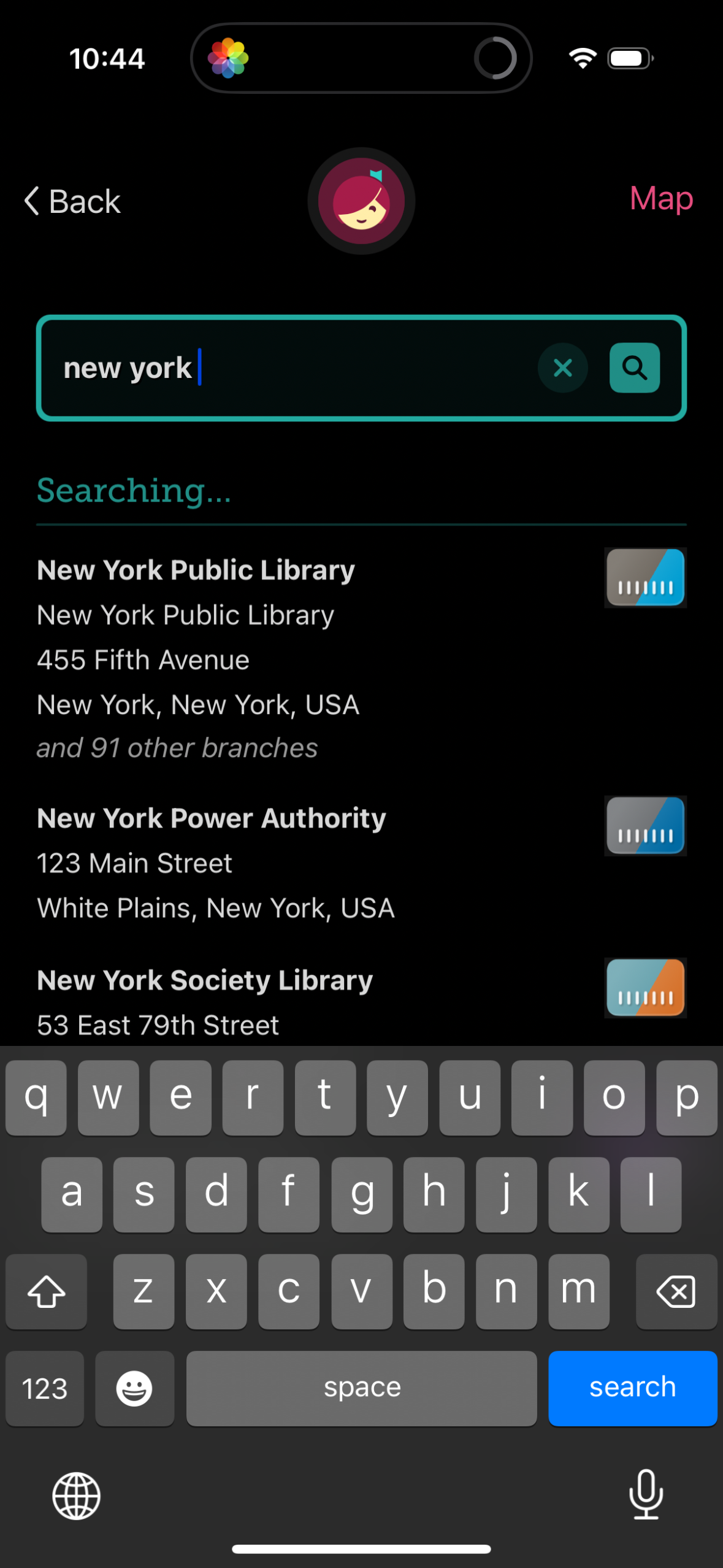
Location search screen with a text input and clear/search controls, showing “Sea
libby
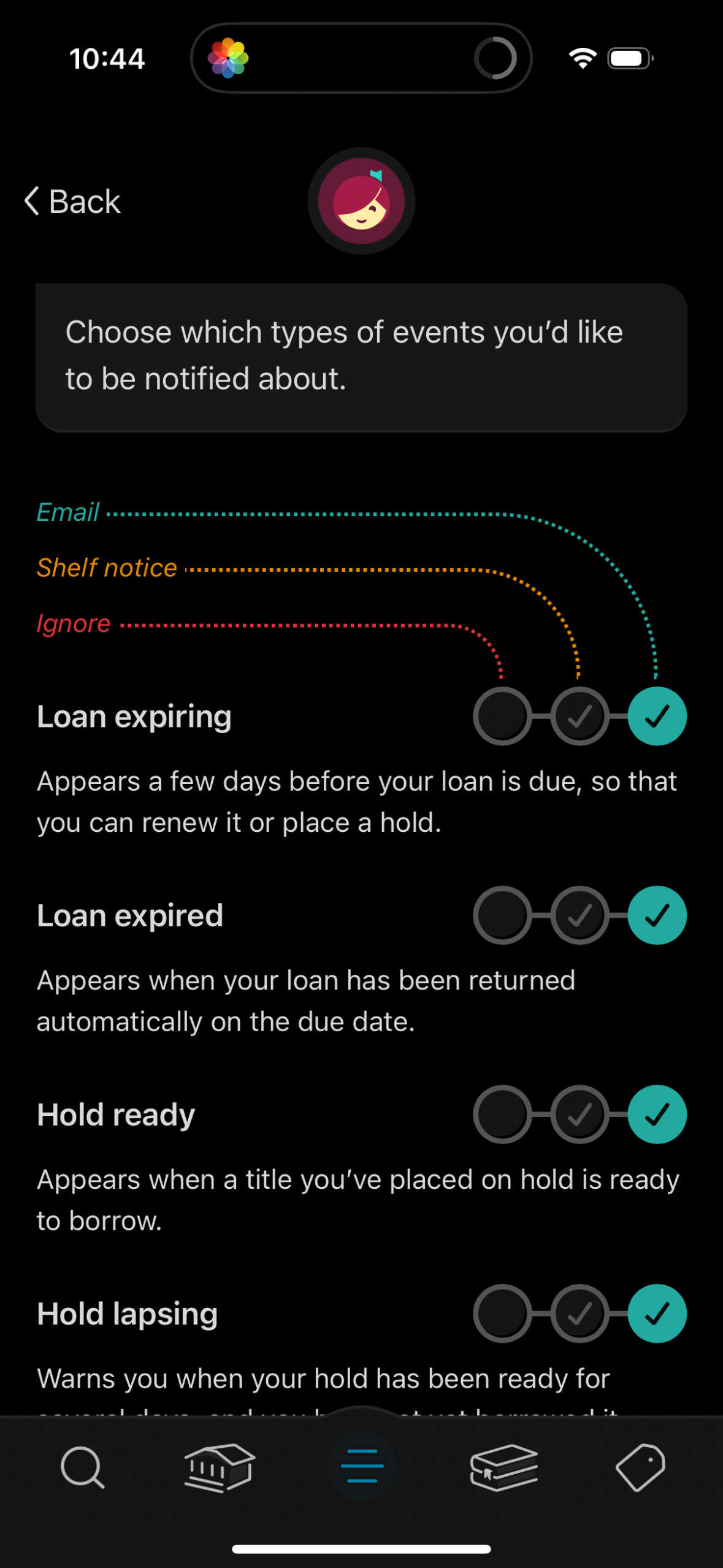
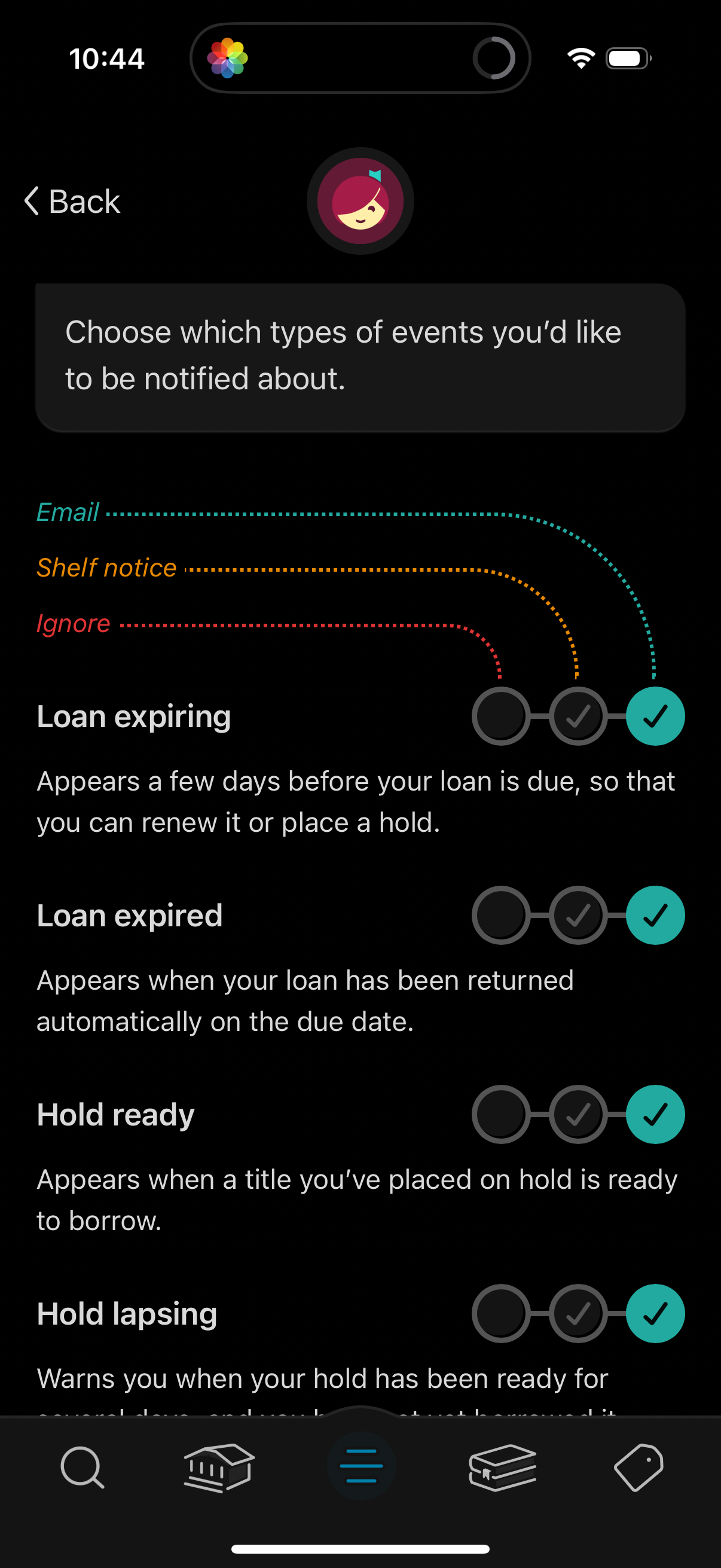
Notification settings screen for a library app where users choose how to be noti
libby
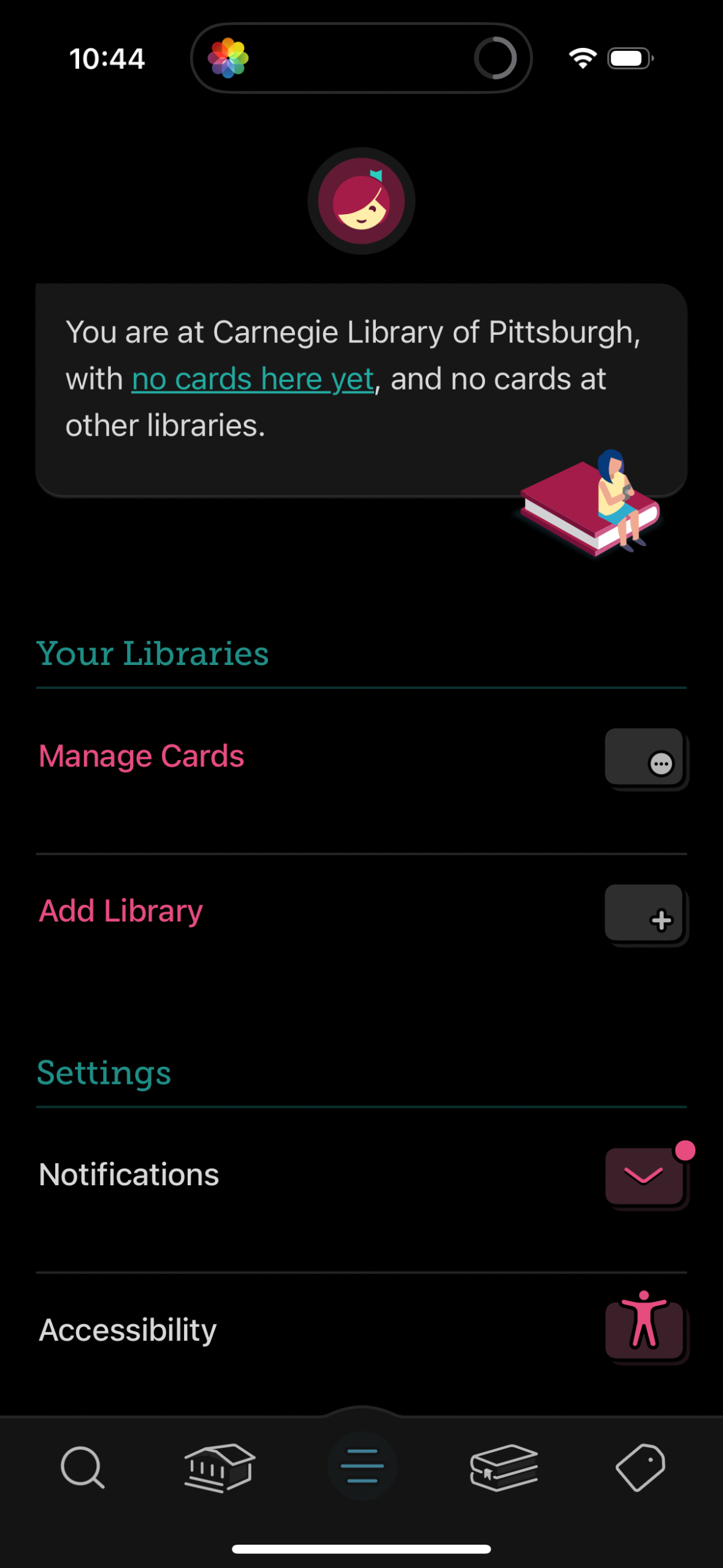
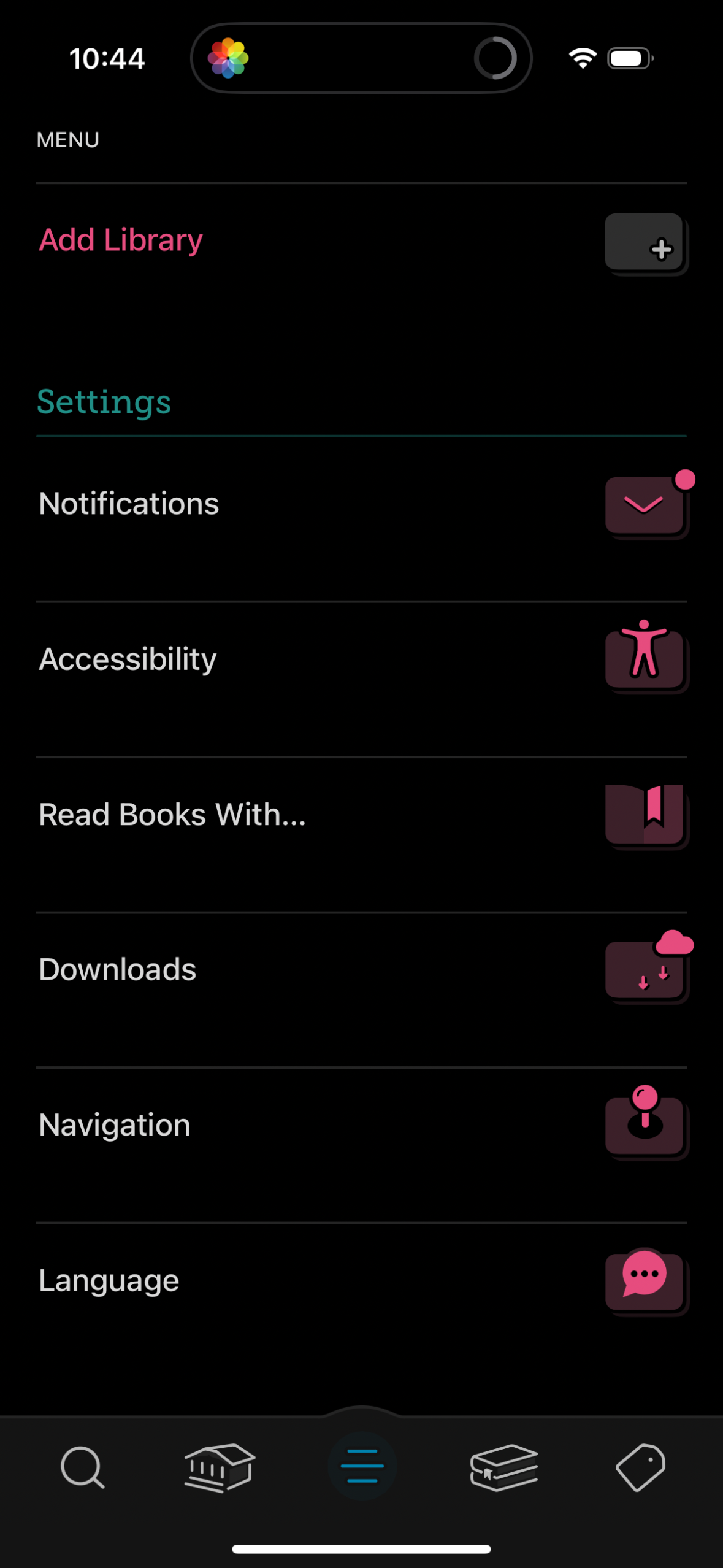
Menu/settings screen for a reading or library app with an “Add Library” action a
libby
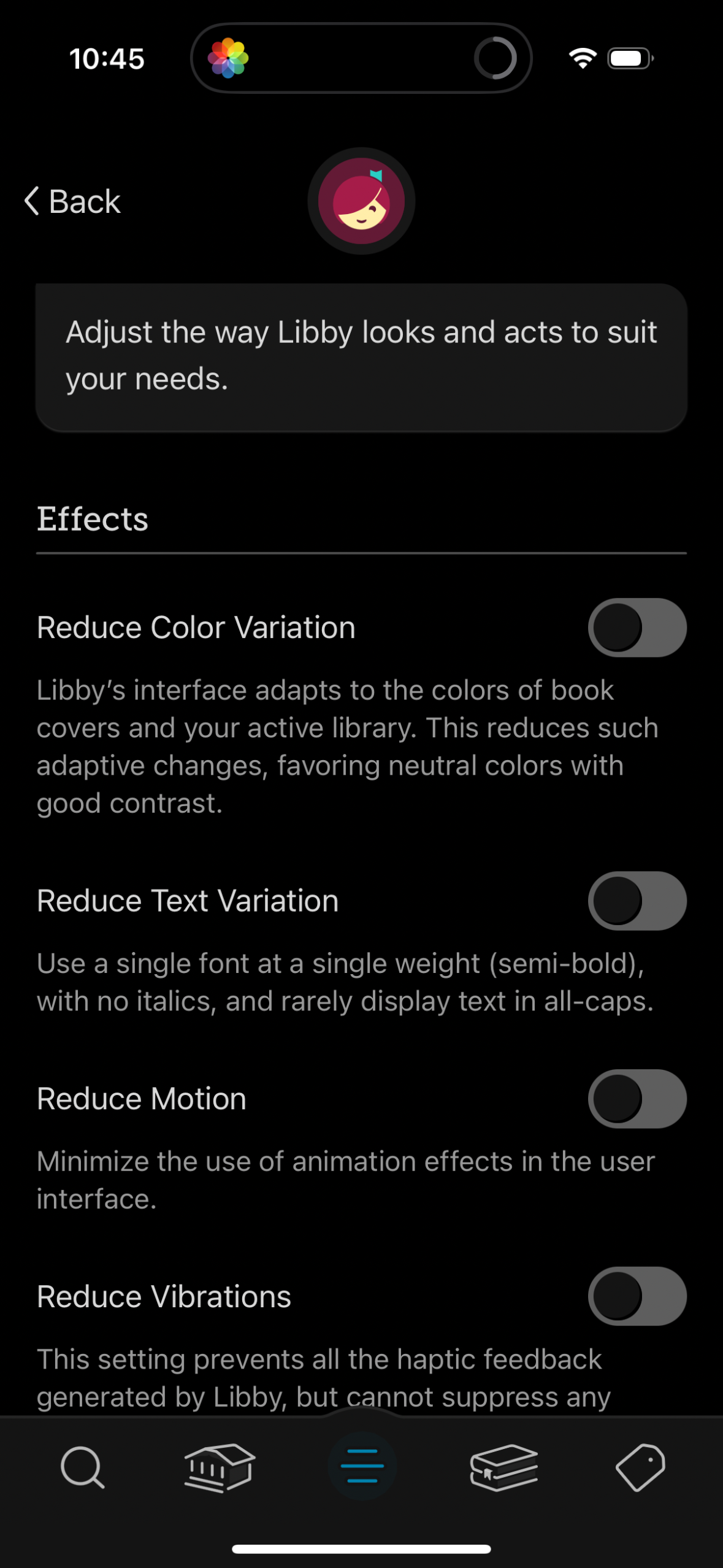
Accessibility and appearance settings screen for an app, letting users adjust ho
libby
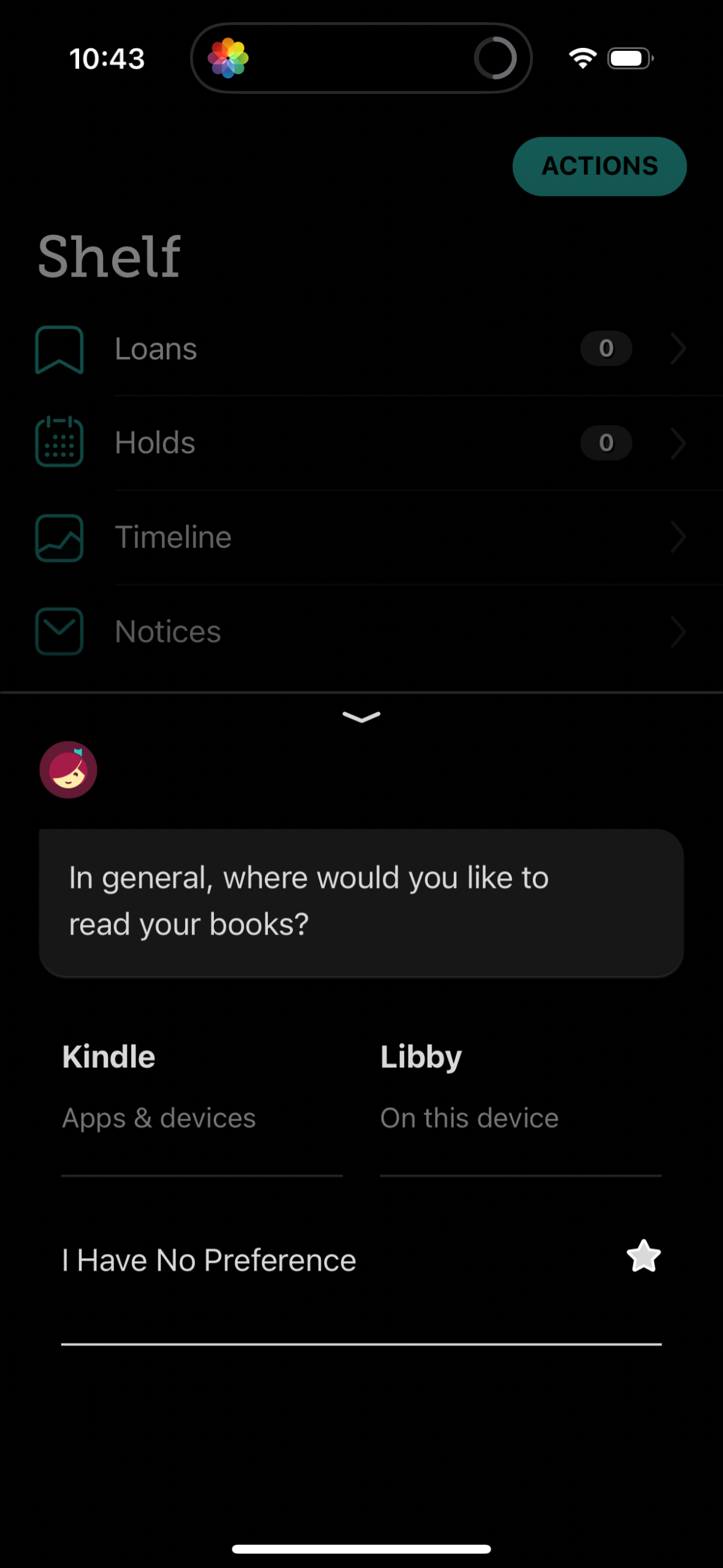
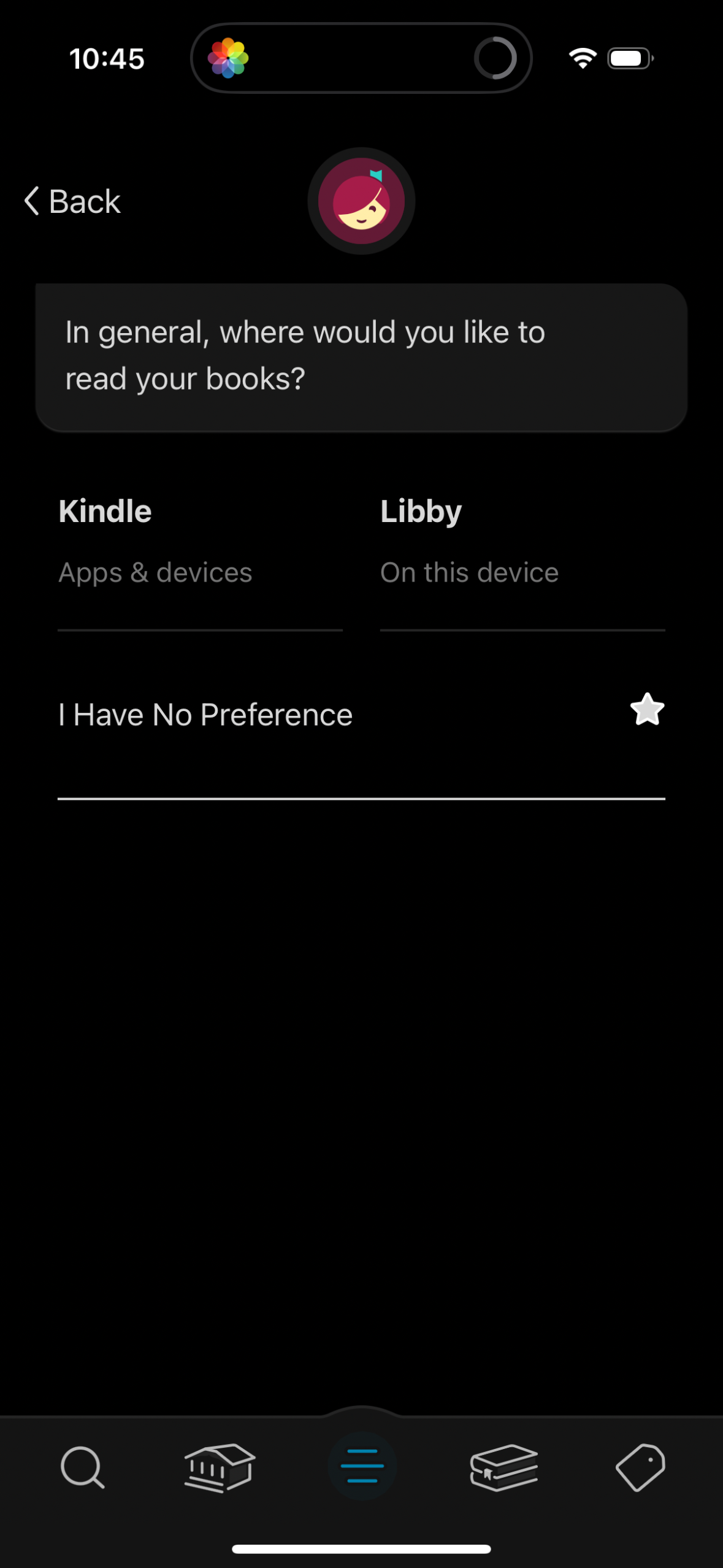
Preference selection screen asking where the user generally wants to read their
libby
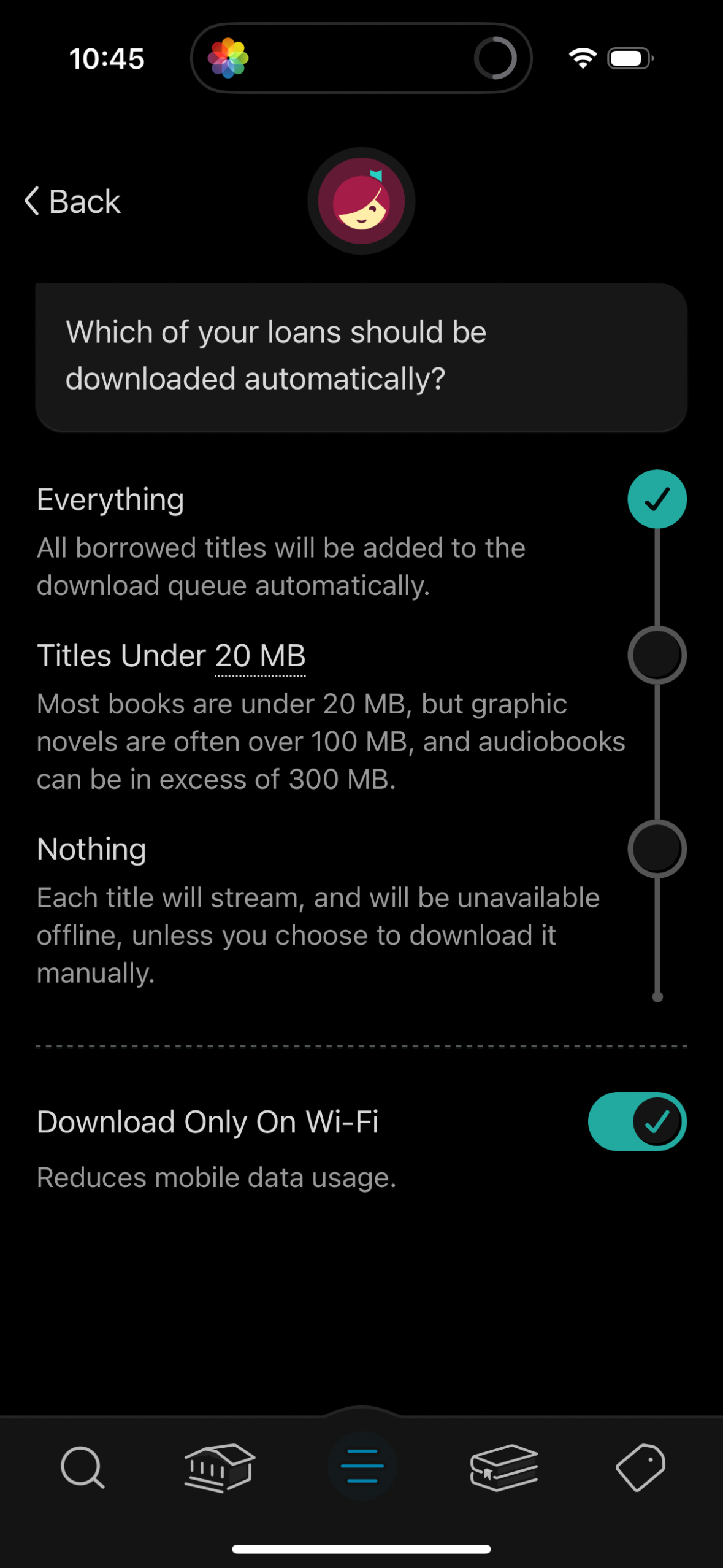
Settings screen for a digital library/reading app that lets users choose which b
libby
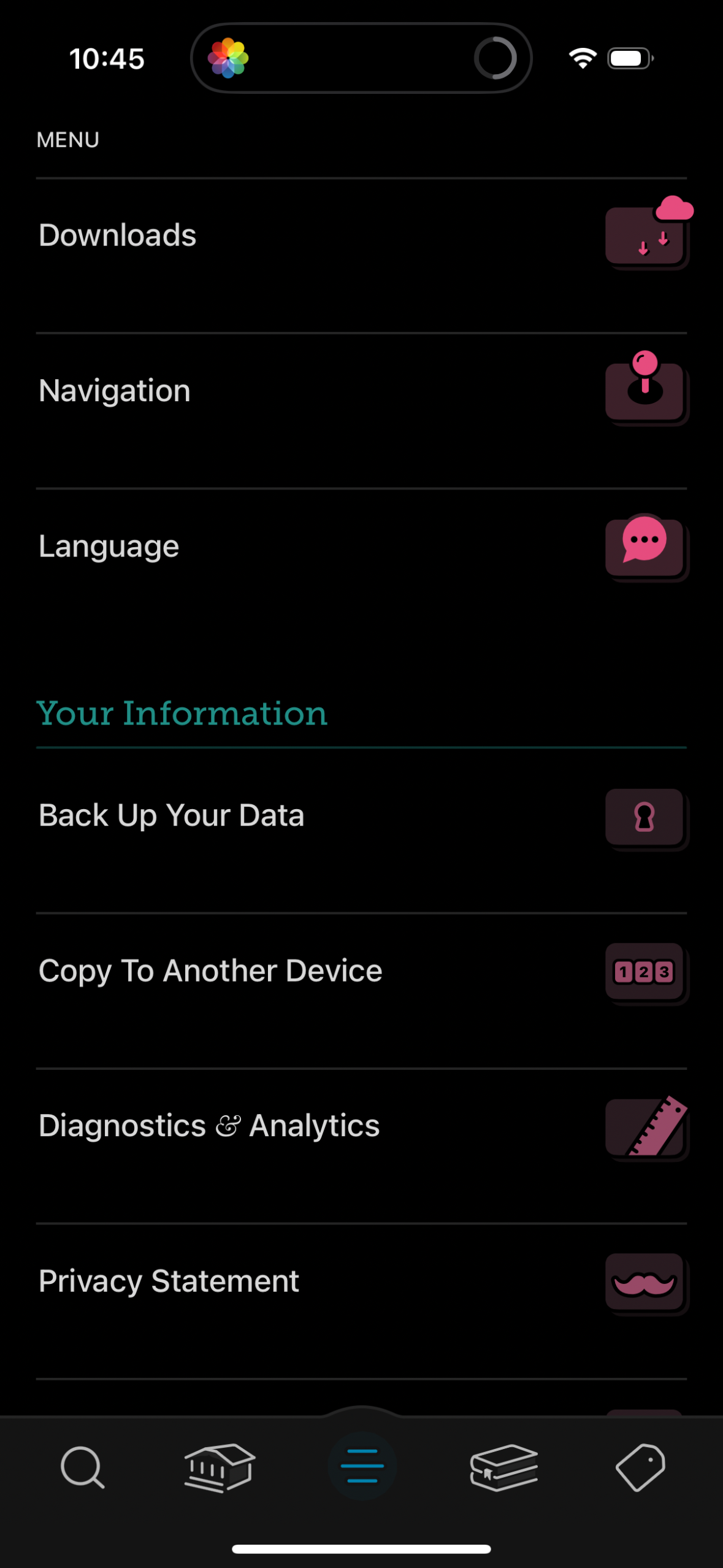
Settings menu screen in a dark theme showing a list of app options such as Downl
libby
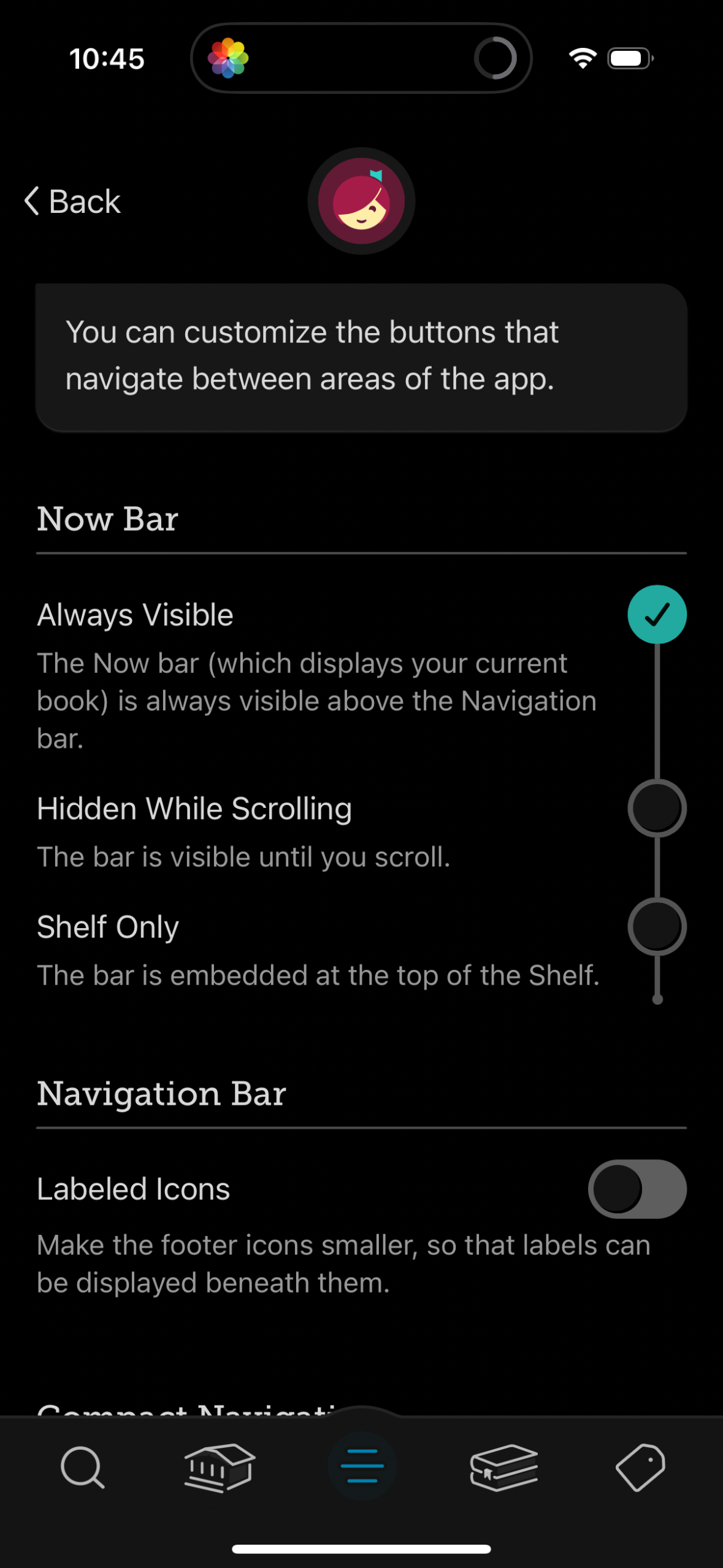
Settings screen for customizing app navigation UI, with options to control the “
libby
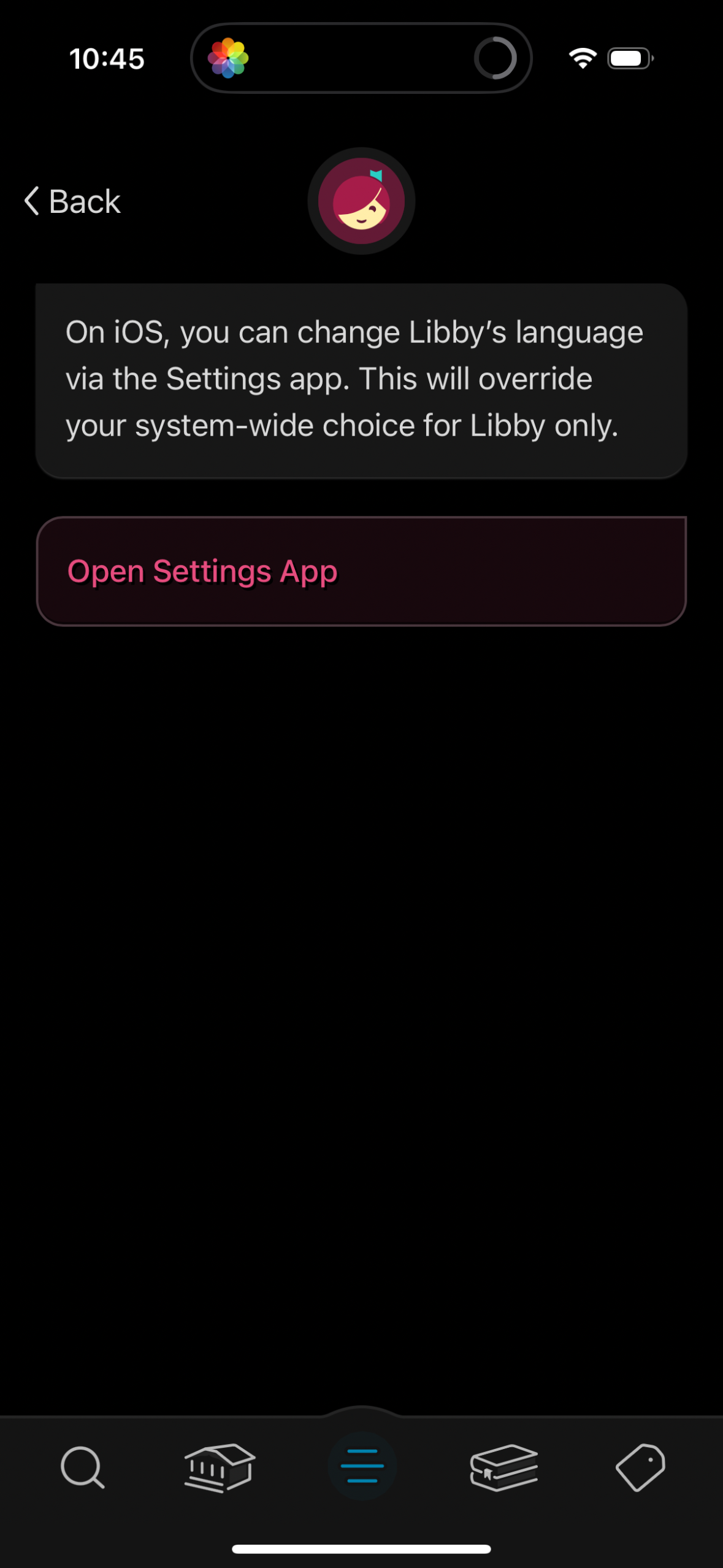
In-app settings help screen explaining that the app’s language can be changed on
libby
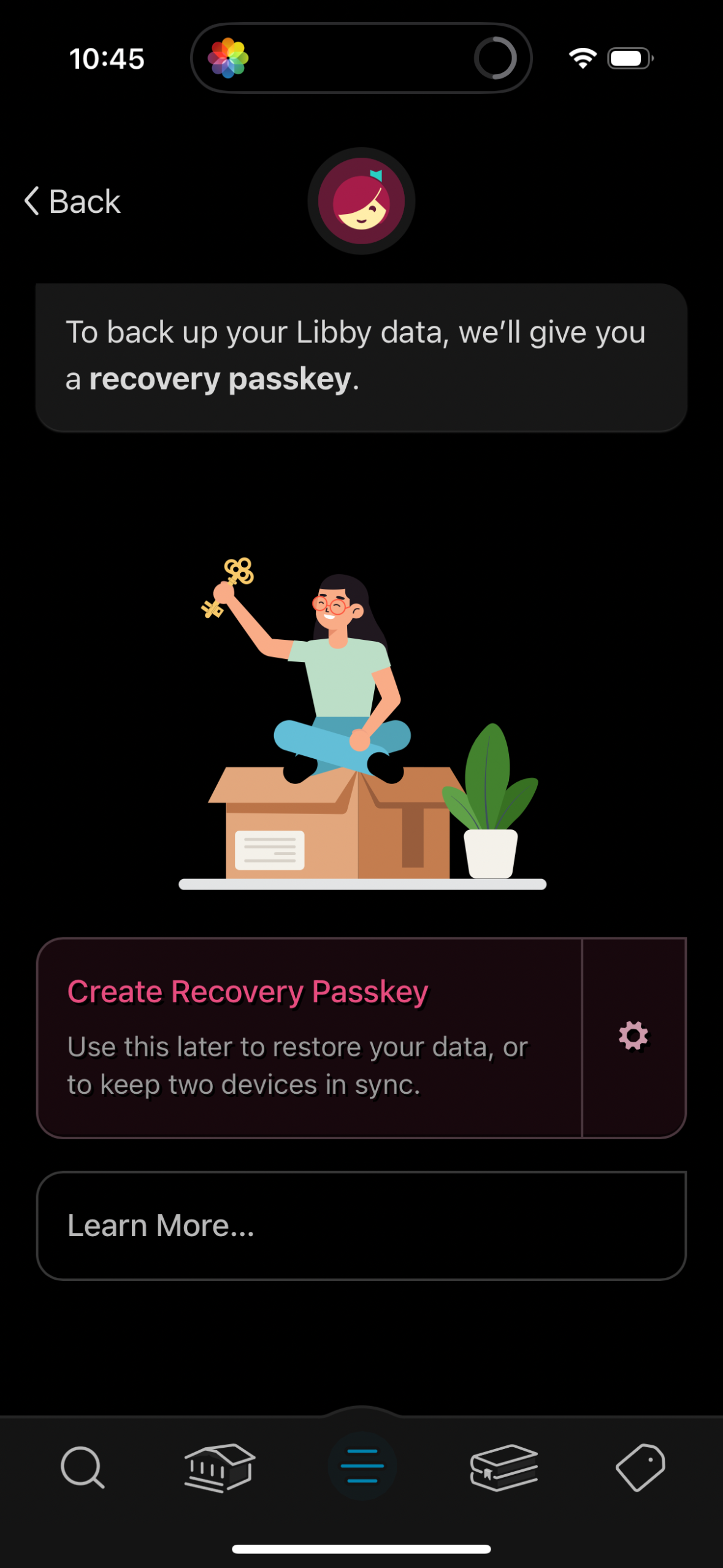
Screen prompting the user to back up app data by creating a recovery passkey, en
libby
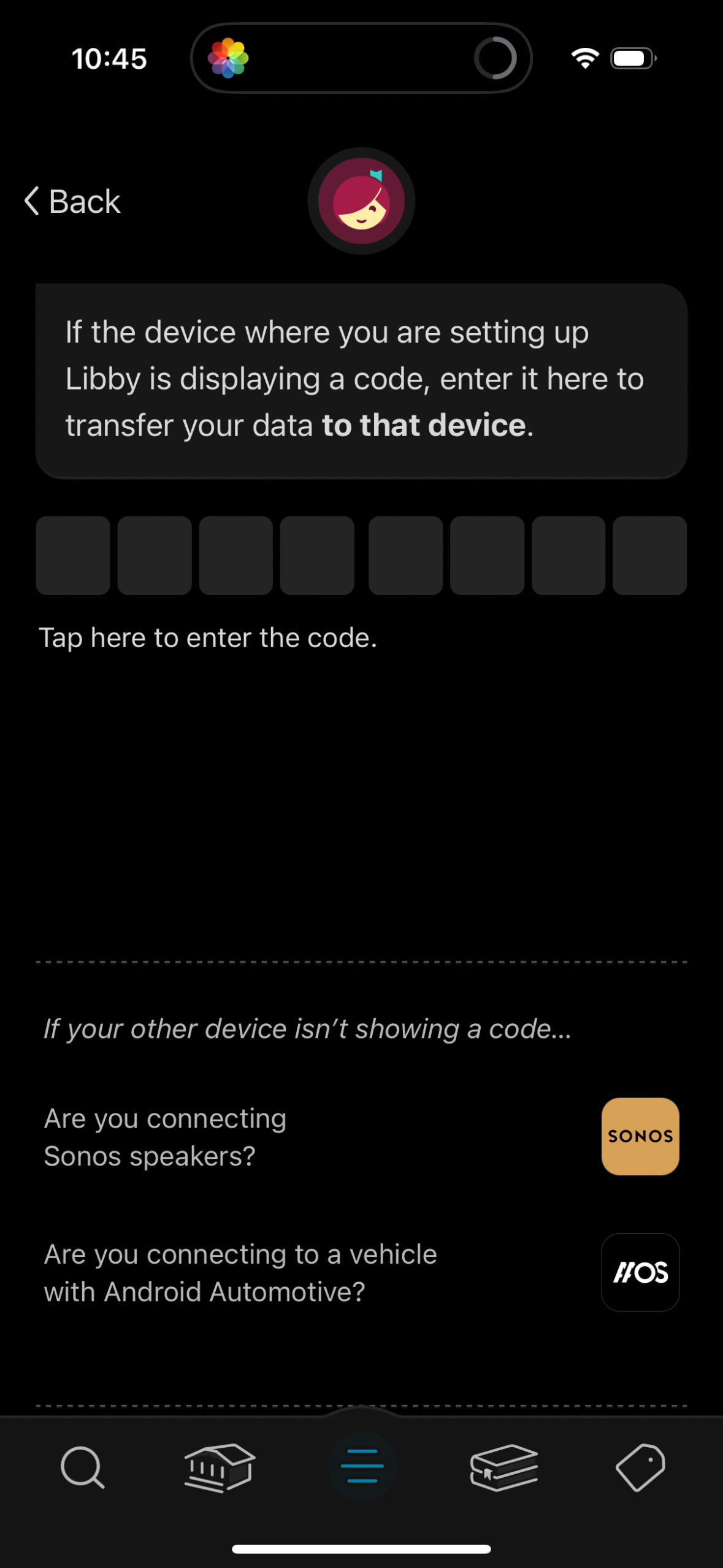
Device setup screen for transferring app data to another device by entering a di
libby
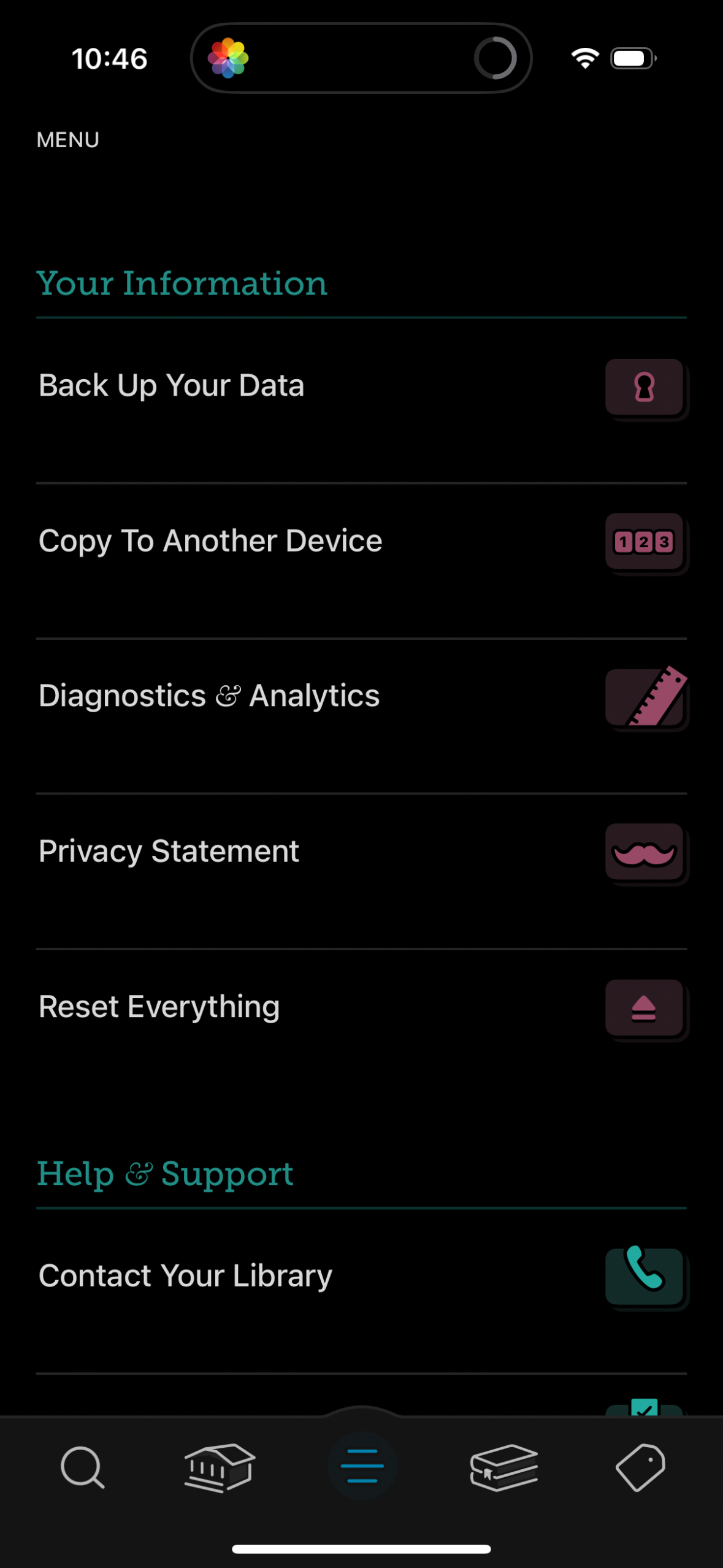
Settings and account management menu showing “Your Information” options to back
libby
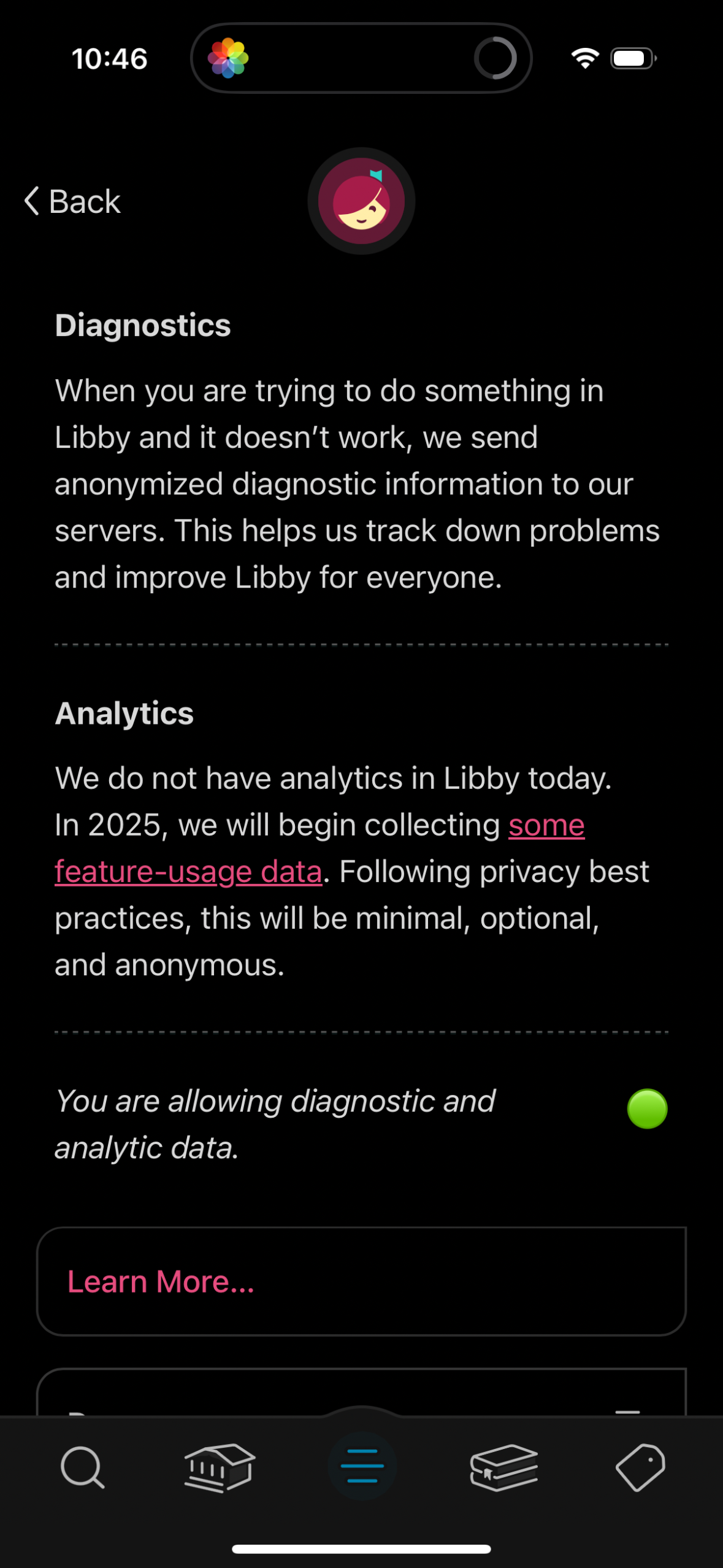
Privacy settings screen explaining app diagnostics and analytics data collection
libby
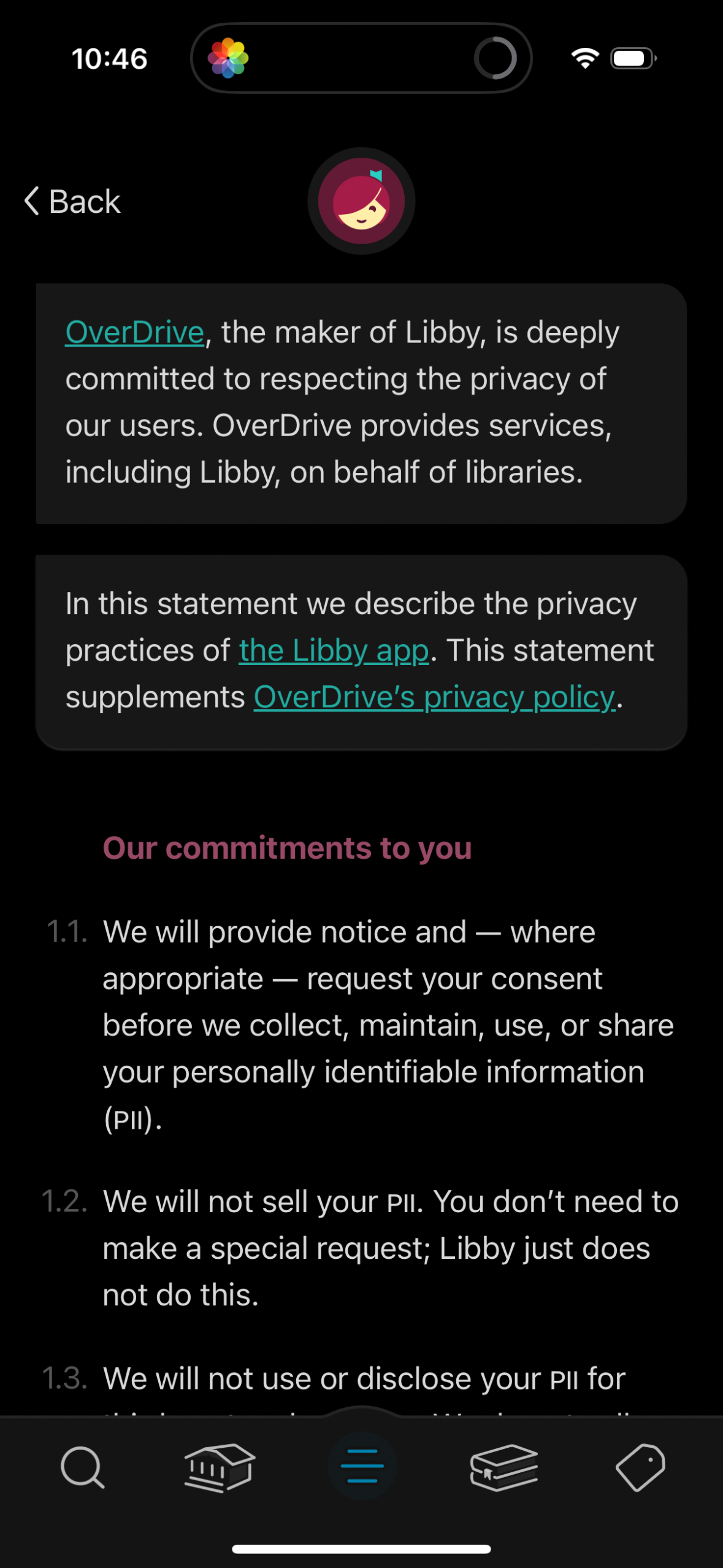
Privacy policy / privacy statement screen explaining how the app and its parent
libby
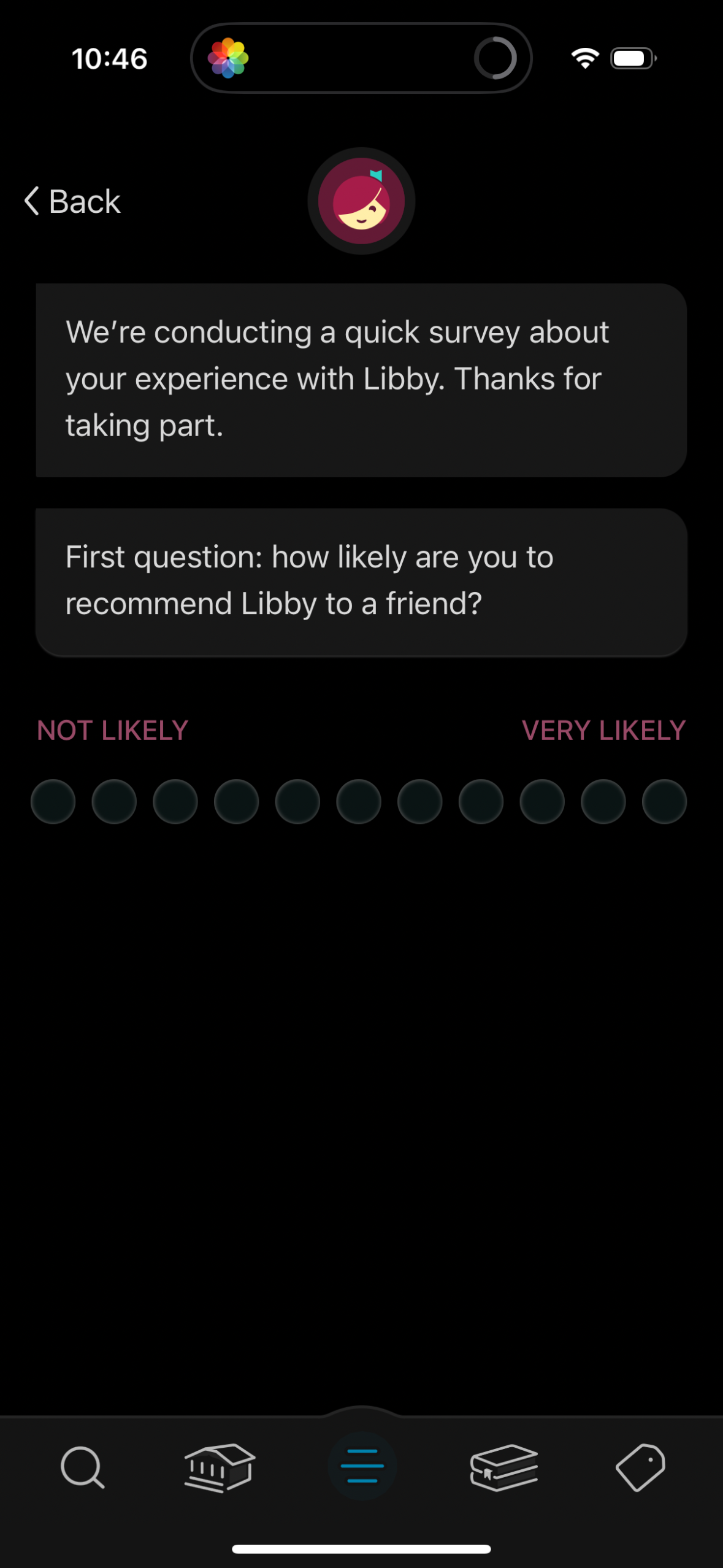
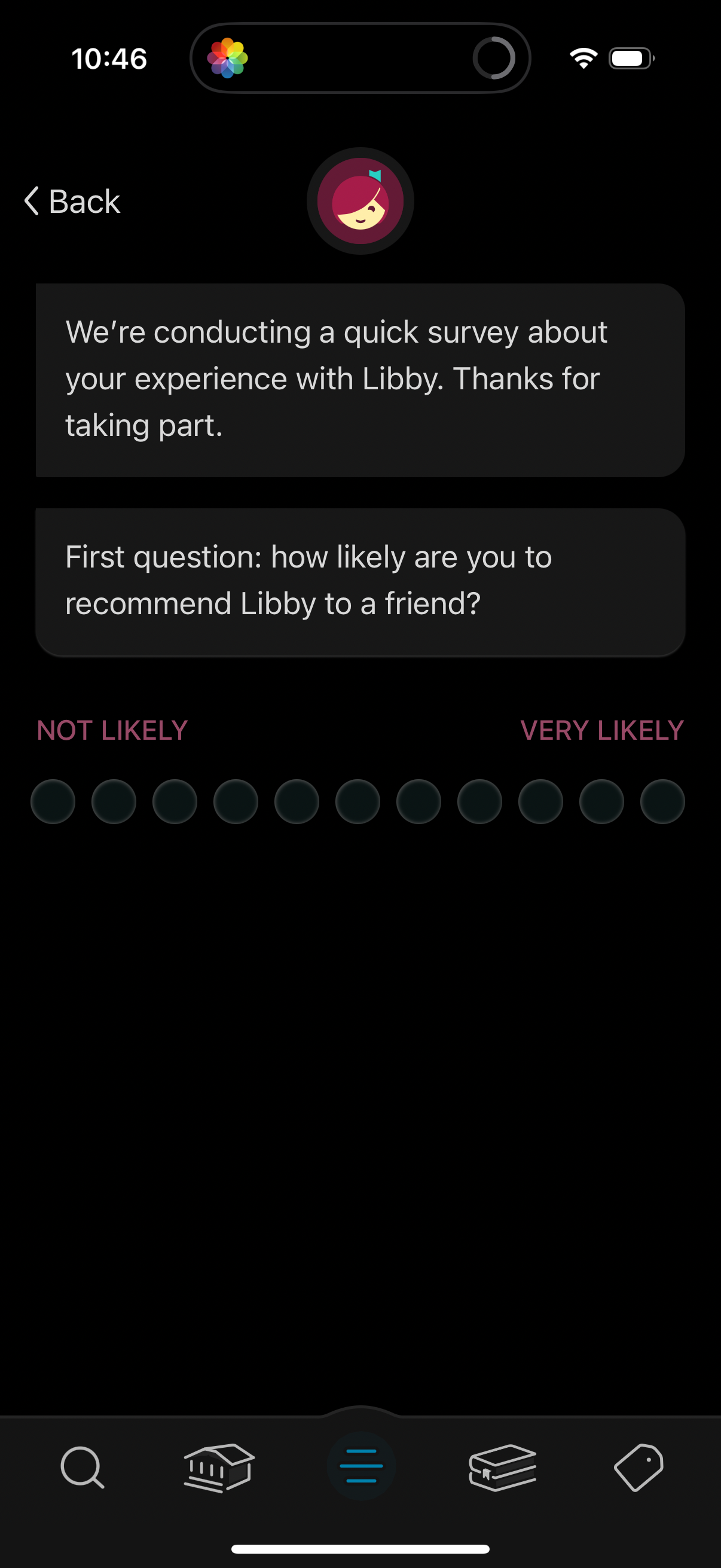
In-app customer feedback survey screen asking an NPS-style question about how li
libby
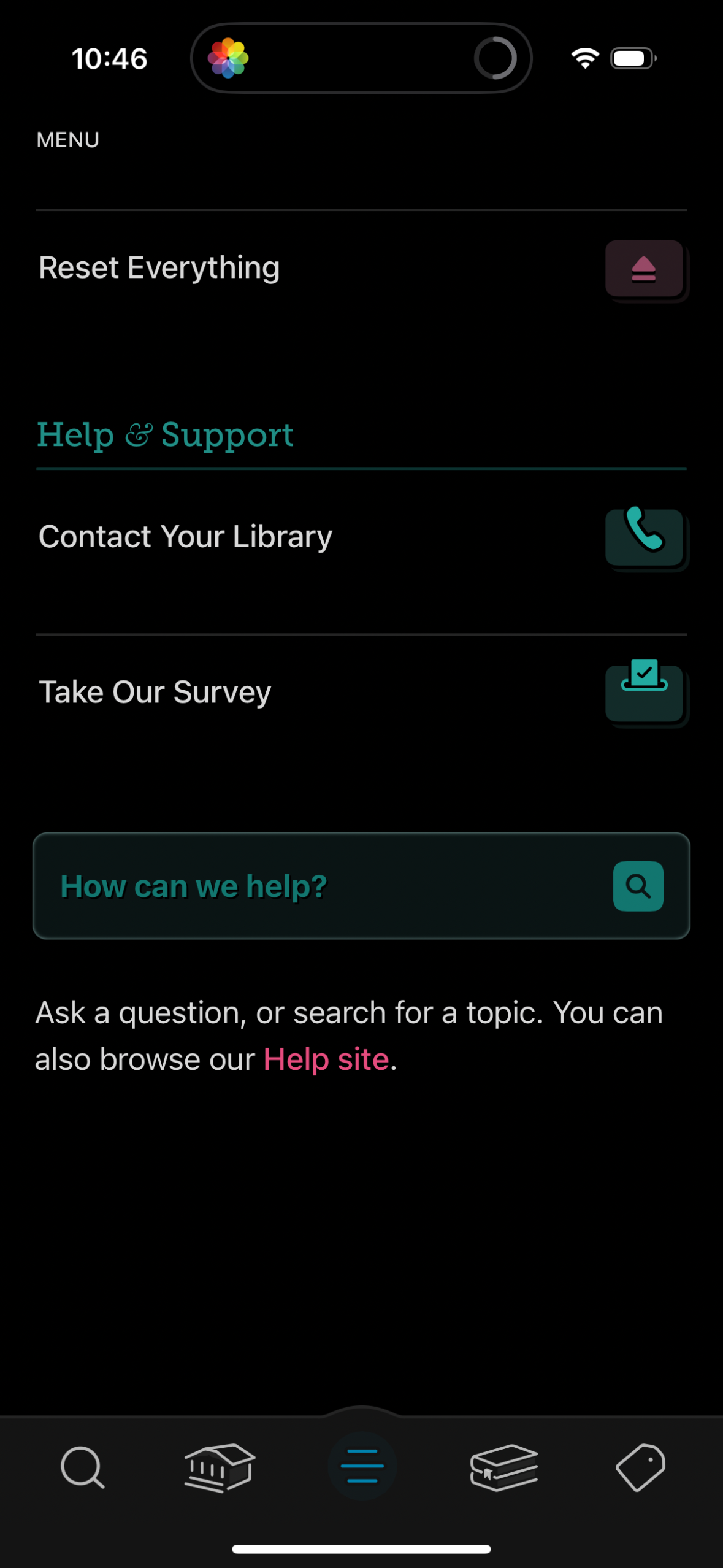
Settings menu screen focused on Help & Support, offering actions to reset everyt
libby
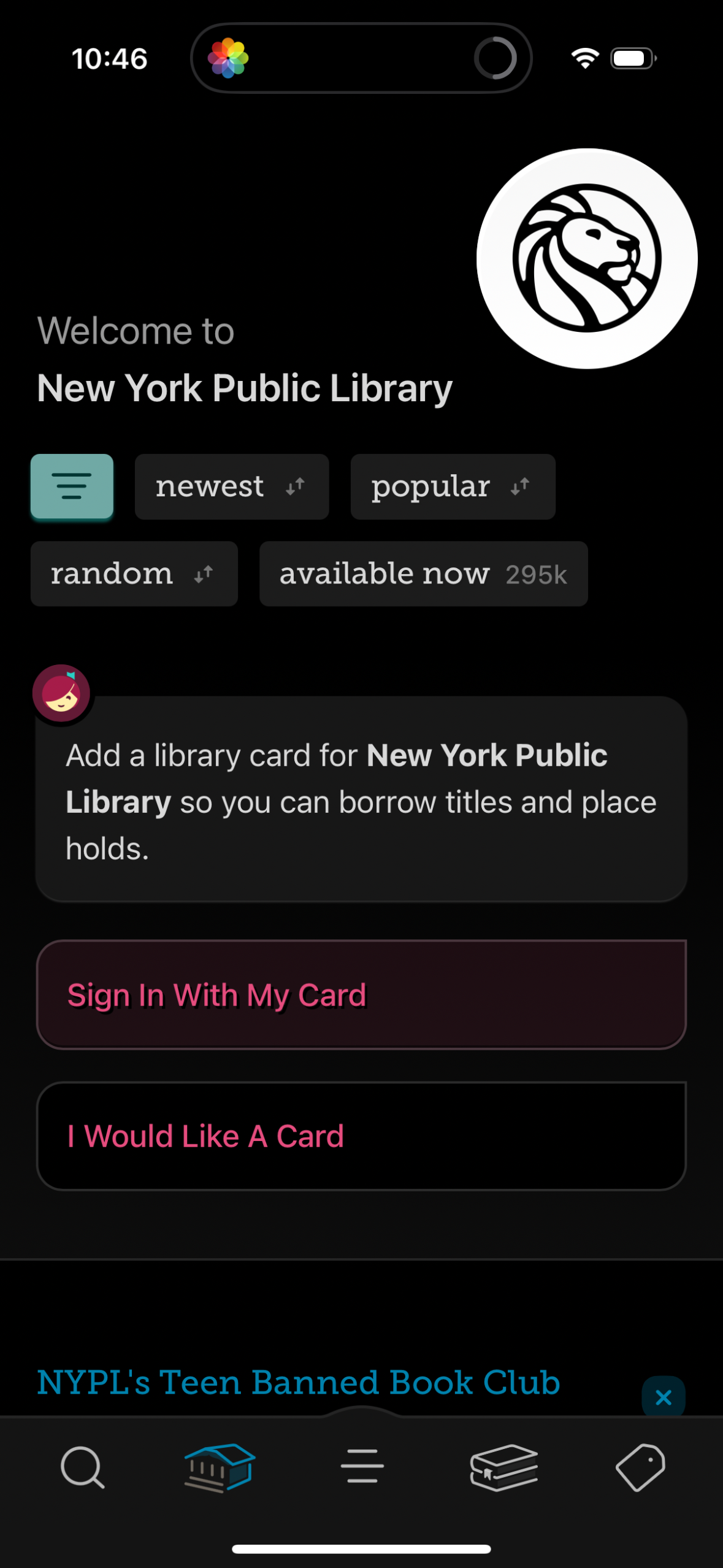
Library welcome and discovery screen showing a selected library system with sort
libby
In-app search screen with a prominent search bar and clear (X) button, showing l
libby
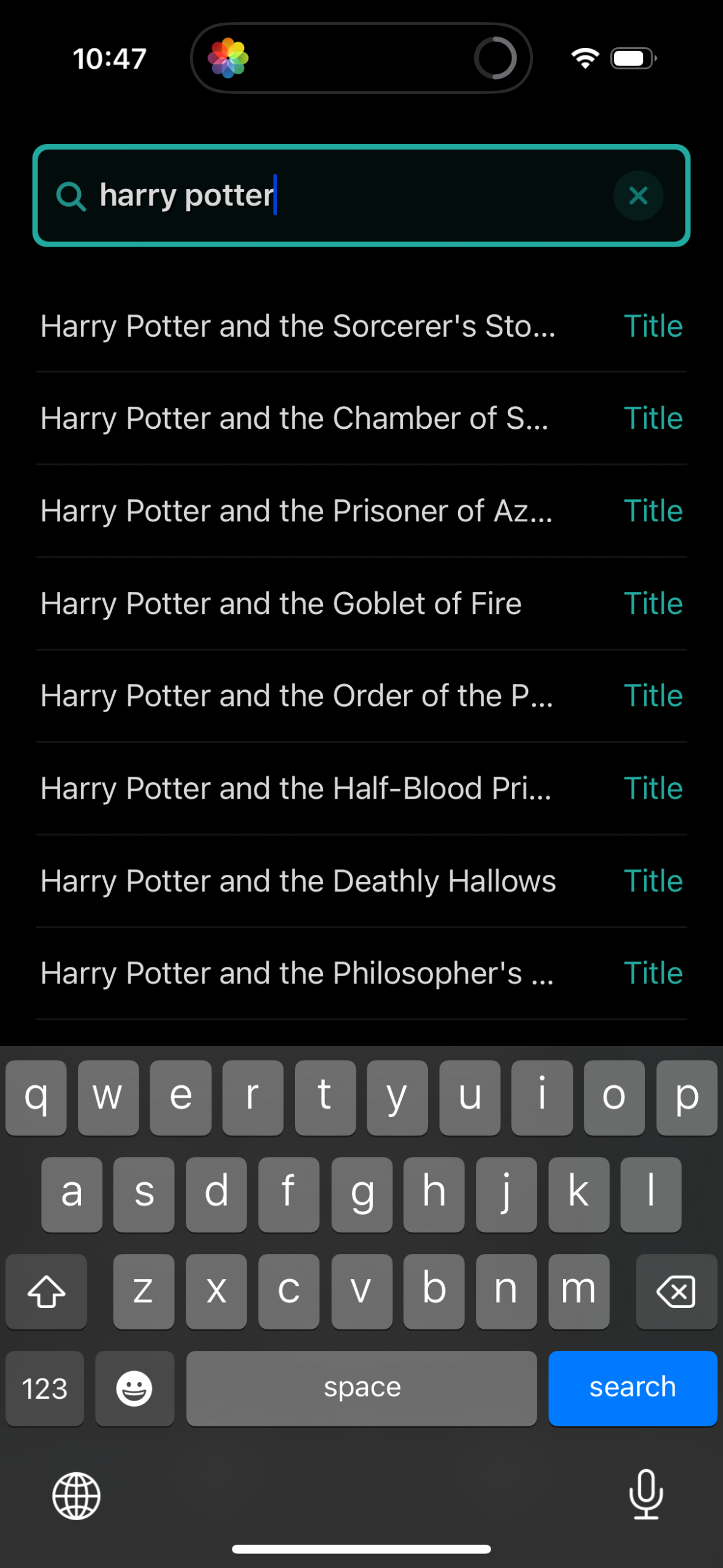
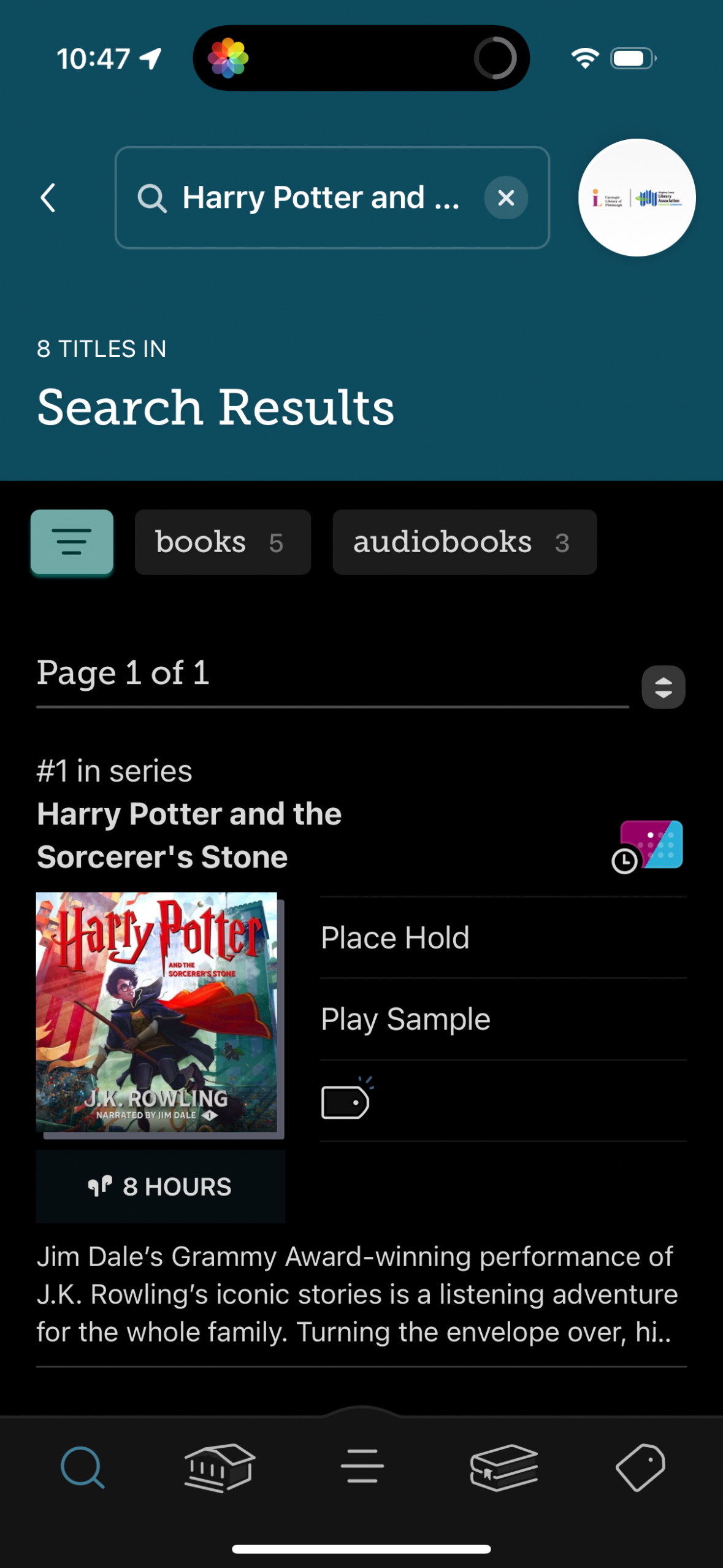
Library catalog search results screen showing a query in the search bar with tab
libby
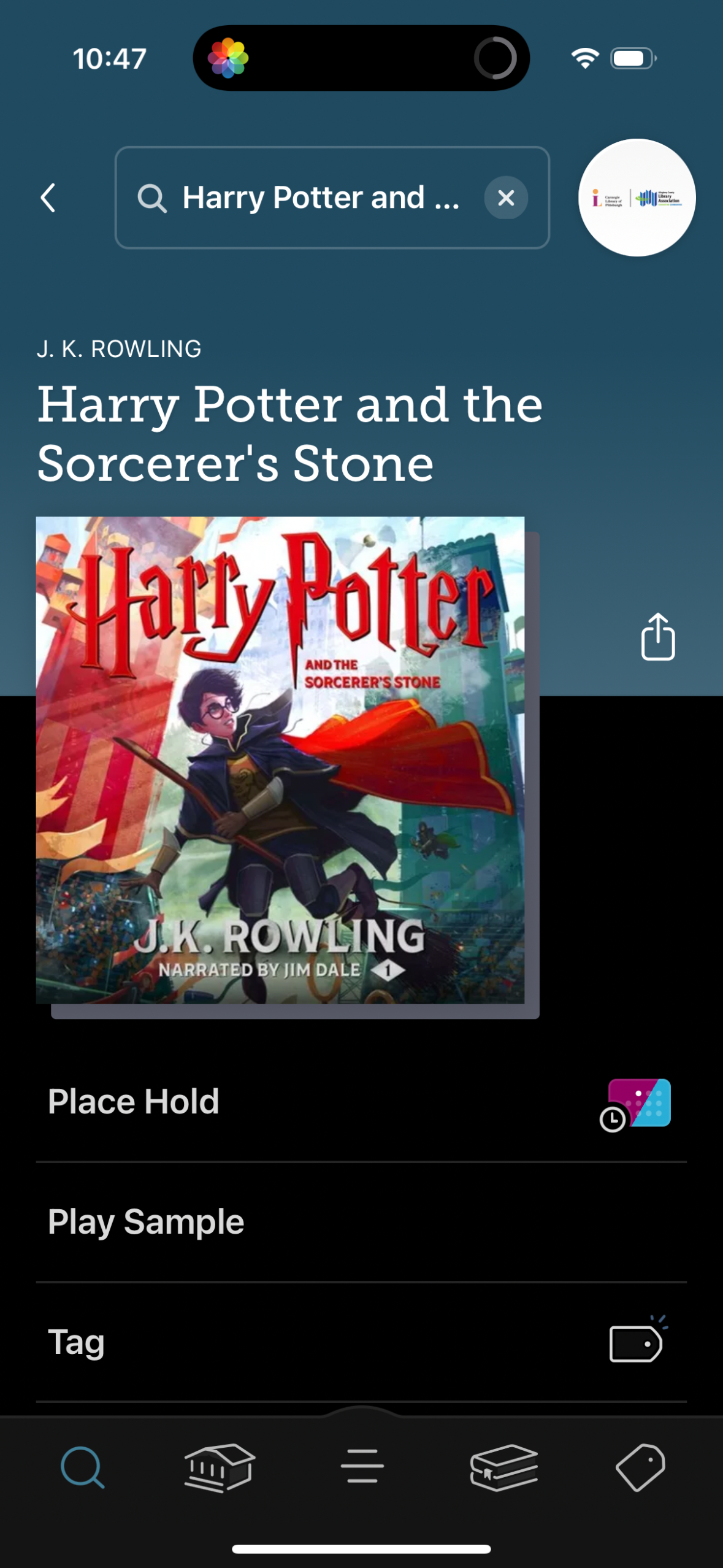
Audiobook or library item detail screen showing the book title, author, and cove
libby
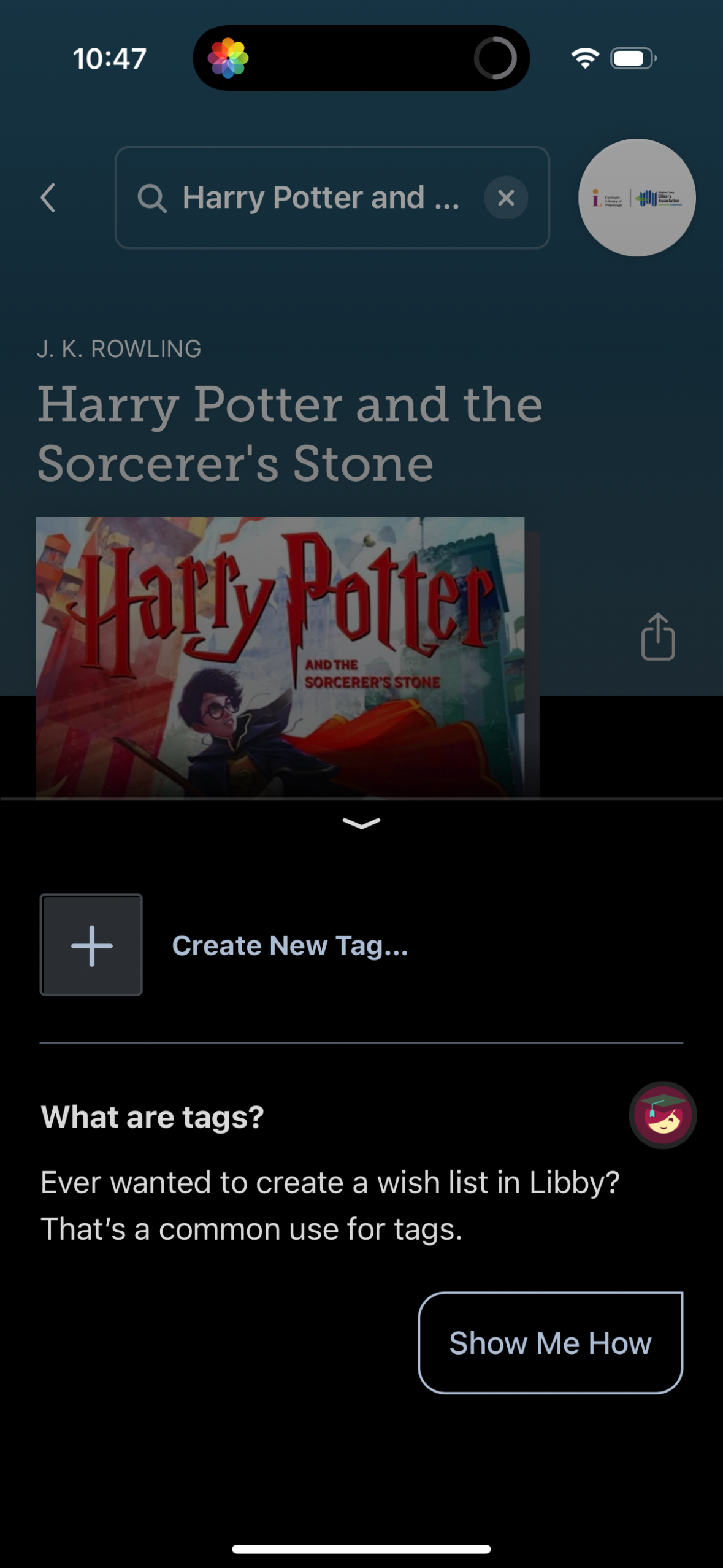
Book details screen in a reading/library app with a slide-up bottom sheet for or
libby
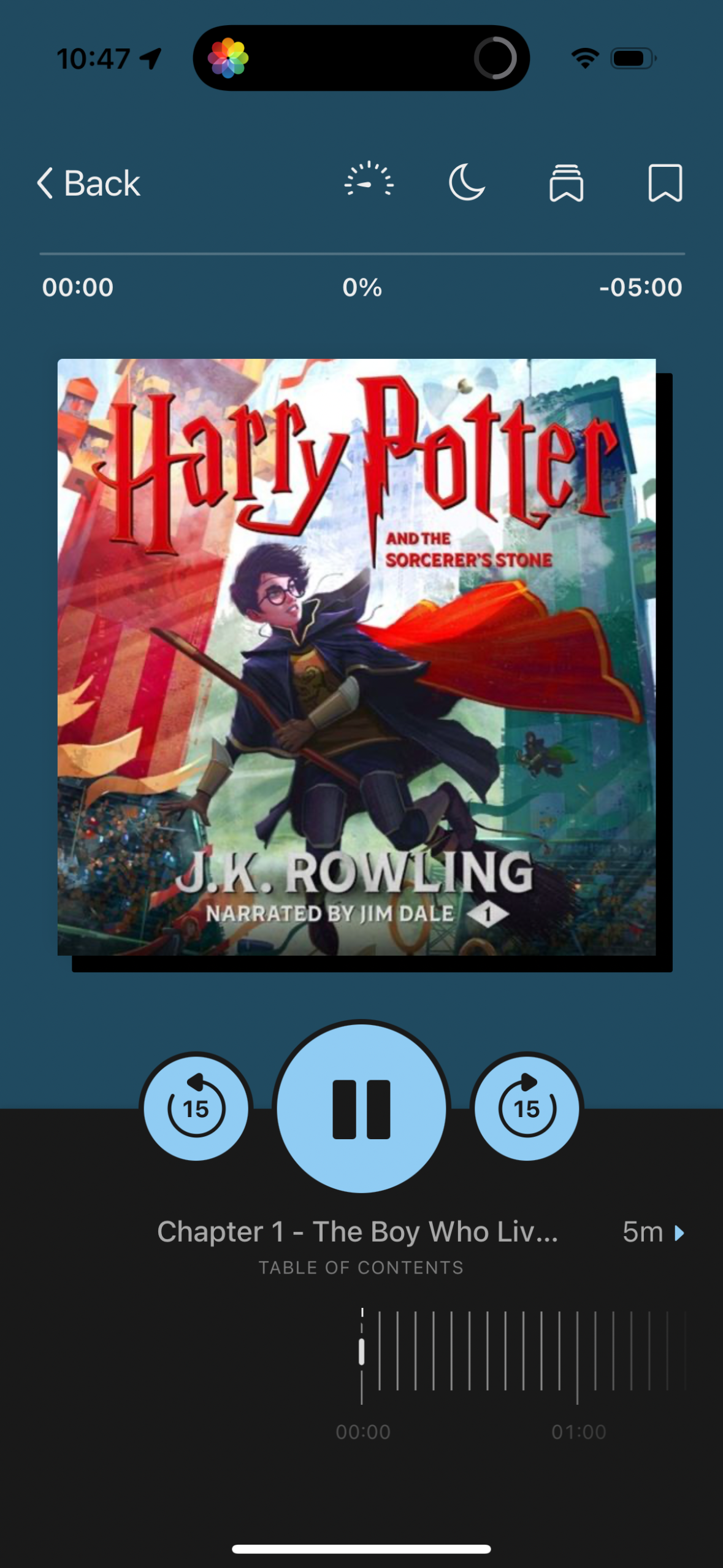
Audiobook playback screen showing the current book cover with a progress timelin
libby
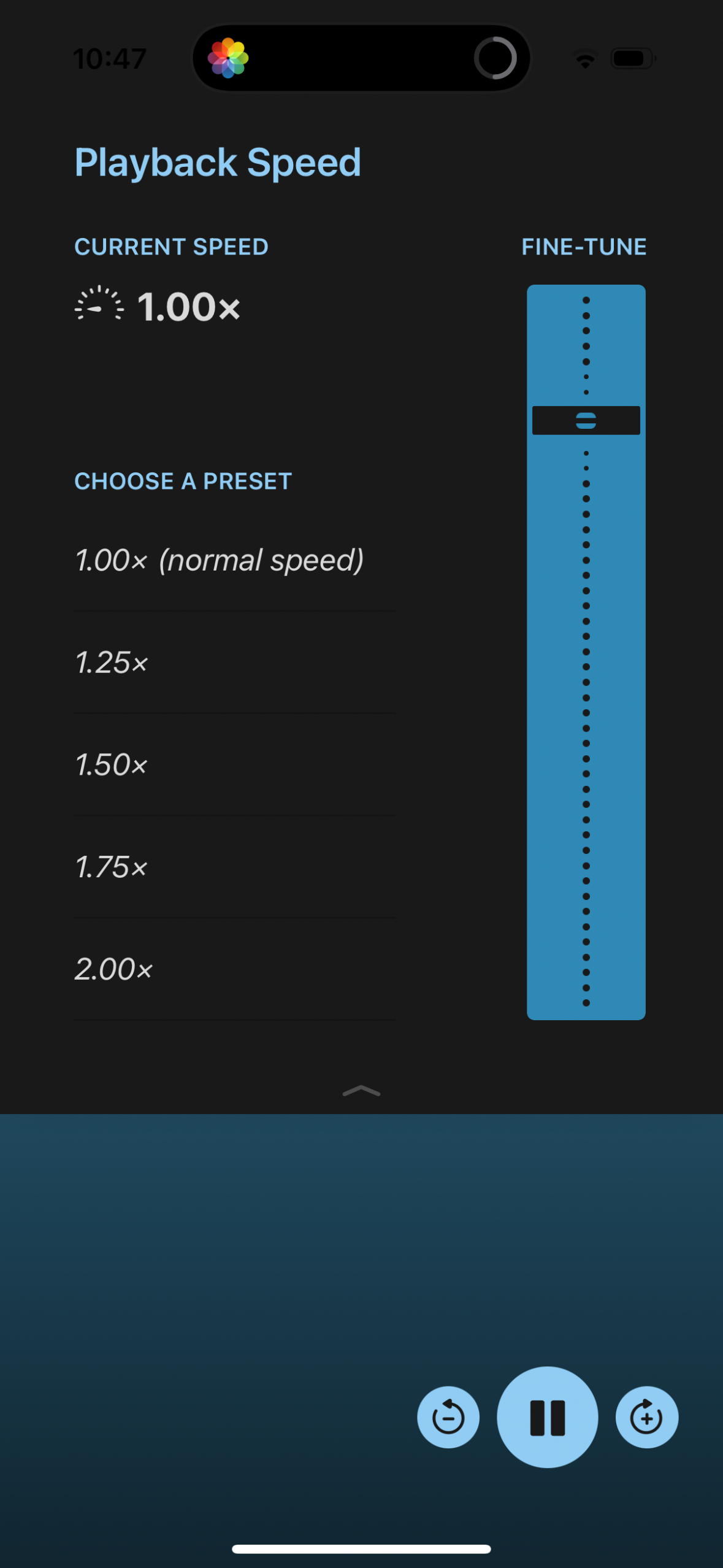
Playback speed settings screen for an audio player showing the current speed and
libby
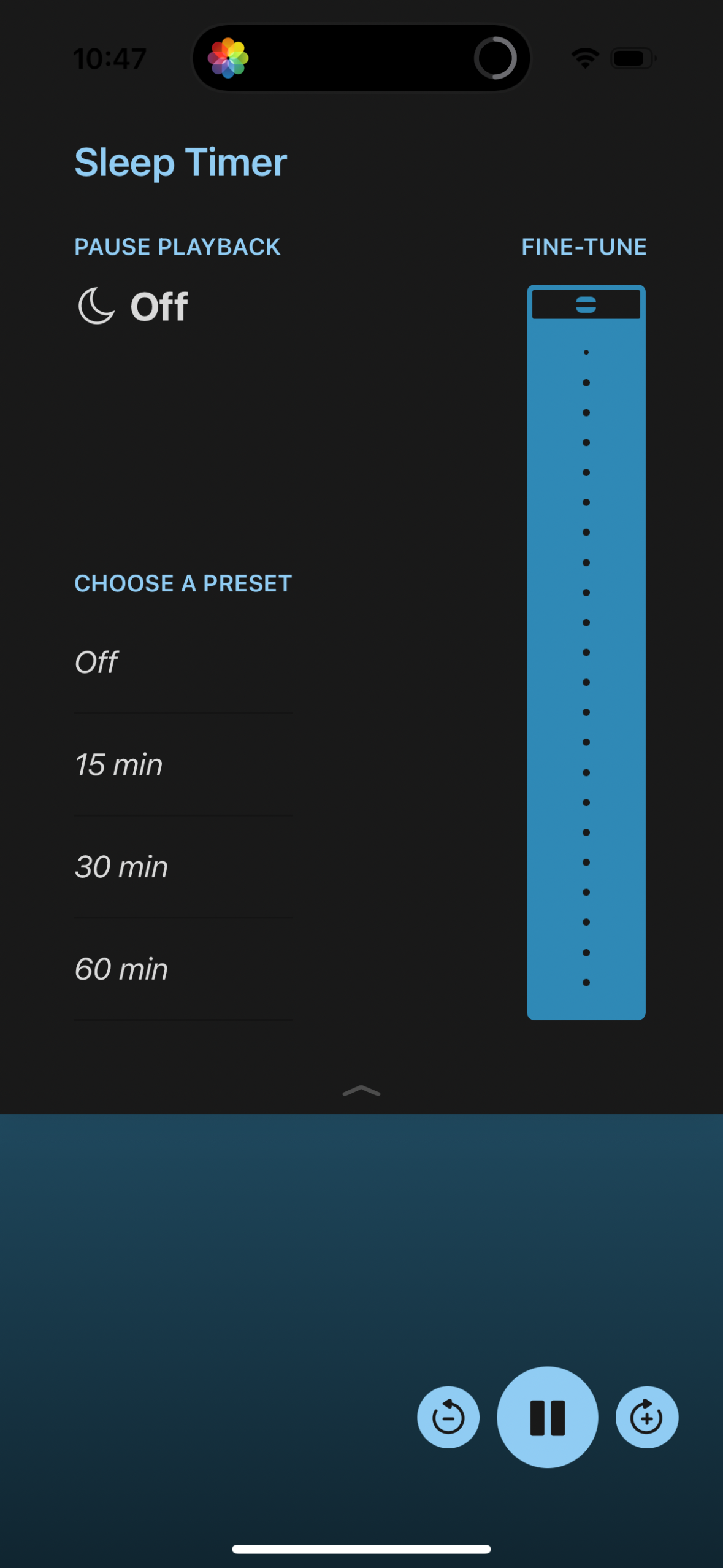
Sleep timer settings screen for a media playback app where users can pause playb
libby
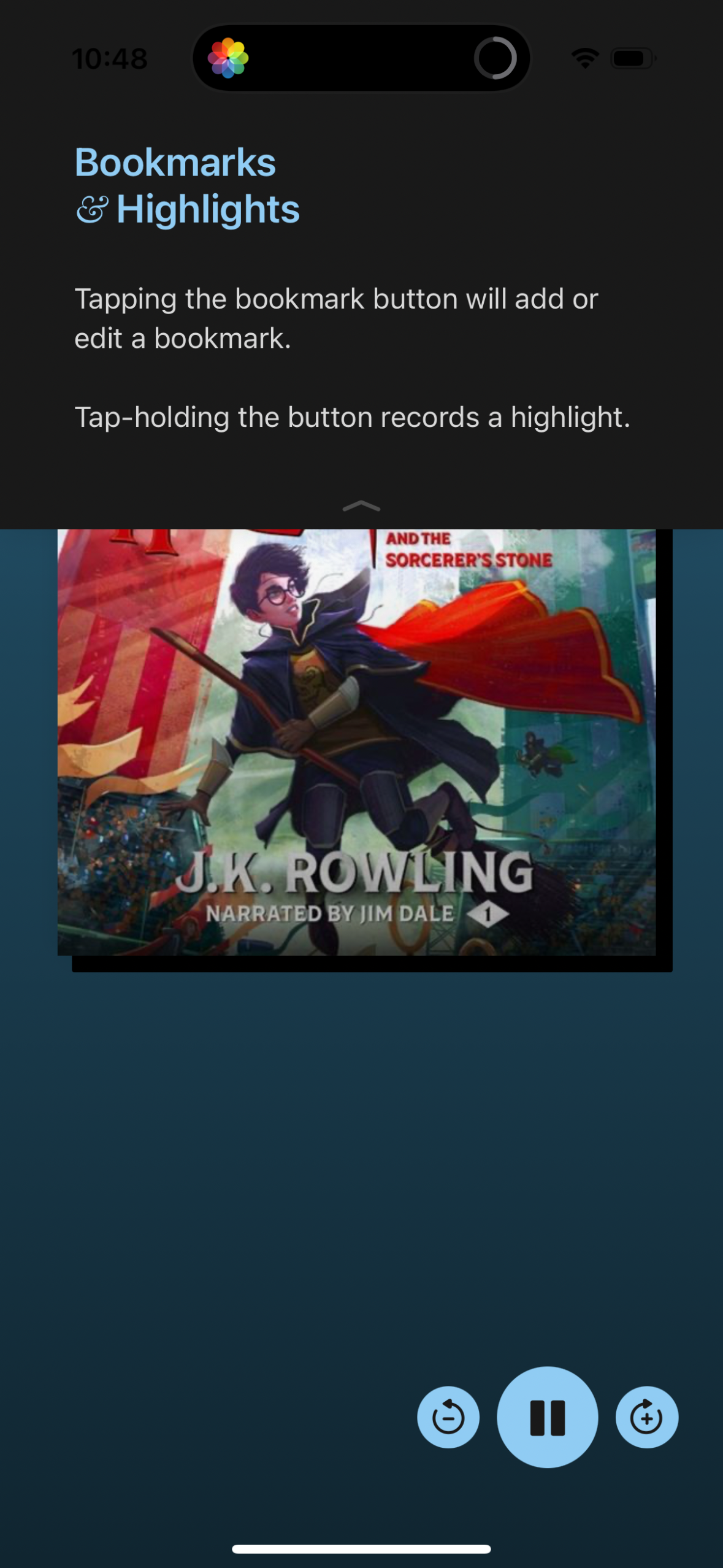
Audiobook player screen showing a “Bookmarks & Highlights” help overlay explaini
libby
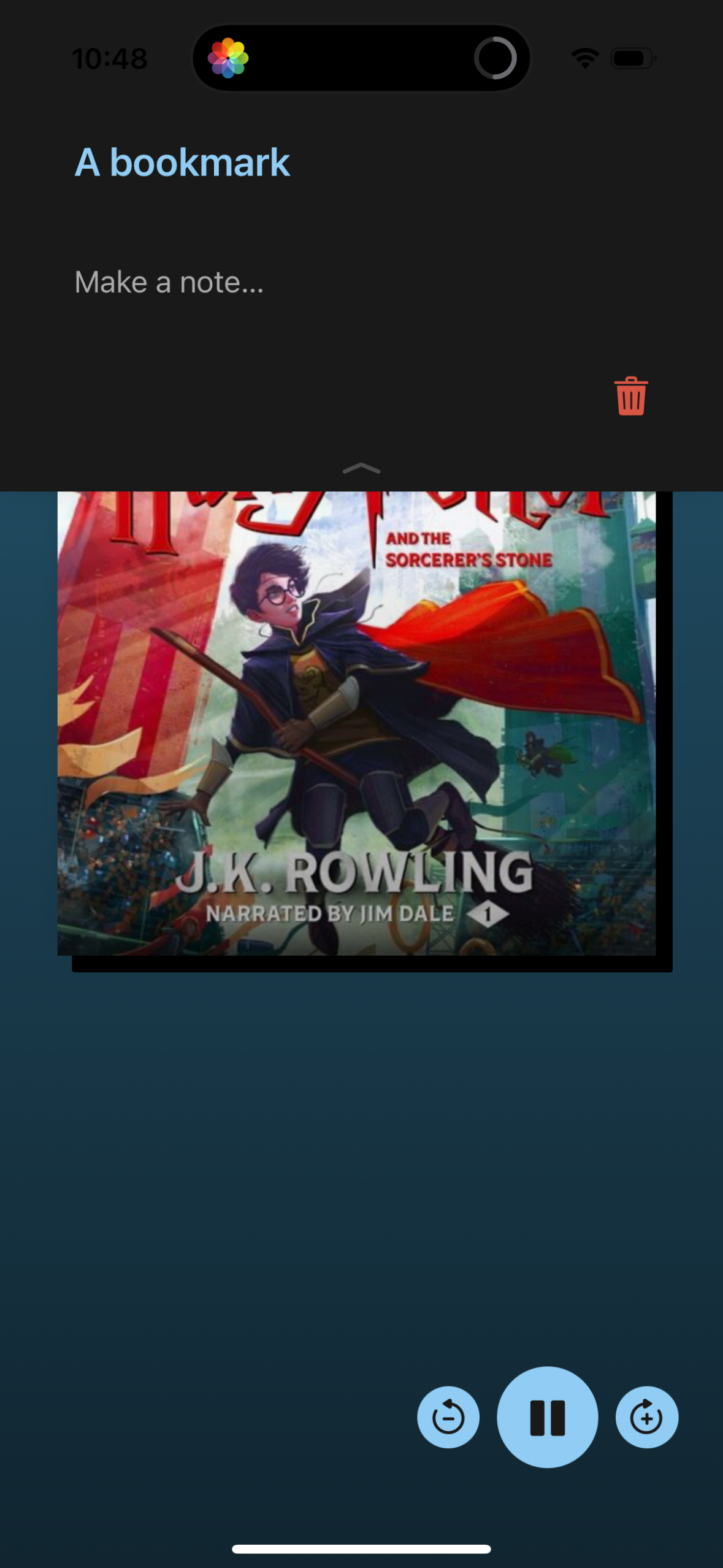
Audiobook player screen with a “bookmark” overlay that lets the user add an opti
libby
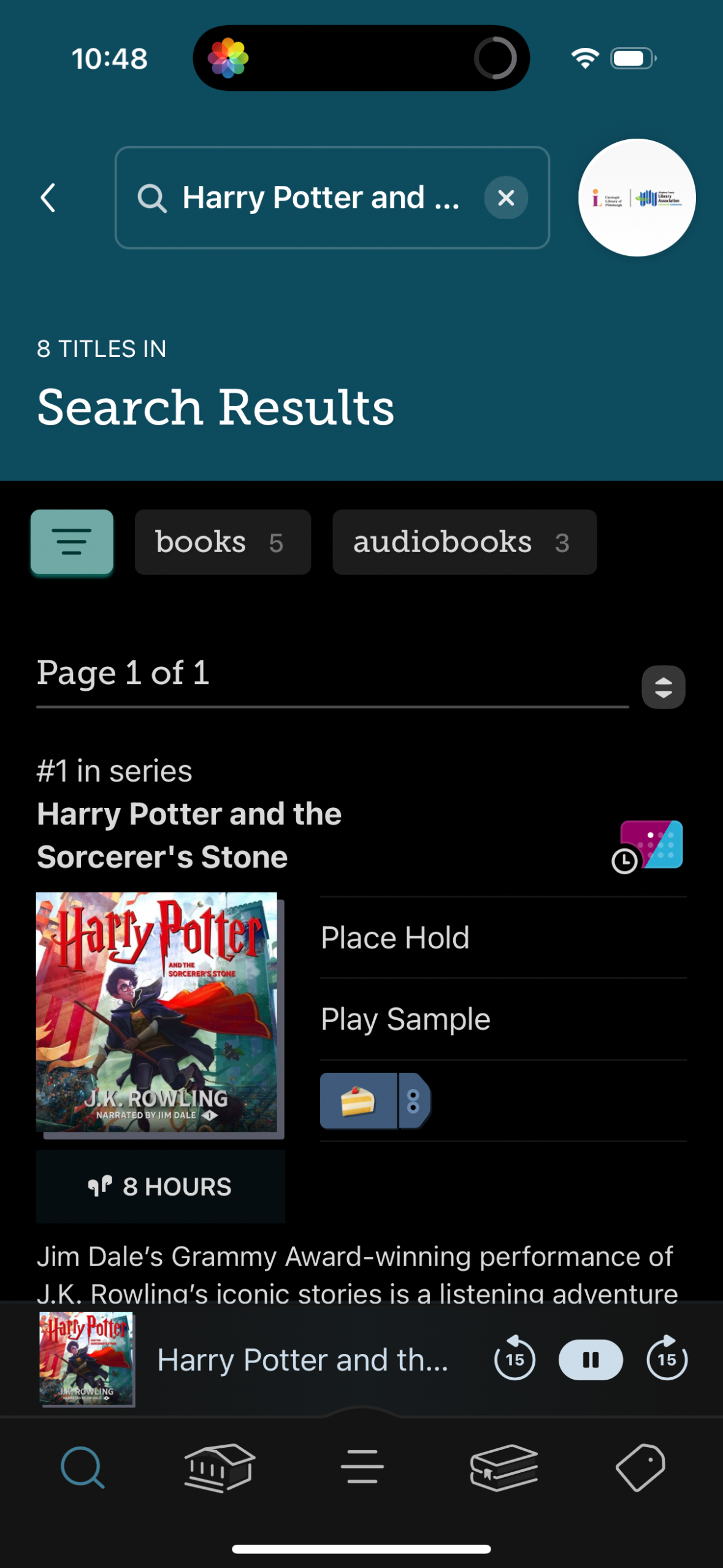
Library catalog search results screen for a book query with tabs to filter betwe
libby
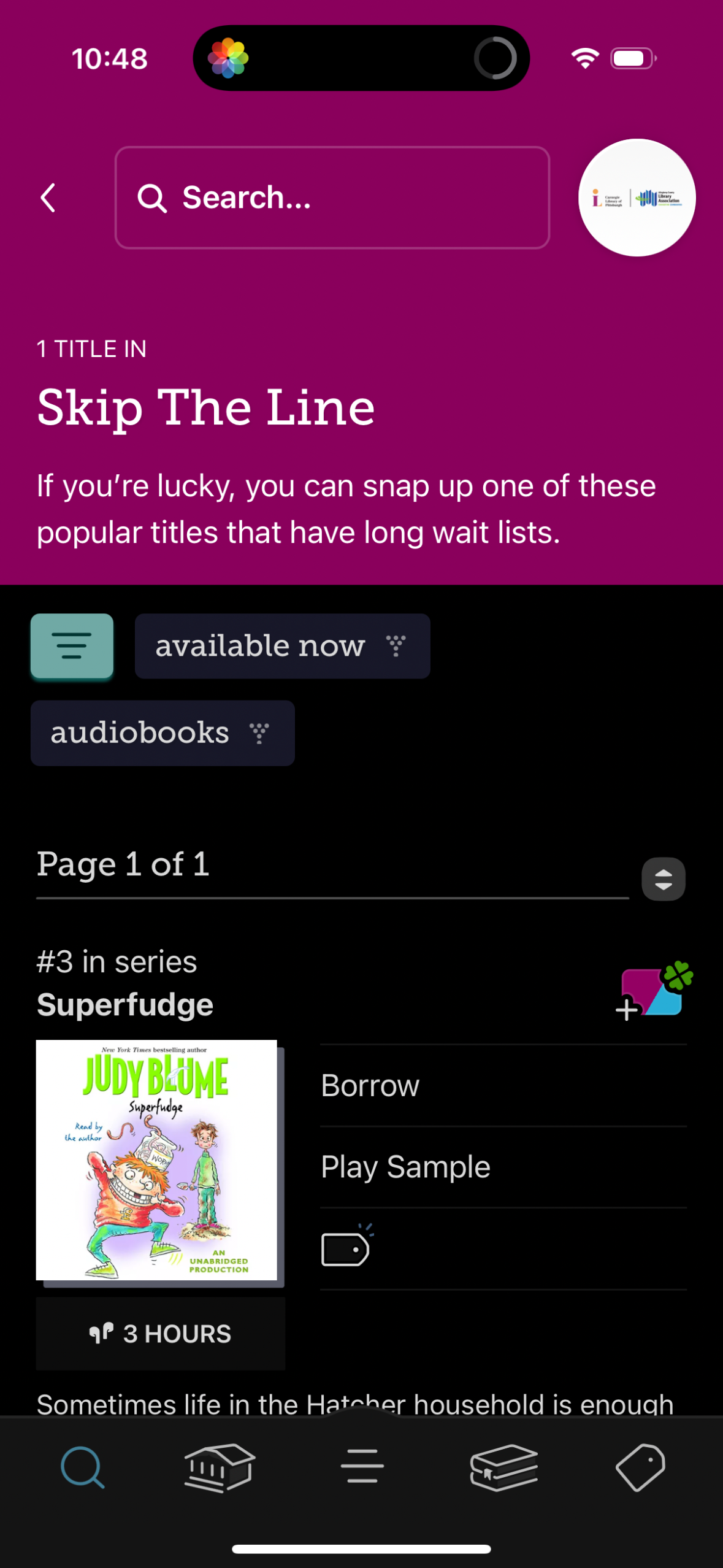
Library borrowing app discovery screen for a “Skip the Line” curated list of pop
libby
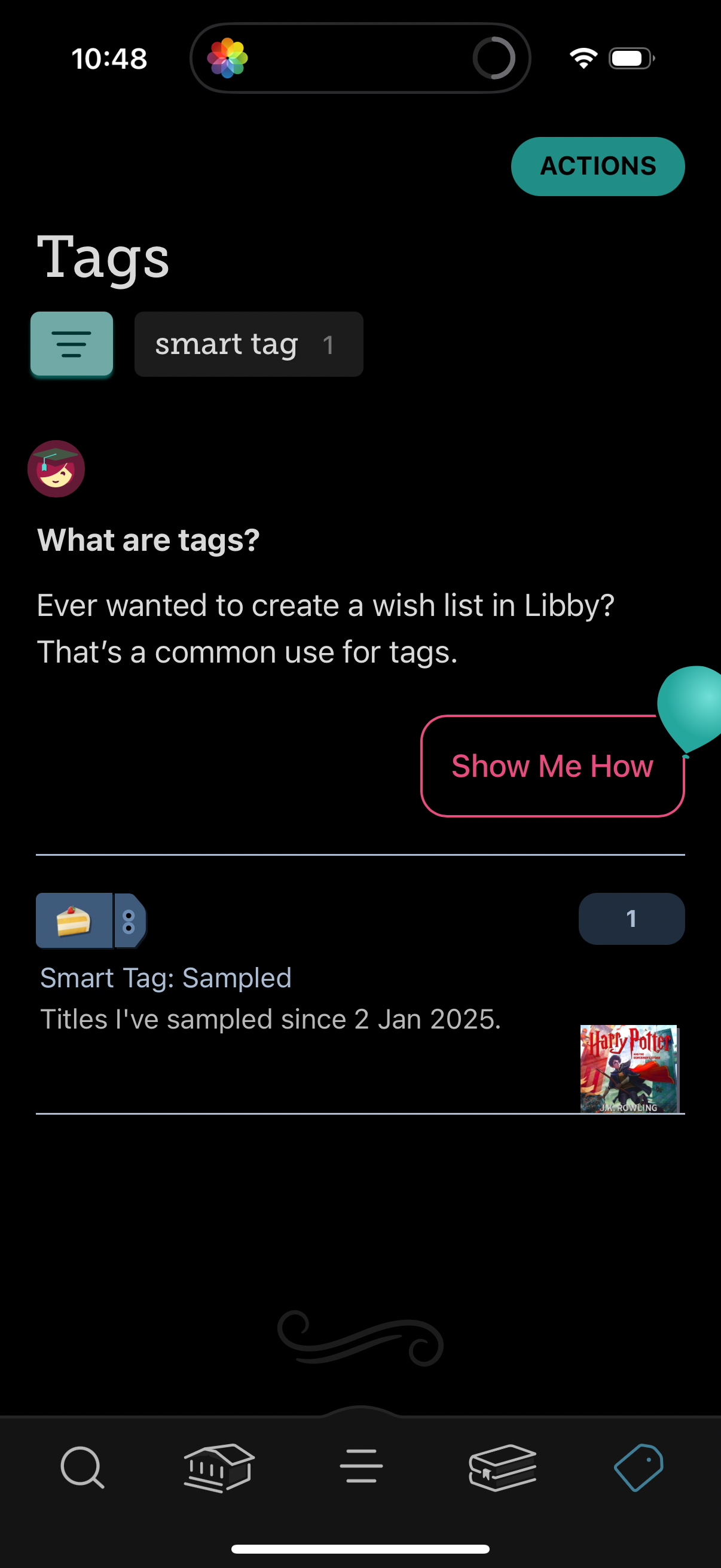
Tags management screen in a reading/library app showing a list of tags and smart
libby
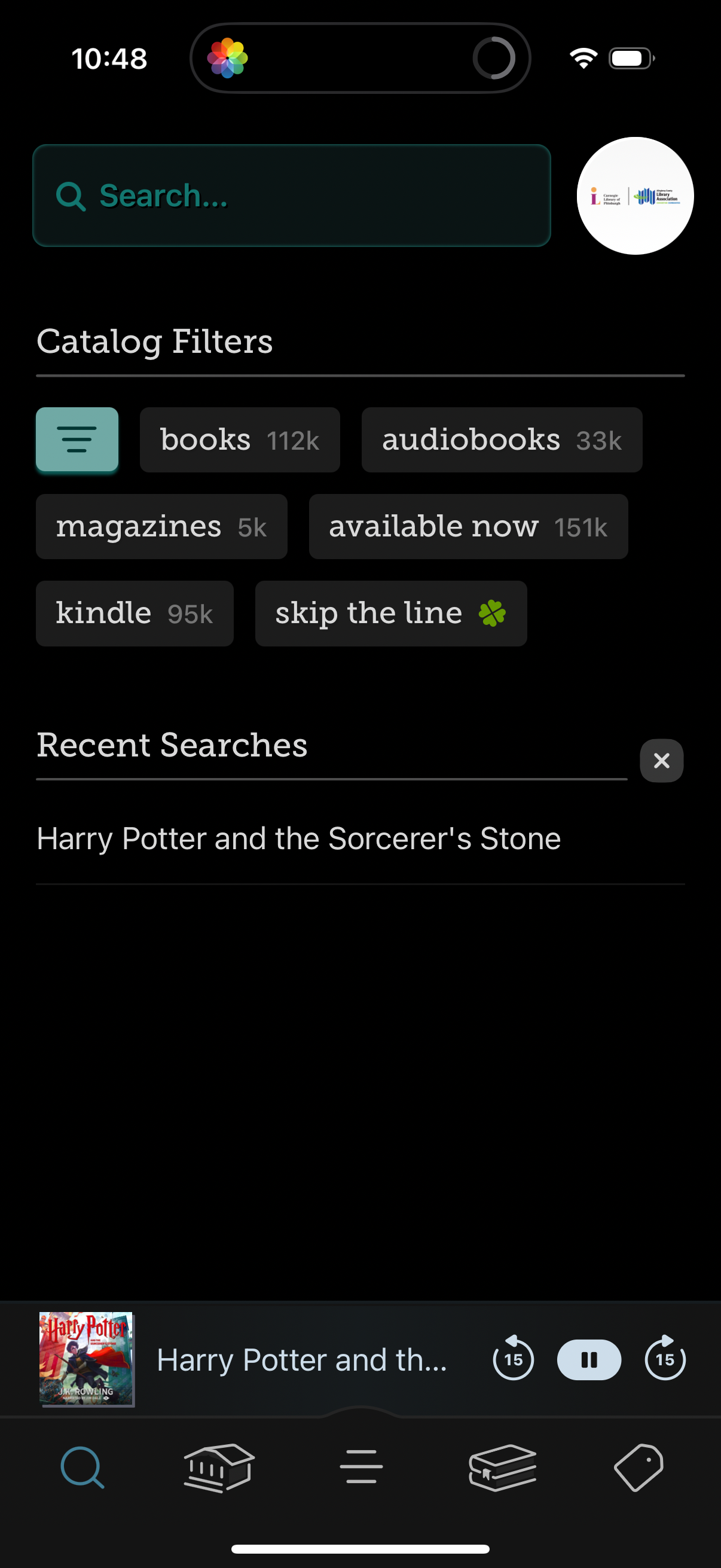
Library catalog search screen with a large search bar, quick filter chips for co
libby
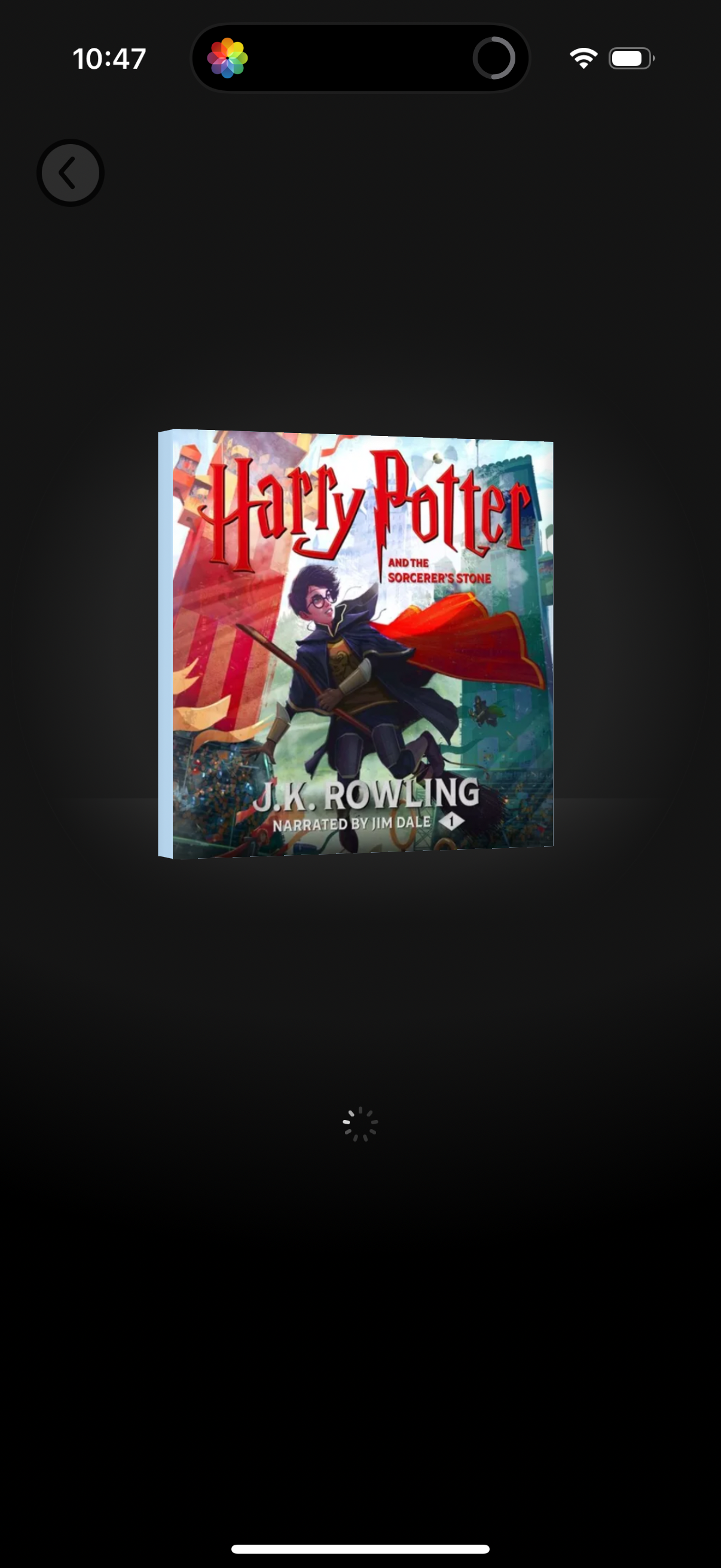
Audiobook player loading screen showing the book cover centered on a dark backgr
libby
In-app user feedback survey screen asking an NPS-style question: “How likely are
libby
Notification preferences screen for a library/borrowing app where users choose h
libby
Dark-mode notes shelf screen showing an empty “Notices” collection with a back n
libby
Empty-state activity timeline screen in a library app, showing a “Timeline” page
libby
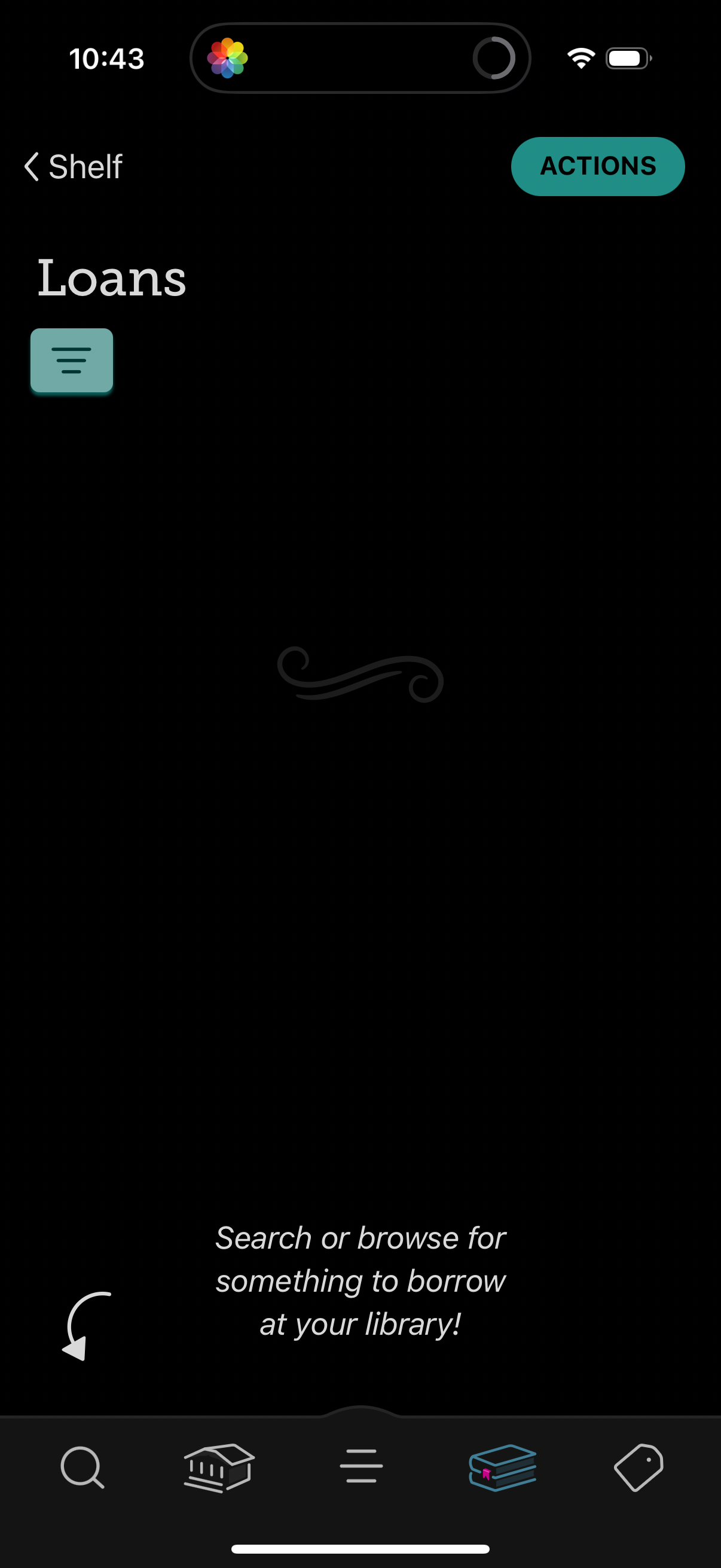
Library app “Loans” shelf screen showing an empty state with a prompt to search
libby
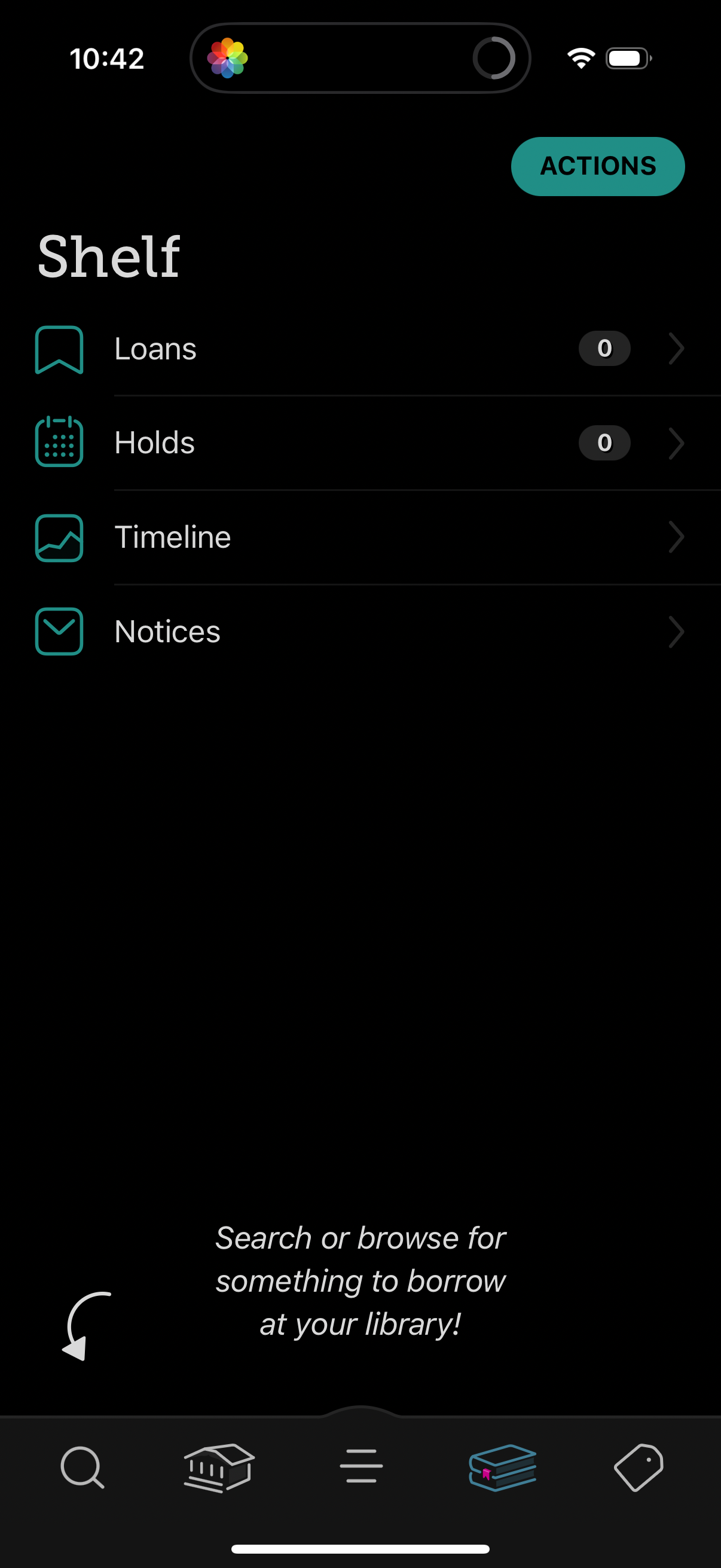
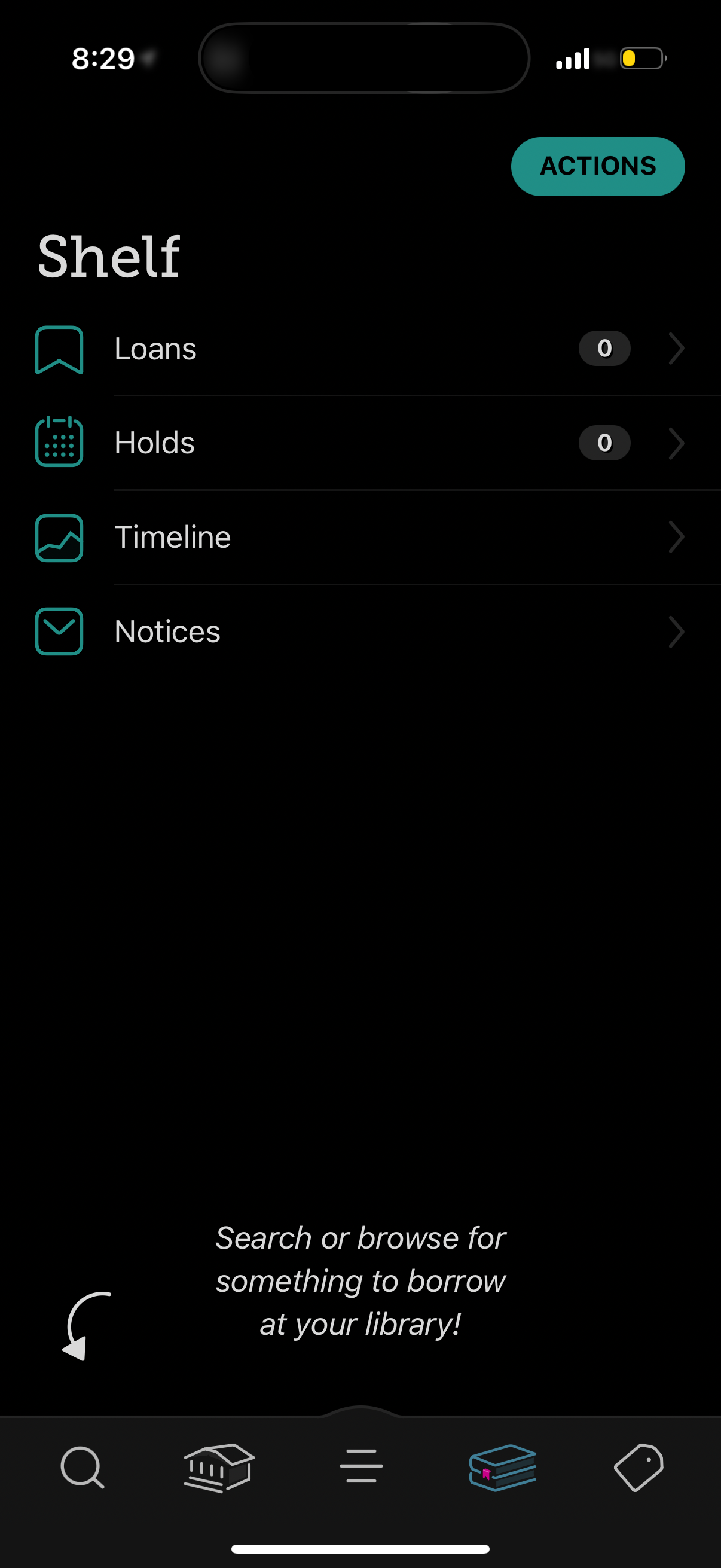
Library account “Shelf” screen showing a menu to manage borrowing activity, with
libby
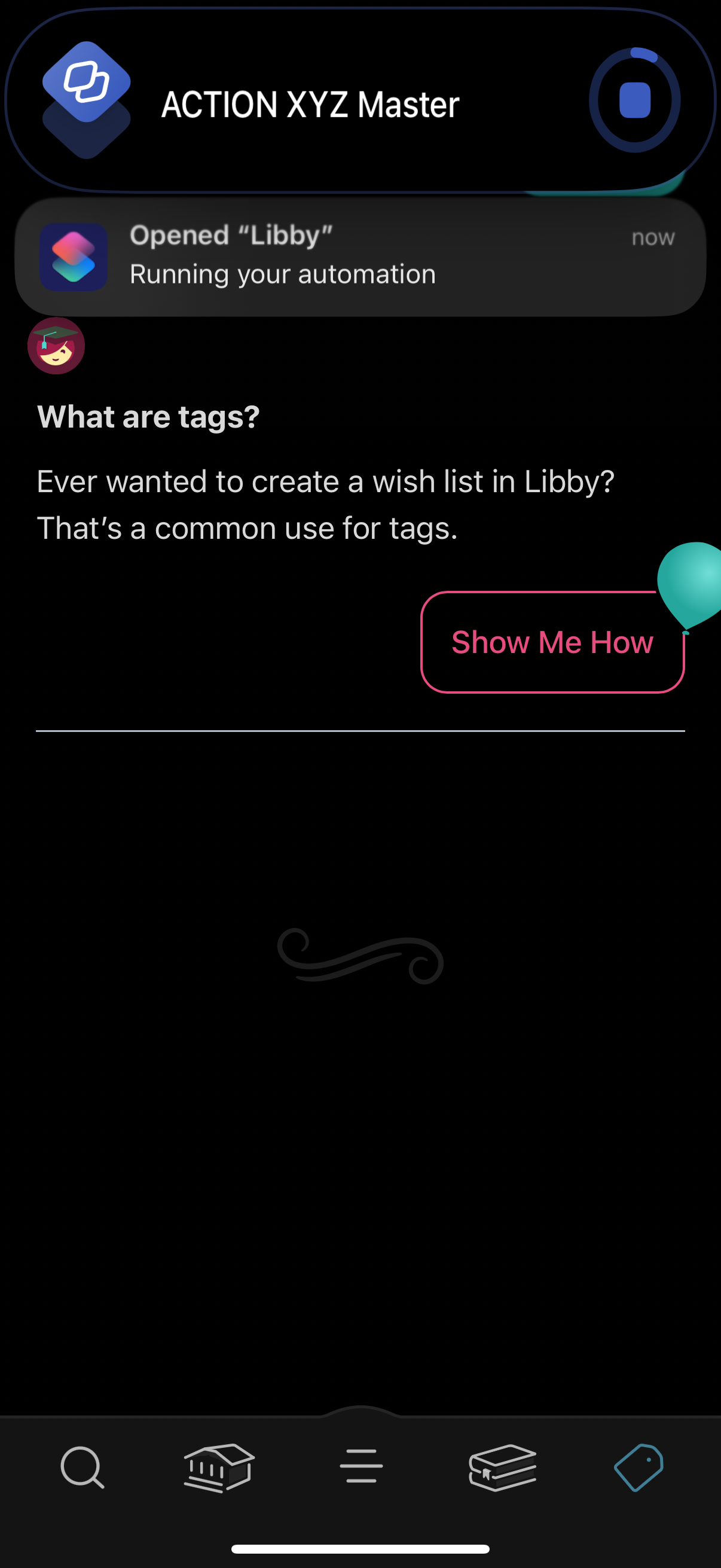
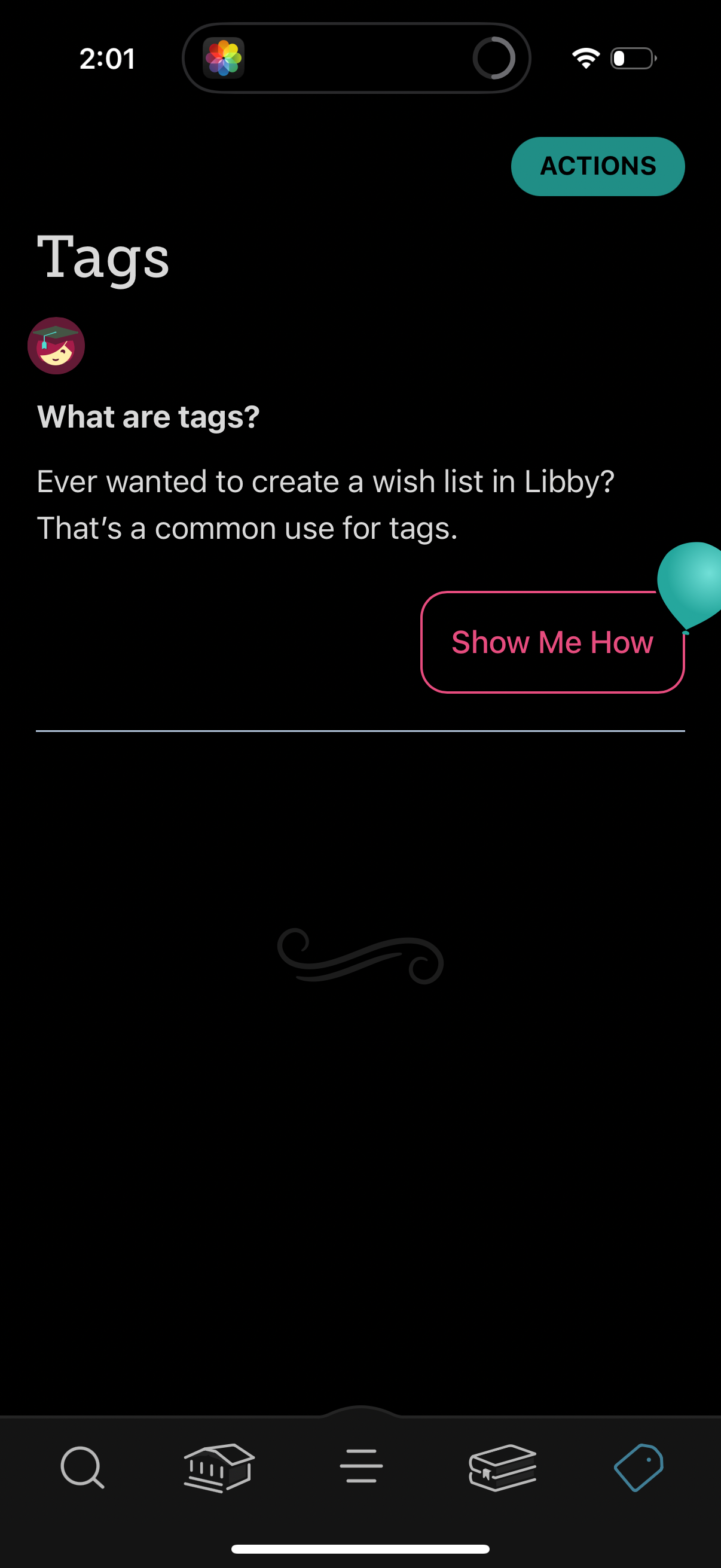
In-app educational explainer screen introducing “tags” and how to use them (e. g
libby
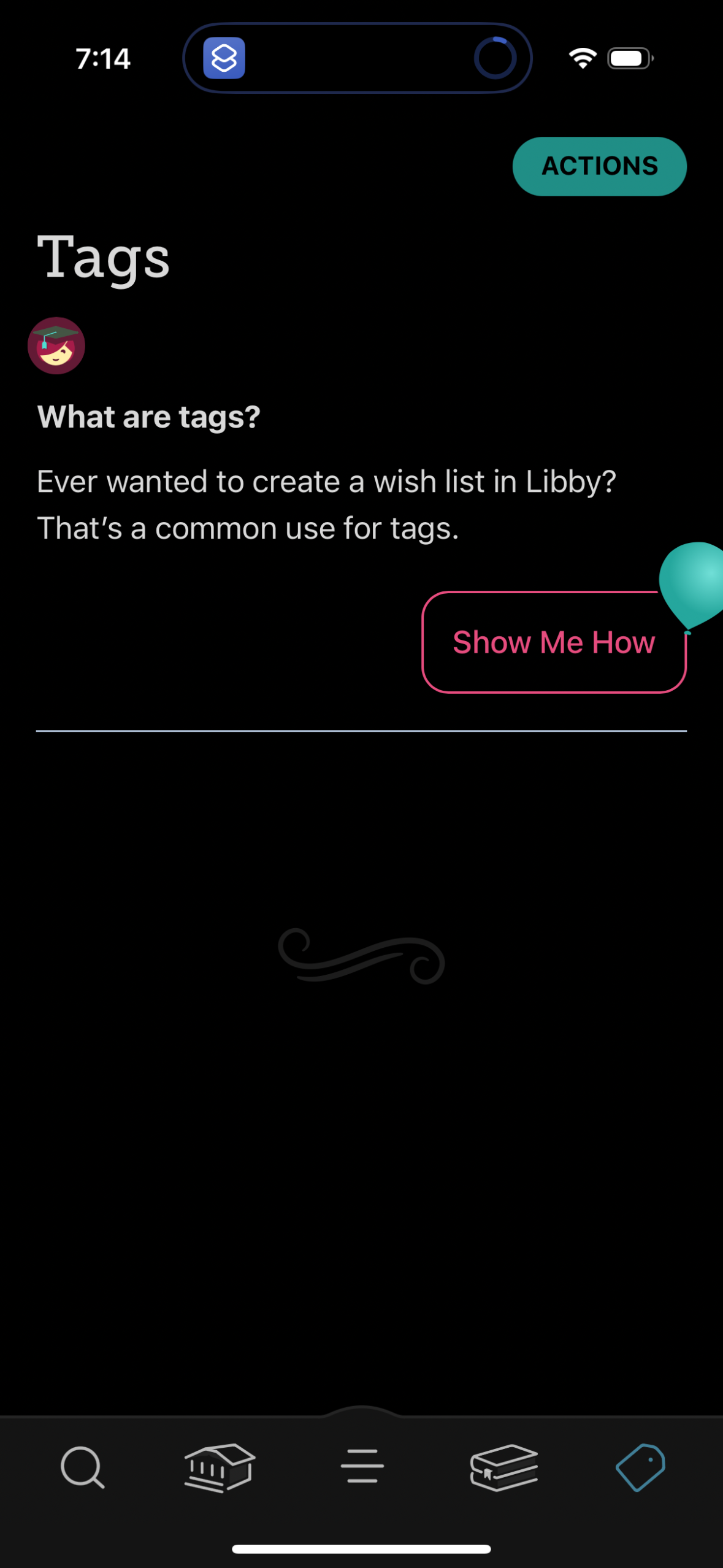
Tags help screen in a reading/library app explaining what tags are and how they
libby
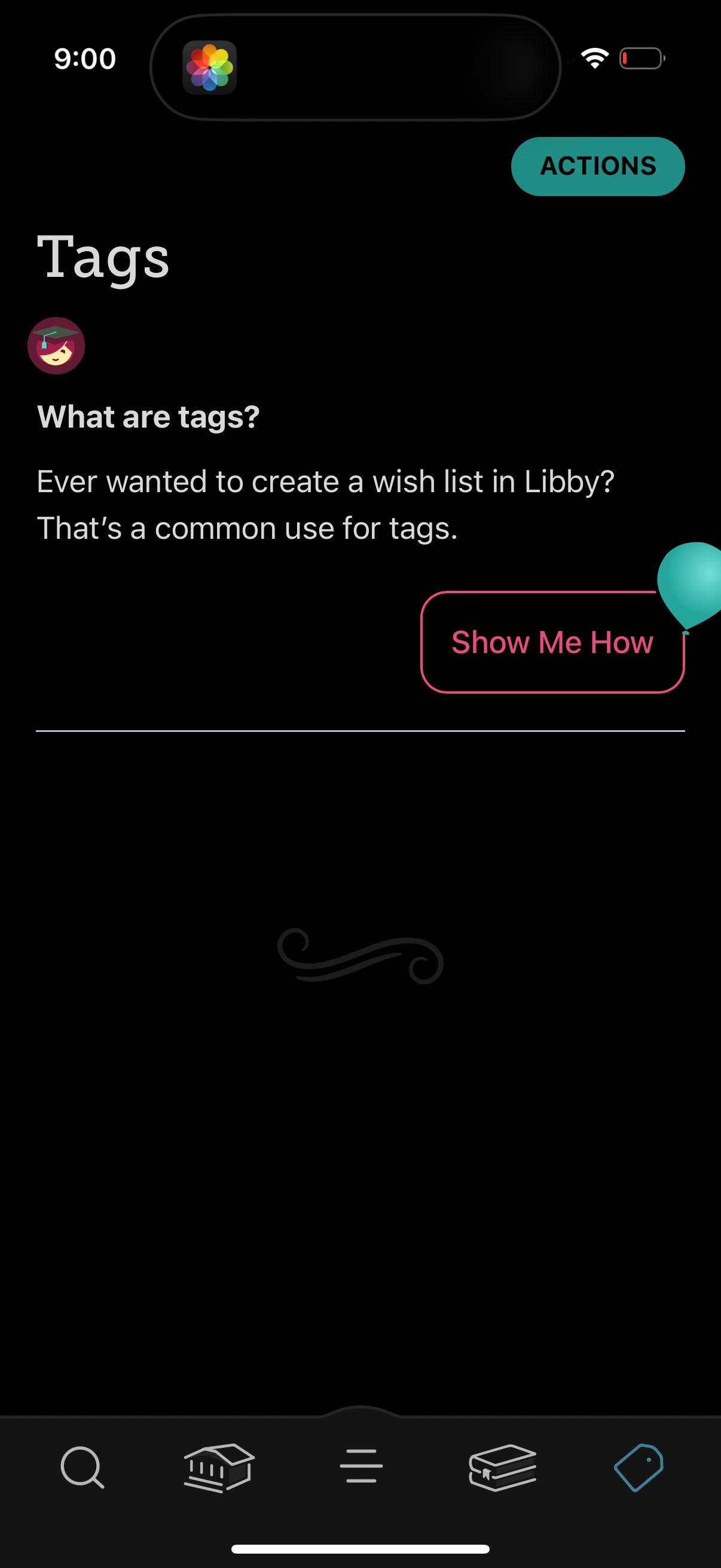
Help and onboarding screen explaining what “Tags” are and how to use them for or
libby
In-app educational onboarding screen introducing the “Tags” feature, explaining
libby
In-app “Tags” help/empty-state screen explaining what tags are and how they can
libby
Library account “Shelf” screen showing a menu of borrowing-related sections—Loan
libby
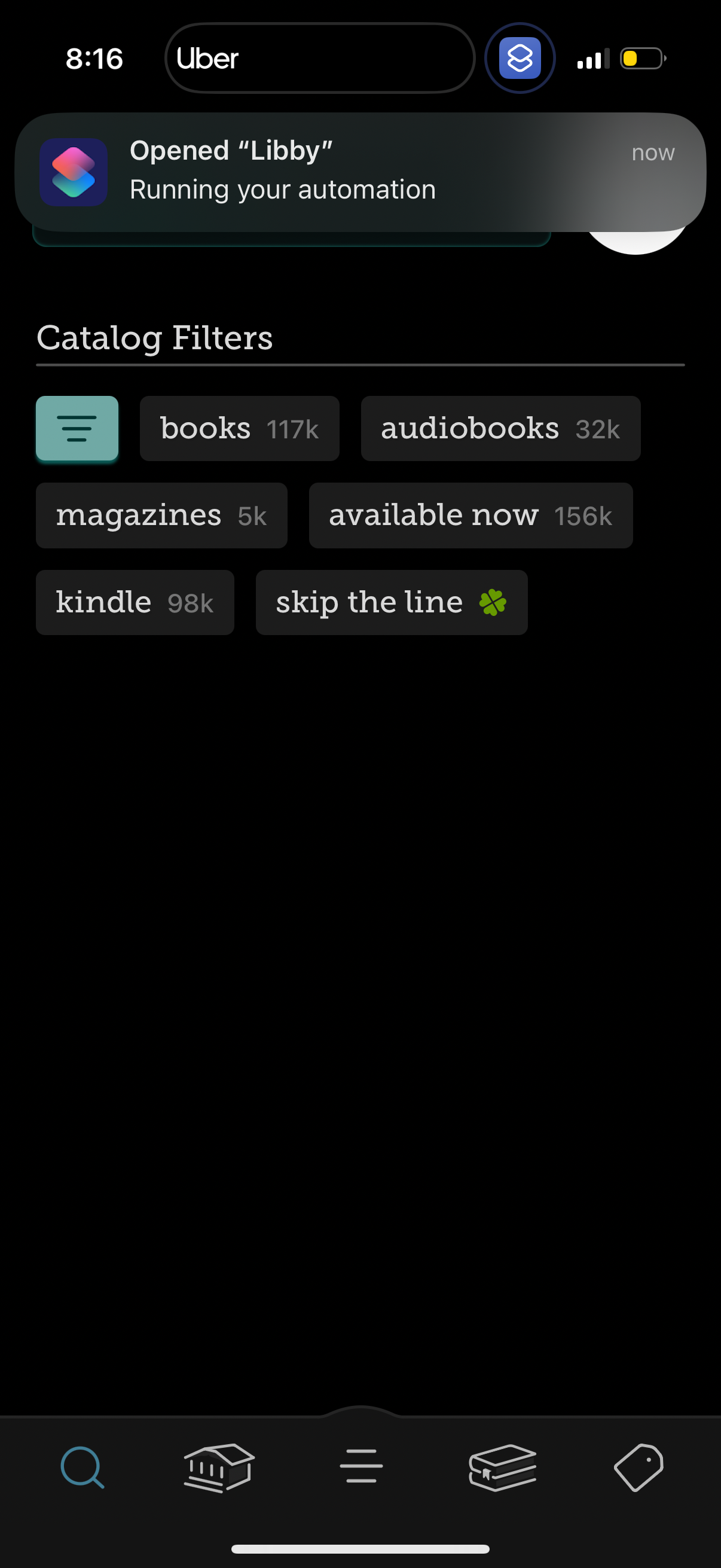
Library reading app catalog filter screen showing selectable filter chips with i
libby